

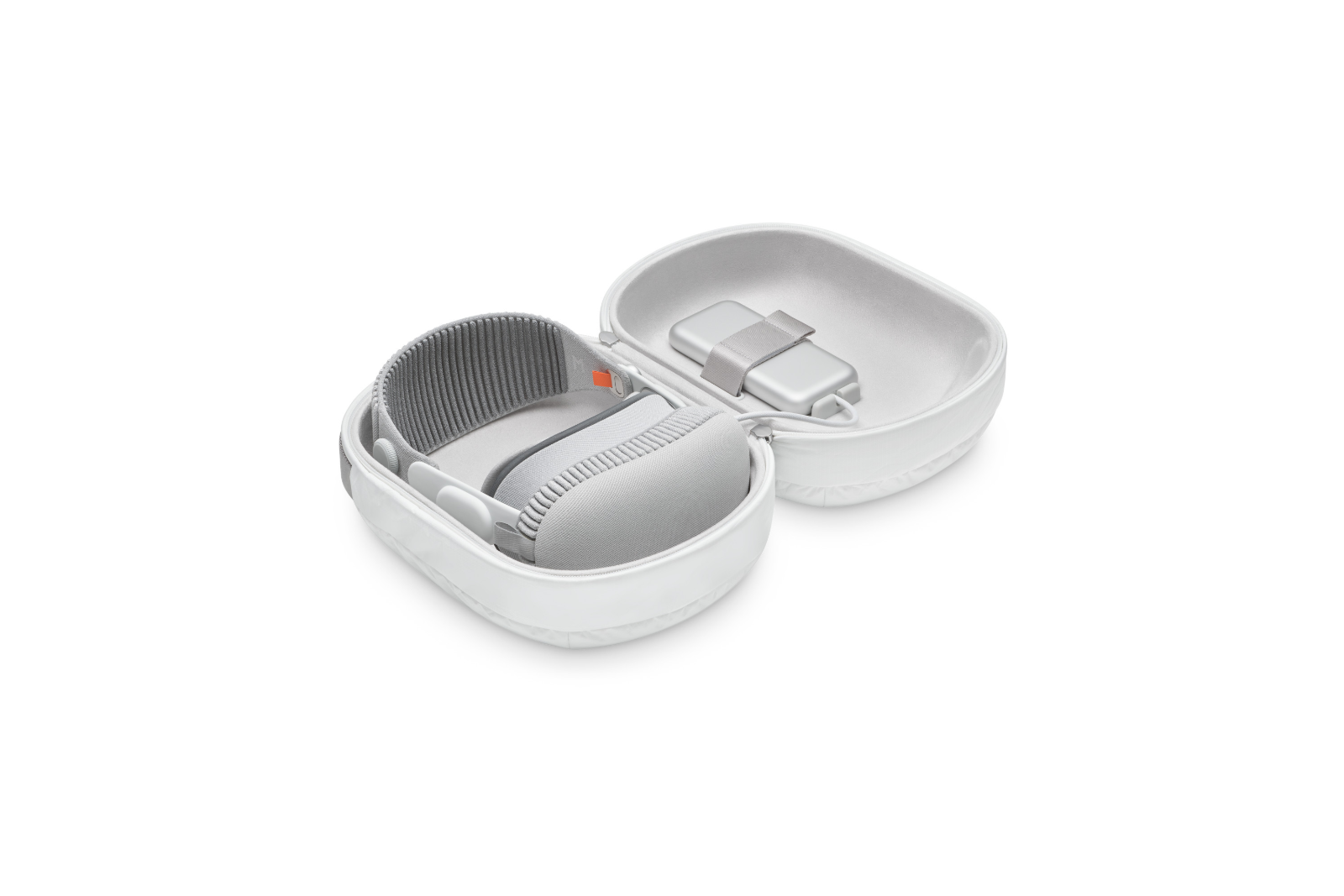
The Apple Vision Pro is a cutting-edge device that revolutionizes the way you experience digital content. Given its advanced technology and design, it is crucial that you store and protect the device properly to maximize its lifespan and prevent damage. In this article, you will learn how to safely handle, properly store, and optimally transport the Apple Vision Pro. These tips will not only help you keep your device in perfect condition, but also ensure the best possible user experience.
The Apple Vision Pro is not only a technical marvel but also an investment that you should protect. Improper handling or storage can easily lead to damage that not only affects the functionality of the device but can also require expensive repairs.
Safe handling of the Apple Vision Pro
Proper handling of your Apple Vision Pro is critical to avoid damage. Always use both hands when using or removing the device. Hold one hand by the frame and the other by the headband. Be careful not to lift the device by the light seal or audio bands, as these delicate parts can be easily damaged by mishandling.
Tips to avoid scratches on the front glass:
- Always put the cover on your Apple Vision Pro when you are not wearing it. This will protect the front glass from dust and scratches.
- Never place the Apple Vision Pro with the front glass facing down. Instead, place the device on a stable surface with the front glass facing forward.
- Avoid rough or abrasive surfaces. If necessary, use the included polishing cloth to rest the device on to avoid scratches.
Storing the Apple Vision Pro properly
If you are temporarily not using the Apple Vision Pro, it is important to keep it safe. Put the cover on to protect the device from dust and other external influences. Make sure the inside of the cover is clean before putting it on.
Important storage tips:
- Disconnect the battery from the Apple Vision Pro when you are not using the device.
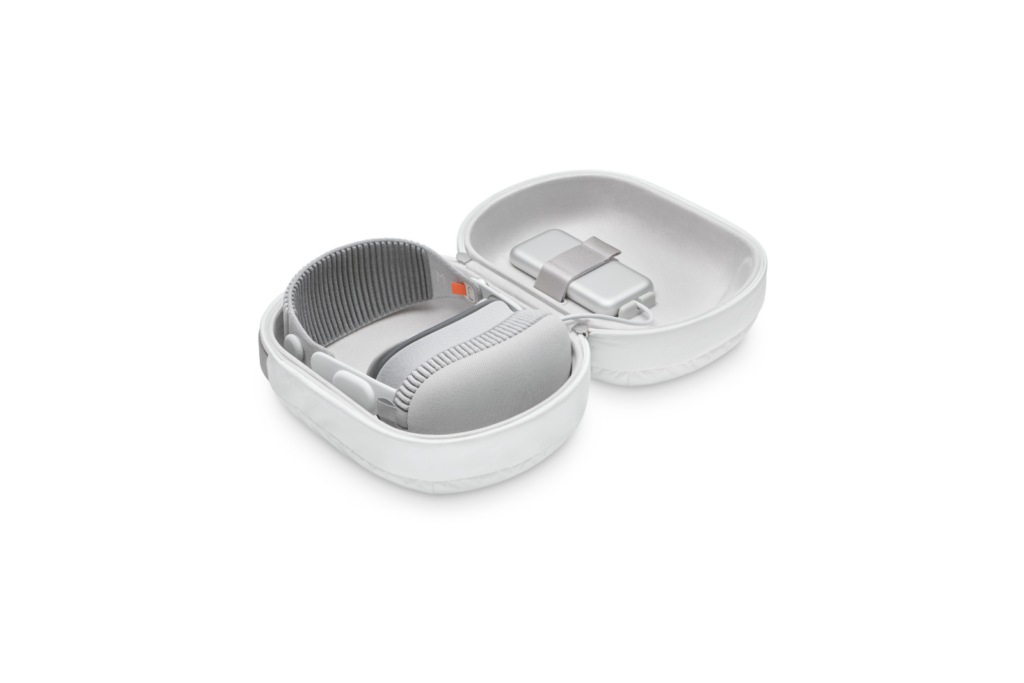
- Place the Apple Vision Pro on a stable, flat surface with the front glass facing forward. Alternatively, you can store the device in the specially designed Apple Vision Pro Case ( sold separately from Apple )—which I highly recommend!
- Make sure the storage temperature is between -20ºC and 45ºC, and avoid leaving the Apple Vision Pro in direct sunlight or in a parked car, where temperatures can rise quickly.
- Maintain the relative humidity between 0 and 95 °C (non-condensing) to ensure that the device does not suffer moisture damage.
On the road with the Apple Vision Pro
You should also ensure the safety of your Apple Vision Pro when you are on the go. Put the cover on before packing the device and make sure there are no loose objects nearby that could scratch the sensitive internal displays.
Tips for transport:
- Protect your device from shocks or strong vibrations by using the Apple Vision Pro Case, a soft padded pouch, or a similar protective solution.
- If you do not plan to use the Apple Vision Pro for an extended period of time, disconnect the battery.
- Make sure that loose objects such as keys cannot damage the device.
- If you use ZEISS Optical Inserts, remove them and pack them separately to ensure they do not accidentally come loose.
Protection and care for your Apple Vision Pro
The Apple Vision Pro is a valuable and delicate device that requires special care to maximize its lifespan and ensure optimal performance. By following the tips above, you can ensure your Apple Vision Pro stays in top condition, whether you're not using it or on the go. Invest in the right protection, and you'll enjoy your Apple Vision Pro for many years to come. Need useful tips for your Apple Vision Pro? Here you'll discover everything you need to know about your new Apple device – enjoy! Looking for new accessories? Visit our Amazon Storefront – there you'll find a variety of products from leading manufacturers, including HomeKit products and more! (Image: Apple)





