

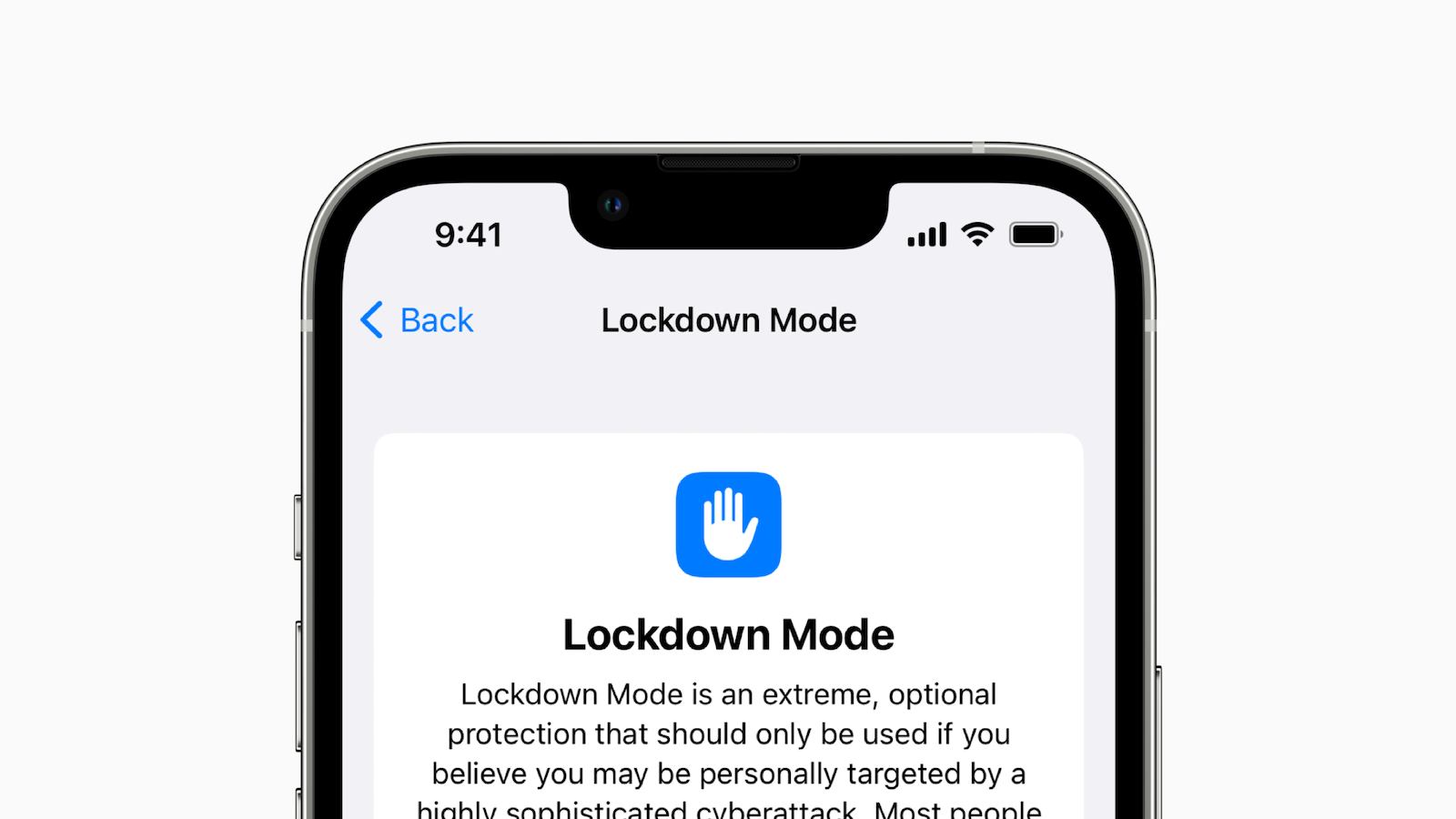
The new Lockdown Mode sounds like a great way to protect your device and your data. But it's not suitable for everyday use. Below you'll learn how to enable the feature and when you should use it.
With a new mode in iOS 16, iPadOS 16 and macOS Ventura, Apple wants to improve device security for high-profile individuals who could be the target of sophisticated cyberattacks. However, this mode is very restrictive and severely limits the functionality of the device. Most Apple users will never be confronted with the dangers associated with state-sponsored spy software or complex hacking tools. Targeted attacks are extremely rare among Apple's user base - but they do happen. Nevertheless, there is no reason for Apple to limit Lockdown Mode to a select group of users. This means that with a few clicks, every user can increase their security further than ever before, which can be useful in some situations.
What does lockdown mode do?
When Lockdown Mode is enabled, various security settings are changed, apps are modified, and communication features are blocked. This makes it difficult for outsiders to gain access to or control your iPhone, iPad, or Mac. describes Apple the feature:
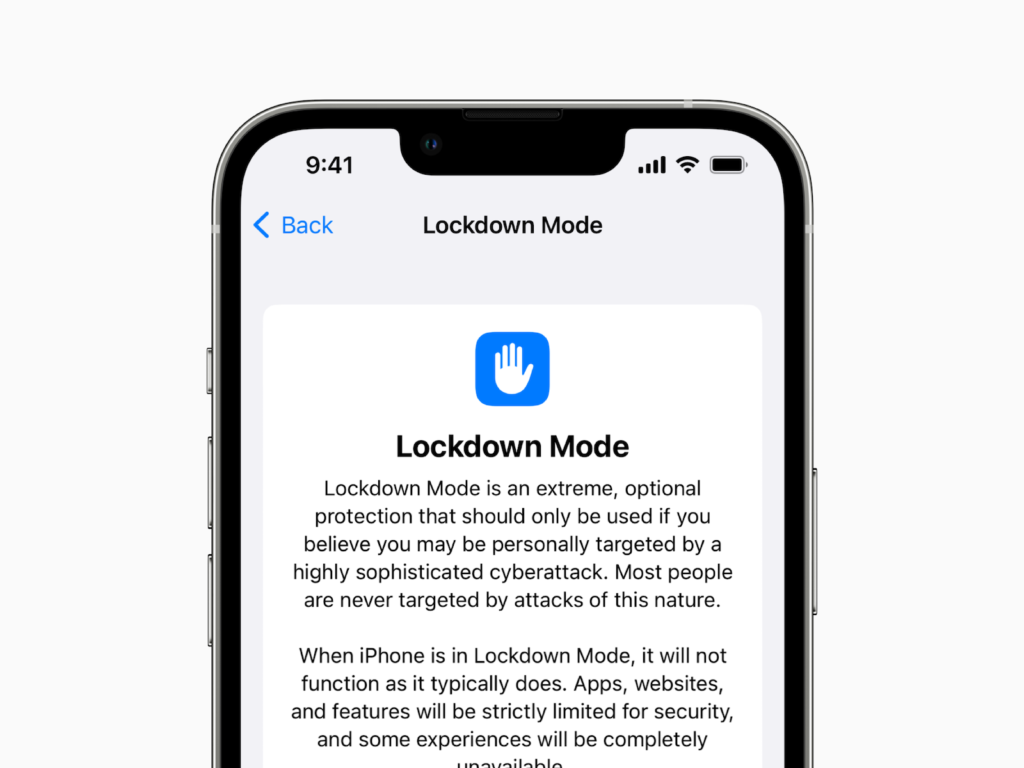
Lockdown mode is an extreme, optional protection that should only be used if you believe you are personally at risk of a sophisticated cyberattack. Most people will never be affected by attacks of this type.
The new Lockdown Mode is specifically targeted at the most vulnerable aspects of using a consumer device and removes potential attack vectors. Apple will continue to improve Lockdown Mode and add new protections over time. These protections are available at launch:
- Messages: Most message attachments are blocked and some features are unavailable.
- FaceTime: Incoming FaceTime calls from people you haven't called before will be blocked.
- Web browsing: Some web technologies and browsing features are blocked.
- Shared Albums: Shared albums will be removed from the Photos app and new invitations to Shared Albums will be blocked.
- Device connections: Cable connections to another device or accessory are blocked while your iPhone is locked.
- Apple Services: Incoming invitations to Apple services from people you haven't previously invited will be blocked.
- Profiles: Configuration profiles, such as school or work profiles, cannot be installed.
Apple hasn't explained exactly why these features are part of Lockdown Mode, but it's not hard to come up with scenarios that could exploit them. iMessage, for example, is simply too open when users can receive any kind of link, file, or snippet of code, which has been exploited in the past. High-ranking people like politicians, journalists, or military leaders don't always have the best understanding of technology. Many of these locked features require users to give a company permission to put their data in the hands of another. Some of these attack vectors were used by the NSO group, which sent links to people via WhatsApp. Clicking on the links opened a web page that used a security hole to install spyware, something that would theoretically no longer be possible in Lockdown Mode.
How to turn on lockdown mode
If you think Lockdown Mode is necessary for some reason, you can easily enable it via the Settings app:
- On any device (iPhone, iPad, or Mac), open Settings.
- Navigate to Privacy & Security.
- Scroll all the way down and select Lockdown Mode.
- Select “Turn on Lockdown Mode.”
The device will restart to enable Lockdown Mode. To turn it off, navigate back to this menu in Settings and turn it off. If Lockdown Mode is turned off after it has been enabled, some features such as shared photo albums will need to be enabled again. This will need to be manually checked by the user.
When should you activate lockdown mode?
Apple is clear in its communication about Lockdown Mode. The feature is not intended for normal users in everyday situations. That means if you have a jealous partner, you don't have to worry about them hiring an Israeli company to hack your device. However, an option that lets you increase your device's security on the fly isn't completely useless. The more Apple expands Lockdown Mode and what it can protect users from, the more useful it can be for more people, such as protesters.
The attack vectors that Lockdown Mode covers currently all seem to be geared towards targeted attacks using web-based technologies, social engineering and hard-wired hacking tools. This won't necessarily protect you from police investigations, data subpoenas or legal proceedings. Those vulnerable to attacks protected by Lockdown Mode already know who they are. Everyone else should avoid using the feature in everyday situations lest their devices become less useful because of unnecessary security measures. (Image: Apple)





