

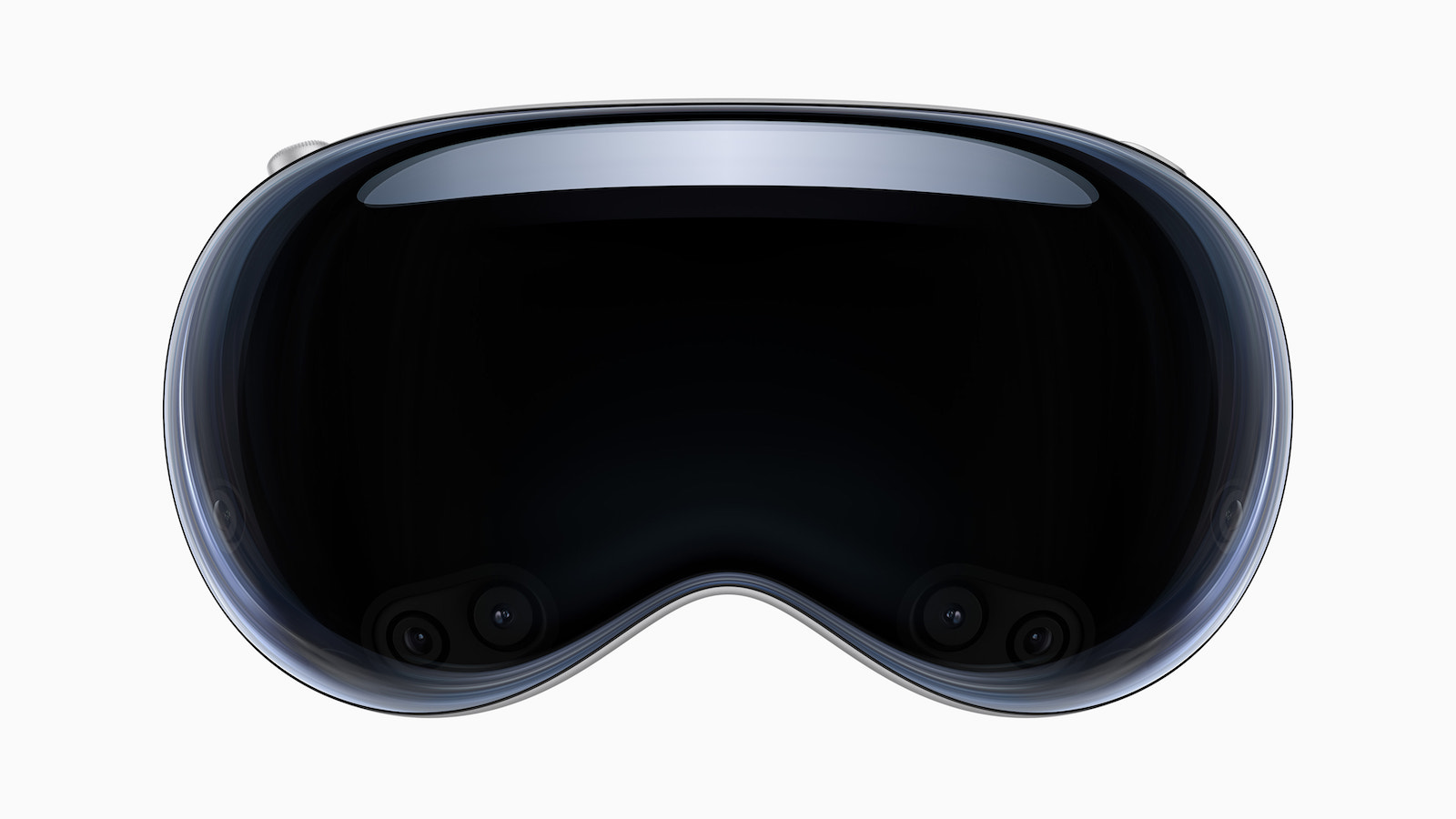
Apple recently released a comprehensive support document that provides detailed instructions on how to clean the Vision Pro headset and its components. This article explains how users can safely and effectively clean their precious Vision Pro headset to ensure optimal performance and longevity. We will discuss in detail the cleaning methods and products recommended by Apple to ensure your Vision Pro always stays pristine.
Apple's Vision Pro headset is a technological masterpiece that delivers an immersive augmented reality (AR) experience. To ensure this innovative device stays in top condition, proper cleaning and care is essential. Below, you'll learn how to properly clean your Vision Pro headset without damaging it or affecting its performance. Careful cleaning will not only extend the life of your headset but also optimize the visual experience.
How to clean your Vision Pro headset properly
cover glass and optical displays
For the Vision Pro's cover glass, Apple recommends using a clean, dry microfiber cloth, preferably the included polishing cloth. If necessary, ZEISS cleaning fluid can be sprayed onto the cloth to remove stubborn stains. Be careful not to store the polishing cloth loose in a bag to avoid damage. It can be washed and dried to keep it clean. To clean the inner displays, first replace the front cover and lay the headset on a flat surface. The optical displays should be gently wiped with a microfiber cloth, and ZEISS cleaning spray can be used if necessary. Before cleaning, the ZEISS optical inserts should be removed and cleaned separately. Use ZEISS lens cloths, ZEISS cleaning spray, or lukewarm water. Allow them to dry completely before reinserting.
curtain around the displays
Use a lint-free cloth, soft brush or non-stick tape to remove dirt. Stains can be carefully removed with a slightly damp cloth, but be careful not to get the displays wet.
More cleaning tips
Light Seal, Light Seal Cushion, headbands and cover
For these parts, Apple recommends using fragrance-free dish soap. Mix 5 teaspoons (25 ml) of fragrance-free dish soap with two cups (500 ml) of warm water in a clean container. Submerge the parts in the liquid and gently rub the surface for about two minutes. Then rinse them under running water and let them dry completely at room temperature before using them again.
audio straps and battery
The audio straps should be cleaned with a lint-free cloth. You can lightly dampen it with water and hypoallergenic soap, but avoid the delicate parts like the microphone, speakers and connectors. Dry them thoroughly before reattaching them to the main system. The speakers can be cleaned with a dry cotton swab. The battery can be cleaned with a damp, lint-free cloth after it has been disconnected from the Vision Pro. Be careful not to get any moisture near the power cable connector. The power cable itself can be dampened with soapy water and dried overnight before reusing it with the Vision Pro.
How to clean your Apple Vision Pro properly: The conclusion
Proper cleaning and care of Apple's Vision Pro headset is crucial to ensure the best possible AR experience and the longevity of this impressive device. By following the above recommendations you can ensure that your Vision Pro always remains pristine and you can enjoy the world of augmented reality to the fullest. Be careful not to use harsh cleaning products to avoid damage and follow Apple's instructions to keep your headset in perfect condition. This will allow you to experience the full potential of your Vision Pro and enjoy the impressive AR experience. Are you looking for new accessories? Then take a look in our Amazon Storefront - there you will find numerous products from leading providers, also for HomeKit and Co.! (Image: Apple)
- Apple Vision Pro: Tips for optimal use
- Apple Vision Pro: Sync data & focus on charging indicator
- Vision Pro: Apple gives tips on battery life, performance and more





