

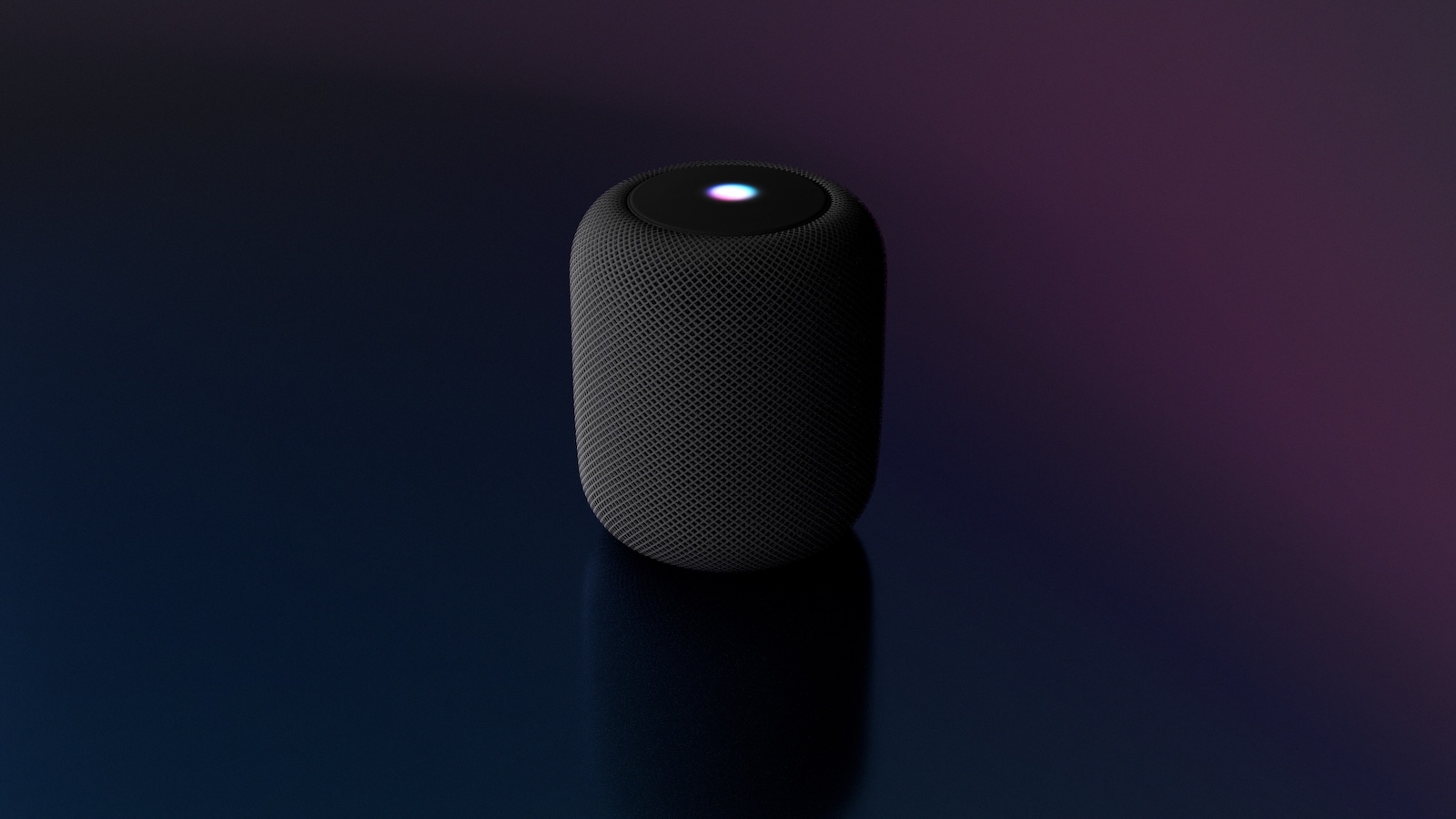
The second and third generation Apple TV 4K can do more than just display streaming services. If your TV is compatible, you can stream audio from game consoles or cable boxes directly to your HomePod, even when you're not using the Apple TV. This makes your HomePod the central audio output for everything connected to the TV—whether it's a PS5, Xbox, or set-top box.
Many users aren't aware that the Apple TV 4K has ARC and eARC capabilities. These allow audio signals from the TV to be passed on to the HomePod. This requires a TV with HDMI-ARC or HDMI-eARC and a HomePod or a stereo pair of HomePods in the same room. Once you've set up the feature, you can use your HomePod to listen not only to movies and TV shows on the Apple TV, but also to anything else that's playing on the TV.
What do ARC and eARC mean on Apple TV 4K
ARC stands for Audio Return Channel. It's a feature of HDMI 1.4 that allows audio to be sent from the TV to another device—for example, a soundbar or the HomePod. eARC is the enhanced version. The difference: eARC supports higher bandwidths and thus also modern audio formats like Dolby Atmos and 5.1 or 7.1 surround sound. The Apple TV 4K uses this technology with the HomePod to enable a wireless home theater setup. It doesn't matter which device you have connected to the TV—as long as the audio is via HDMI, you can play it through the HomePod.
What you need to get started
For this to work, you need three things:
- A second or third generation Apple TV 4K
- One or two HomePods (for Dolby Atmos you need a stereo pair of large HomePods, not the mini version)
- A TV with ARC or eARC via HDMI
You can find out whether your TV supports this either in the manual or directly on the HDMI port. "ARC" or "eARC" is often printed directly on it.
How to set up ARC or eARC on Apple TV 4K
Once you have made sure that your TV supports the standard, proceed as follows:
- Turn on your Apple TV 4K and open the Settings app
- Go to “Video and Audio” and then “Audio Output”
- For “Default Audio Output,” select the HomePod or the HomePod stereo pair – it is important that the devices are in the same room as the TV
- Scroll down to “Audio Return Channel”
- Activate the option “Play TV sound”
As soon as "On (ARC)" or "On (eARC)" appears, the connection is active. HomePod then automatically handles audio output—even for devices like game consoles or TV receivers connected directly to the TV.
If it doesn't work
Sometimes the sound still stays off. In that case, you should check your TV's menu to see if ARC or eARC needs to be enabled separately. HDMI-CEC—a control extension via HDMI—should also be enabled in many cases. Without this setting, your TV may not send the sound back via HDMI. A high-quality HDMI cable can also help, especially if you want to use eARC. Cheaper or older cables sometimes don't support the full bandwidth required for Dolby Atmos or multi-channel sound.
Apple TV 4K expands your home theater setup
The Apple TV 4K, together with the HomePod, offers a practical solution for wirelessly transmitting TV audio. With support for ARC and eARC, you can also stream audio from game consoles, cable boxes, or other HDMI devices directly to the HomePod. You don't need additional speakers or a soundbar. Once set up correctly, everything runs automatically—whether you're watching Apple TV or starting your next gaming session. Time for fresh accessories? Visit our Amazon Storefront and discover a wide selection of products from leading manufacturers, including HomeKit-compatible ones! (Image: Shutterstock / SJ_PHOTOS)
- Protect your Apple Account: Set up a recovery contact
- Will we still need the iPhone in 10 years? Apple doubts
- Use Apple Pay now on the PS5: It's that easy





