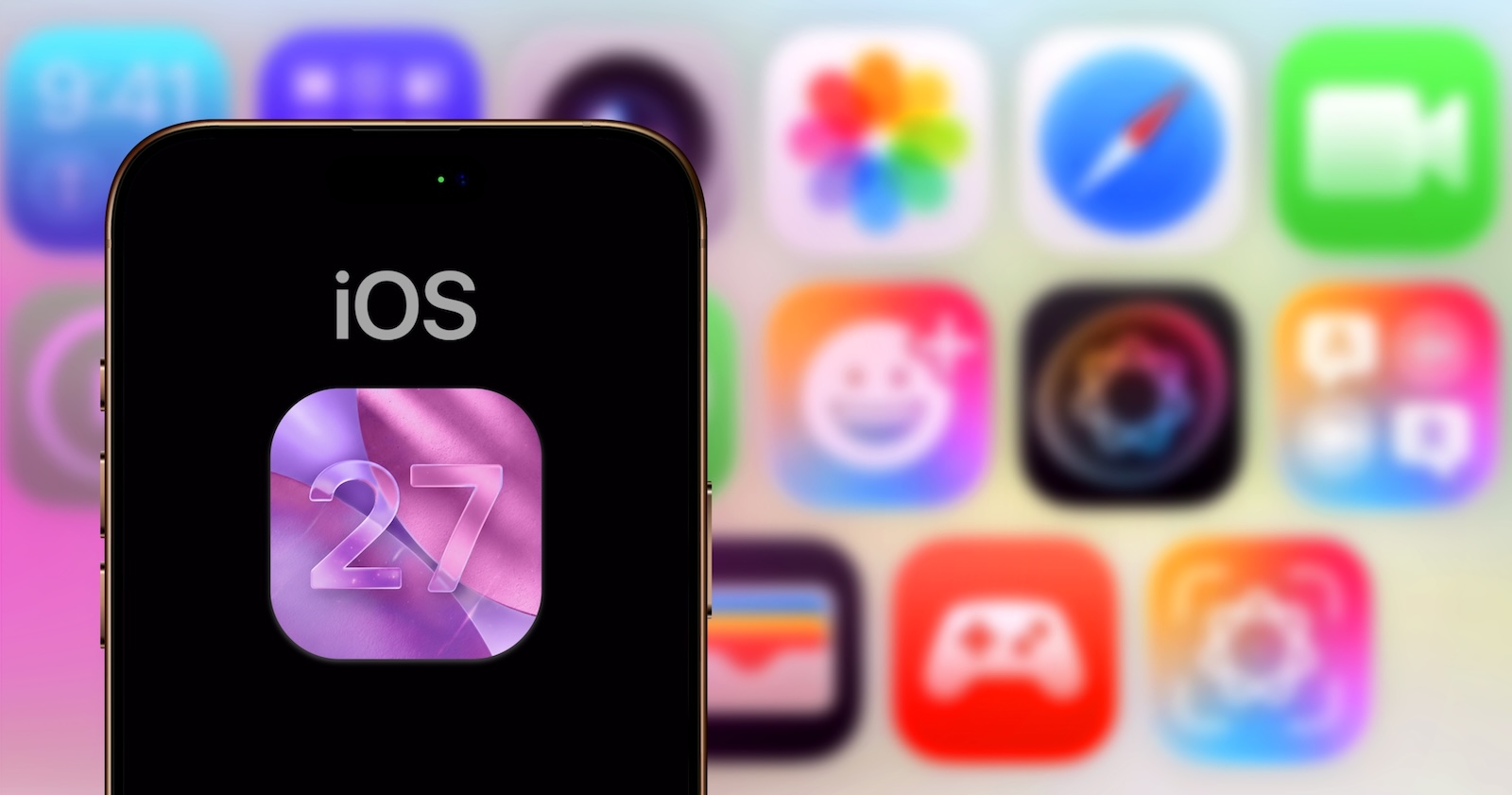
Just under a month before WWDC 2026, the first concrete details about iOS 27 are emerging. Apple is planning several visible design improvements, a significantly deeper overhaul of the Liquid Glass system, and a camera app that can be fully personalized for the first time. Additionally, Safari, Weather, and Image Playground will receive noticeable updates.
The information comes from a current report by Mark Gurman at Bloomberg and provide the most detailed preview yet of what Apple will unveil on June 8th. According to Gurman, iOS 27 will bring “noticeable design changes in several areas”—with the stated goal of unifying the Liquid Glass design language introduced with iOS 26. This aligns with the existing picture that the Previous iOS 27 expectations around WWDC 2026 Drawing: Apple corrects where iOS 26 remained inconsistent and adds functional improvements to the classic apps.
Camera app: Fully customizable with widgets
The biggest single piece of news concerns the camera app, which already underwent a comprehensive redesign last year with iOS 26. iOS 27 takes the next step: According to reports, the app will become "fully customizable." Specifically, this means that users can decide for themselves which controls are visible and where they are located on the interface. Apple internally refers to these controls as "widgets.".
The widgets appear at the top of the camera interface and can be arranged in any order. Selection is made via a transparent drawer that slides from bottom to top across the app. The widgets are sorted into three categories: Basic, Manual, and Settings. Options include flash, exposure, timer, depth of field, photographic styles, and resolution.
Apple is pursuing a two-tier strategy. The standard layout with the familiar quick-tap buttons for flash, Live Photos, and Night mode remains. Alongside this, there's a new, advanced layout specifically designed for professional users. Each shooting mode - photo, video, and the new Siri mode - gets its own set of widgets. The Siri mode integrates the visual intelligence features that were previously only accessible via the Camera Control button or the Action button.
Two further minor changes: The overview of all camera controls has moved from the upper right corner to next to the shutter button. Apple has also added new grid and level options.
Liquid Glass becomes more consistent and corrects its own decision
iOS 26 introduced an ambitious new design language with Liquid Glass – but its implementation was visibly inconsistent in several areas. According to reports, iOS 27 focuses primarily on streamlining this aspect.
One notable change is a complete reversal: the tab bar in key apps like Podcasts, TV, Music, Health, and News is getting the search button back into the main navigation. Currently, the search function in many apps is a separate button next to the actual tabs. iOS 27 combines both again – Apple is thus returning to a layout that was standard before iOS 26.
In addition, there's a new animation for the on-screen keyboard: it will now visibly slide into view from the bottom of the screen, instead of simply appearing. A small detail, but exactly the kind of refinement Apple is using to extend its Liquid Glass approach to micro-interactions.
Safari, Weather, and Image Playground are receiving visible updates
Safari gets a new home screen in iOS 27. At the top are four tabs for quickly switching between Favorites, Bookmarks, Reading List, and History. Frequent Safari users will likely welcome this change – previously, these sections were located on different levels and required multiple taps to switch between them.
The weather app is getting a new "Conditions" section directly on the main page. There, users can view more detailed information about temperature, rainfall, and wind without having to navigate to separate detail pages for each city. It's the same comprehensive data that was previously hidden behind an extra tap – now prominently displayed.
Image Playground, Apple's AI-powered image-generating app, has reportedly been "completely redesigned." A new "Describe a change" option has been added, allowing users to edit a generated image afterward by entering text. Apple is also said to be working on improved models to make the generated images appear more realistic. This aligns with Apple's strategy. the three new AI features for the Photos app pursued – editing images instead of just passively organizing them.
Apple's U-turn on tab bar design
What's exciting about the whole package is the tab bar reversal. With iOS 26, Apple deliberately separated the search function from the tab bar and established it as a separate floating button. This very decision is reversed in iOS 27. This isn't a given – Apple rarely corrects its own design principles so quickly and so noticeably.
The interpretation is obvious: In practice, the separate search function likely created more friction than it clarified. Users who regularly used the search function in apps like Podcasts or Music had two separate tap zones – one for navigation, one for search. A combined bar reduces this distance and integrates better into the overall Liquid Glass logic. Apple is thus delivering what iOS 26 promised in this regard but failed to do.
The bigger picture behind iOS 27
Against this backdrop, iOS 27 will not be the next major feature update, but rather a consistent consolidation update. Mark Gurman previously described the system as a “Snow Leopard update” for iOS – a comparison to Apple’s legendary macOS release, which primarily brought stability, speed, and consistency instead of a new wave of features.
The changes reported here fit this pattern perfectly. A unified Liquid Glass line, a customizable camera app without new sensor requirements, cleaner home screens in Safari and Weather, and a modernized Image Playground. At the same time, the larger issue continues in the background, one that Apple can't avoid this WWDC year anyway: the replacement of Core ML with the new Core AI framework and the long-overdue Siri overhaul.
iOS 27 is likely to end up being a mix that suits Apple well in its current situation: visible corrections where iOS 26 fell short of expectations, and concrete usability improvements where everyday life feels noticeable.
iOS 27 is taking shape ahead of WWDC
More detailed reports are expected before the official unveiling on June 8th. However, what can already be gleaned from the current Bloomberg story is that Apple is entering this iOS year with the understanding that design consistency and everyday usability are more important than spectacular feature headlines. Camera app personalization will be the most discussed single feature – but the real story lies in the cleanup surrounding Liquid Glass. (Image: Shutterstock / DANIEL CONSTANTE)
- iPhone 18 Pro: Significantly brighter display remains a thing of the future
- iPhone 18 Pro: Aggressive pricing strategy despite storage cost pressure
- visionOS 27: What Apple Vision Pro 2026 can really expect
- Apple Watch without Touch ID: Leaker dampens expectations for 2026
- Apple Vision Pro: Development continues – despite restructuring
- Safari 27: Tabs should group themselves using AI
- macOS 27: Apple is planning design adjustments to the Liquid Glass look
- Apple's Pendant: Development continues, launch in 2027 at the earliest
- AirPods with cameras: Apple's development reaches a crucial phase
- A holographic iPhone? Samsung's display could pave the way
- MacBook Neo: Apple doubles production and reviews pricing strategy
- iPhone Ultra: Apple's foldable phone is to be the easiest to repair
- iPhone 18 Pro: Display upgrade only comes from Samsung and LG
- iPhone 18 Pro: New CAD leak fuels Dynamic Island debate
- iOS 27 lets you choose between Gemini, Claude, and more
- Anniversary iPhone 2027: Solid-state buttons pass initial practical tests
- iPhone 18 Pro: Apple sticks with the controversial aluminum finish
- iPhone 18 delayed further: Apple extends iPhone 17 production for an unusually long time
- OpenAI brings forward AI smartphone launch: Launch one year earlier than planned
- iPhone Ultra: First hands-on with dummy reveals unusual format
- Apple Wallet will receive a "Create a Pass" feature with iOS 27.
- iPhone „Glasswing“: Apple plans liquid glass-inspired redesign for 2027
- watchOS 27: Apple brings the Modular Ultra to all Apple Watches
- iPhone Pro 2027: Anniversary design instead of a separate model