

apple patient
  • Home
  • News
  • Rumors
  • Tips & Tricks
  • Reviews
  • Insights
No Result
View All Result
  • iPhone 18
  • iOS 27
  • iPadOS 27
  • macOS
  • MacBook Neo
  • iPhone 17e
  • AirTags
  • iOS 26
  • iPhone 17
  • MacBook Pro
  • iPadOS
  • iMac
  • Mac mini
  • HomePod
  • Apple TV
  • iPad Pro
  • iPhone Air
  • Apple Vision Pro
  • iPhone 16
  • AirPods 4
  • Apple Watch Ultra
  • HomePod Mini
  • MacBook Air
  • iPad
  • AirPods Max
  • AirPods Pro 3
  • Apple Watch Series 3
  • Mac Studio
  • Studio Display
  • iPad Air
  • iPad mini
  • watchOS 27
  • Apple CarPlay
  • Apple Pay
  • watchOS 26
  • Home
  • News
  • Rumors
  • Tips & Tricks
  • Reviews
  • Insights
No Result
View All Result
apple patient
No Result
View All Result

tvOS 18.5 ensures precise Dolby Atmos playback

Milan Jovicic by Milan Jovicic
May 13, 2025 - 8:22 PM CEST
in Apple News
0
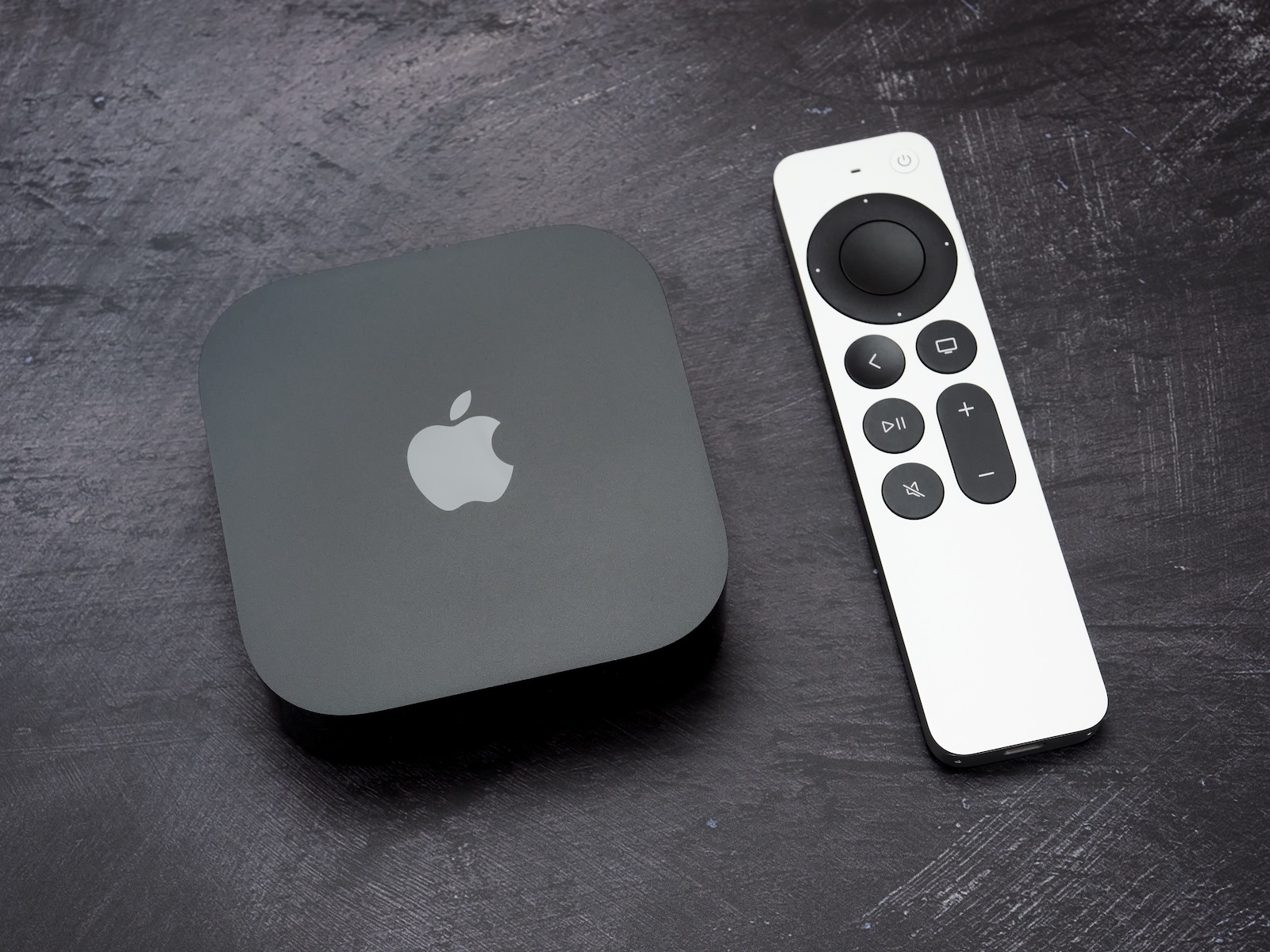
tvOS 18.5 Dolby Atmos

Image: Shutterstock / Teodor Costachioiu

WhatsAppFacebookEmail
Threads

Apple has released tvOS 18.5. The most important new feature concerns audio playback: The update now enables Dolby Atmos syncing across AirPlay and Bluetooth speakers. Apple TV users who use wireless speakers can finally resolve a known issue.

In recent years, there have been repeated complaints that the audio—especially with Dolby Atmos—was not synchronized with the picture when speakers were connected via AirPlay or Bluetooth. This was particularly noticeable in dialogue: lip movements didn't match what was being said, and sound effects like explosions were delayed. Until now, the only solution was to switch to 5.1 surround sound—a step backward for anyone who had invested in high-quality Dolby Atmos-enabled speaker systems. With tvOS 18.5, Apple is now responding to this feedback.

What exactly changes with tvOS 18.5

The new update introduces a feature that allows Dolby Atmos to be correctly synchronized across wireless speakers. Whether you connect your speakers via AirPlay or Bluetooth, the new feature ensures that the picture and sound are synchronized. Apple calls this feature "Wireless Audio Sync." It's designed to help compensate for the latency between Apple TV and external speakers. This makes Dolby Atmos playback significantly more precise and natural—a noticeable difference, especially in films and series with lots of effects or fast-paced dialogue.

Where can you find the new feature

You can find the new setting at:

  • Settings > Video and Audio > Wireless Audio Sync

There you can start the sync. Apple TV analyzes the latency between the device and the speakers and adjusts the audio output accordingly. This works with HomePods as well as other speakers connected via AirPlay or Bluetooth.

  • Apple TV 4K 2025: These are the possible innovations

Why is the update important

Many users have long reported issues with Dolby Atmos over wireless connections in forums like Reddit or in Apple's own support discussions . The complaints ranged from slight offsets to significantly disruptive asynchronicities in sound and picture. This was particularly frustrating for many with HomePods, which officially support Dolby Atmos. The new feature in tvOS 18.5 should represent a real improvement for these users.

  • macOS 15.5: Safari saves power with new Web Push feature

tvOS 18.5 solves a long-standing audio problem

tvOS 18.5 is a technical but important update for anyone using Dolby Atmos via AirPlay or Bluetooth. The newly introduced synchronization feature fixes a problem that has plagued many Apple TV owners for years. So, if you use a wireless speaker system and have had issues with audio-video synchronization, the update is definitely worth it. (Image: Shutterstock / Teodor Costachioiu)

  • Apple releases Sound Therapy exclusively on Apple Music
  • iOS 19 takes “Own Voice” to the next level
  • iOS 19 brings improvements to Music Haptics

Make Apfelpatient a preferred source One click – and you'll see us more often on Google
Was this article helpful?
YesNo
Tags: Apple TVHomePodtvOStvOS 18.5
SendShareSend
Share

Our Amazon Storefront

A handpicked selection of products for iPhone, Mac and more – sorted by topic and updated regularly.

Shop Now

This post contains affiliate links (including Amazon). We earn a small commission on qualifying purchases – at no extra cost to you. Learn more on our Partner Program page.

Previous Post

iOS 19 brings improvements to Music Haptics

Next Post

Apple shows Matrix3D: AI model creates 3D worlds from photos

Milan Jovicic

Milan Jovicic

Milan founded Apfelpatient in 2016 and has been responsible for all editorial content since 2018 — news, rumors, guides, and product reviews. Apple devices here are not test units on loan for two weeks but everyday tools: from the iPhone through MacBook Pro, MacBook Air, and iMac to the Apple Vision Pro, at least one device from nearly every product category is in daily use, many of them replaced annually. Every menu path in a guide is verified on the device before it is published.

Symbolic image for Apple government affairs: the glass entrance cube of the Apple Store on Fifth Avenue in New York at dusk

Apple hires new head of government relations

August 12, 2026 - 8:44 PM CEST
Key art for the Apple TV series Pluribus showing a screaming woman against a yellow background, with Pluribus season 2 about to begin filming

Pluribus: Gilligan plans at least three seasons

August 12, 2026 - 8:27 PM CEST
The iPhone 17 lineup in five colors seen from the back, whose successor is expected to adopt the smaller iPhone 18 Dynamic Island from the Pro models

iPhone 18: Smaller Dynamic Island already in the base model

August 12, 2026 - 8:13 PM CEST

About APFELPATIENT

APFELPATIENT brings you the latest Apple news, product updates, guides, reviews and tips across the entire Apple ecosystem — from the iPhone to the Mac to the Apple Vision Pro. From the first rumors to confirmed news: researched responsibly.

Follow Apfelpatient

Facebook Instagram YouTube Threads Threads

Company

  • About Apfelpatient
  • Contact
  • Author Profiles

Community

  • Netiquette
  • Push Notifications
  • RSS feed

Legal

  • Legal Notice
  • Privacy Policy
  • Terms of Use
  • Cookie Settings
  • Affiliate Program

Resources

  • Sitemap

© 2026 Apfelpatient. All rights reserved.

No Result
View All Result
  • Home
  • News
  • Rumors
  • Tips & Tricks
  • Reviews
  • Insights

© 2026 Apfelpatient. All rights reserved. Page Directory

Change language to Deutsch


