

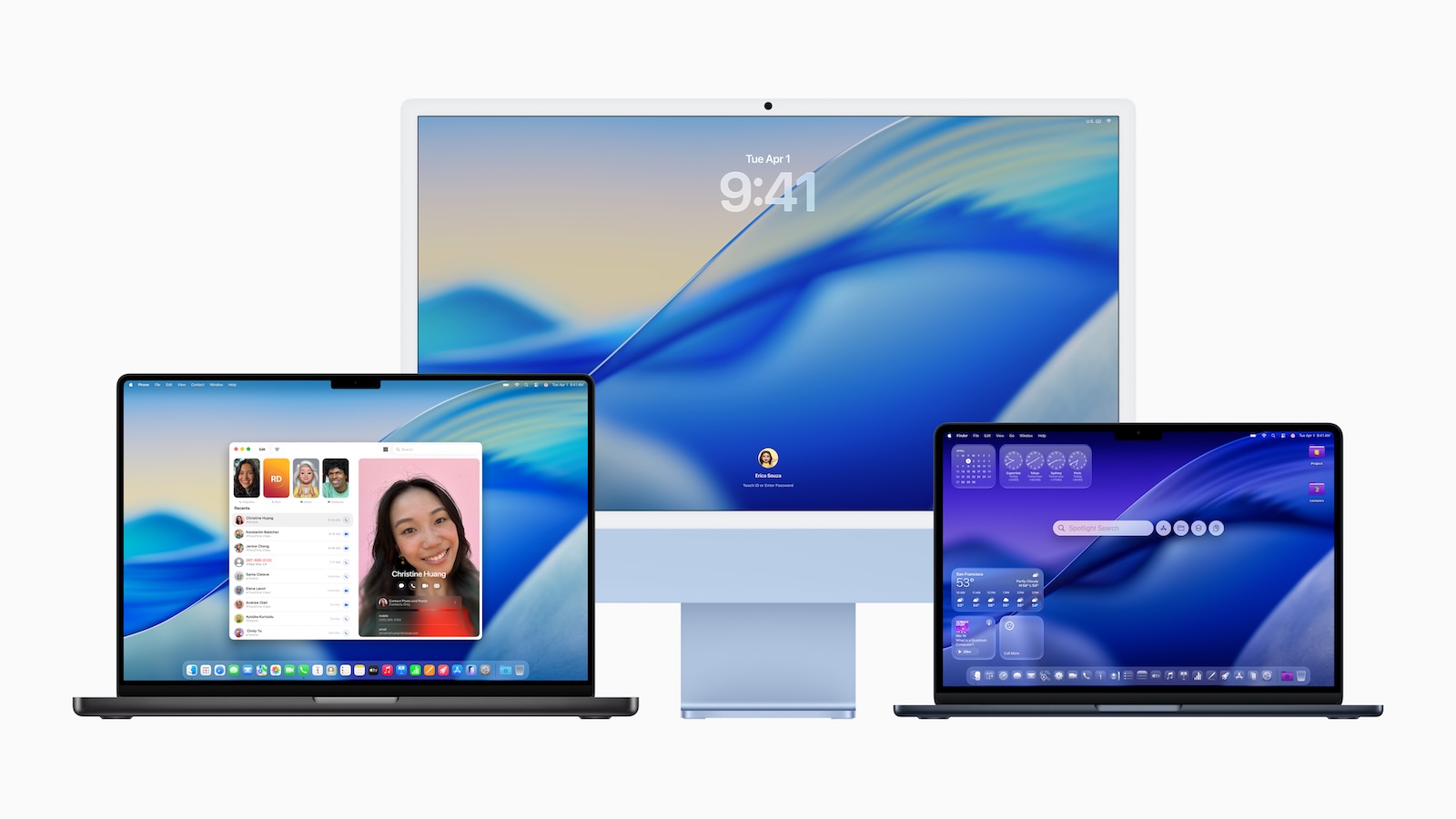
The second developer beta of macOS Tahoe is here. Apple has incorporated several minor changes and new features into this version. Some of these are in response to user feedback, while others are in preparation for new systems and hardware. Here's a complete overview of everything new in macOS Tahoe Beta 2.
macOS Tahoe is the next major macOS update and is expected to be officially released in September. The system is currently in the developer testing phase. While the second beta version doesn't bring any revolutionary innovations, it does include some interesting changes relevant to users, developers, and AirPods owners. If you want to know what's changed compared to the first beta and what macOS Tahoe can already do, you can find all the details here.
Finder icon back in old design
In the first beta, Apple changed the Finder icon—the colors were inverted, with blue on the right and white on the left. This didn't go down well. In the second beta, Apple restored the old design. The icon now looks the way you're used to.
New icon for the Migration Assistant
The Migration Assistant icon has also been redesigned. The new version fits better with the rest of the system design and has a more modern overall look.
Menu bar background can be reactivated
With macOS Tahoe, Apple introduced the new "Liquid Glass" design element, which removes the frosted background from the menu bar. The second beta now includes a new option: You can reactivate the menu bar background in System Preferences under "Menu Bar" if you prefer the old look.
Enable AirPods firmware updates directly on your Mac
One of the biggest changes for AirPods users is that you can now sign up for beta firmware updates directly from your Mac—previously, this was only possible via iOS.
Here's how it works:
- Connect AirPods to your Mac
- Open System Preferences
- In the Bluetooth menu, click the (i) symbol next to the AirPods
- Scroll down and select “AirPods Beta Updates”
- Turn on the switch
The updates will be installed when your AirPods are in the charging case and near your Mac. Currently, this feature is only available to developers. Public betas are scheduled to follow in July – initially for AirPods 4 and AirPods Pro 2. The new beta firmware offers:
- Better audio quality for calls and video calls
- Studio quality for audio recordings, for example for podcasts or interviews
- The ability to use the AirPods as a camera remote control (shutter release for photo or video)
- Automatically pause playback when you fall asleep
Recovery Assistant now also in macOS
The new beta also includes the new Recovery Assistant, familiar from iOS 26. This tool helps you if your Mac won't start. It scans for problems and attempts to fix them automatically. Apple confirmed the feature in the official release notes.
Apple Intelligence available when booting from external drives
A Reddit user reports that Apple Intelligence can now be used automatically when booting macOS Tahoe from an external drive. In the first beta and in macOS Sequoia, this was only possible via Terminal command. There's no official confirmation yet, but the report fits with the general trend.
New notification for system updates
In Beta 2, a new notification appears after a successful system update, saying "Your Mac has been updated." This gives you immediate feedback when your Mac has completed an update.
Developers can test Rosetta 2 dependency
Apple has announced that Rosetta 2 will be phased out with macOS 28. In the second beta of macOS Tahoe, developers can now test whether their apps run natively on Apple Silicon – without Rosetta. This allows for timely adjustments.
macOS Tahoe is coming in the fall – this is what is planned until then
The public beta of macOS Tahoe will be released in July. The final release is expected in September or October. Apple uses the beta phase to process feedback and test the final features. Beta 2 shows that many details are still being fine-tuned before the system is rolled out to all users. If you want to take a look at the new macOS before the official launch, you should proceed with caution. The beta isn't intended for everyday use – a backup is mandatory, and ideally, you should only install it on a second device. Looking for new accessories? Visit our Amazon Storefront – there you'll find a variety of products from leading manufacturers, including products for HomeKit and more! (Image: Apple)
- iOS 26 Beta 2: All new features at a glance
- iOS 26 Beta 2 contains hints about the iPhone 17 Air
- iPad Pro: Apple is working on narrower display bezels





