

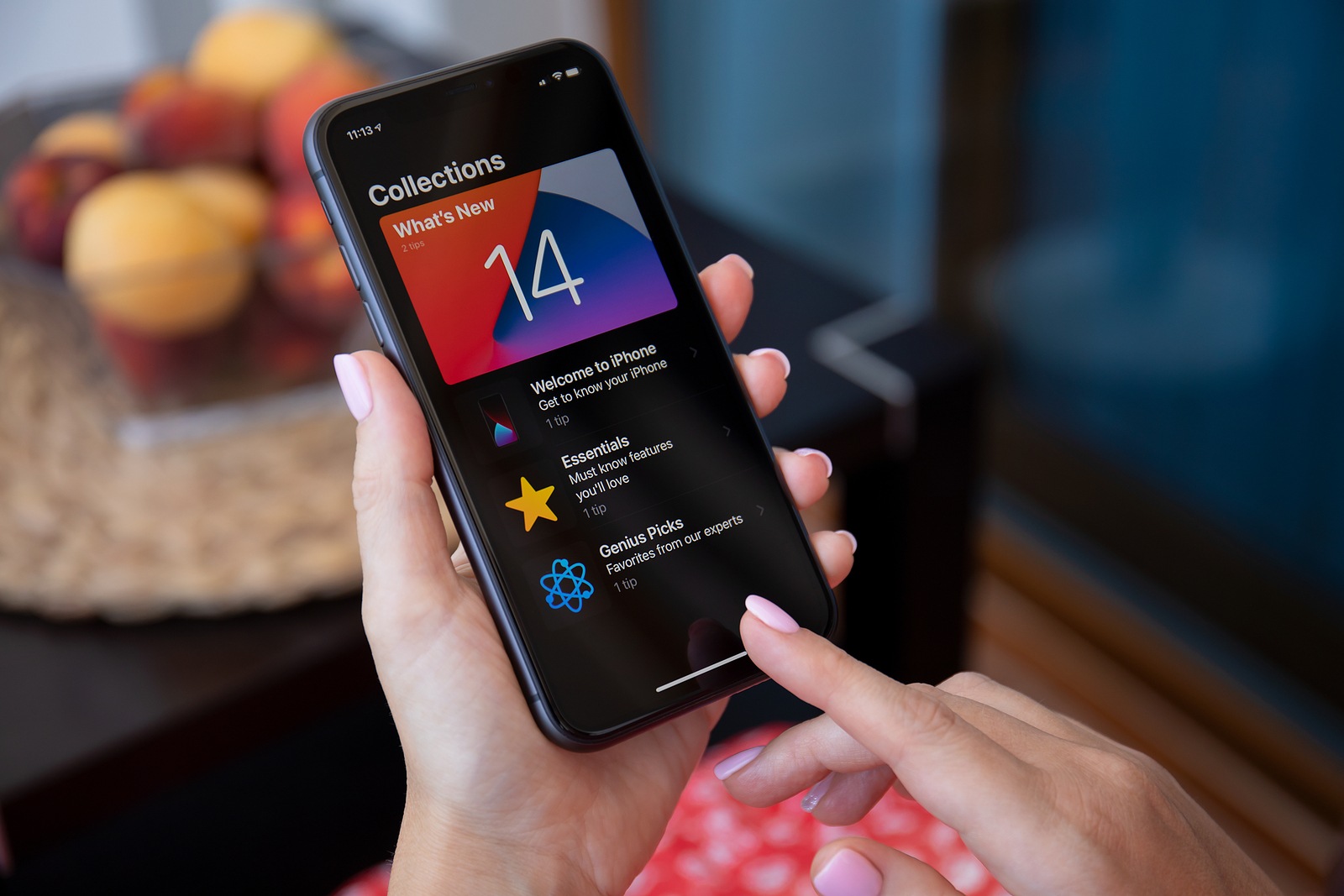
Apple has made many smaller but also some larger changes with iOS 14 made. Desired functions were also added.
The biggest innovation in iOS 14 is the widget function. Users can now personalize the home screen and thus design it individually. Of course, this requires the compatibility of the individual app. This should certainly follow over the course of the year. But there are also many smaller changes that significantly improve the user experience. For example, incoming phone calls can be displayed as a banner - my personal favorite. Below you will find a list of the most important innovations in iOS 14. You can also view a list of all compatible iPhone and iPad devices with iOS 14 or iPadOS 14.
picture-in-picture – The picture-in-picture feature was introduced for iPad devices some time ago. But under iOS 14, iPhones now also have the function. It allows you to watch videos while navigating through other apps. In addition, Facetime video calls can also be continued in the future even if you open another app. It is useful and provides a significantly better user experience.
App Library, Default Apps and more
Display incoming phone calls as banners – This feature is by far the best in my opinion. Yes, of course, iOS 14 has a lot of cool features, but if you get a lot of calls, you'll love this feature. You're about to reply to a message and suddenly your iPhone rings. The screen changes and you lose track. How annoying. But that's changing with iOS 14. Incoming phone calls can now be displayed as banners. This means that if you're doing something else on your iPhone, you won't be interrupted by an incoming call. To activate this feature, you have to go to the iOS settings and select "Phone" in the "Incoming Calls" section, then "Banner."
app library – Users who have a lot of apps will probably love the app library. If you have a large collection of apps, you'll never have to worry about sorting them again. The function can theoretically be used to deactivate all home screen pages. The iPhone will then divide all applications into categories under iOS 14 and list them in a new interface. Of course, you can also access the search function. Basically, iOS 14 automatically cleans up the iPhone if you want.
Set third-party default apps – It's a feature that many users have been wanting for years. In the future, users will be able to set a third-party browser and email app as their default application. This means that anyone who prefers Google Chrome to Safari can set the app as their preferred application in iOS.
The search function – The search function has been around in iOS for a long time. But in iOS 14, the feature has been expanded. Anyone entering a search term will now see a "Search in Apps" section. This allows them to directly search notes, reminders, emails, files, messages, the App Store, and more.
Emoji search, offline dictation and more
Exact location – An important addition to location services is the "Precise Location" option. This means that apps that rely on location data will now be able to receive only an approximate location. Users can therefore choose whether an application can receive the exact or only an approximate location.
emoji search – Emoji search was introduced on macOS some time ago. However, the iPhone operating system was not taken into account. But this is now changing in iOS 14. Users will now be able to search for specific emojis in the emoji keyboard. However, the feature is only available on the iPhone, not on the iPad. It remains to be seen whether this will change over the next few months.
Offline Dictate – Dictation has gotten better and better in recent years. But the function was always connected to Apple servers. But now that is changing. In the future, users will be able to use the feature completely offline. This means that the content remains stored on the iPhone and is processed locally.
Quick action thanks to the iPhone back – A particularly interesting One feature is the so-called "Back Tap." Users can define two quick actions that are triggered by tapping the back of the iPhone. For example, a double tap can take screenshots, while a triple tap calls a specified contact. A wide range of options are available.
HomeKit in the Control Center, stacking widgets and more
Sound detection – A particularly remarkable One feature is sound detection. iPhones running iOS 14 can recognize different sounds, including fire, siren, smoke and more. If the doorbell is detected, for example, the iPhone sends a message. The accuracy is astonishing.
exposure lock – Another new feature is the exposure lock. This means that in the future, the exposure compensation value can be locked when taking pictures in the camera app.
HomeKit in the Control Center – Users can now access their favorite HomeKit scenes directly in the Control Center. In addition, iOS 14 has an expanded HomeKit interface that can be opened with a simple tap. This change makes accessing and controlling HomeKit even easier than ever before.
Stacking widgets – Until now, widgets were only available in the “Today” area available. But with iOS 14, you can also drag them to the home screen and place them across as many pages as you like. But that's not all. Widgets can also be stacked. This means that more of them can be placed in one place. Users can then switch between the individual widgets by swiping.
QuickTake Video – The feature was introduced with the iPhone 11 and iPhone 11 Pro (Max) and allows you to switch directly to video mode in photo mode by long pressing the record button. Older devices now also have the function under iOS 14.
iOS 14: These iPhone & iPad devices are supported
Apple Music in a new design - The Apple Music streaming service has also been revamped as part of the update. The bottom navigation menu includes tabs for Browse, Radio, Library and Search, with the "For You" option replaced by "Listen Now". In addition, Apple has integrated animated covers into curated playlists.
The list of new features is actually long and should significantly improve the overall user experience. But which devices will receive the new operating system? Here is the list again. iOS 14 is compatible with the following iPhone, iPad and iPod touch generations:
- iPhone 11 Pro
- iPhone 11 Pro Max
- iPhone 11
- iPhone XS
- iPhone XS Max
- iPhone XR
- iPhone X
- iPhone 8
- iPhone 8 Plus
- iPhone 7
- iPhone 7 Plus
- iPhone 6S
- iPhone 6S Plus
- iPhone SE 2016
- iPhone SE 2020
- iPod touch (7th generation)
- iPad Pro 12.9-inch
- iPad Pro 11-inch
- iPad Pro 10.5-inch
- iPad Pro 9.7-inch
- iPad (7th generation)
- iPad (6th generation)
- iPad (5th generation)
- iPad mini (5th generation)
- iPad mini (4th generation)
- iPad Air (3rd generation)
- iPad Air (2nd generation)
iOS 14 is currently available as a preview to registered developers and volunteer beta testers. If you want to participate in the public beta program, I recommend our step-by-step instructions. In it I will guide you through the entire beta process. AirPods Pro on special offer at Amazon – now available for 216 euros. (Photo by Denys Prykhodov / Bigstockphoto)





