


Apple has introduced iOS 26, focusing on several new features for the Messages app. The improvements include design improvements, practical features for group conversations, AI-powered tools, and more control over incoming messages. The update will be released later this year and will bring the Messages app on iPhone, iPad, and Mac up to date.
The Messages app on the iPhone is a central communication channel for many users. With iOS 26, it receives several useful new features that should be noticeable in everyday life. Apple combines visual modernization with functional improvements, especially in group chats. The new version aims to make communication clearer, more flexible, and more secure. The following sections provide an overview of all the changes.
New design: revised user interface
The Messages app is getting a new design called "Liquid Glass" with iOS 26. This is an updated look that aligns with the overall look of iOS 26. The UI elements have been redesigned, buttons appear more modern, and the overall layout is cleaner and more streamlined. The interface remains familiar but has been visually modernized.
New group features for more efficient communication
One focus of the update is on group chats, which includes several new features:
- Typing indicators now work in group chats, so users can see who's typing, not just in individual conversations.
- Surveys can be created directly in the chat, for example to conduct group voting.
- Apple Cash can now be used in group chats to send or receive money to multiple contacts (US only).
These changes are intended to make group conversations more interactive and structured.
Background images for conversations and AI support
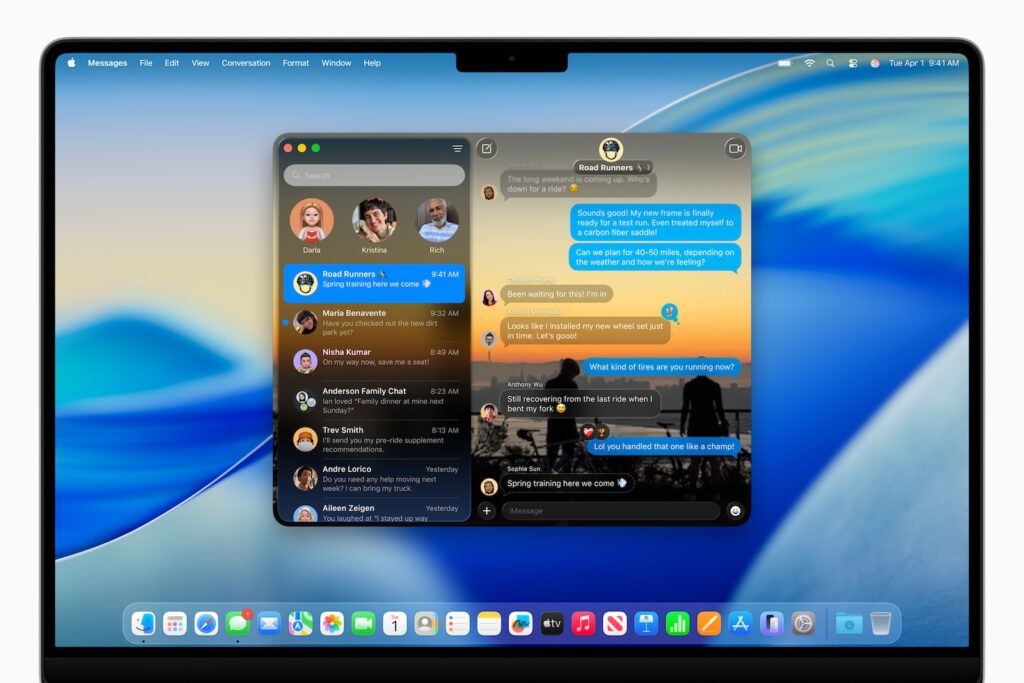
Starting with iOS 26, users can set custom background images for individual chats. Users can either select their own images or have new ones created using "Image Playground." This feature leverages Apple Intelligence to create AI-generated images directly on the device.
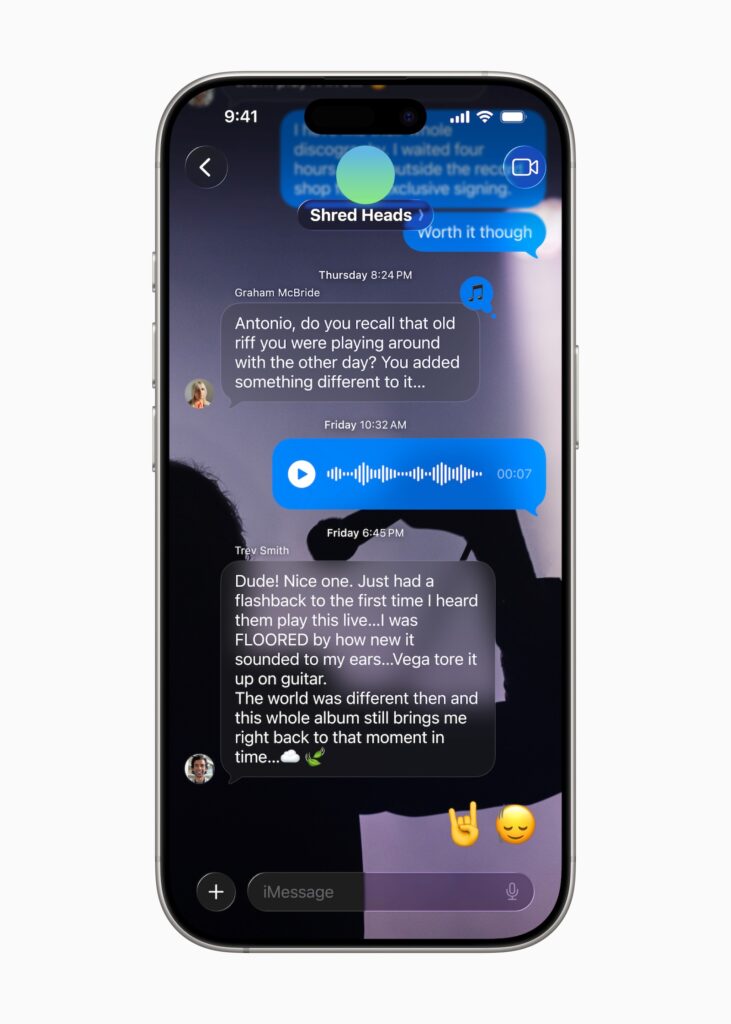
Live translation directly in the chat
Apple Intelligence also brings a live translation feature to the Messages app. It allows messages to be translated in real time, which is especially helpful when communicating with people who speak other languages. The feature is integrated directly into the app and is designed to work automatically in the background.
Message filtering and spam protection
Also new is a filter for messages from unknown senders. These messages no longer end up in the main mailbox, but in a separate area. There, users can decide whether to accept, block, or delete the sender. Until a decision is made, the messages remain muted and do not trigger notifications. The goal is to reduce spam and provide more control over communication.
RCS and possible encryption
Apple didn't provide any RCS details when unveiling iOS 26. However, RCS features such as support for end-to-end encryption are widely expected to be introduced later this year. This would primarily improve communication between iPhone and Android users.
Availability on all Apple platforms
The new features of the Messages app won't only be available on the iPhone. They'll also be available on iPad and Mac with the corresponding updates – iPadOS 26 and macOS Tahoe. This way, all Apple devices will remain synchronized in terms of functionality.
iOS 26 makes messages more versatile and smarter
iOS 26 brings several meaningful innovations to the Messages app. The combination of a modernized design, better group features, AI-powered tools, and enhanced security features makes the app more versatile and user-friendly. Users can look forward to a smoother and more customizable chat experience. The best products for you: Our Amazon Storefront offers a wide selection of accessories, including those for HomeKit. (Image: Apple)
- iOS 26 brings new battery features for your iPhone
- Installing iOS 26 Beta: Preparations & Important Tips
- Apple brings smart updates for reminders and notes
- iOS 26 introduced: Apple brings major innovations to the iPhone





