

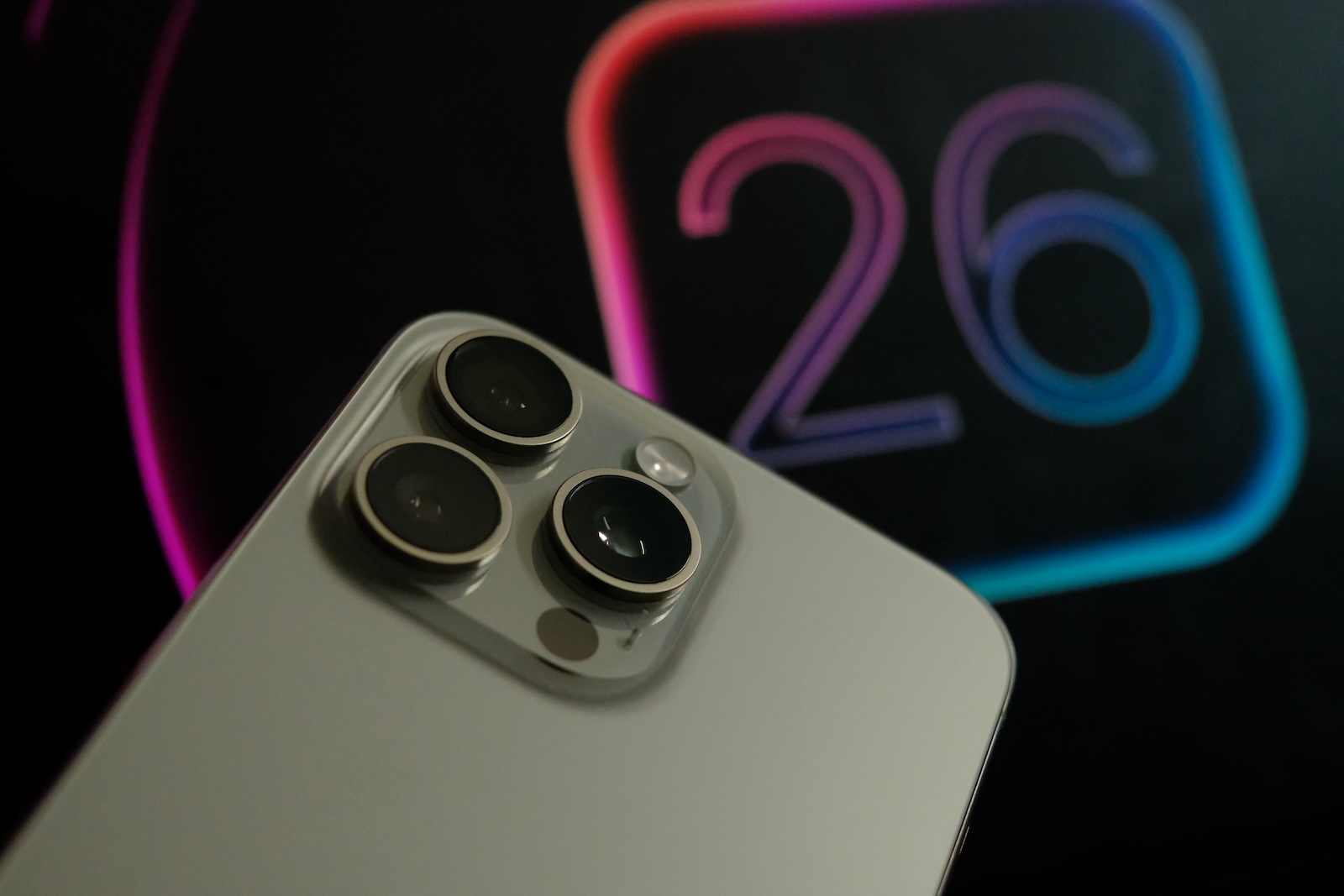
With the fourth beta version of iOS 26, Apple once again demonstrates the direction the upcoming iPhone operating system is headed. The version brings visual tweaks, minor design fixes, and the return of several features that had previously been tested but removed. These include Apple Intelligence notification summaries. System apps like Camera, Mail, Weather, and Passwords have also been improved.
iOS 26 Beta 4 is available to registered developers and shows the changes Apple is planning for the final system. The main focus is on visual adjustments related to the so-called Liquid Glass design, a return of Apple Intelligence summaries, and functional improvements in areas such as the camera, CarPlay, passwords, and call management. The changes are numerous, often subtle, but overall quite relevant to everyday life.
More transparency in the Liquid Glass design
Apple has further tweaked the Liquid Glass design in iOS 26 Beta 4. Some changes from the third beta have been reverted. This primarily affects opacity: The design is now more transparent. Menu bars in apps like Photos, Music, and the App Store allow more of the background color to show through. When scrolling through notifications on the lock screen, the background automatically darkens, making the text easier to read.
Apple Intelligence brings back notification summaries
A key feature of Apple Intelligence is returning: automatic summaries of news notifications. These were removed in January after frequently combining incorrect or misleading content from articles. The feature can now be reactivated. Immediately after the update, a pop-up appears, allowing you to select whether you want summaries for specific app categories. The summaries appear in italics and with the note "Summaryed by Apple Intelligence." They are currently available for news and entertainment apps.
Camera app: Small changes, new animation
In the Camera app, the animation when switching between modes has been changed. The button now appears more fluid and moves freely in both directions, whereas previously only the background slid. The Camera app icon on the home screen has also been slightly redesigned.
New wallpapers for CarPlay
CarPlay is getting new wallpapers that visually reflect the new iOS 26 style. They're available in blue, brown, gray, green, purple, and red. The wallpapers support both light and dark modes. Apple has also removed older wallpapers introduced with previous iOS versions.
Changes to Face ID & Passcode
The "Face ID & Passcode" settings feature a redesigned user interface. A notification now appears reminding you to enter your passcode to unlock your device. This improves the user experience, especially when opening the menu for the first time.
Passwords app: Website contact allows more overview
The Passwords app now includes an option to "Allow contacting websites." When enabled, the app can automatically detect websites and display them with their names and icons. It also informs you whether a website supports passkeys. This makes the display more manageable, especially if you have many saved accounts.
Weather app with access to important locations
There's a new option in the Weather app's settings that allows the app to access so-called important locations. When enabled, the app automatically displays weather information for locations you're likely to visit. The selection is based on typical usage behavior.
“Reduce Loud Sounds” replaces “Late Night Mode”
In the "Sounds and Haptics" section, the previous "Late Night Mode" has been renamed "Reduce Loud Sounds." This feature limits the maximum volume without losing quiet details. According to Apple, this reduces sound effects without compromising sound quality.
Advanced options for unknown callers
New options have been added to the unknown caller handling feature. It's now possible to ask callers why they're calling. Alternatively, calls from unknown numbers can be automatically muted and forwarded to voicemail. You can also disable the feature entirely.
Fine-tuning the Mail app icon
The Mail app icon has received a slight visual overhaul. The change is subtle but fits in with the overall design update of iOS 26.
Dynamic background images adapt to the course of the day
The new wallpapers in iOS 26 automatically change color throughout the day. This feature is designed to make the user experience smoother and more personalized, without requiring manual intervention.
iOS 26 becomes more mature and sophisticated
iOS 26 Beta 4 doesn't bring any major surprises, but it does offer many useful, detailed improvements. The system is becoming more rounded, transparent, and intelligent in several areas. The return of notification summaries shows that Apple is responding to criticism and further integrating its own AI. The many small design and usability changes underscore that iOS 26 is gradually being shaped into a modern, user-friendly operating system. Anyone who follows the development closely will see clear hints of the final product in this beta version. The best products for you: Our Amazon Storefront offers a wide selection of accessories, including those for HomeKit. (Image: Shutterstock / Ravi_Sharma1030)
- Apple sues Jon Prosser over leaked iOS 26 details
- macOS Tahoe Beta 2: These are the new features you should know
- iOS 26 Beta 3: All the new features in the third test version
- iOS 26 Beta 2: All new features at a glance





