

apple patient
  • Home
  • News
  • Rumors
  • Tips & Tricks
  • Reviews
  • Insights
No Result
View All Result
  • Home
  • News
  • Rumors
  • Tips & Tricks
  • Reviews
  • Insights
No Result
View All Result
apple patient
No Result
View All Result

iOS 18: Reminders now displayed in the Calendar app

Milan Jovicic by Milan Jovicic
11. June 2024 - 23:28 CEST
in Apple News
0
iOS 18 Apple

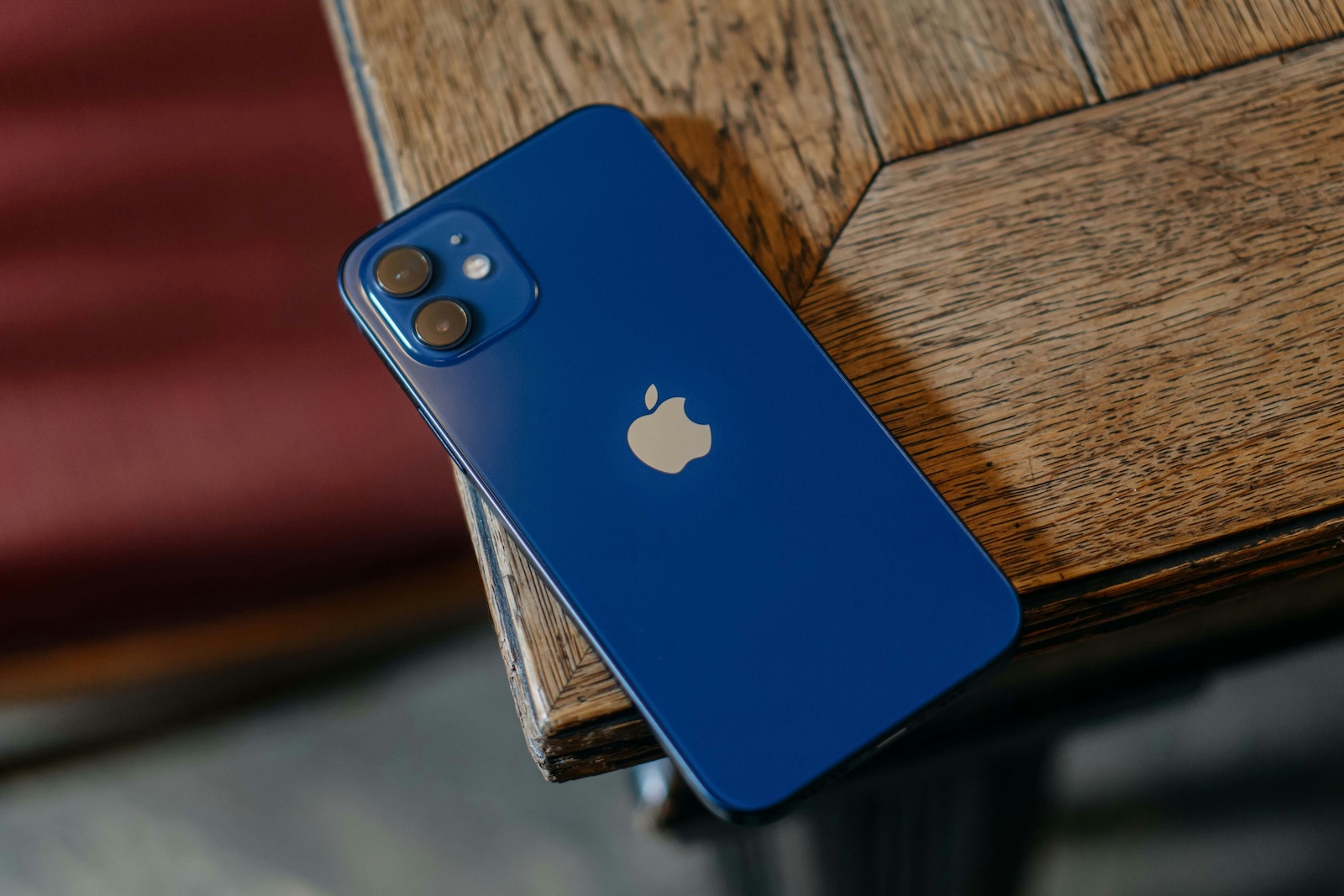
Photo by Unsplash / Grigorii Shcheglov

WhatsAppFacebookEmail
Threads

With the introduction of iOS 18, Apple is taking its productivity tools to a new level. One of the new features is the integration of the Reminders and Calendar apps. These two important applications can now optionally be used in a single interface, giving you a better overview of your day and increasing your efficiency.

Apple has always focused on productivity with the Calendar and Reminders apps. But despite their individual strengths, the seamless connection between them was often lacking. In iOS 18, this shortcoming is remedied by the option to link the two applications together. This gives you the opportunity to manage your appointments and tasks clearly in one place.

Improved overview of your day

Do you know the feeling that your calendar doesn't give you a complete overview of your day because your tasks and reminders are missing? With iOS 18, this problem is a thing of the past. The Calendar app now also shows your reminders, giving you a comprehensive insight into your daily routine. This integration was previously only possible via third-party apps such as Fantastical, but now Apple offers this feature directly in its system.

How the integration works

The Reminders app will remain a standalone application in iOS 18. Integration with Calendar is completely optional and easy to set up. Reminders that you've assigned a due date will now automatically appear on that date in your calendar. This applies to all-day tasks as well as those with a specific time. Reminders with specific due times will appear chronologically in your calendar, so they appear seamlessly between your appointments. For example, if you have a reminder that's due at 6 p.m., it will appear right below an event that's scheduled for 7 p.m.

operation and customization

You can activate and deactivate reminders directly in the calendar interface. Small circles help you distinguish between reminders and events. This clear visualization ensures that you can immediately see which tasks are pending and which appointments are planned.

iOS 18: More efficiency through smart linking

Apple once again proves its ability to improve its products through intelligent integration. The merging of reminders and calendar in iOS 18 is a significant step towards an even more efficient ecosystem. This new feature not only offers you an optimized overview of your day but also increases your productivity. It remains exciting to see what other innovations Apple will present in the future. With this new feature in iOS 18, you can plan your time better and complete your daily tasks more efficiently. Take the opportunity to take your productivity to a new level with the integrated reminders and calendar apps. Are you looking for new accessories? Then take a look in our Amazon Storefront - there you will find numerous products from leading suppliers, also for HomeKit and Co.! (Photo by Unsplash / Grigorii Shcheglov)


  • iOS 18: Use and customize your Photos app more efficiently
Make Apfelpatient a preferred source One click – and you'll see us more often on Google
Was this article helpful?
YesNo
Tags: Apple ServicesiOSiOS 18iPadOSiPadOS 18macOSmacOS 15
SendShareSend
Share

Our Amazon Storefront

A handpicked selection of products for iPhone, Mac and more – sorted by topic and updated regularly.

Shop Now

This post contains affiliate links (including Amazon). We earn a small commission on qualifying purchases – at no extra cost to you. Learn more on our Partner Program page.

Previous Post

iOS 18: Use and customize your Photos app more efficiently

Next Post

iOS 18 warns you about slow chargers

Milan Jovicic

Milan Jovicic

Milan founded Apfelpatient in 2016 and has been responsible for all editorial content since 2018 — news, rumors, guides, and product reviews. Apple devices here are not test units on loan for two weeks but everyday tools: from the iPhone through MacBook Pro, MacBook Air, and iMac to the Apple Vision Pro, at least one device from nearly every product category is in daily use, many of them replaced annually. Every menu path in a guide is verified on the device before it is published.

Drawn outline of the folded iPhone Ultra with square corners on the hinge side and rounded corners opposite, matching the leaked iPhone Ultra screen protectors

iPhone Ultra: Screen protectors reveal the camera position

August 12, 2026 - 3:58 PM CEST
Glass panel set into the aluminium frame on the back of an iPhone 17 Pro Max in Cosmic Orange, whereas the iPhone 20 glass design is said to wrap the glass around the edges

iPhone 20: Glass design is not supposed to be scrapped after all

August 12, 2026 - 2:50 PM CEST
Jennifer Bailey on stage at an Apple event in front of a projected Apple Card, the Apple Pay chief is leaving the company in October

Apple Pay: Jennifer Bailey is leaving Apple in October

August 12, 2026 - 2:31 PM CEST

About APFELPATIENT

APFELPATIENT brings you the latest Apple news, product updates, guides, reviews and tips across the entire Apple ecosystem — from the iPhone to the Mac to the Apple Vision Pro. From the first rumors to confirmed news: researched responsibly.

Follow Apfelpatient

Facebook Instagram YouTube Threads Threads

Company

  • About Apfelpatient
  • Contact
  • Author Profiles

Community

  • Netiquette
  • Push Notifications
  • RSS feed

Legal

  • Legal Notice
  • Privacy Policy
  • Terms of Use
  • Cookie Settings
  • Affiliate Program

Resources

  • Sitemap

© 2026 Apfelpatient. All rights reserved.

No Result
View All Result
  • Home
  • News
  • Rumors
  • Tips & Tricks
  • Reviews
  • Insights

© 2026 Apfelpatient. All rights reserved. Page Directory

Change language to Deutsch


