

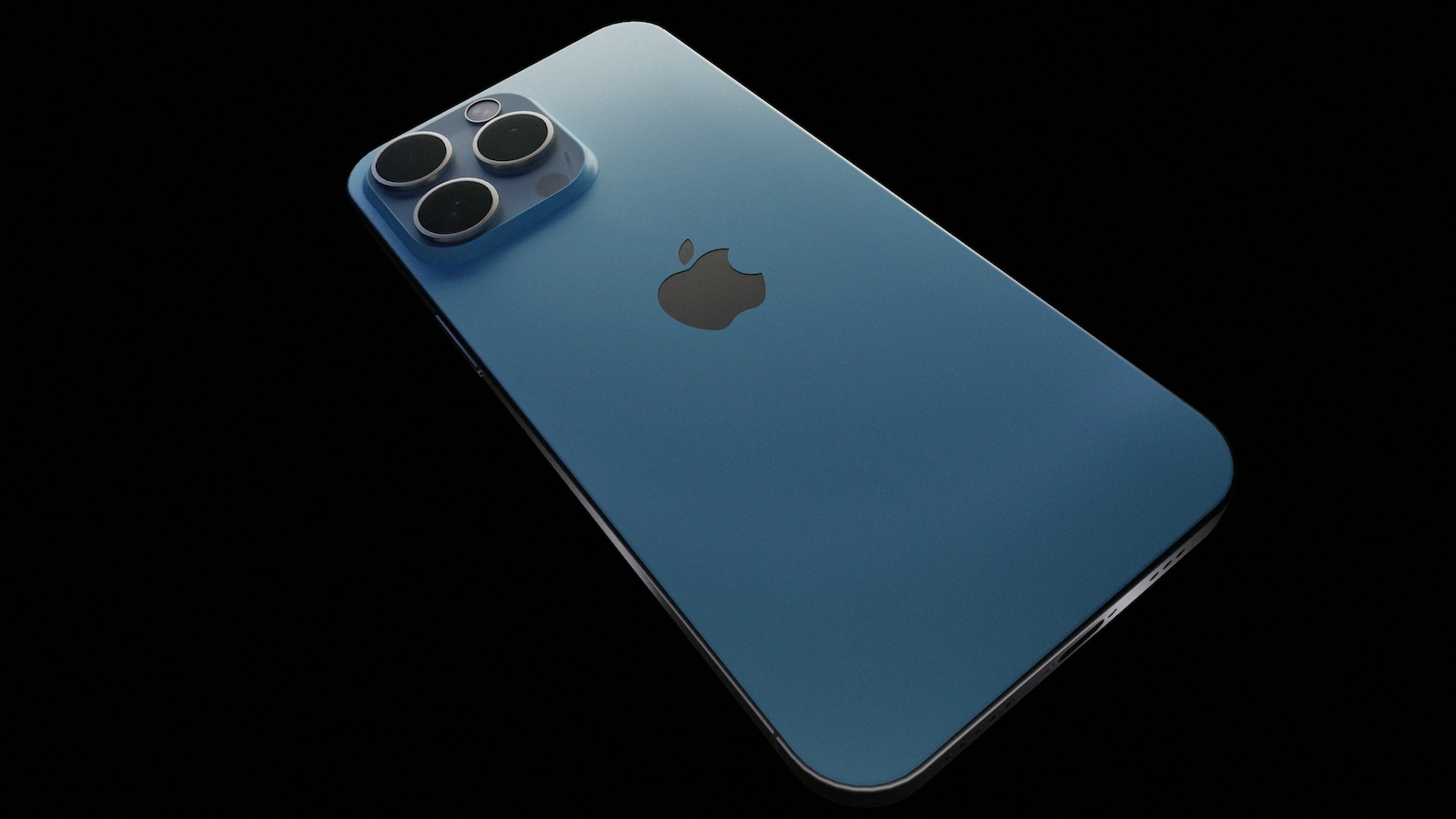
With the introduction of iOS 18, Apple is setting new standards in the design and security of its popular "Photos" and "Camera" apps. The redesign goes far beyond a simple redesign and brings with it numerous security features that are intended to better protect your personal data. In this article, you will learn all about the new features and how they can make your everyday life easier.
Apple's "Photos" app is one of the most used applications on iOS devices. With around three trillion images and videos managed every year, it plays a central role in the digital lives of many users. This is precisely why protecting this personal data is of utmost importance. With iOS 18, Apple has not only improved the user interface but also integrated extensive security measures to prevent the misuse of images.
redesign of the Photos app
During the WWDC presentation in June 2024, Apple unveiled an AI-powered redesign of the Photos app. These new features will help you find specific images faster, remove unwanted elements or people from photos, and enjoy intelligently curated collections and videos.
Improved search functions
Thanks to extensive AI integration, you can now find photos using simple descriptions. The optimized single photo view enables easier and faster navigation through your photo library.
Intelligent adjustments
Apple has put a lot of emphasis on personalization. Every user has a different workflow, so the Photos app's ability to automatically customize is really key. You can now organize and edit your photos and videos in a way that's tailored specifically to your needs.
security and data protection
A key feature of the new Photos app is improved security. Third-party apps that want to access your images are now checked for privacy risks. You will be informed which external apps are requesting access to your photos. You can also create a sub-catalog of images and videos that third-party apps can access while sensitive content remains protected.
New features of the camera app
The camera app has also been improved with iOS 18. The latest iPhones, such as the iPhone 15 Pro and Pro Max, use the features through on-device processing. Older models compatible with iOS 18 rely on Apple's private cloud to use the AI features.
Advanced recording functions
The new features allow you to create and edit visual content faster than ever before. The new camera app offers numerous options for editors and influencers in particular to produce creative and engaging content.
New Collections and Memories
The Photos app now automatically generates new collections and memories based on similar photos or the time and place they were taken. These collections come with new animations and sound effects that bring your memories even more to life.
filtering screenshots
Another practical feature is the intelligent filtering of screenshots. These are automatically filtered out of personal photos or albums, making your photo library even clearer.
iOS 18: Improved security and usability
With iOS 18, Apple has not only visually refreshed the "Photos" and "Camera" apps but also integrated numerous security and convenience features that better protect your data and make your life easier. The new, AI-supported features ensure that you can organize and edit your photos and videos even more efficiently. Be ready for fall 2024, when iOS 18 and the new operating system versions will be released. Are you looking for new accessories? Then take a look in our Amazon Storefront - there you will find numerous products from leading providers, also for HomeKit and Co.! (Photo by Unsplash / Faded_Gallery)
- Optimized Gaming: How to Use iOS 18 Game Mode
- Unique Emoji with iOS 18: How Genmoji works
- iOS 18 Photos: How the "Clean Up" tool works
- iOS 18: Schedule and automatically send messages
- Lock and hide apps with iOS 18: Here's how
- iOS 18: How to change app colors and themes
- iOS 18: Customizing the Control Center made easy
- iOS 18: Use and customize your Photos app more efficiently
- iOS 18: Hide app labels on the home screen





