

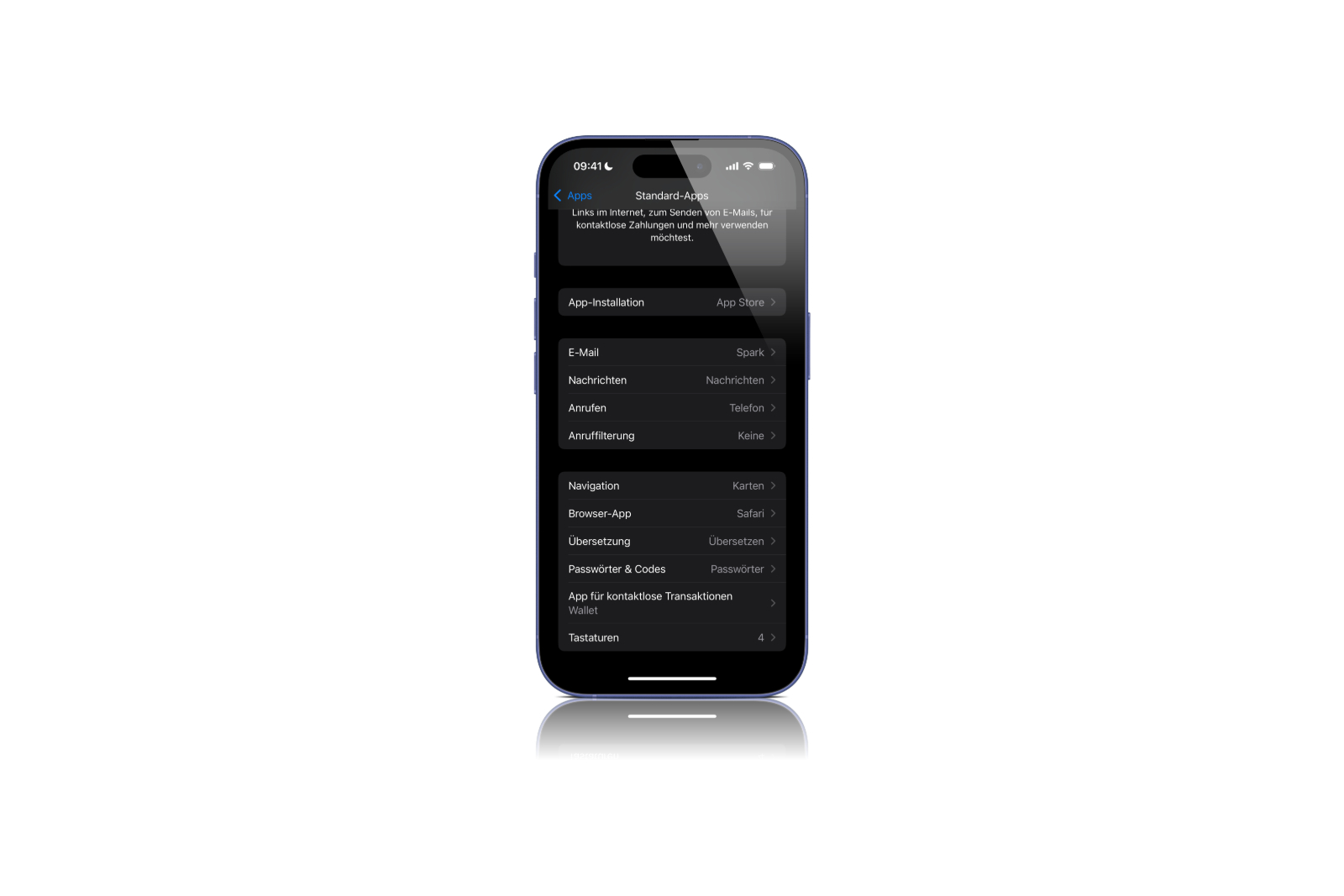
With iOS 18.4, Apple is introducing another innovation that allows you to select certain default apps. In addition to the existing options, there are now two new categories: translation apps and navigation apps. While the translation function is available worldwide, the navigation option only affects users in the EU. These changes make the iPhone even more flexible and offer more control over the apps used.
Apple has been allowing you to set default apps for browsers and email services for some time now. With iOS 18.2, this option has been expanded and made clearer in the settings. Now, with iOS 18.4, the list of categories has been expanded again. These adjustments are an important improvement, especially for users who often prefer apps other than the pre-installed Apple services.
New default app category: Translation
With iOS 18.4, there is now a new option for translation apps. Until now, Apple's own translation app was automatically preset. From now on, users can choose another app as the default. These include Google Translate or DeepL, for example. If another app has been set as the default, it will be used whenever a translation function is required in the system. This applies, for example, to translations within Safari, Siri or other system-wide functions. This change is available worldwide and offers more freedom when using preferred services.
Set navigation apps as standard – only for the EU
Another important innovation concerns the selection of the default navigation app. However, this function is only available for users in the European Union. Until now, the iPhone automatically opened Apple Maps when an address was called up from a message or another app. With iOS 18.4, it is now possible to choose a different navigation app instead. This means that users can set their preferred map app such as Google Maps, Waze or another option as the default. As soon as an address is tapped, it opens directly in the selected app without having to be selected manually. The fact that this option is only available in the EU is probably related to regulatory requirements. Apple is thus opening up further to alternatives, but only in certain regions.
How to change default apps on the iPhone
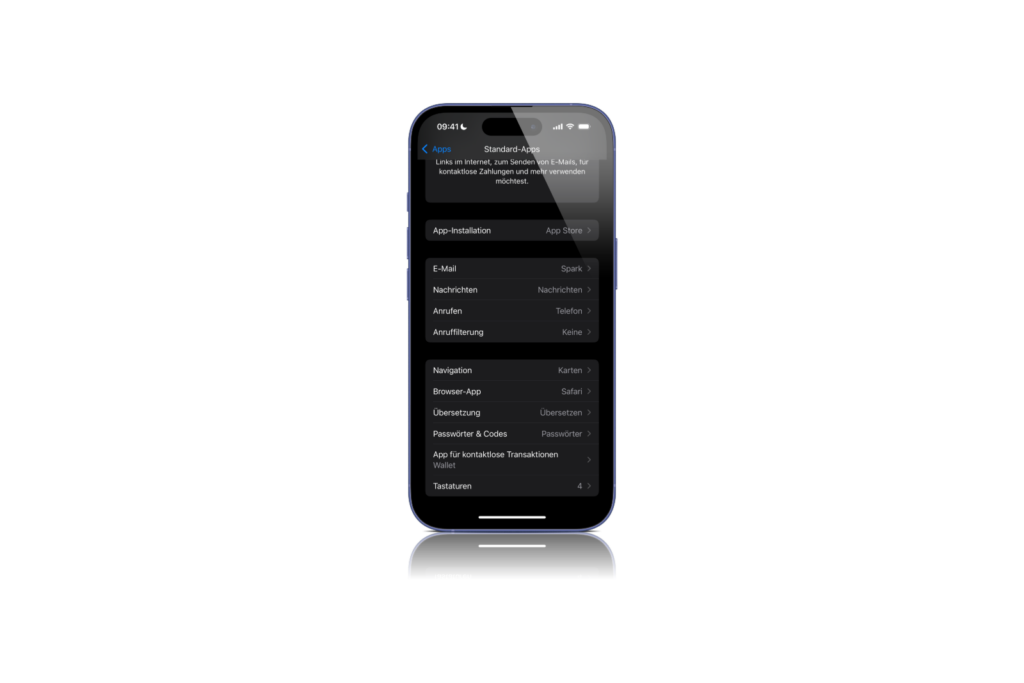
Changing the default apps is easy via the settings. To do this, the user must follow these steps:
- Open the Settings app
- Select the “Apps” section
- Select the menu item “Default Apps”
- Select the desired category (translation or navigation)
- Set the preferred app as default
Once selected, this app will be used automatically in the future when corresponding functions are called up in the system.
More control over standard apps with iOS 18.4
With iOS 18.4, Apple continues its course of offering users more choice in standard apps. The new options for translation and navigation are a useful addition, especially for users who regularly use alternative apps. While the worldwide availability of the translation function is a practical innovation for everyone, the navigation function remains limited to the EU. Nevertheless, this is another step towards more flexibility in using the iPhone. Anyone who has previously preferred other services should try out the new options in the settings. Looking for the best accessories? Visit our Amazon Storefront and discover a variety of products from top providers, including for HomeKit! (Image: Apfelpatient)
- Apple redesigns the Mail app – what you need to know now
- iOS 18.4: Apple brings smart priority notifications
- iOS 18.4: Apple expands Image Playground with sketch style
- iOS 18.4 with new ambient music controls
- Apple Intelligence: iOS 18.4 brings 10 new languages
- Apple Vision Pro becomes more intelligent – This is what visionOS 2.4 brings





