

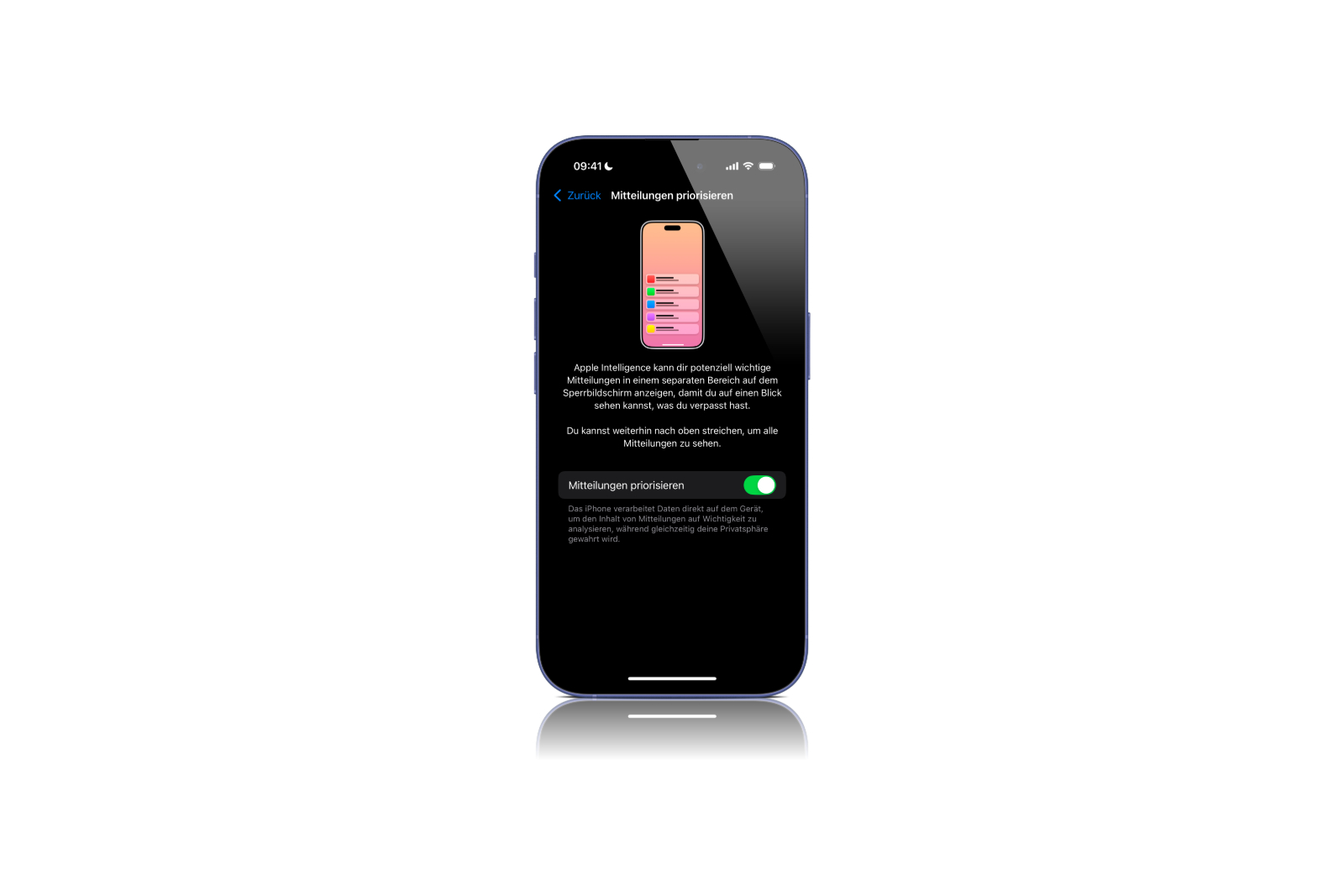
With iOS 18.4, Apple is introducing a new notification feature that is managed by AI-powered Apple Intelligence. "Prioritize Notifications" helps you see really important notifications immediately, while less relevant notifications fade into the background. This feature was announced back in June, but was only officially introduced with the current beta version of iOS 18.4, iPadOS 18.4 and macOS Sequoia 15.4.
Notifications are a central part of the iPhone and iPad experience. However, they can quickly get out of hand and make it difficult to keep track of everything. With "Prioritize Notifications" in iOS 18.4, Apple is using an intelligent solution that helps you keep focus on what's important. The function is deactivated by default, but can easily be activated in the settings. How this works, what the advantages are and how Apple decides which notifications are prioritized are explained in detail below.
How does Prioritize Notifications work?
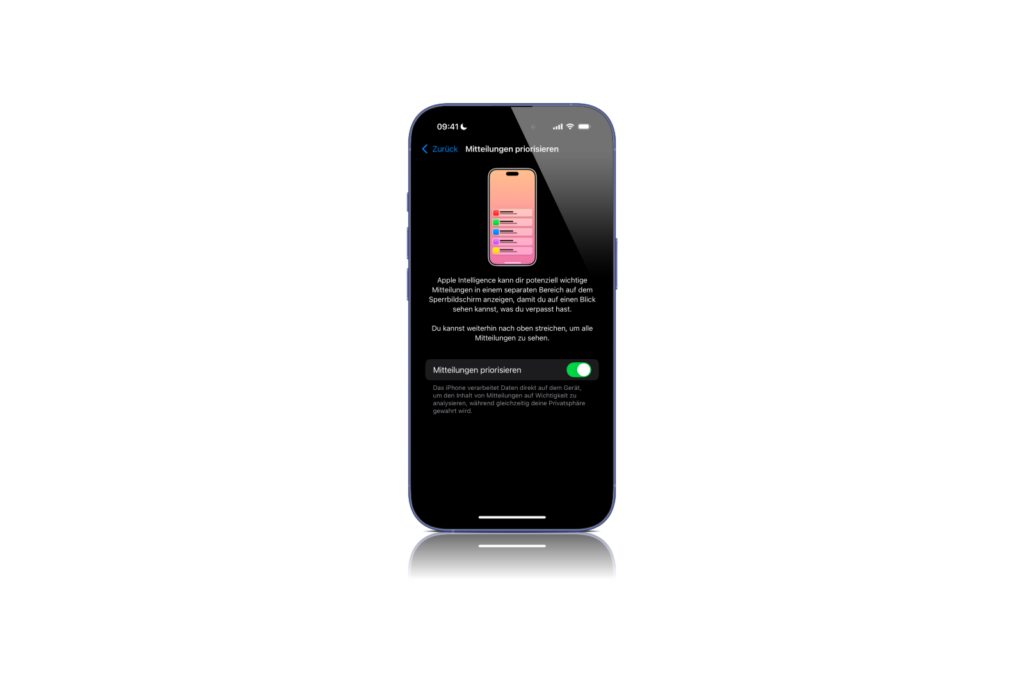
Apple Intelligence analyzes incoming notifications and decides which ones might be particularly important to you. These are then displayed in a separate area on the lock screen so you can't miss them. Less relevant messages remain in the traditional notification center.
How to activate the function
“Prioritize notifications” is disabled by default, but can be quickly turned on via the settings:
- Open Settings on your iPhone or iPad.
- Scroll to Notifications.
- Tap Prioritize Notifications.
- Activate the function using the slider.
Once Prioritize Notifications is turned on, they are automatically sorted by Apple Intelligence and displayed in a separate area of the lock screen.
How does Apple decide which notifications are important?
Apple Intelligence uses machine learning to evaluate the relevance of notifications, taking into account several factors:
- Frequency of interaction: Messages from contacts or apps you communicate with frequently are given priority.
- Urgency: Calendar invitations, reminders, and important emails receive higher priority.
- Context: Depending on the time of day or location, Apple Intelligence can identify which notifications are important.
The technology is designed to ensure that you don't miss any relevant information, while unimportant messages remain discreetly in the background.
What are the benefits of the new feature?
The introduction of Prioritize Notifications offers several practical advantages:
- Better clarity on the lock screen
- Less distraction from unimportant messages
- Faster access to important information
- Individual prioritization based on your usage
As Apple Intelligence learns, priority notifications become more tailored to your needs over time.
Supported devices and availability
Prioritize Notifications is available with the latest betas of iOS 18.4, iPadOS 18.4, and macOS Sequoia 15.4. The feature will be rolled out to all supported devices with the official release of iOS 18.4.
iOS 18.4 optimizes your notification system with AI support
With the introduction of "Prioritize Notifications" in iOS 18.4, Apple is taking another step towards intelligent and efficient notification management. The function helps to identify important information more quickly and to make the lock screen more clearly organized. If you receive a lot of notifications and value structured organization, you should try the function. It can be easily activated in the settings and ensures that really important notifications immediately catch your eye. Looking for the best accessories? Visit our Amazon Storefront and discover a variety of products from top providers, including for HomeKit! (Image: Apfelpatient)
- iOS 18.4: Apple expands Image Playground with sketch style
- iOS 18.4 with new ambient music controls
- Apple Intelligence: iOS 18.4 brings 10 new languages
- Apple Vision Pro becomes more intelligent – This is what visionOS 2.4 brings





