

apple patient
  • Home
  • News
  • Rumors
  • Tips & Tricks
  • Reviews
  • Insights
No Result
View All Result
  • iPhone 18
  • iPhone 18 Pro
  • iPhone Duo
  • Apple Watch Series 12
  • Apple Watch Ultra 4
  • AirPods 5
  • iOS 27
  • iPadOS 27
  • macOS
  • MacBook Neo
  • iPhone 17e
  • AirTags
  • iOS 26
  • iPhone 17
  • MacBook Pro
  • iPadOS
  • iMac
  • Mac mini
  • HomePod
  • Apple TV
  • iPad Pro
  • iPhone Air
  • Apple Vision Pro
  • iPhone 16
  • AirPods 4
  • Apple Watch Ultra
  • HomePod Mini
  • MacBook Air
  • iPad
  • AirPods Max
  • AirPods Pro 3
  • Apple Watch Series 3
  • Mac Studio
  • Studio Display
  • iPad Air
  • iPad mini
  • watchOS 27
  • Apple CarPlay
  • Apple Pay
  • watchOS 26
  • Home
  • News
  • Rumors
  • Tips & Tricks
  • Reviews
  • Insights
No Result
View All Result
apple patient
No Result
View All Result
  • iPhone 18
  • iPhone 18 Pro
  • iPhone Duo
  • Apple Watch Series 12
  • Apple Watch Ultra 4
  • AirPods 5
  • iOS 27
  • iPadOS 27
  • macOS
  • MacBook Neo
  • iPhone 17e
  • AirTags
  • iOS 26
  • iPhone 17
  • MacBook Pro
  • iPadOS
  • iMac
  • Mac mini
  • HomePod
  • Apple TV
  • iPad Pro
  • iPhone Air
  • Apple Vision Pro
  • iPhone 16
  • AirPods 4
  • Apple Watch Ultra
  • HomePod Mini
  • MacBook Air
  • iPad
  • AirPods Max
  • AirPods Pro 3
  • Apple Watch Series 3
  • Mac Studio
  • Studio Display
  • iPad Air
  • iPad mini
  • watchOS 27
  • Apple CarPlay
  • Apple Pay
  • watchOS 26

iOS 17: New features and improvements in the Maps app

Milan Jovicic by Milan Jovicic
September 11, 2023 - 5:15 p.m. CEST
in Apple News
0
iOS 17 Apple Maps

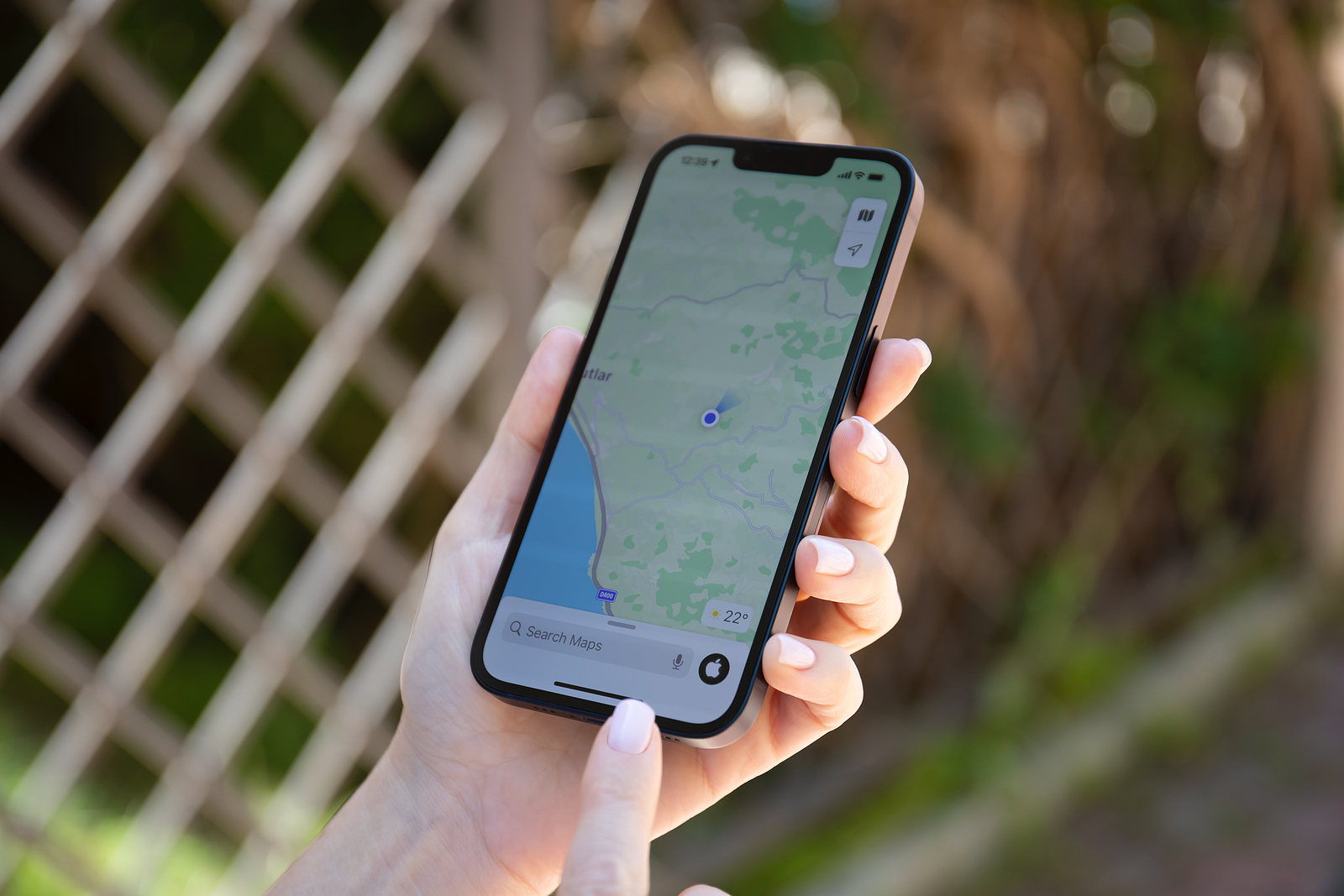
Alanya, Turkey - May 9, 2022: Man hands holding Apple iPhone 14 with Apple Maps on the screen. iPhone, Apple Maps and Car Play was created and developed by the Apple inc.

WhatsAppFacebookEmail
Threads

With the launch of iOS 17, Apple has made some exciting changes to its Maps app. While these changes may not seem as groundbreaking as some previous updates, there is one long-awaited feature that many users have been waiting for. In this article, we'll take a look at what's new in iOS 17's Maps app and how these improvements will benefit users.

Apple has continued to improve and enhance the Maps app while developing iOS 17 to provide users with an even better experience. One of the most notable additions is the ability to download maps for offline use. This feature is especially helpful when traveling in areas without cellular or WiFi connectivity. In addition to this, Apple has also made other improvements to the Maps app's interface and functionality. Let's take a detailed look at these new features.

iOS 17: Offline Maps

iOS 17 allows users to download maps for offline use. This means you can save a specific area of a map to your device to access it even when you don't have an internet connection. These offline maps still contain all the important information like opening hours and reviews of shops and restaurants. You can even get driving directions, so the Maps app works almost as effectively as it does when connected online, minus real-time traffic information.

The size of the downloaded maps varies

To download an offline map, simply search for a location or drop a pin and then select the "Download" option. A user-friendly interface will open where you can choose how much of the map you want to download. Apple offers the option to download entire cities and their surrounding areas, which is especially useful if you travel a lot. The size of the downloaded maps varies depending on the selected area and content, from small sections as small as 200 MB to larger areas of 3 GB or more.

limited service warnings

Another useful feature of iOS 17 is the ability to receive alerts when you're planning a route that passes through areas where cellular coverage is poor. In such cases, the Maps app will recommend downloading the map for offline use. Please note that this feature is currently only available for national parks in the US, but it shows Apple's commitment to improving the user experience in remote areas.

charging stations for electric cars

For electric vehicle owners, iOS 17 brings a handy feature to display real-time availability of charging stations along planned routes. You can even select your preferred charging station and only see the compatible options. This is a useful feature to ensure you always have access to a charging station while on the go, especially on longer trips.

updating the interface

The Maps app's UI has also been updated, with turn-by-turn directions now displaying tap-to-click icons for different modes of transportation instead of a dropdown menu. However, the options for arrival times and detours remain in the same dropdown menu as in iOS 16, further improving the app's usability.

volume adjustment

Finally, there's a new option for adjusting the voice volume in turn-by-turn directions. Simply tap the "^" button and choose between "Quieter," "Normal," and "Louder." This additional customization allows you to fine-tune the navigation to your exact preferences and ensure you don't miss any important turn-by-turn directions.

Apple Maps Conclusion

With iOS 17, Apple has made significant improvements to the Maps app, adding new features that enrich navigation and the overall user experience. The ability to download maps for offline use is especially helpful for travelers and in areas with limited internet connectivity. In addition, limited service alerts, electric car charging station display, and user interface updates ensure that the Maps app in iOS 17 is a valuable resource for all Apple users. These improvements help ensure that the Maps app remains one of the best navigation solutions on the market. Looking for new accessories? Then take a look in our Amazon Storefront - there you will find numerous products from leading suppliers, also for HomeKit and Co.! (Photo by DenPhoto / Bigstockphoto)


  • iOS 17: Discover what's new in the Apple Music app
Make Apfelpatient a preferred source One click – and you'll see us more often on Google
Was this article helpful?
YesNo
Tags: Apple ServicesiOSiOS 17
SendShareSend
Share

Our Amazon Storefront

A handpicked selection of products for iPhone, Mac and more – sorted by topic and updated regularly.

Shop Now

This post contains affiliate links (including Amazon). We earn a small commission on qualifying purchases – at no extra cost to you. Learn more on our Partner Program page.

Previous Post

iOS 17: Discover what's new in the Apple Music app

Next Post

BuhoCleaner App: How to make your Mac faster and more efficient

Milan Jovicic

Milan Jovicic

Milan founded Apfelpatient in 2016 and has been responsible for all editorial content since 2018 — news, rumors, guides, and product reviews. Apple devices here are not test units on loan for two weeks but everyday tools: from the iPhone through MacBook Pro, MacBook Air, and iMac to the Apple Vision Pro, at least one device from nearly every product category is in daily use, many of them replaced annually. Every menu path in a guide is verified on the device before it is published.

Related posts

watchOS 27.2: Code reveals new screenshot preview

by Milan Jovicic
September 24, 2026 - 8:36 p.m. CEST
Apple Watch Ultra with an orange band showing the app view, the device getting the new screenshot preview in watchOS 27.2

watchOS 27.2 includes a new screenshot interface for the Apple Watch: preview, share, and delete, just like on the iPhone. It's currently inactive.

Read moreDetails

Apple TV: Peanuts classics free again for Christmas

by Milan Jovicic
September 24, 2026 - 6:43 p.m. CEST
Charlie Brown holding a small Christmas tree under a starry sky in the snow, a scene from A Charlie Brown Christmas, free again on Apple TV

Three classic Peanuts cartoons are back on Apple TV for the holidays, no subscription required. Plus, there are new specials featuring Snoopy and the Fraggle Rocks.

Read moreDetails

The Wanted Man: Hugh Laurie on Apple TV from January

by Milan Jovicic
September 24, 2026 - 6:19 p.m. CEST
Hugh Laurie as crime boss Felix Carmichael in an evening scene from The Wanted Man on Apple TV

The Wanted Man premieres on January 6, 2027 on Apple TV. Hugh Laurie plays a crime boss who wants to escape – the finale is in February.

Read moreDetails

Apple and Qualcomm extend patent license from 2027

by Milan Jovicic
September 24, 2026 - 6:04 p.m. CEST
Back of an iPhone 18 Pro Max in a burgundy case on a grey surface, covered by the renewed Apple Qualcomm patent license

Apple and Qualcomm are extending their patent license from April 2027. Why this has nothing to do with the modem change and affects Germany.

Read moreDetails

iPhone 18 Pro: Update to prevent Face ID restarts is coming

by Milan Jovicic
September 24, 2026 - 1:13 p.m. CEST
iPhone showing the General settings with Software Update, where the fix for the Face ID reboots on iPhone 18 Pro will arrive

Apple has confirmed an update to fix the restarts after failed Face ID recognition on the iPhone 18 Pro and Pro Max. An exchange is not worthwhile.

Read moreDetails
Load More

Categories

  • Apple Insights
  • Apple Rumors
  • Apple News
  • Apple Tips & Tricks
  • iPhone news, rumors and tips
  • Mac and MacBook News
  • Reviews

About APFELPATIENT

APFELPATIENT brings you the latest Apple news, product updates, guides, reviews and tips across the entire Apple ecosystem — from the iPhone to the Mac to the Apple Vision Pro. From the first rumors to confirmed news: researched responsibly.

Follow Apfelpatient

Facebook Instagram YouTube Threads Threads

Company

  • About Apfelpatient
  • Contact
  • Author Profiles

Community

  • Netiquette
  • Push Notifications
  • RSS feed

Legal

  • Legal Notice
  • Privacy Policy
  • Terms of Use
  • Cookie Settings
  • Affiliate Program

Resources

  • Sitemap

© 2026 Apfelpatient. All rights reserved.

No Result
View All Result
  • Home
  • News
  • Rumors
  • Tips & Tricks
  • Reviews
  • Insights

© 2026 Apfelpatient. All rights reserved. Page Directory

Change language to Deutsch


