

apple patient
  • Home
  • News
  • Rumors
  • Tips & Tricks
  • Reviews
  • Insights
No Result
View All Result
  • iPhone 18
  • iOS 27
  • iPadOS 27
  • macOS
  • MacBook Neo
  • iPhone 17e
  • AirTags
  • iOS 26
  • iPhone 17
  • MacBook Pro
  • iPadOS
  • iMac
  • Mac mini
  • HomePod
  • Apple TV
  • iPad Pro
  • iPhone Air
  • Apple Vision Pro
  • iPhone 16
  • AirPods 4
  • Apple Watch Ultra
  • HomePod Mini
  • MacBook Air
  • iPad
  • AirPods Max
  • AirPods Pro 3
  • Apple Watch Series 3
  • Mac Studio
  • Studio Display
  • iPad Air
  • iPad mini
  • watchOS 27
  • Apple CarPlay
  • Apple Pay
  • watchOS 26
  • Home
  • News
  • Rumors
  • Tips & Tricks
  • Reviews
  • Insights
No Result
View All Result
apple patient
No Result
View All Result

iOS 14: iCloud Keychain gets better

Now also with safety recommendations

Milan Jovicic by Milan Jovicic
5. July 2020 - 13:14 CEST
in Apple News
0
Photo by Denys Prykhodov / Bigstockphoto

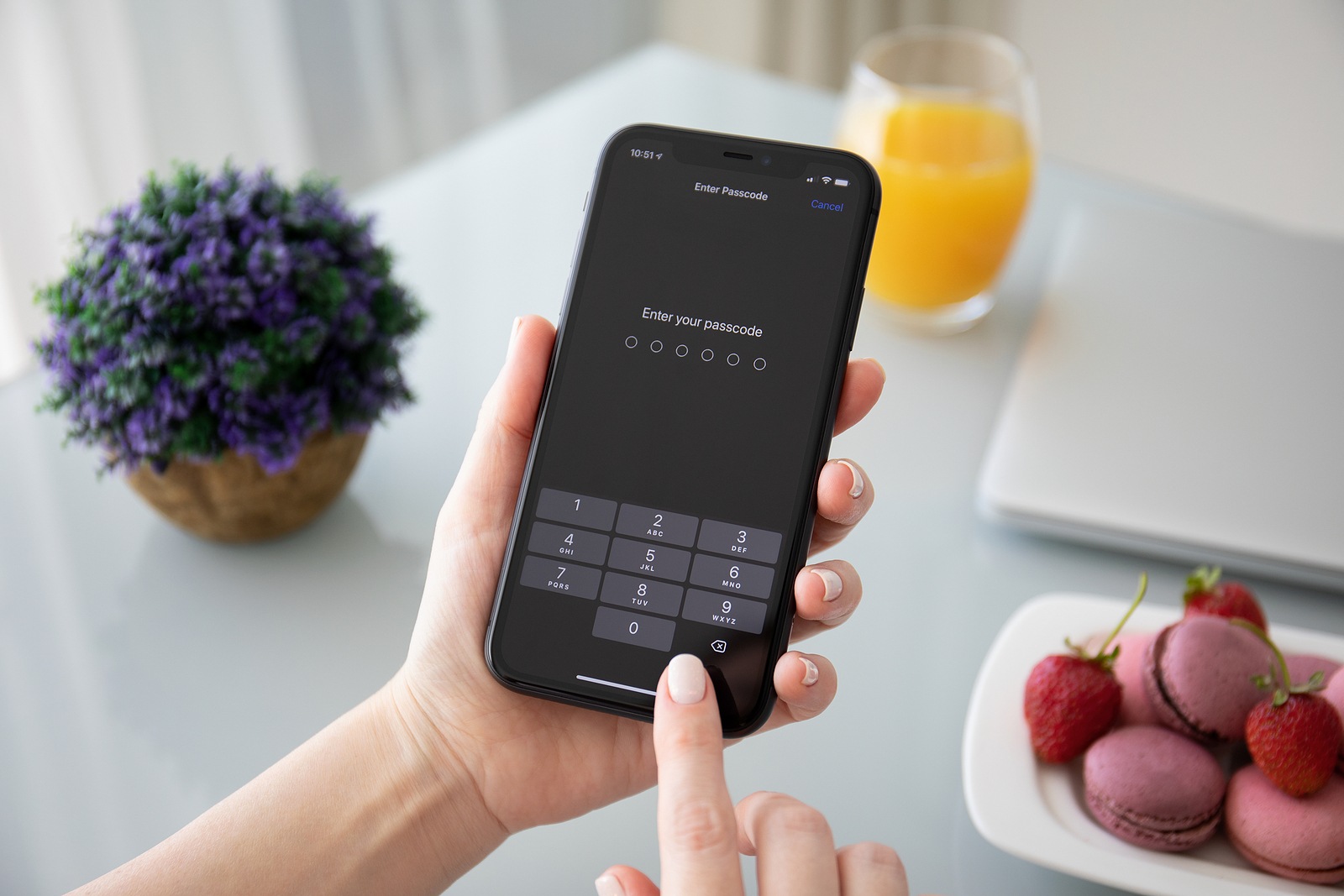
Anapa, Russia - October 1, 2019: Woman hand holding iPhone 11 with Pin code on the screen. iPhone 11 was created and developed by the Apple inc.

WhatsAppFacebookEmail
Threads

In addition to the redesigned home screen with widgets, the App Library, and more, iOS 14 and iPadOS 14 as well as macOS 11 Big Sur bring important improvements to the iCloud Keychain – including a particularly helpful security feature.

As part of the new iOS version, Apple has also revised the iCloud keychain and implemented a feature that provides users with useful information about their passwords. If you don't know the keychain yet, here's a brief summary. Users can save their passwords or complete access data for websites and apps in the iCloud keychain. If an iPhone, iPad or Mac is linked to iCloud, this data can be accessed easily and securely - authentication using Face ID or Touch ID is required.

iOS 14: Security warnings become more specific

In addition, it is also possible to generate a new password through the keychain. In iOS 14, the keychain gets a new menu called "Security Recommendations". This contains information about urgent security risks. This means that within the "Security Recommendations" accounts are displayed that have passwords that may have been leaked, have been assigned twice, and more. In fact, iOS now shows a specific problem for each individual password and motivates users to assign stronger passwords. Some of these functions were already available in iOS 13, but have been expandedHere are some examples of security warnings:

  • Many people use this password, making it easy to guess.
  • This password is easy to guess.
  • This password uses the sequence “123”. Using comma patterns makes passwords easy to guess.

But now comes the highlight of the innovations in this area. According to Apple, the iCloud keychain checks whether saved passwords have already been cracked and are openly accessible on the Internet. This check is made possible with the help of Safari, based on strong cryptographic techniques. This is how Apple describes the feature:

Comparison is done by Safari

Safari securely monitors your saved passwords and automatically looks for passwords that may have been involved in a data breach. To do this, Safari uses strong cryptographic techniques to periodically compare the derivations of your passwords against a list of breached passwords in a secure and private way that doesn't reveal your password information - not even to Apple. If Safari detects a breach, it can help you upgrade to Sign in with Apple when available or automatically generate a new strong password.

In addition to the iCloud keychain improvements, Apple has already launched an open source project announced, which is designed to help developers support strong passwords that are compatible with popular websites. In addition, support for Touch ID and Face ID will also be integrated using the Safari Web Authentication API. AirPods Pro on special offer at Amazon – now available for 213 euros. (Photo by Denys Prykhodov / Bigstockphoto)

  • When will iOS 14 be released for all users?
  • Public Beta: How to test iOS 14
  • macOS 11 Big Sur: Faster software updates

Make Apfelpatient a preferred source One click – and you'll see us more often on Google
Was this article helpful?
YesNo
Tags: iCloudiOSiOS 14iPadOSiPadOS 14
SendShareSend
Share

Our Amazon Storefront

A handpicked selection of products for iPhone, Mac and more – sorted by topic and updated regularly.

Shop Now

This post contains affiliate links (including Amazon). We earn a small commission on qualifying purchases – at no extra cost to you. Learn more on our Partner Program page.

Previous Post

iOS 13.5.1: Users complain about battery problems

Next Post

iPhone 12: The 5.4″ model in size comparison

Milan Jovicic

Milan Jovicic

Milan founded Apfelpatient in 2016 and has been responsible for all editorial content since 2018 — news, rumors, guides, and product reviews. Apple devices here are not test units on loan for two weeks but everyday tools: from the iPhone through MacBook Pro, MacBook Air, and iMac to the Apple Vision Pro, at least one device from nearly every product category is in daily use, many of them replaced annually. Every menu path in a guide is verified on the device before it is published.

Ted Lasso standing beside a coach in the empty AFC Richmond stadium while Apple has yet to decide on Ted Lasso season 5

Ted Lasso Season 5: Apple still sees plenty of stories

August 12, 2026 - 10:11 PM CEST
Concept design of the iPhone Ultra in its unfolded state with a large inner display

iPhone Ultra (iPhone Fold): All rumors and facts at a glance

August 12, 2026 - 9:32 PM CEST
Five iPhone models in different colors side by side, one from the front showing the Dynamic Island, which is expected to be smaller on the iPhone 18.

iPhone 18: All the rumors at a glance

August 12, 2026 - 9:24 PM CEST

About APFELPATIENT

APFELPATIENT brings you the latest Apple news, product updates, guides, reviews and tips across the entire Apple ecosystem — from the iPhone to the Mac to the Apple Vision Pro. From the first rumors to confirmed news: researched responsibly.

Follow Apfelpatient

Facebook Instagram YouTube Threads Threads

Company

  • About Apfelpatient
  • Contact
  • Author Profiles

Community

  • Netiquette
  • Push Notifications
  • RSS feed

Legal

  • Legal Notice
  • Privacy Policy
  • Terms of Use
  • Cookie Settings
  • Affiliate Program

Resources

  • Sitemap

© 2026 Apfelpatient. All rights reserved.

No Result
View All Result
  • Home
  • News
  • Rumors
  • Tips & Tricks
  • Reviews
  • Insights

© 2026 Apfelpatient. All rights reserved. Page Directory

Change language to Deutsch



