

apple patient
  • Home
  • News
  • Rumors
  • Tips & Tricks
  • Reviews
  • Insights
No Result
View All Result
  • iPhone 18
  • iOS 27
  • iPadOS 27
  • macOS
  • MacBook Neo
  • iPhone 17e
  • AirTags
  • iOS 26
  • iPhone 17
  • MacBook Pro
  • iPadOS
  • iMac
  • Mac mini
  • HomePod
  • Apple TV
  • iPad Pro
  • iPhone Air
  • Apple Vision Pro
  • iPhone 16
  • AirPods 4
  • Apple Watch Ultra
  • HomePod Mini
  • MacBook Air
  • iPad
  • AirPods Max
  • AirPods Pro 3
  • Apple Watch Series 3
  • Mac Studio
  • Studio Display
  • iPad Air
  • iPad mini
  • watchOS 27
  • Apple CarPlay
  • Apple Pay
  • watchOS 26
  • Home
  • News
  • Rumors
  • Tips & Tricks
  • Reviews
  • Insights
No Result
View All Result
apple patient
No Result
View All Result

Discover Apple's new creative app: Image Playground

Milan Jovicic by Milan Jovicic
June 11, 2024 - 00:36 CEST
in Apple News
0
Image Playground Apple

Image: Apple

WhatsAppFacebookEmail
Threads

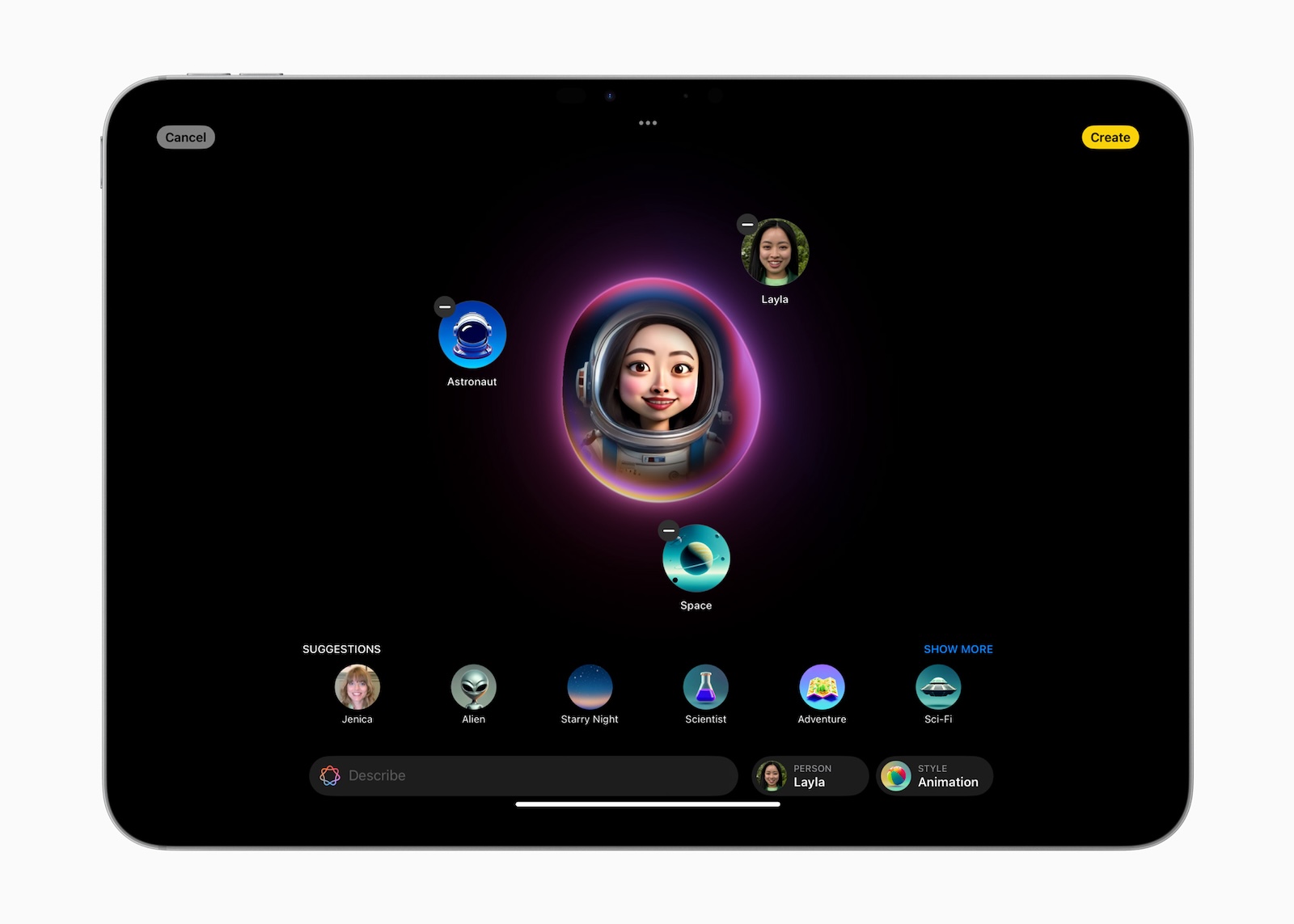
At the recent Worldwide Developers Conference (WWDC), Apple unveiled an impressive array of new features called Apple Intelligence. These include text creation, an improved Siri, Genmoji, and more. But one of the standout features is image creation, which Apple calls Image Playground. This new app will be released in the fall and promises to fundamentally change the way you create images.

Image Playground is not only a standalone App, but also integrated into existing apps like Messages, Notes, and Keynote. This makes it incredibly easy to use AI-generated imagery in your daily communications and workflows.

selection of image styles

One of the first tasks in Image Playground is to choose an image style. You can choose between three exciting styles:

  • Animation: Create dynamic and lively animated images.
  • Illustration: Use this style for detailed and artistic illustrations.
  • Sketch: Perfect for simple, hand-drawn illustrations.

Exploration of Image Concepts

After choosing a style, you can explore different image concepts. The app offers categories such as accessories, themes, locations and costumes to help you find the perfect basis for your image.

description input and person selection

The next step is to enter a description of what you're looking for. This could be anything from a scene from your favorite story to an original concept you've come up with. If you want to include someone you know in the image, you can simply select a photo of that person from your photo collection.

Automatic image generation

With all this information, Image Playground will automatically create the image for you. This process is quick and easy to use, so you can get impressive results in no time.
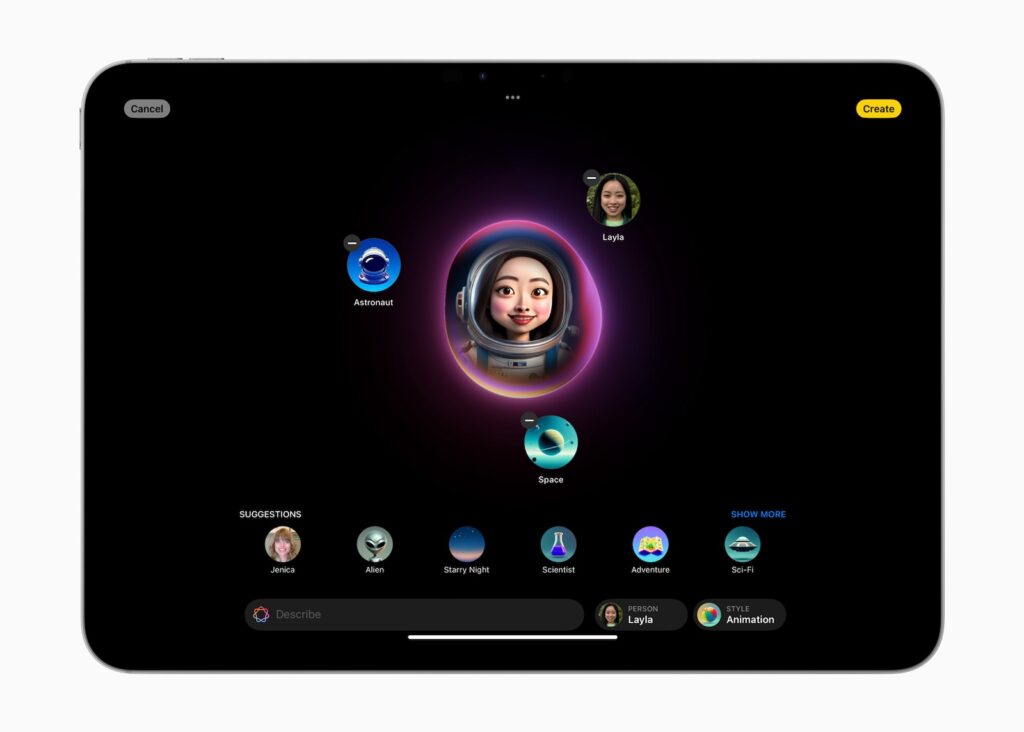
Image: Apple

The advantages of Image Playground

Experimenting and having fun

The standalone Image Playground app serves as a creative sandbox. Here you can experiment to your heart's content and try out new image ideas. Children in particular will have a lot of fun letting their imagination run wild and turning their creative visions into reality.

Data security and independence from the cloud

A big advantage of Image Playground is that all image generation takes place on your device. This means you can create unlimited images without having to worry about using external cloud resources. Your data stays safe on your device.

Easy storage and sharing

Once you've created an image, you can easily save it to the Photos or Files apps. From there, you can export it to other apps to share with friends, family, or colleagues.

Limitations and ethical considerations

It is important to note that all images created in Image Playground are animated or otherwise unrealistic. Apple has deliberately refrained from offering tools to create realistic-looking fake photos in order to prevent abuse and maintain ethical standards.

Your new platform for artistic development

Image Playground is a groundbreaking app that will revolutionize the way you create images. With its ease of use, versatile styles, and creative possibilities, it offers an exciting platform for anyone looking to expand their artistic skills. Look out for the release this fall and get ready to dive into the fascinating world of AI image creation. (Image: Apple)

  • Apple Intelligence – Which Macs, iPads and iPhones you need
  • Apple Intelligence: The New Era of Personal AI

Make Apfelpatient a preferred source One click – and you'll see us more often on Google
Was this article helpful?
YesNo
Tags: Apple ServicesApple IntelligenceiOSiOS 18iPadOSiPadOS 18macOSmacOS 15
SendShareSend
Share

Our Amazon Storefront

A handpicked selection of products for iPhone, Mac and more – sorted by topic and updated regularly.

Shop Now

This post contains affiliate links (including Amazon). We earn a small commission on qualifying purchases – at no extra cost to you. Learn more on our Partner Program page.

Previous Post

tvOS 18: These Apple TV devices are compatible

Next Post

iOS 18: New charging limits for iPhone 15 models

Milan Jovicic

Milan Jovicic

Milan founded Apfelpatient in 2016 and has been responsible for all editorial content since 2018 — news, rumors, guides, and product reviews. Apple devices here are not test units on loan for two weeks but everyday tools: from the iPhone through MacBook Pro, MacBook Air, and iMac to the Apple Vision Pro, at least one device from nearly every product category is in daily use, many of them replaced annually. Every menu path in a guide is verified on the device before it is published.

Drawn outline of the folded iPhone Ultra with square corners on the hinge side and rounded corners opposite, matching the leaked iPhone Ultra screen protectors

iPhone Ultra: Screen protectors reveal the camera position

August 12, 2026 - 3:58 PM CEST
Glass panel set into the aluminium frame on the back of an iPhone 17 Pro Max in Cosmic Orange, whereas the iPhone 20 glass design is said to wrap the glass around the edges

iPhone 20: Glass design is not supposed to be scrapped after all

August 12, 2026 - 2:50 PM CEST
Jennifer Bailey on stage at an Apple event in front of a projected Apple Card, the Apple Pay chief is leaving the company in October

Apple Pay: Jennifer Bailey is leaving Apple in October

August 12, 2026 - 2:31 PM CEST

About APFELPATIENT

APFELPATIENT brings you the latest Apple news, product updates, guides, reviews and tips across the entire Apple ecosystem — from the iPhone to the Mac to the Apple Vision Pro. From the first rumors to confirmed news: researched responsibly.

Follow Apfelpatient

Facebook Instagram YouTube Threads Threads

Company

  • About Apfelpatient
  • Contact
  • Author Profiles

Community

  • Netiquette
  • Push Notifications
  • RSS feed

Legal

  • Legal Notice
  • Privacy Policy
  • Terms of Use
  • Cookie Settings
  • Affiliate Program

Resources

  • Sitemap

© 2026 Apfelpatient. All rights reserved.

No Result
View All Result
  • Home
  • News
  • Rumors
  • Tips & Tricks
  • Reviews
  • Insights

© 2026 Apfelpatient. All rights reserved. Page Directory

Change language to Deutsch



