apple patient
  • Home
  • News
  • Rumors
  • Tips & Tricks
  • Reviews
  • Insights
No Result
View All Result
  • iPhone 18
  • iOS 27
  • iPadOS 27
  • macOS
  • MacBook Neo
  • iPhone 17e
  • AirTags
  • iOS 26
  • iPhone 17
  • MacBook Pro
  • iPadOS
  • iMac
  • Mac mini
  • HomePod
  • Apple TV
  • iPad Pro
  • iPhone Air
  • Apple Vision Pro
  • iPhone 16
  • AirPods 4
  • Apple Watch Ultra
  • HomePod Mini
  • MacBook Air
  • iPad
  • AirPods Max
  • AirPods Pro 3
  • Apple Watch Series 3
  • Mac Studio
  • Studio Display
  • iPad Air
  • iPad mini
  • watchOS 27
  • Apple CarPlay
  • Apple Pay
  • watchOS 26
  • Home
  • News
  • Rumors
  • Tips & Tricks
  • Reviews
  • Insights
No Result
View All Result
apple patient
No Result
View All Result

Apple releases iOS 13.2 and more

Milan Jovicic by Milan Jovicic
October 28, 2019 - 18:08 CET
in Apple News
0
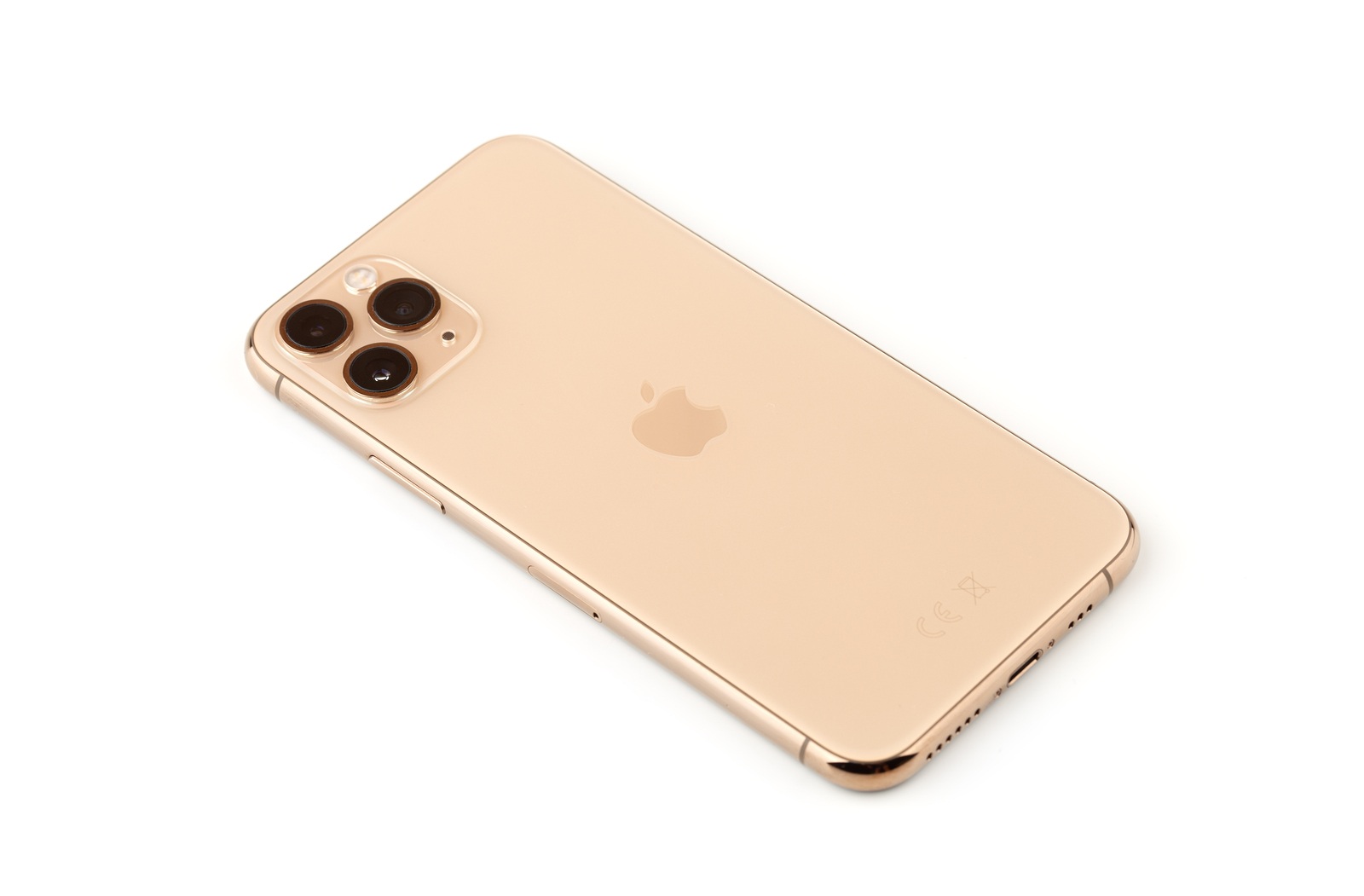
Rostov-on-Don, Russia - October 2019. Apple iPhone 11 Pro on a white background. New smartphone from the company Apple close-up.Smartphone and box from it on a white background.

Rostov-on-Don, Russia - October 2019. Apple iPhone 11 Pro on a white background. New smartphone from the company Apple close-up.Smartphone and box from it on a white background.

WhatsAppFacebookEmail
Threads

Apple released iOS 13.2, iPadOS 13.2, tvOS 13.2 and a separate version of iOS 12 - iOS 12.4.3 for all users this evening. We summarize all the new features for you.

The release of iOS 13.2 and Co. has already been announced by a small leak. Now the time has come – the are the new features in iOS 13.2.

  • Announce messages with Siri – The feature was originally announced with iOS 13 and has now finally appeared in iOS 13.2. “Announce messages with Siri” allows the user to listen to incoming messages via AirPods and then reply to them. The new feature is deactivated by default. If you want to use the practical function, you can of course activate it – and this is how it works. Open the iOS settings and navigate to “Siri & Search”. Now you can activate “Announce messages with Siri”.
  • Deep Fusion – The “Deep Fusion” feature is available in iOS 13.2 of the new iPhone 11 and iPhone 11 Pro generation. The function is designed to ensure even better shots in low or poor light by having the A13 Bionic chip process the shot using machine learning. The feature works in the background and significantly increases image quality.
  • privacy settings – iOS 13.2 introduces a new research option in the privacy section, which is reserved for Apple’s Research app.
  • AirPlay & Handoff – In iOS 13.2, the Handoff menu has also been expanded. This now appears as “AirPlay & Handoff” in the settings under “General”. From now on, Handoff for the HomePod can be activated/deactivated there. An option has also been added that turns off automatic AirPlay for TVs.
  • volume in the control center – When AirPods, Powerbeats Pro or BeatsX are connected to the iPhone, a new icon now appears in the volume bar in the Control Center.
  • HomeKit grouping – With the new iOS version, the HomeKit application has been revised again. From now on, users can group accessories with multiple functions.
  • Edit start screen – The “Rearrange Apps” option that appears when you long-press on an app has now been renamed to “Edit Home Screen” in iOS 13.2.
  • Delete app from the home screen – “Edit home screen” is not the only change in the Haptic or 3D Touch menu. Another option called “Delete app from home screen” has now been added. This function allows – as the name suggests – the direct deletion of the respective app.
  • New emojis – The new Unicode 12 has been integrated into iOS 13.2 – this was announced in the summer of this year. A total of 59 new emojis have been added. To be precise, there are 230 different figures when gender and skin color are taken into account. These include a guide dog, an ear with a hearing aid, wheelchairs, prosthetic arms and legs, and more.
  • Emoji skin color – A new feature for couple emojis has also been added. If you click on one of these emojis, you can now change the skin tone.
  • Siri privacy settings – Once iOS 13.2 has been installed, a new screen will appear giving the user the option to share their Siri recordings with Apple – of course, they can decline this.
  • Delete Siri history – iOS 13.2 also added a new option in Siri settings that allows users to delete all conversation history with Siri from Apple's servers.
  • Audio recordings – The third innovation in relation to Siri is a new setting in the “Analytics and Improvements” section. Here, users can decide whether their own audio recordings should be processed by Apple or not. Important: These help Apple to improve Siri. iOS 13.2 – These bugs have been fixed (Photo by Eremin / Bigstockpho)
You don't want to miss any more news? Then subscribe to our Telegram channel
Make Apfelpatient a preferred source One click – and you'll see us more often on Google
Was this article helpful?
YesNo
Tags: iOSiOS 13.2iPadOStvOStvOS 13.2
SendShare78Send
Share

Our Amazon Storefront

A handpicked selection of products for iPhone, Mac and more – sorted by topic and updated regularly.

Shop Now

This post contains affiliate links (including Amazon). We earn a small commission on qualifying purchases – at no extra cost to you. Learn more on our Partner Program page.

Previous Post

Press Release – Apple Introduces AirPods Pro

Next Post

Apple releases new HomePod software version

Milan Jovicic

Milan Jovicic

Milan founded Apfelpatient in 2016 and has been responsible for all editorial content since 2018 — news, rumors, guides, and product reviews. Apple devices here are not test units on loan for two weeks but everyday tools: from the iPhone through MacBook Pro, MacBook Air, and iMac to the Apple Vision Pro, at least one device from nearly every product category is in daily use, many of them replaced annually. Every menu path in a guide is verified on the device before it is published.

Customers crowding an Apple Store as the US smartphone market lost five percent in sales during the second quarter

US smartphone market shrinks, iPhone 18 expected to be more expensive

August 12, 2026 - 23:47 CEST
Ted Lasso standing beside a coach in the empty AFC Richmond stadium while Apple has yet to decide on Ted Lasso season 5

Ted Lasso Season 5: Apple still sees plenty of stories

August 12, 2026 - 10:11 PM CEST
Concept design of the iPhone Ultra in its unfolded state with a large inner display

iPhone Ultra (iPhone Fold): All rumors and facts at a glance

August 12, 2026 - 9:32 PM CEST

About APFELPATIENT

APFELPATIENT brings you the latest Apple news, product updates, guides, reviews and tips across the entire Apple ecosystem — from the iPhone to the Mac to the Apple Vision Pro. From the first rumors to confirmed news: researched responsibly.

Follow Apfelpatient

Facebook Instagram YouTube Threads Threads

Company

  • About Apfelpatient
  • Contact
  • Author Profiles

Community

  • Netiquette
  • Push Notifications
  • RSS feed

Legal

  • Legal Notice
  • Privacy Policy
  • Terms of Use
  • Cookie Settings
  • Affiliate Program

Resources

  • Sitemap

© 2026 Apfelpatient. All rights reserved.

No Result
View All Result
  • Home
  • News
  • Rumors
  • Tips & Tricks
  • Reviews
  • Insights

© 2026 Apfelpatient. All rights reserved. Page Directory

Change language to Deutsch