

apple patient
  • Home
  • News
  • Rumors
  • Tips & Tricks
  • Reviews
  • Insights
No Result
View All Result
  • iPhone 18
  • iPhone 18 Pro
  • iPhone Duo
  • Apple Watch Series 12
  • Apple Watch Ultra 4
  • AirPods 5
  • iOS 27
  • iPadOS 27
  • macOS
  • MacBook Neo
  • iPhone 17e
  • AirTags
  • iOS 26
  • iPhone 17
  • MacBook Pro
  • iPadOS
  • iMac
  • Mac mini
  • HomePod
  • Apple TV
  • iPad Pro
  • iPhone Air
  • Apple Vision Pro
  • iPhone 16
  • AirPods 4
  • Apple Watch Ultra
  • HomePod Mini
  • MacBook Air
  • iPad
  • AirPods Max
  • AirPods Pro 3
  • Apple Watch Series 3
  • Mac Studio
  • Studio Display
  • iPad Air
  • iPad mini
  • watchOS 27
  • Apple CarPlay
  • Apple Pay
  • watchOS 26
  • Home
  • News
  • Rumors
  • Tips & Tricks
  • Reviews
  • Insights
No Result
View All Result
apple patient
No Result
View All Result
  • iPhone 18
  • iPhone 18 Pro
  • iPhone Duo
  • Apple Watch Series 12
  • Apple Watch Ultra 4
  • AirPods 5
  • iOS 27
  • iPadOS 27
  • macOS
  • MacBook Neo
  • iPhone 17e
  • AirTags
  • iOS 26
  • iPhone 17
  • MacBook Pro
  • iPadOS
  • iMac
  • Mac mini
  • HomePod
  • Apple TV
  • iPad Pro
  • iPhone Air
  • Apple Vision Pro
  • iPhone 16
  • AirPods 4
  • Apple Watch Ultra
  • HomePod Mini
  • MacBook Air
  • iPad
  • AirPods Max
  • AirPods Pro 3
  • Apple Watch Series 3
  • Mac Studio
  • Studio Display
  • iPad Air
  • iPad mini
  • watchOS 27
  • Apple CarPlay
  • Apple Pay
  • watchOS 26

Adobe Firefly uses AI to create a rough cut

Milan Jovicic by Milan Jovicic
February 25, 2026 - 4:35 PM CET
in Apple News
0
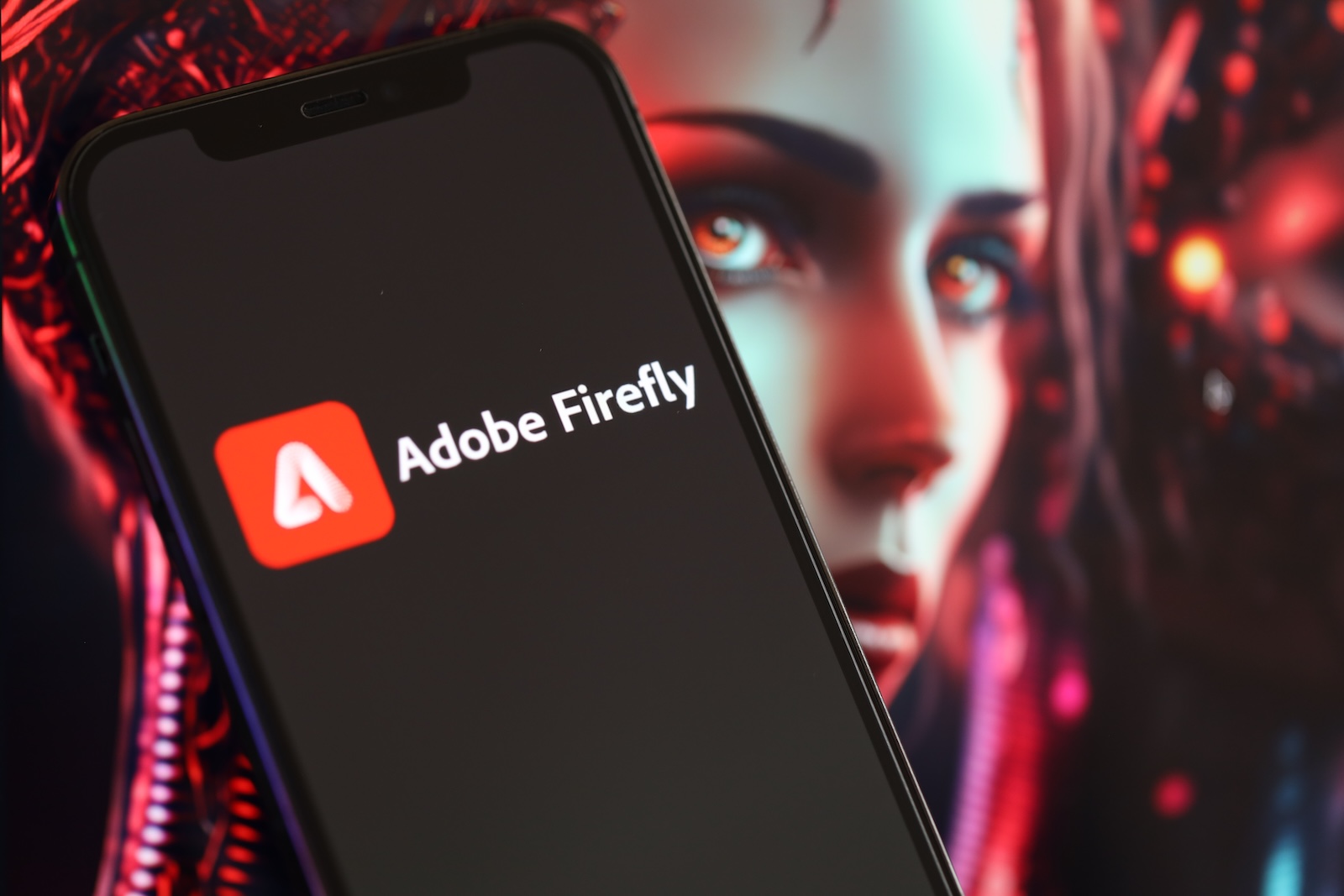
Adobe Firefly Quick Cut

Image: Shutterstock / Mehaniq

WhatsAppFacebookEmail
Threads

Adobe has expanded Adobe Firefly with a new AI-powered video editing feature. A beta version called "Quick Cut" is now available, which automatically transforms uploaded or Firefly-created raw footage into a structured first cut. The goal is to significantly speed up the editing process and provide a clear starting point for further creative work. The feature is aimed at creators who want to optimize their workflow and spend less time piecing together individual clips.

The first rough cut is often the most time-consuming part of video production. Footage needs to be reviewed, sorted, and logically arranged. This is precisely where Adobe Firefly's Quick Cut comes in. The AI analyzes the content and creates a first cut based on just a few details.

The goal isn't a finished product, but rather a structured foundation. Adobe describes Quick Cut as a fast way from "I have clips" to "I have an edit I can work with." The focus is meant to be more on story, strategy, and narrative, rather than on the technical assembly of footage.

Quick Cut in Adobe Firefly: How the new feature works

The feature is now available as a beta version. After uploading raw footage to Adobe Firefly, a new button labeled "Quick Cut" will appear. Before starting, you will be asked for some information:

  • Type of content, for example
  • long interview
  • Product demo
  • Podcast recording
  • Vlog about a day in the life
  • desired aspect ratio
  • desired speed of the video
  • Optional B-roll track that can be uploaded or created directly to organize supporting material.

Based on this information, the AI performs an initial analysis. The result is displayed as a multi-track timeline.

Multi-track editing directly in Firefly

The result generated by Quick Cut is immediately visible in Adobe Firefly. It's a multi-track edit that can be directly further processed. Adjustments, optimizations, and re-editing are possible within the platform.

This function is explicitly designed as a starting point. It's intended to provide a clear foundation that can then be individually refined. The idea behind it: less time spent manually piecing clips together, more time for content-related decisions.

Specific use cases according to Adobe

Adobe cites several use cases where Quick Cut can be particularly helpful. Product reviewers can upload lengthy unboxing and testing videos. The AI follows the narrative flow and structures the footage accordingly.

Reporters can have interviews analyzed. Quick Cut identifies key moments and arranges them in a first edit. The function is also suitable for longer formats such as podcasts or vlogs, as it automatically pre-structures extensive raw footage.

Note regarding Firefly Pro and Premium

In connection with the beta release, Adobe is highlighting a limited-time offer. New sign-ups for Firefly Pro and Premium before March 16th include unlimited image and Firefly video generation with a resolution of up to 2K in the Adobe Firefly app.

Third-party models are also supported, including Google's Nano Banana Pro and Runways Gen-4 Image. This integration further expands the creative possibilities within the platform.

Quick Cut changes the workflow in video editing

With Quick Cut, Adobe takes another step towards automated production processes. Instead of starting from scratch, a first structured version is available after just a few inputs. This noticeably changes the workflow:

  • less manual sorting of clips
  • faster creation of a first cut version
  • direct transition to detailed content work

Adobe is thus increasingly positioning Adobe Firefly as a central platform for AI-powered image and video production.

Adobe Firefly speeds up the process of getting started with video editing

With the Quick Cut beta feature, Adobe Firefly significantly expands its capabilities in the field of AI-powered video editing. The automatic creation of a structured first cut is designed to relieve creators of some of their workload and accelerate the editing process.

All process parameters such as format, speed, and B-roll can be defined. The result remains fully editable and can be further developed as desired. Adobe Firefly is thus evolving into a tool that not only generates but also makes specific production steps more efficient. (Image: Shutterstock / Mehaniq)

  • Apple Borivali: New Store opens in Mumbai
  • Apple acquires AI startup for optics and photonics
  • Ted Lasso Season 4: Release date finally confirmed
  • Apple tightens age verification in the App Store
  • Discord revises controversial age verification
  • Apple Vision Pro: Behind the scenes of visionOS 26
  • Apple Card before switch: Why Chase is optimistic
  • Reddit & Discord: Controversy surrounding age verification
  • Apple TV unveils trailer for season 5 of For All Mankind
  • Apple shareholders clearly follow management
  • Apple: Why iOS leaks are so rare
  • iPhone to break sales record in Europe in 2025
  • Apple was warned by the CIA about the risk in Taiwan
  • Apple offers a glimpse into its Mac mini factory in Texas
  • Apple will now manufacture the Mac mini directly in the USA
  • Apple introduces Sales Coach app for iPhone & iPad
  • iOS 26.4 Beta 2: All features and adjustments
  • WhatsApp is working on scheduled messages
  • David Pogue offers insights into "Apple: The First 50 Years"
  • Anthropic raises serious allegations against China
  • iOS 26.4: Two apps get the old search layout
  • iOS 26.4 Beta 2 tests secure RCS chats with Android
  • iOS 26.4 Beta 2 launches: Apple continues testing phase

Make Apfelpatient a preferred source One click – and you'll see us more often on Google
Was this article helpful?
YesNo
Tags: Adobe
SendShareSend
Share

Our Amazon Storefront

A handpicked selection of products for iPhone, Mac and more – sorted by topic and updated regularly.

Shop Now

This post contains affiliate links (including Amazon). We earn a small commission on qualifying purchases – at no extra cost to you. Learn more on our Partner Program page.

Previous Post

Apple Borivali: New Store opens in Mumbai

Next Post

iPhone Fold: Production orders confirm market launch 2026

Milan Jovicic

Milan Jovicic

Milan founded Apfelpatient in 2016 and has been responsible for all editorial content since 2018 — news, rumors, guides, and product reviews. Apple devices here are not test units on loan for two weeks but everyday tools: from the iPhone through MacBook Pro, MacBook Air, and iMac to the Apple Vision Pro, at least one device from nearly every product category is in daily use, many of them replaced annually. Every menu path in a guide is verified on the device before it is published.

Related posts

watchOS 27.2: Code reveals new screenshot preview

by Milan Jovicic
September 24, 2026 - 8:36 p.m. CEST
Apple Watch Ultra with an orange band showing the app view, the device getting the new screenshot preview in watchOS 27.2

watchOS 27.2 includes a new screenshot interface for the Apple Watch: preview, share, and delete, just like on the iPhone. It's currently inactive.

Read moreDetails

Apple TV: Peanuts classics free again for Christmas

by Milan Jovicic
September 24, 2026 - 6:43 p.m. CEST
Charlie Brown holding a small Christmas tree under a starry sky in the snow, a scene from A Charlie Brown Christmas, free again on Apple TV

Three classic Peanuts cartoons are back on Apple TV for the holidays, no subscription required. Plus, there are new specials featuring Snoopy and the Fraggle Rocks.

Read moreDetails

The Wanted Man: Hugh Laurie on Apple TV from January

by Milan Jovicic
September 24, 2026 - 6:19 p.m. CEST
Hugh Laurie as crime boss Felix Carmichael in an evening scene from The Wanted Man on Apple TV

The Wanted Man premieres on January 6, 2027 on Apple TV. Hugh Laurie plays a crime boss who wants to escape – the finale is in February.

Read moreDetails

Apple and Qualcomm extend patent license from 2027

by Milan Jovicic
September 24, 2026 - 6:04 p.m. CEST
Back of an iPhone 18 Pro Max in a burgundy case on a grey surface, covered by the renewed Apple Qualcomm patent license

Apple and Qualcomm are extending their patent license from April 2027. Why this has nothing to do with the modem change and affects Germany.

Read moreDetails

iPhone 18 Pro: Update to prevent Face ID restarts is coming

by Milan Jovicic
September 24, 2026 - 1:13 p.m. CEST
iPhone showing the General settings with Software Update, where the fix for the Face ID reboots on iPhone 18 Pro will arrive

Apple has confirmed an update to fix the restarts after failed Face ID recognition on the iPhone 18 Pro and Pro Max. An exchange is not worthwhile.

Read moreDetails
Load More

Categories

  • Apple Insights
  • Apple Rumors
  • Apple News
  • Apple Tips & Tricks
  • iPhone news, rumors and tips
  • Mac and MacBook News
  • Reviews

About APFELPATIENT

APFELPATIENT brings you the latest Apple news, product updates, guides, reviews and tips across the entire Apple ecosystem — from the iPhone to the Mac to the Apple Vision Pro. From the first rumors to confirmed news: researched responsibly.

Follow Apfelpatient

Facebook Instagram YouTube Threads Threads

Company

  • About Apfelpatient
  • Contact
  • Author Profiles

Community

  • Netiquette
  • Push Notifications
  • RSS feed

Legal

  • Legal Notice
  • Privacy Policy
  • Terms of Use
  • Cookie Settings
  • Affiliate Program

Resources

  • Sitemap

© 2026 Apfelpatient. All rights reserved.

No Result
View All Result
  • Home
  • News
  • Rumors
  • Tips & Tricks
  • Reviews
  • Insights

© 2026 Apfelpatient. All rights reserved. Page Directory

Change language to Deutsch



