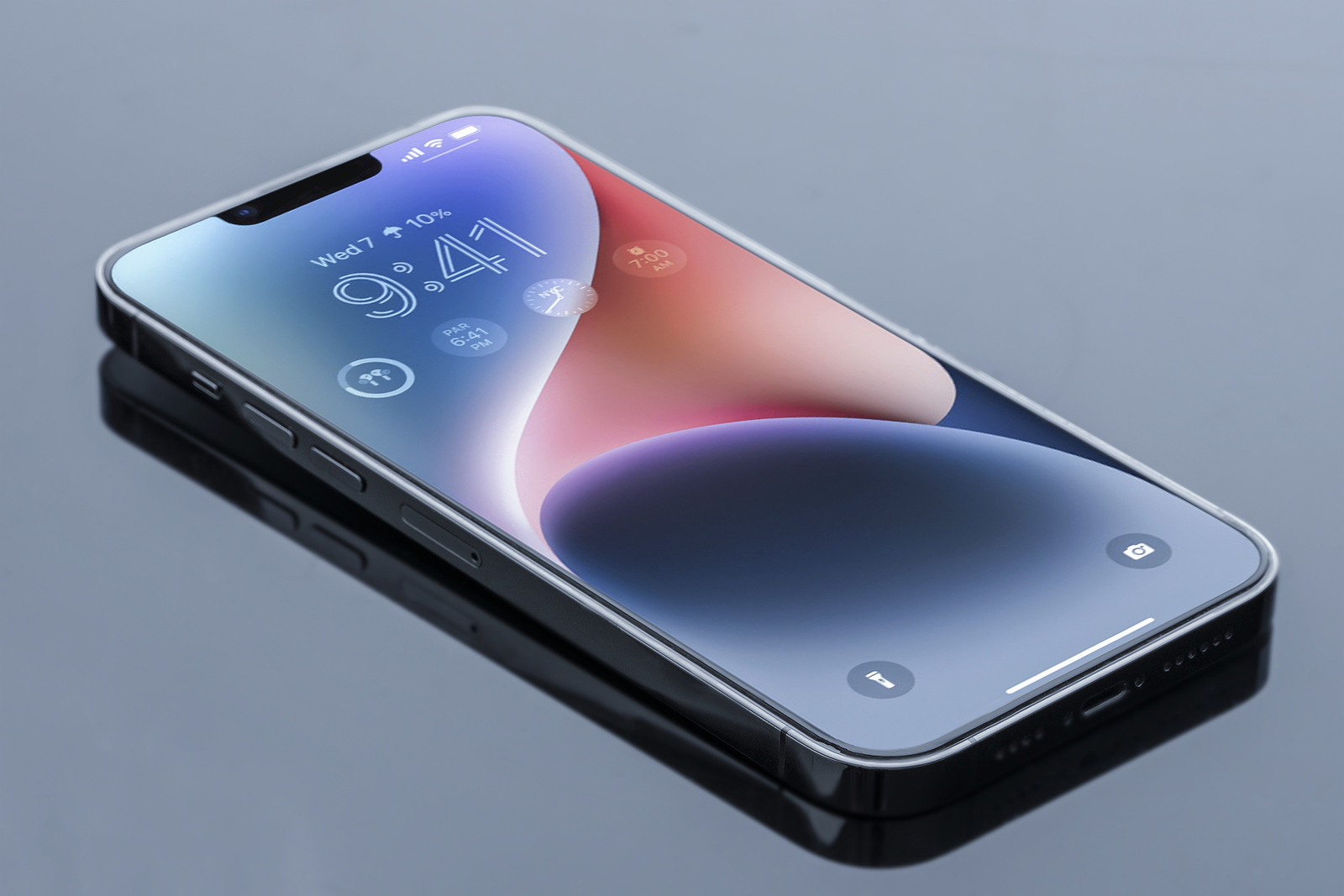
After it became known that roller coasters triggered the accident detection of the new iPhone 14, Apple has now spoken out.
In a new interview, two Apple executives have provided a deeper insight into the iPhone 14's new "Crash Detection" feature, which can detect whether a user has been involved in a car accident and automatically notify emergency services and contacts. interview In an interview with TechCrunch's Brian Heater, Kaiann Drance, Apple's vice president of Worldwide iPhone Product Marketing, and Ron Huang, Apple's vice president of Sensing and Connectivity, explained the technical aspects of crash detection in the latest iPhone and Apple Watch models. The latest devices feature updated sensors that can detect sudden changes in motion and pressure and, along with other types of data from the iPhone, trigger an alert. The updated accelerometer in the latest iPhone models can measure a G-force of up to 256Gs. When Apple developed the feature, it needed a "basic understanding of what happens in a crash," Huang said in the interview.
These accidents involve impact forces of over 100 G. We started at 256 G. When you try to increase that range, you have to make trade-offs in terms of precision at the higher end and energy costs. It took a lot of work for the team to build the sensors this way.
A fairly dynamic algorithm
In addition to data from the gyroscope and accelerometer, the iPhone uses numerous other variables to detect whether the user is moving in a car and whether they have been involved in an accident. "There's no one-size-fits-all approach to activating crash detection," says Huang, adding that there isn't a specific number of factors that must be met before crash detection is triggered and emergency services are notified.
It's hard to say how many of these factors need to be present because it's not a simple equation. Depending on how fast you were going before, it also depends on what signals we need to see later. Your change in speed, combined with the impact force, combined with the change in pressure, combined with the sound level, it's all a pretty dynamic algorithm.
There are some car accidents where the iPhone 14 or newer Apple Watch models intentionally do not contact emergency services, Drance notes.
I was in a fender bender in New York earlier. My crash detection didn't go off. It's just one of those little things where you just get out of the car and keep driving. It's part of the sensor fusion and the accuracy because we want to avoid a lot of false calls to 911 when they're not necessary.
Despite Apple’s efforts to reduce false emergency calls, reports have surfaced that iPhone 14 devices are making emergency calls when users roller coaster ride. The false emergency calls are likely due to the iPhone 14's sensors misinterpreting the roller coaster's sudden braking and movement as a collision with another vehicle. Other factors the iPhone uses include sounds like engine or road noise, as well as WiFi routers near an iPhone, which change rapidly due to a moving vehicle.
How Apple tested accident detection
In addition, Huang also discussed how Apple has tested crash detection. The company has placed the iPhone in many vehicles equipped with cameras to analyze the impact. Apple has also analyzed data from the Department of Transportation and the National Highway Traffic Safety Administration to find out what types of crashes are the most common causes of injuries.
We put iPhones in lots of different places in the car - on the dummies and on the car itself, on mounts and so on. And then we collect all the raw sensor data that comes from those devices during an accident like that. We also put cameras inside and outside the car so that you can use the footage to watch the actual impact and the pressure sensors as the airbag deploys in slow motion. We can look at the data very closely. We also look at the data from the Department of Transportation or the NHTSA (National Highway Traffic Safety Administration) to find out what types of accidents are the most common causes of injuries.
Interestingly, neither of the two Apple executives would comment on the differences in accuracy between the iPhone 14 and the Apple Watch Series 8, but they did acknowledge that they are not identical. Accident detection is available on all iPhone 14 models, the Apple Watch SE 2, the Apple Watch Series 8 and the Apple Watch Ultra. (Photo by Razgulyaeff / Bigstockphoto)