

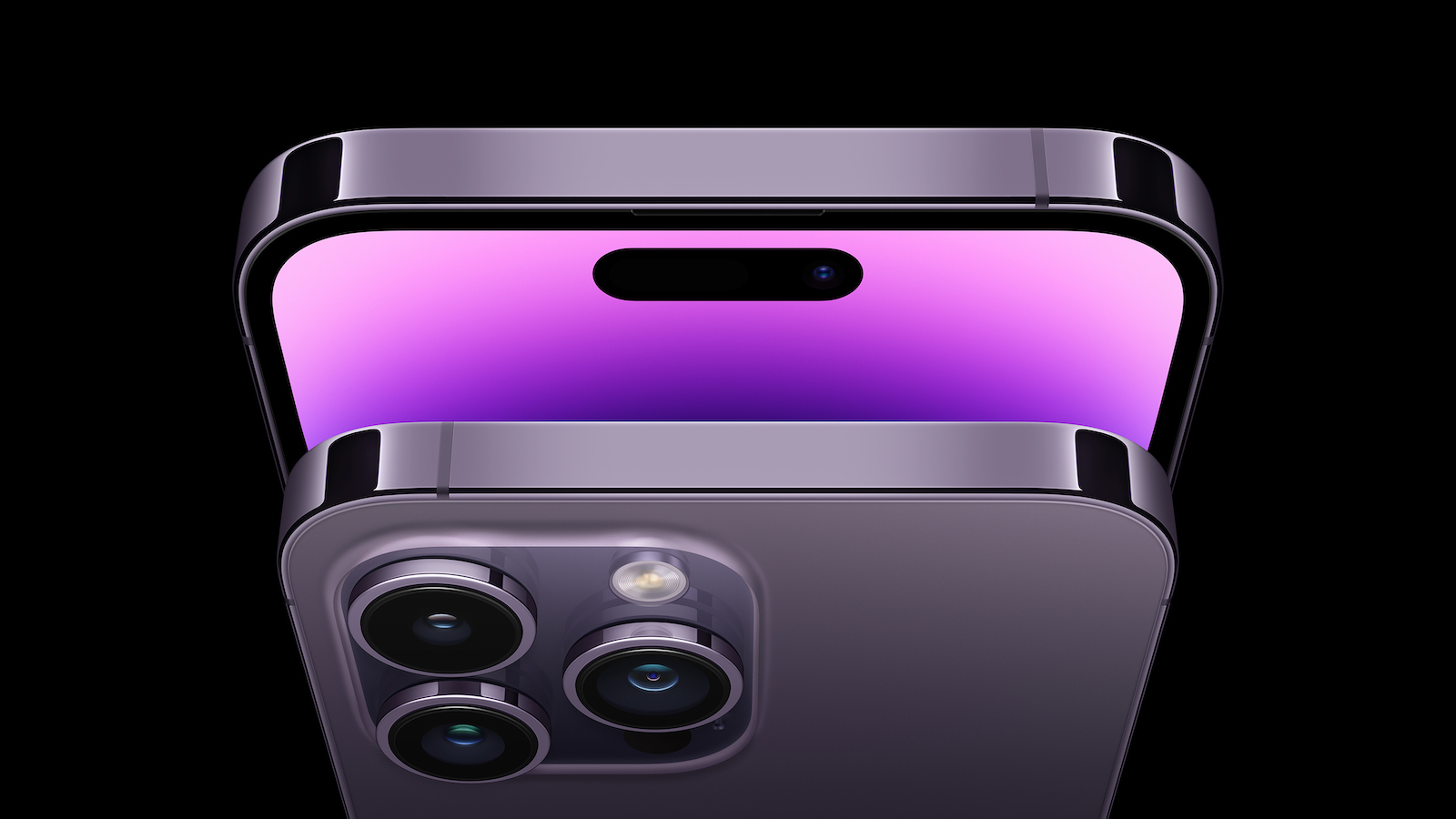
Android fans have been making fun of Apple for years for not reducing the Face ID notch to a hole, but now the new Dynamic Island makes its competitors look pretty old and boring.
Since the iPhone 14 Pro has not yet been delivered, we are only summarizing the information we currently have from Apple regarding the Dynamic Island. That's all in advance.
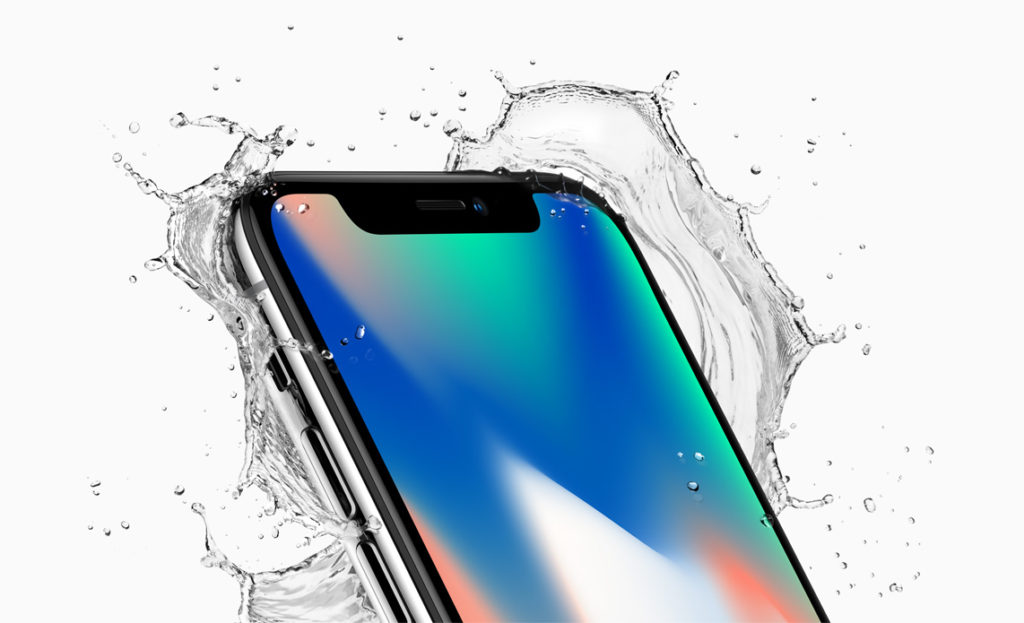
iPhone X with notch
Apple introduced the notch with the iPhone X in 2017, which allowed the front of the phone to be equipped with sensors and a camera. But in 2018, Samsung announced its Galaxy model, which housed similar sensors in a small, circular cutout. After five years, Apple has not simply given in to follow the trend. The iPhone 14 Pro models have a hole-shaped cutout as well as a wider pill-shaped cutout. But Apple has changed the way both are used.
Dynamic Island is more intrusive than the notch
The familiar notch has always been at the top of the screen, and at first many people didn't like how it cut into what you were looking at on the screen. But the Dynamic Island is narrower but about the same height - and it's integrated much deeper into the screen. One of the reasons it's narrower is that the previous proximity sensor has been moved. That's the sensor the iPhone has always had that registers when you hold the phone to your ear. To save battery life and also to prevent you from accidentally clicking something with your ear, the proximity sensor tells the phone to turn off the screen.
iPhone 14 Pro with dynamic notch
The iPhone 14 Pro still does just that. But for the first time, the proximity sensor is housed under the display. Because the elements of the old notch are hardware, they can't be moved around arbitrarily. Before launch, it was predicted that Apple would replace the one notch with two smaller ones: a smaller, pill-shaped notch and a notch with a hole next to it. Apple did that, but the company also decided to make the screen more interesting from a software perspective. Instead of just covering up the display with the pill and the hole, Apple decided to use the space between those two as well. iOS turns the pixels between the two off—or on—and that's where the dynamic part of the name begins.
Lose pixels, gain features
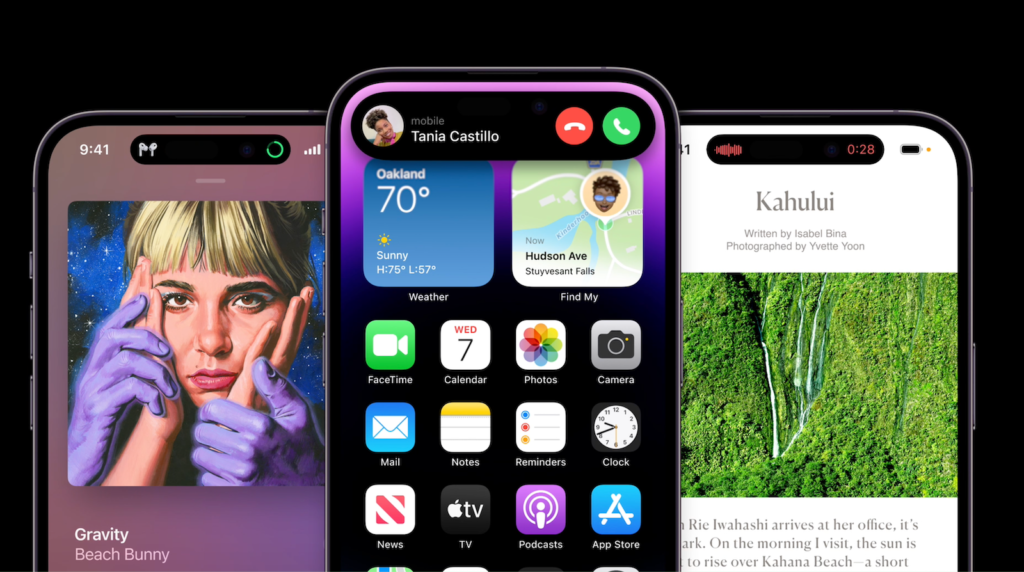
Apple can only display what can be displayed in the parts of the new notch that are equipped with sensors. So Apple can do a lot of things with this Dynamic Island. It can overlay live-action information, such as sports scores, and also display it continuously. It can show you within the island that you're on a call, even if you're using another app. Or if you're using two apps in the background, such as a countdown timer while playing music, the new system can show you both. When it does that, that's pretty much the only time you'll be able to see where the pill and hole physically are on the screen.
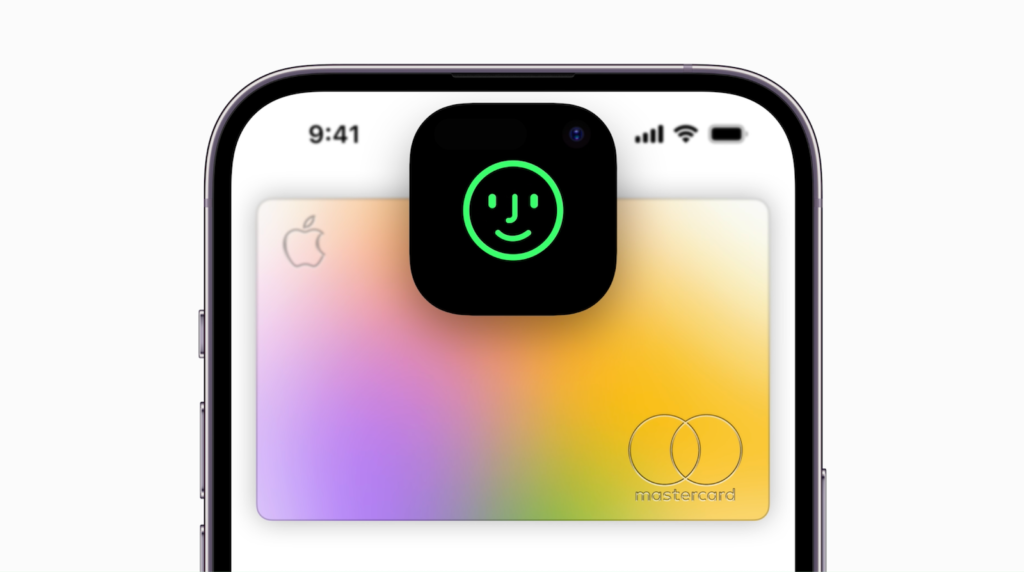
But even then, Apple doesn't just overlay one status icon into the hole area and another into the separate pill-shaped area. Instead, it animates the pill area so that the smaller hole icon pops out, which then settles into place. The dynamic part of the name refers to the fact that tons of information can be displayed in the new area. But it also has to do with the animation, where Apple seems to have carefully focused on making every change, every movement, lively and, well, dynamic.
The display becomes more lively
The Dynamic Island's features can be used by any app developer, but Apple has defined a set of animations and styles that we'll become very familiar with. Most of the time we'll see this part with a few icons, such as album art when music is playing, as well as an animated waveform. When you invoke Siri, the narrow cutout changes to a more square shape with the Siri logo in the middle.
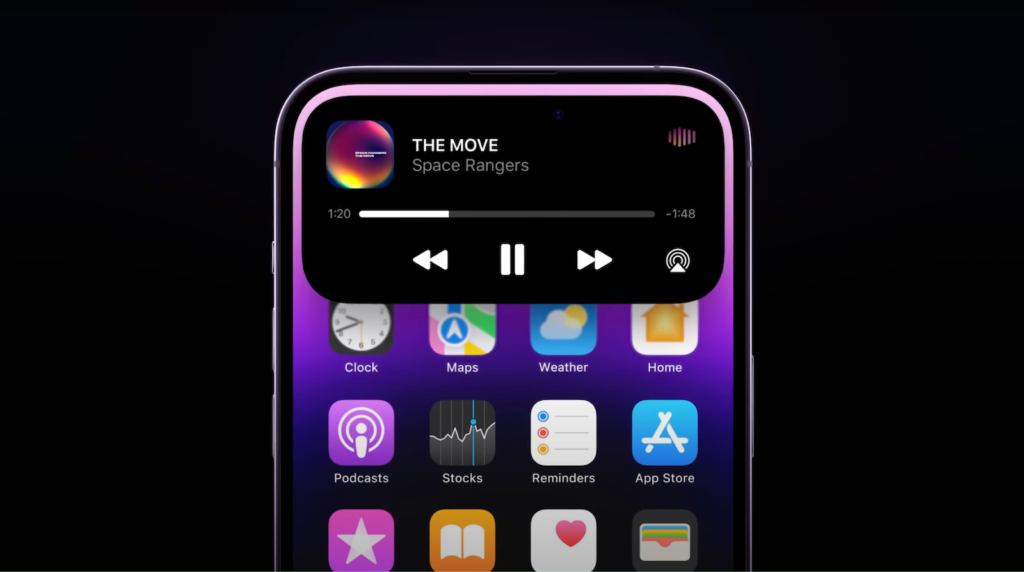
When the phone rings, the narrow little island expands in all directions to show who is calling and to provide buttons for answering and rejecting the call. Then there is a third size, where an app can display about as much information in about as much space as a normal iOS widget. In time, however, this new system will be found in all iPhones - and probably in many Android devices too. But that's because it's one of those Apple designs that is so excellent - to the iPhone 14 Pro intro clip on YouTube.(Image: Apple)





