iOS 26: Apple Intelligence makes reminders even smarter
iOS 26 makes reminders easier: Apple Intelligence automatically creates to-dos from emails, websites, or messages.

iOS 26 makes reminders easier: Apple Intelligence automatically creates to-dos from emails, websites, or messages.
Fill out, sign, scan, and secure PDFs with the Preview app on your iPhone. Discover all the features for documents and photos.
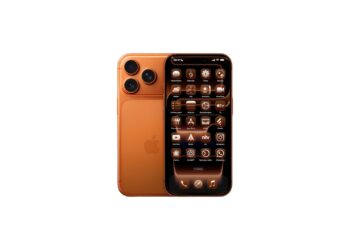
The iPhone 17 gets a new feature for the home screen with iOS 26: app icons are automatically colored in device or case colors.

Apple is testing new features in iOS 26.1 that could open the iPhone to third-party smartwatches – more freedom for...
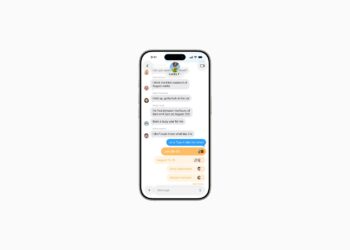
With iOS 26, you can create polls directly in the Messages app. Up to 12 options, Apple Intelligence, and clear results...

Apple is planning two security changes in iOS 26. Automatic patches and updates without rebooting are intended to protect iPhones from attacks.

Discover, download, and manage games with the Apple Games app. All titles for iPhone, iPad, and Mac, quickly and easily, anytime...
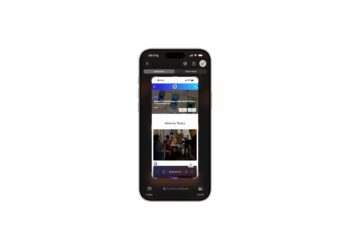
With iOS 26, Apple displays screenshots in full screen. Learn how to get back the old thumbnail view and make the most of all the new options...
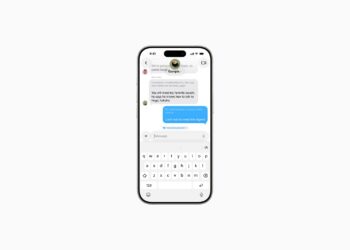
Translate languages in real time on iPhone: Learn how to turn on live translation in Messages, Phone, and FaceTime.

iPhone with iOS 26: Messages app with filters for unknown senders. More clarity, less spam, and full control.
You are currently viewing a placeholder content from Facebook. To access the actual content, click the button below. Please note that doing so will share data with third-party providers.
More InformationYou are currently viewing a placeholder content from Instagram. To access the actual content, click the button below. Please note that doing so will share data with third-party providers.
More InformationYou are currently viewing a placeholder content from reCAPTCHA. To access the actual content, click the button below. Please note that doing so will share data with third-party providers.
More InformationYou are currently viewing a placeholder content from X. To access the actual content, click the button below. Please note that doing so will share data with third-party providers.
More Information