

apple patient
  • Home
  • News
  • Rumors
  • Tips & Tricks
  • Reviews
  • Insights
No Result
View All Result
  • iPhone 18
  • iOS 27
  • iPadOS 27
  • macOS
  • MacBook Neo
  • iPhone 17e
  • AirTags
  • iOS 26
  • iPhone 17
  • MacBook Pro
  • iPadOS
  • iMac
  • Mac mini
  • HomePod
  • Apple TV
  • iPad Pro
  • iPhone Air
  • Apple Vision Pro
  • iPhone 16
  • AirPods 4
  • Apple Watch Ultra
  • HomePod Mini
  • MacBook Air
  • iPad
  • AirPods Max
  • AirPods Pro 3
  • Apple Watch Series 3
  • Mac Studio
  • Studio Display
  • iPad Air
  • iPad mini
  • watchOS 27
  • Apple CarPlay
  • Apple Pay
  • watchOS 26
  • Home
  • News
  • Rumors
  • Tips & Tricks
  • Reviews
  • Insights
No Result
View All Result
apple patient
No Result
View All Result

10 iPhone Tips You Should Know

Milan Jovicic by Milan Jovicic
19. March 2023 - 17:17 CET
in Apple Tips & Tricks
0
iPhone tips

Photo by Unsplash / Sebastian Bednarek

WhatsAppFacebookEmail
Threads

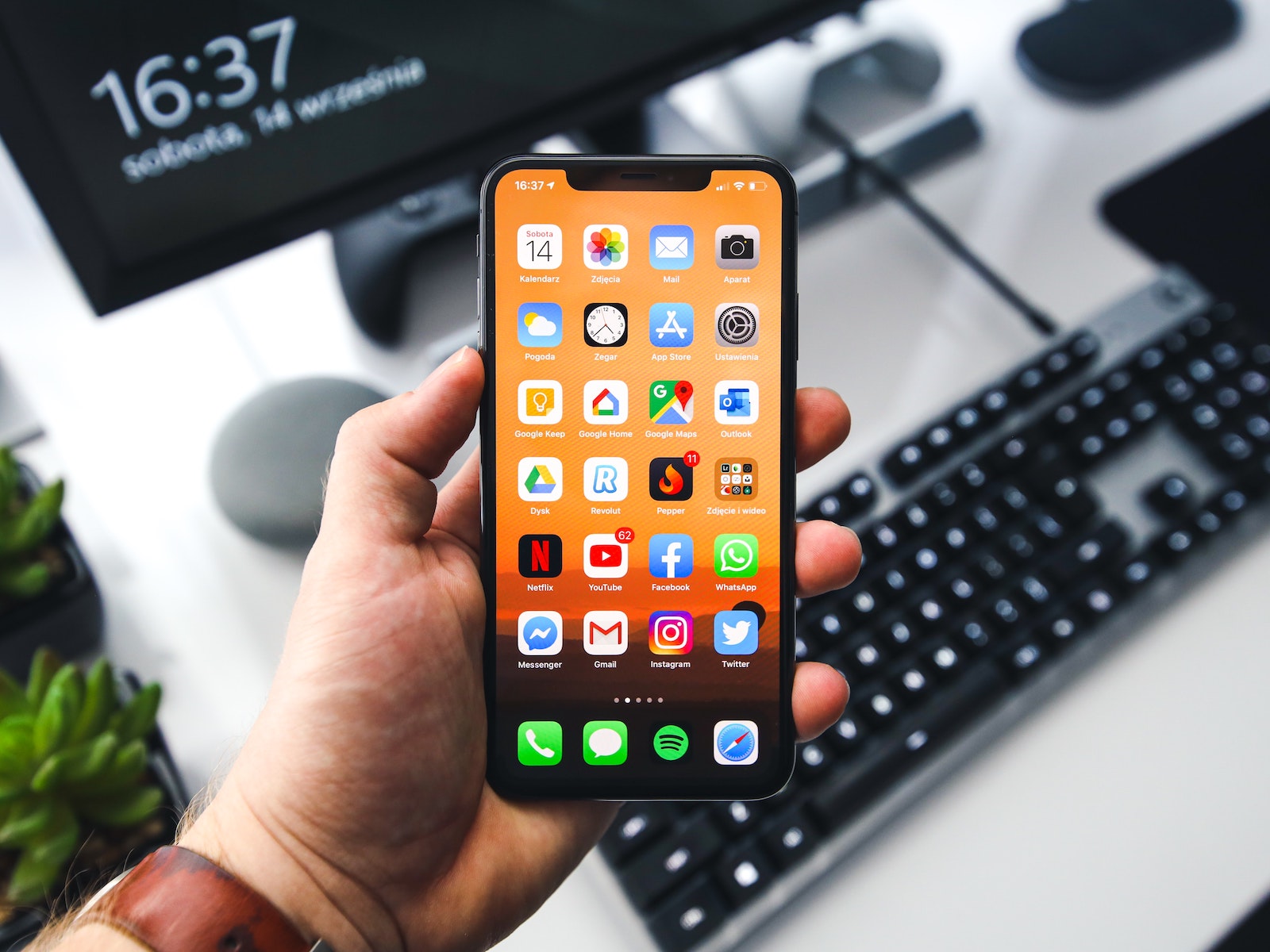
Your iPhone is an incredibly powerful device, but you may not be using it to its full potential. In this article, you'll learn ten tips that can help you get the most out of your iPhone and save time.

Do you want to use your iPhone to its full potential and save time at the same time? Then read our article with ten tips to help you get the most out of your iPhone. We'll show you how to use Siri, keyboard shortcuts, text replacement and other useful features to be more productive and efficient. You'll also learn how to find the right apps and how to get the most out of your camera app. Let's get started and perfect your iPhone - let's get started!

  • Use Siri: Siri is your virtual assistant on iPhone. You can use Siri to quickly make calls, send messages, schedule appointments, and more.
  • Use keyboard shortcuts: The iPhone has a number of keyboard shortcuts that can help you type faster and save time. For example, you can double-tap the space bar to type a period and then automatically capitalize it.
  • Enable text replacement: Text replacement is another feature that can save you time. You can replace frequently used phrases or words with keyboard shortcuts.
  • Use the settings: The iPhone has a variety of settings that allow you to customize the device to your needs. For example, you can activate night mode to protect your eyes or adjust the brightness to extend battery life.
  • Use AirDrop: AirDrop is a quick and easy way to share files between iPhones and other Apple devices. You can share photos, videos, music, and more with others without the need for an internet connection.
  • Use the Health app: The Health app is an integrated application that helps you track your fitness and health data. You can monitor and improve your activity, nutrition, sleep, and more.
  • Enable automatic backup: iPhone has a feature that allows it to back up automatically. Make sure this feature is enabled to ensure your data is always safe.
  • Use accessibility features: The iPhone has a variety of accessibility features that help people with disabilities use the device. But these features can also be useful for people without disabilities. For example, you can use the on-screen keyboard or speech output to navigate faster and easier.
  • Use the Camera app: The Camera app on your iPhone is one of the best and most used features. It lets you quickly take photos, adjust camera settings, and more. Experiment with the different features and capabilities to get the most out of your camera.
  • Get the right apps: The iPhone has an App Store with millions of applications. Use this to find the right apps for your needs. From productivity apps to games to social networking, there is a wide range of apps that can help you make your iPhone even more useful.

10 iPhone Tips: Conclusion

With these ten tips you can get the most out of your iPhone and save time. The iPhone is an incredibly powerful Device but it's important that you use it properly to enjoy all the benefits. Try these tips and see for yourself how much more productive and efficient you can be with your iPhone. Looking for new accessories? Then take a look in our Amazon Storefront - there you will find numerous products from leading providers, also for HomeKit and Co.! (Photo by Unsplash / Sebastian Bednarek)


  • iOS 16.3: Apple explains the new security key feature
Make Apfelpatient a preferred source One click – and you'll see us more often on Google
Was this article helpful?
YesNo
Tags: iOSiPhone
SendShareSend
Share

Our Amazon Storefront

A handpicked selection of products for iPhone, Mac and more – sorted by topic and updated regularly.

Shop Now

This post contains affiliate links (including Amazon). We earn a small commission on qualifying purchases – at no extra cost to you. Learn more on our Partner Program page.

Previous Post

Transfer iPhone data to a new iPhone: Here's how

Next Post

Touchscreen Macs: Everything you need to know about Apple's plans

Milan Jovicic

Milan Jovicic

Milan founded Apfelpatient in 2016 and has been responsible for all editorial content since 2018 — news, rumors, guides, and product reviews. Apple devices here are not test units on loan for two weeks but everyday tools: from the iPhone through MacBook Pro, MacBook Air, and iMac to the Apple Vision Pro, at least one device from nearly every product category is in daily use, many of them replaced annually. Every menu path in a guide is verified on the device before it is published.

Concept design of the iPhone Ultra in its unfolded state with a large inner display

iPhone Ultra (iPhone Fold): All rumors and facts at a glance

August 12, 2026 - 9:32 PM CEST
Five iPhone models in different colors side by side, one from the front showing the Dynamic Island, which is expected to be smaller on the iPhone 18.

iPhone 18: All the rumors at a glance

August 12, 2026 - 9:24 PM CEST
Symbolic image of Apple's leadership team: Apple Park from the air, illuminated at sunset.

Apple's leadership team is undergoing a transformation: Who's leaving and who's taking their place?

August 12, 2026 - 9:10 PM CEST

About APFELPATIENT

APFELPATIENT brings you the latest Apple news, product updates, guides, reviews and tips across the entire Apple ecosystem — from the iPhone to the Mac to the Apple Vision Pro. From the first rumors to confirmed news: researched responsibly.

Follow Apfelpatient

Facebook Instagram YouTube Threads Threads

Company

  • About Apfelpatient
  • Contact
  • Author Profiles

Community

  • Netiquette
  • Push Notifications
  • RSS feed

Legal

  • Legal Notice
  • Privacy Policy
  • Terms of Use
  • Cookie Settings
  • Affiliate Program

Resources

  • Sitemap

© 2026 Apfelpatient. All rights reserved.

No Result
View All Result
  • Home
  • News
  • Rumors
  • Tips & Tricks
  • Reviews
  • Insights

© 2026 Apfelpatient. All rights reserved. Page Directory

Change language to Deutsch


