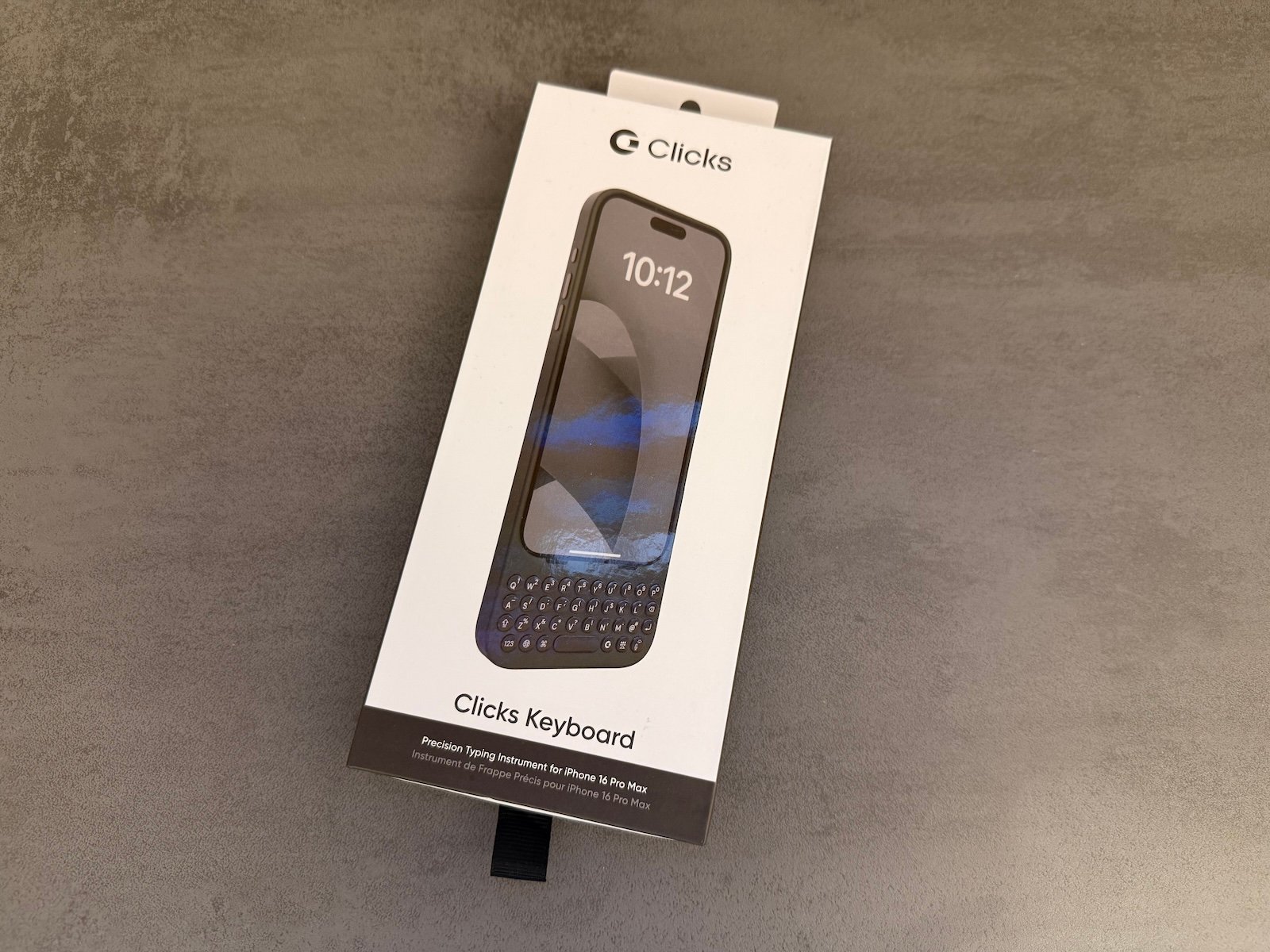
The new Clicks Keyboard for the iPhone 16 Pro and 16 Pro Max is here and comes with some exciting improvements. The second generation of the keyboard shows that Clicks has learned from the first version: From new materials to practical features such as MagSafe and USB-C data pass-through, a lot has changed. I took a closer look at the keyboard and tell you whether it really delivers what it promises.
The first generation of the Clicks Keyboard already attracted a lot of attention because it served a niche that hardly anyone had addressed before: a physical keyboard specifically for the iPhone. But despite many good ideas, the first version still had room for improvement. The new model is intended to close precisely these gaps. I was particularly curious to see how the announced improvements would translate into everyday use. What's the same? What's improved? Let's get started!
What has improved?
With the second generation of the keyboard, Clicks has responded to customer feedback and introduced some exciting new features:
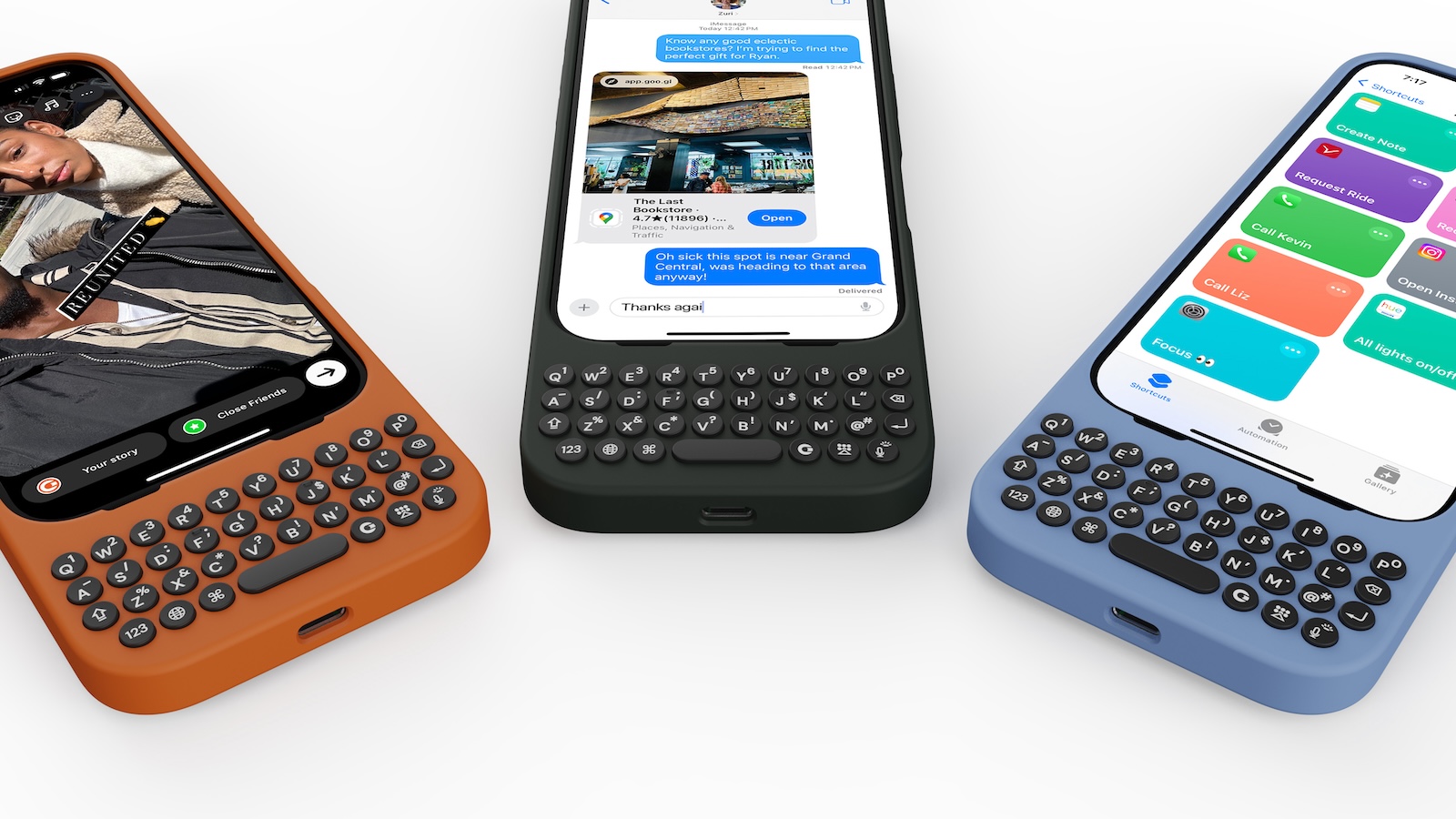
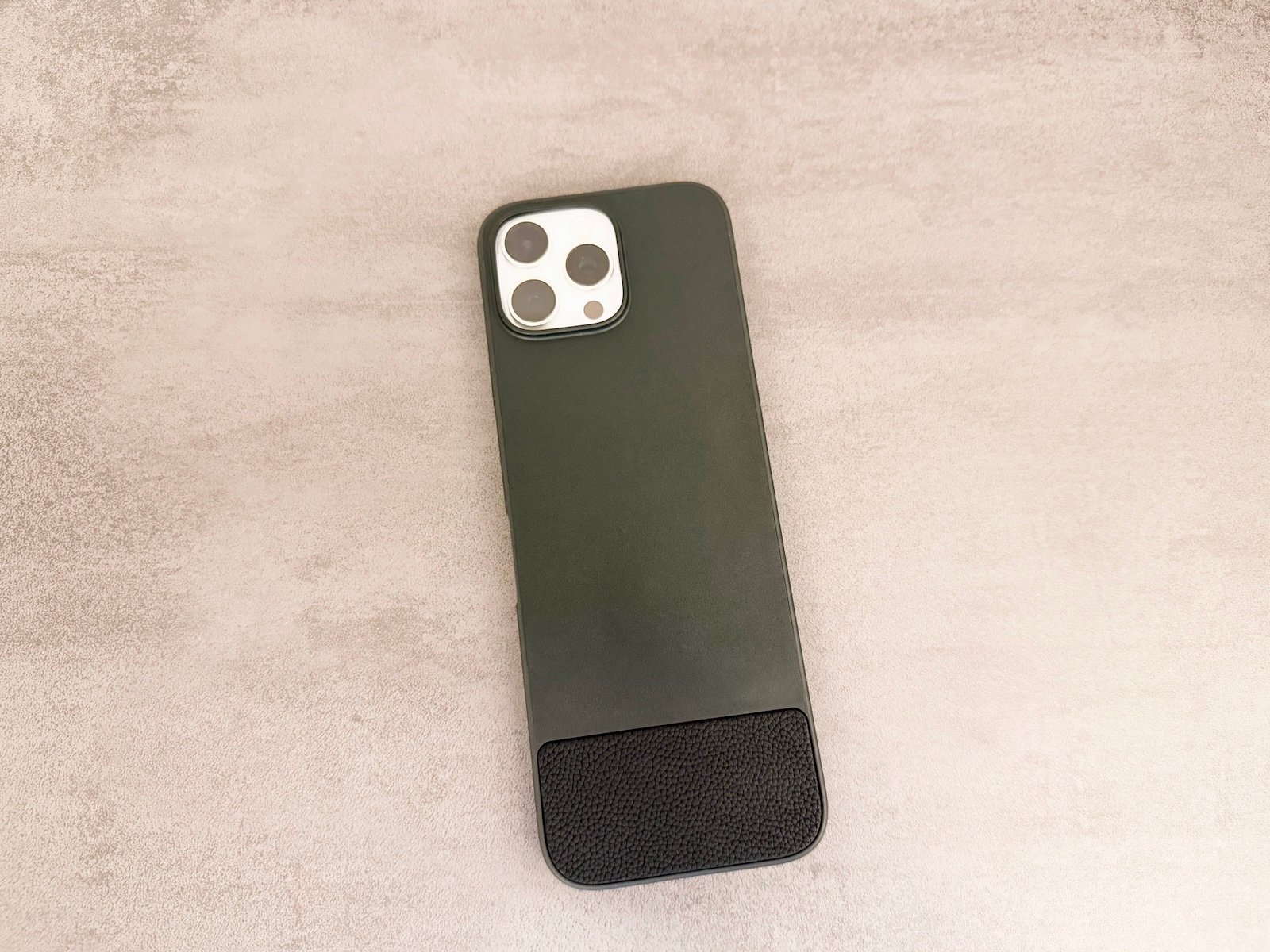
- Materials and workmanship: The buttons are now made of brushed metal, which not only looks stylish but is also more robust. A microfiber lining protects the iPhone from scratches and the entire case has a higher quality appearance.
- MagSafe compatibility: This feature was a frequent customer request. Now you can easily combine the case with MagSafe chargers or accessories - perfect for everyday use.
- USB-C data port: a huge upgrade! The USB-C port not only enables charging but also data transfer. You can connect external hard drives or use CarPlay via cable without having to remove the case.
- Ergonomic keys: The keys are 9 % larger and now have a contoured shape. This means fewer typing errors and a more comfortable typing experience - a real plus, especially for longer texts.
- Customization: With the Clicks Keyboard app, you can adjust the backlighting of the keys, configure shortcuts and customize your keyboard according to your needs.
Practical test: How does the Clicks Keyboard perform in everyday use?
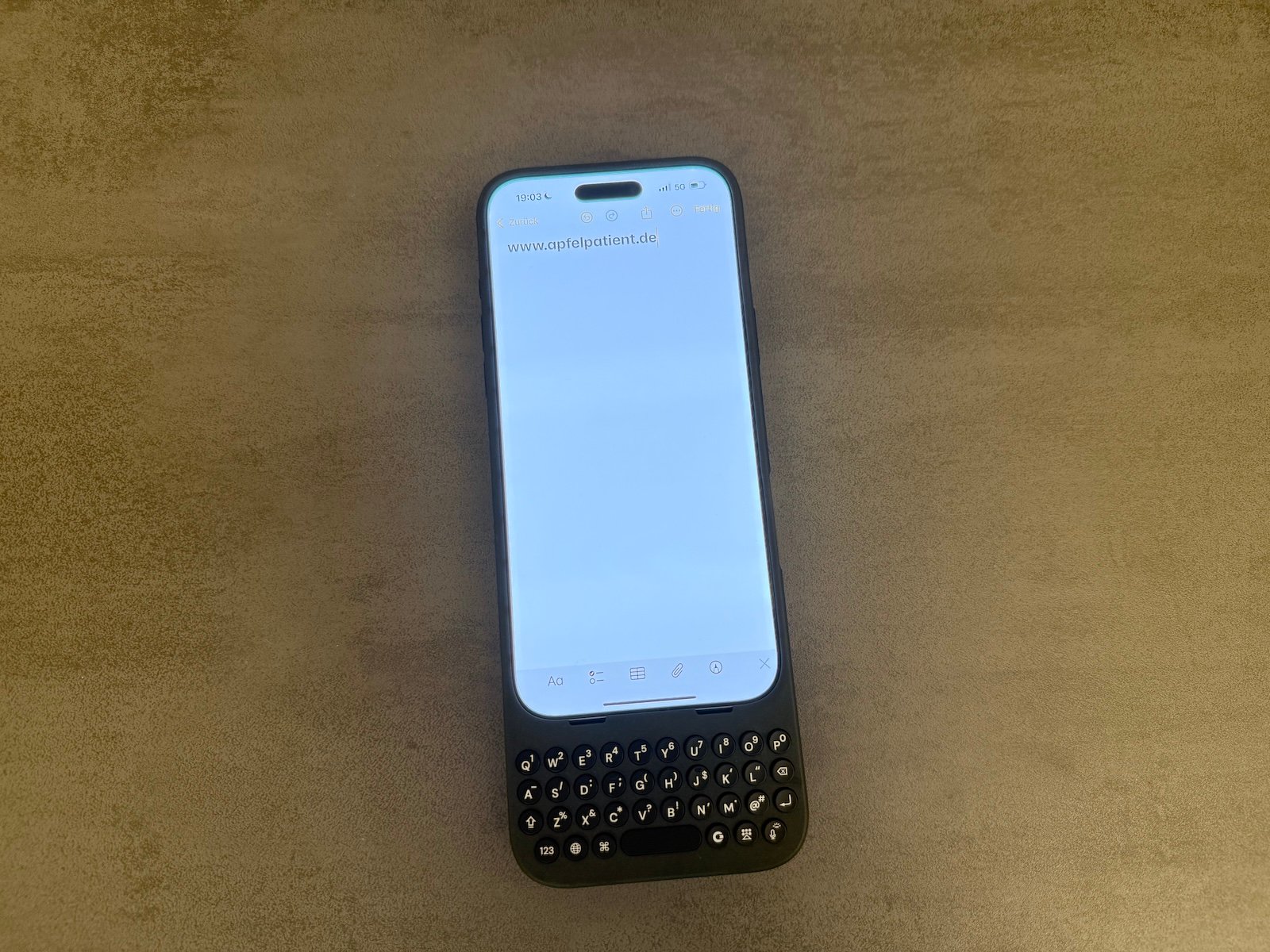
The typing experience is the biggest advantage of the Clicks Keyboard. The keys feel pleasantly tactile and make a satisfying clicking sound - almost like a mechanical keyboard. This makes for much more precise typing than with the iPhone's virtual keyboard. A particularly big plus point is that the entire screen of the iPhone remains free. Whether you're typing messages, replying to emails or editing documents, the combination of a physical keyboard and a full view of the screen is a real highlight. The case is slightly larger but still well balanced. Even with an iPhone 16 Pro Max, it is comfortable to hold and doesn't feel too heavy. However, if you have very small hands, the size could be a slight disadvantage.
Technical data and features
Here are the most important details and special features at a glance:
- Device compatibility: iPhone 16 Pro, iPhone 16 Pro Max and later iPhone 16 and iPhone 16 Plus.
- Connectivity: MagSafe-compatible, USB-C port for data and power.
- Shortcut support for smart home control, apps and system functions.
- Ergonomic buttons with contoured shape.
- Individual customization via the Clicks Keyboard app.
- Materials: Brushed metal, microfiber lining, high-quality surfaces.
- Colors: Surf, Spice, Onyx.
Prices and availability
The Clicks Keyboard is now available. It is available in the three colors Surf, Spice and Onyx. The prices are:
- 129 euros for the iPhone 16 Pro model.
- 149 euros for the iPhone 16 Pro Max version.
You can purchase it directly from the Clicks website.
Clicks Keyboard for iPhone 16 Pro Max review: comfort meets functionality
The new Clicks Keyboard for the iPhone 16 Pro and 16 Pro Max is a significant upgrade over the first generation. With improved materials, well thought-out ergonomics and practical features such as MagSafe and USB-C data port, Clicks has eliminated the weaknesses of its predecessor. It is particularly suitable for users who frequently write texts and do not want to do without the comfort of a physical keyboard. Of course, the size of the case is something you should consider.
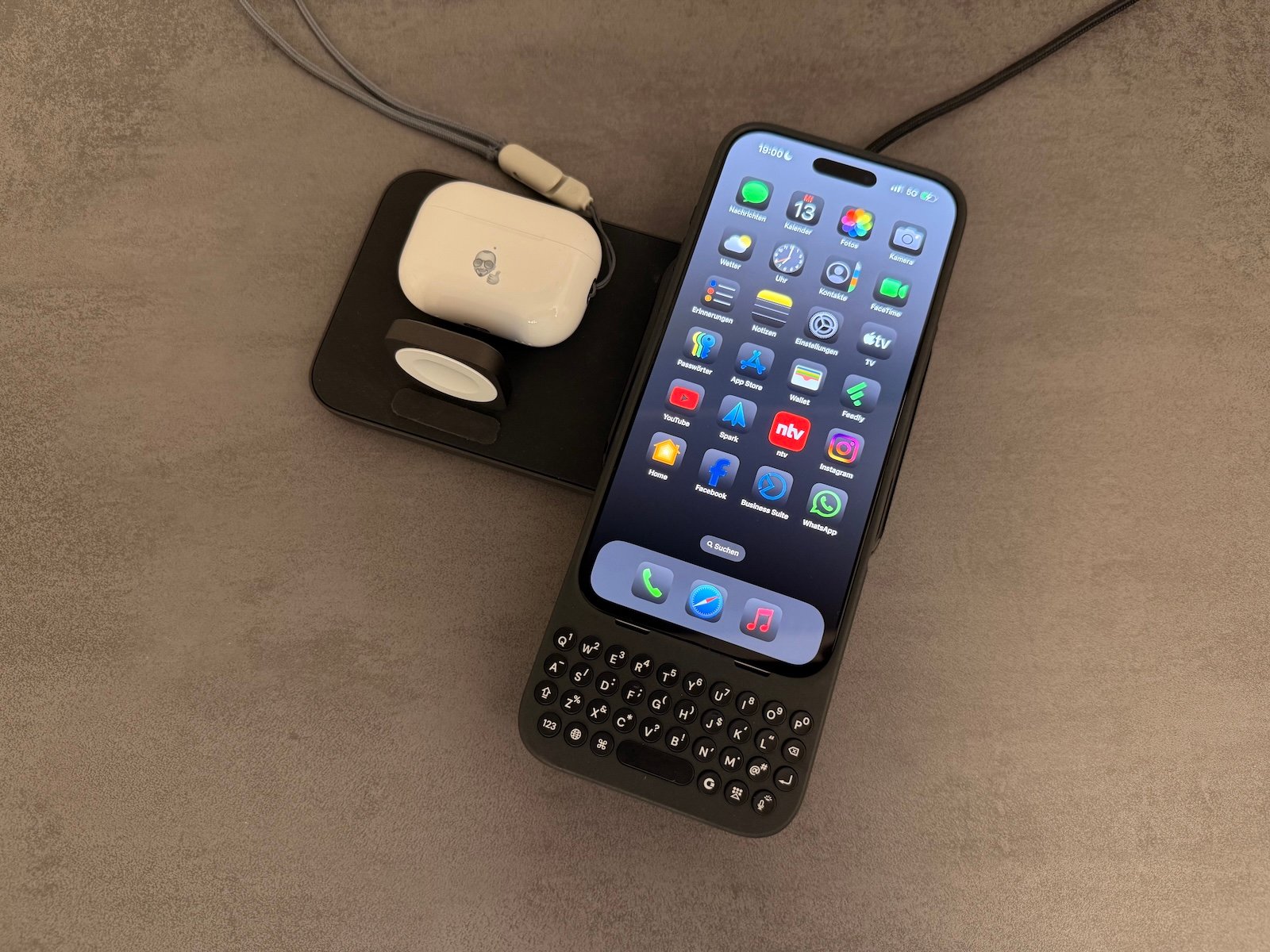
But if you can put up with the extra space and weight, the Clicks Keyboard offers a premium typing experience that turns your iPhone into an even more powerful tool. If you're looking for a high-quality keyboard for your iPhone, the Clicks Keyboard is definitely worth a look. At a price of 129 to 149 euros, it's no bargain, but the functions and workmanship justify the price. Now the only question is: Which color do you choose? (Image: Clicks Technology)