apple patient
  • Home
  • News
  • Rumors
  • Tips & Tricks
  • Reviews
  • Insights
No Result
View All Result
  • iPhone 18
  • iPhone 18 Pro
  • iPhone Duo
  • Apple Watch Series 12
  • Apple Watch Ultra 4
  • AirPods 5
  • iOS 27
  • iPadOS 27
  • macOS
  • MacBook Neo
  • iPhone 17e
  • AirTags
  • iOS 26
  • iPhone 17
  • MacBook Pro
  • iPadOS
  • iMac
  • Mac mini
  • HomePod
  • Apple TV
  • iPad Pro
  • iPhone Air
  • Apple Vision Pro
  • iPhone 16
  • AirPods 4
  • Apple Watch Ultra
  • HomePod Mini
  • MacBook Air
  • iPad
  • AirPods Max
  • AirPods Pro 3
  • Apple Watch Series 3
  • Mac Studio
  • Studio Display
  • iPad Air
  • iPad mini
  • watchOS 27
  • Apple CarPlay
  • Apple Pay
  • watchOS 26
  • Home
  • News
  • Rumors
  • Tips & Tricks
  • Reviews
  • Insights
No Result
View All Result
apple patient
No Result
View All Result
  • iPhone 18
  • iPhone 18 Pro
  • iPhone Duo
  • Apple Watch Series 12
  • Apple Watch Ultra 4
  • AirPods 5
  • iOS 27
  • iPadOS 27
  • macOS
  • MacBook Neo
  • iPhone 17e
  • AirTags
  • iOS 26
  • iPhone 17
  • MacBook Pro
  • iPadOS
  • iMac
  • Mac mini
  • HomePod
  • Apple TV
  • iPad Pro
  • iPhone Air
  • Apple Vision Pro
  • iPhone 16
  • AirPods 4
  • Apple Watch Ultra
  • HomePod Mini
  • MacBook Air
  • iPad
  • AirPods Max
  • AirPods Pro 3
  • Apple Watch Series 3
  • Mac Studio
  • Studio Display
  • iPad Air
  • iPad mini
  • watchOS 27
  • Apple CarPlay
  • Apple Pay
  • watchOS 26

watchOS 27.2: Code reveals new screenshot preview

Milan Jovicic by Milan Jovicic
September 24, 2026 - 8:36 p.m. CEST
in Apple News
0
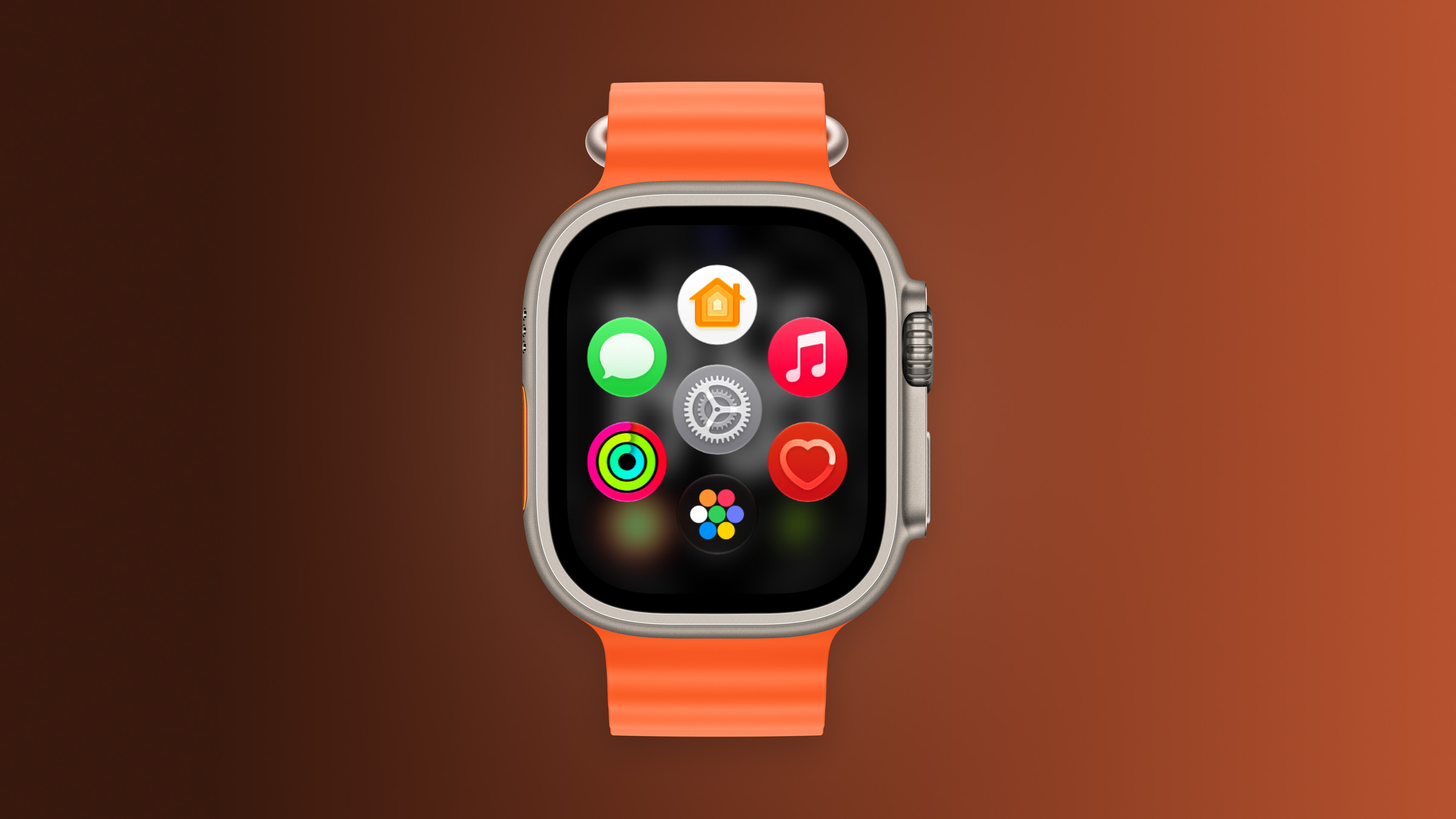
Apple Watch Ultra with an orange band showing the app view, the device getting the new screenshot preview in watchOS 27.2

Image: Apfelpatient

WhatsAppFacebookEmail
Threads

Anyone taking a screenshot on the Apple Watch currently only sees a brief flash – the image is automatically saved to the photo library. The beta version of watchOS 27.2 includes a redesign based on the iPhone's functionality. It is not yet live.

The change was discovered by leaker pdfu, who has repeatedly published details from Apple's code in recent weeks. In a post on X, he shows that watchOS 27.2 includes a new interface for screenshots, hidden behind a so-called feature flag. This means it cannot be easily accessed in the beta version.

The second beta had already brought back the app switcher to the Apple Watch. The new screenshot function would be another small change to the user interface.

Key Facts at a Glance

  • The code for watchOS 27.2 includes a new interface for screenshots on the Apple Watch.
  • After taking the picture, it should be possible to view, share or delete it directly – just like on the iPhone and iPad.
  • The feature is hidden behind a feature flag in the beta version and is not active.

What's in the code

According to the findings, a preview will appear on the watch after a screenshot is taken. From there, the image can be immediately shared or deleted, instead of being saved to the media library without confirmation. This corresponds to the process that iPhones and iPads have used for years.

A new screenshot experience is coming to Apple Watch, inspired by iPhone.

Hidden behind a feature flag in watchOS 27.2, it lets you preview, share, or delete a screenshot right after taking it. pic.twitter.com/MT5wmDjRnq

— pdfu (@itspdfu) September 24, 2026

A feature flag is a setting in the code that allows Apple to ship features but not yet release them. The fact that the interface is in beta confirms that Apple is working on it.

This is how screenshots have worked so far

Currently, a screenshot is taken by pressing the Digital Crown and the side button simultaneously. The display flashes briefly, and the image then appears in the Photos app of the paired iPhone. This requires the feature to be enabled – the guide to taking screenshots on the Apple Watch explains how.

An end to random photos

The greatest benefit of the preview lies less in intentional photos than in unintentional ones. The crown and side button are close together, and anyone who presses the watch against both while exercising or bending their wrist can easily trigger a screenshot. Until now, this has only become apparent when photos of the watch face have accumulated in the photo library.

A preview would allow you to dismiss such a randomly generated photo directly on the watch. Until then, the only solution is to occasionally clean up your media library – or leave the function switched off when you don't need it.

Do you regularly take screenshots on your Apple Watch – or do you mainly end up with accidental snapshots in your photo library? Tell us in the comments how you handle it.


Make Apfelpatient a preferred source One click – and you'll see us more often on Google
Was this article helpful?
YesNo
Tags: Apple WatchwatchOSwatchOS 27watchOS 27.2
SendShareSend
Share

Our Amazon Storefront

A handpicked selection of products for iPhone, Mac and more – sorted by topic and updated regularly.

Shop Now

This post contains affiliate links (including Amazon). We earn a small commission on qualifying purchases – at no extra cost to you. Learn more on our Partner Program page.

Milan Jovicic

Milan Jovicic

Milan founded Apfelpatient in 2016 and has been responsible for all editorial content since 2018 — news, rumors, guides, and product reviews. Apple devices here are not test units on loan for two weeks but everyday tools: from the iPhone through MacBook Pro, MacBook Air, and iMac to the Apple Vision Pro, at least one device from nearly every product category is in daily use, many of them replaced annually. Every menu path in a guide is verified on the device before it is published.

Related posts

Charlie Brown holding a small Christmas tree under a starry sky in the snow, a scene from A Charlie Brown Christmas, free again on Apple TV
Apple News

Apple TV: Peanuts classics free again for Christmas

September 24, 2026 - 6:43 p.m. CEST
Hugh Laurie as crime boss Felix Carmichael in an evening scene from The Wanted Man on Apple TV
Apple News

The Wanted Man: Hugh Laurie on Apple TV from January

September 24, 2026 - 6:19 p.m. CEST
Back of an iPhone 18 Pro Max in a burgundy case on a grey surface, covered by the renewed Apple Qualcomm patent license
Apple News

Apple and Qualcomm extend patent license from 2027

September 24, 2026 - 6:04 p.m. CEST

Leave a Reply Cancel reply

Required fields are marked with * marked.

By submitting, you consent to the storage of your comment along with your name, email address and IP address. Details are available in our privacy policy.

Categories

  • Apple Insights
  • Apple Rumors
  • Apple News
  • Apple Tips & Tricks
  • iPhone news, rumors and tips
  • Mac and MacBook News
  • Reviews

About APFELPATIENT

APFELPATIENT brings you the latest Apple news, product updates, guides, reviews and tips across the entire Apple ecosystem — from the iPhone to the Mac to the Apple Vision Pro. From the first rumors to confirmed news: researched responsibly.

Follow Apfelpatient

Facebook Instagram YouTube Threads Threads

Company

  • About Apfelpatient
  • Contact
  • Author Profiles

Community

  • Netiquette
  • Push Notifications
  • RSS feed

Legal

  • Legal Notice
  • Privacy Policy
  • Terms of Use
  • Cookie Settings
  • Affiliate Program

Resources

  • Sitemap

© 2026 Apfelpatient. All rights reserved.

No Result
View All Result
  • Home
  • News
  • Rumors
  • Tips & Tricks
  • Reviews
  • Insights

© 2026 Apfelpatient. All rights reserved. Page Directory

Change language to Deutsch