apple patient
  • Home
  • News
  • Rumors
  • Tips & Tricks
  • Reviews
  • Insights
No Result
View All Result
  • iPhone 18
  • iPhone 18 Pro
  • iPhone Duo
  • Apple Watch Series 12
  • Apple Watch Ultra 4
  • AirPods 5
  • iOS 27
  • iPadOS 27
  • macOS
  • MacBook Neo
  • iPhone 17e
  • AirTags
  • iOS 26
  • iPhone 17
  • MacBook Pro
  • iPadOS
  • iMac
  • Mac mini
  • HomePod
  • Apple TV
  • iPad Pro
  • iPhone Air
  • Apple Vision Pro
  • iPhone 16
  • AirPods 4
  • Apple Watch Ultra
  • HomePod Mini
  • MacBook Air
  • iPad
  • AirPods Max
  • AirPods Pro 3
  • Apple Watch Series 3
  • Mac Studio
  • Studio Display
  • iPad Air
  • iPad mini
  • watchOS 27
  • Apple CarPlay
  • Apple Pay
  • watchOS 26
  • Home
  • News
  • Rumors
  • Tips & Tricks
  • Reviews
  • Insights
No Result
View All Result
apple patient
No Result
View All Result
  • iPhone 18
  • iPhone 18 Pro
  • iPhone Duo
  • Apple Watch Series 12
  • Apple Watch Ultra 4
  • AirPods 5
  • iOS 27
  • iPadOS 27
  • macOS
  • MacBook Neo
  • iPhone 17e
  • AirTags
  • iOS 26
  • iPhone 17
  • MacBook Pro
  • iPadOS
  • iMac
  • Mac mini
  • HomePod
  • Apple TV
  • iPad Pro
  • iPhone Air
  • Apple Vision Pro
  • iPhone 16
  • AirPods 4
  • Apple Watch Ultra
  • HomePod Mini
  • MacBook Air
  • iPad
  • AirPods Max
  • AirPods Pro 3
  • Apple Watch Series 3
  • Mac Studio
  • Studio Display
  • iPad Air
  • iPad mini
  • watchOS 27
  • Apple CarPlay
  • Apple Pay
  • watchOS 26

watchOS 27.2 Beta 2: The app switcher is back

Milan Jovicic by Milan Jovicic
September 22, 2026 - 2:14 p.m. CEST
in Apple News
0
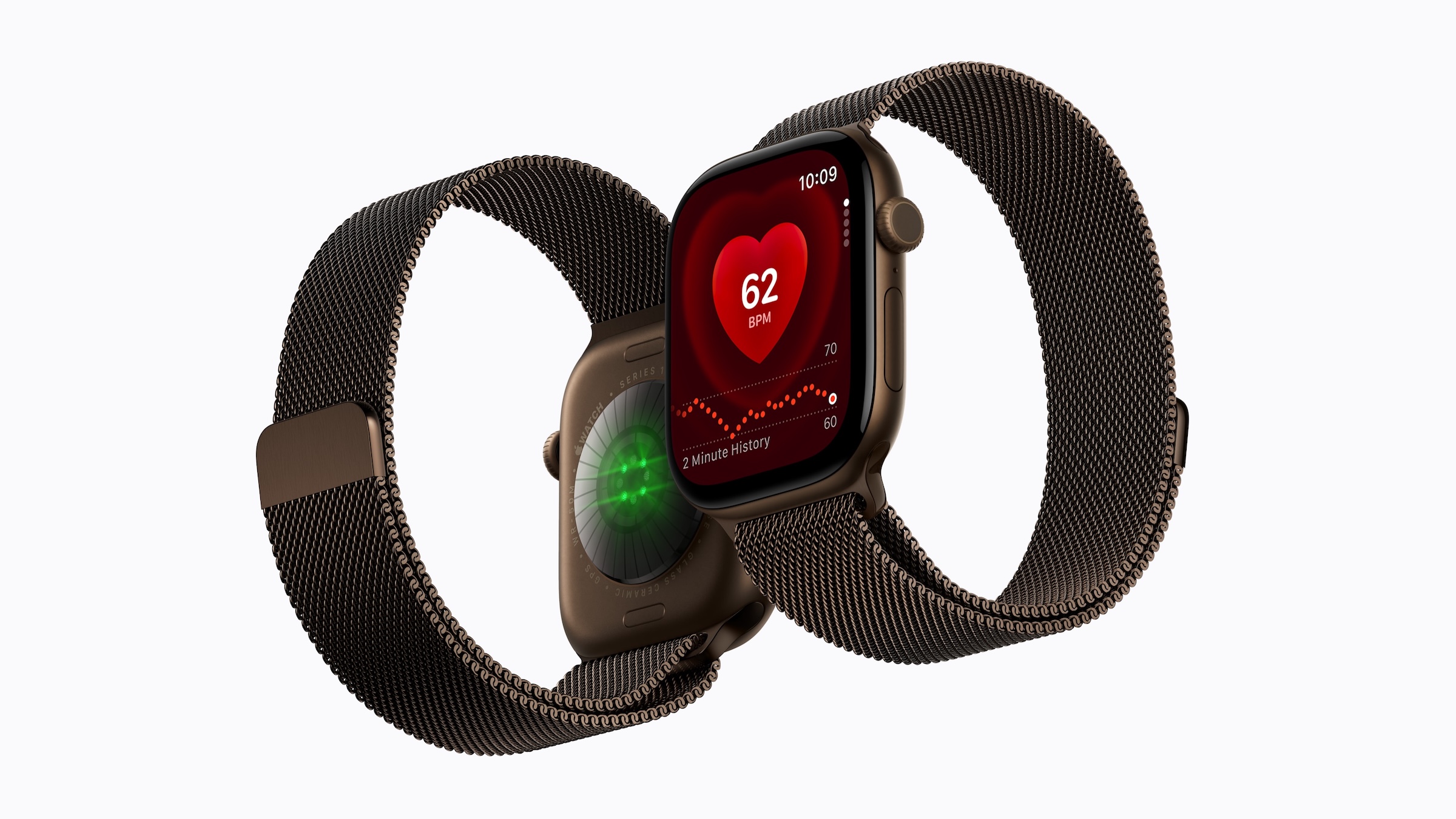
Apple Watch Series 12 with Milanese Loop shown front and back, with the Digital Crown on the right side of the case, whose double press no longer opens the app switcher in watchOS 27.2

Image: Apple

WhatsAppFacebookEmail
Threads

With watchOS 27, a feature many Apple Watch users relied on disappeared: the quick switch to the last opened app by double-tapping the Digital Crown. In the second beta of watchOS 27.2, the app switcher is back – but via a different method.

Up until watchOS 26, a double-tap of the Digital Crown opened the app switcher. From there, users could return to the last used app, scroll through other recently used apps, and close a stuck app by swiping left. This view was already missing in a developer preview of watchOS 27, as noted in a post on Apple's developer forum. At the same time, Apple redesigned the app overview with watchOS 27.

With the second beta of iOS 27.2, Apple also rolled out watchOS 27.2 Beta 2 on Monday. In it, the app switcher makes a return, as a user demonstrates on X with a video.

Key Facts at a Glance

  • In watchOS 27, double-tapping the Digital Crown no longer opens the app switcher because Apple has designated the gesture for Live Rewind.
  • The app switcher is back in watchOS 27.2 Beta 2.
  • It is now opened by pressing and holding the bottom edge of the screen within an app.
  • Live Rewind itself is expected to be released later this year as a beta version, initially in English.

Why the Digital Crown now belongs to Live Rewind

The reason for the change is called Live Rewind. This feature is part of Apple's new Audio Intelligence on the Apple Watch Series 12 and Ultra 4 and displays the last 15 seconds of a call as text on the watch. According to Apple's support document, it is activated by a deliberate double-press of the Digital Crown.

The gesture is therefore confirmed, and not just on the two new models. Even on older watches with watchOS 27, the double-tap no longer opens the app switcher, even though Live Rewind isn't available there. The case described in the developer forum is from an Apple Watch SE 3.

The new gesture in the beta

In watchOS 27.2 Beta 2, the app switcher can be accessed by pressing and holding the bottom edge of the display while an app is open.

The Digital Crown remains exclusive to Live Rewind. Apple is therefore not resolving the conflict by bringing back the double-press, but by giving the app switcher its own dedicated method.

A gesture for a feature that is still missing

For users in German-speaking regions, the change is currently a bad one. According to Apple, Live Rewind will only be released later this year as a beta and will initially launch in English. The double-tap function is therefore reserved for a feature that doesn't yet exist and won't work in German for the time being. It won't be available at all on older models.

That makes the return of the app switcher all the more important. Those who previously used it for quickly switching between apps or closing stuck ones only need to learn a new gesture with watchOS 27.2, instead of having to do without it entirely.

Did you miss the double-press on the Digital Crown in watchOS 27 – or never use the app switcher? Tell us in the comments how you switch between apps on your watch.

Make Apfelpatient a preferred source One click – and you'll see us more often on Google
Was this article helpful?
YesNo
Tags: Apple WatchwatchOSwatchOS 27watchOS 27.2
SendShareSend
Share

Our Amazon Storefront

A handpicked selection of products for iPhone, Mac and more – sorted by topic and updated regularly.

Shop Now

This post contains affiliate links (including Amazon). We earn a small commission on qualifying purchases – at no extra cost to you. Learn more on our Partner Program page.

Milan Jovicic

Milan Jovicic

Milan founded Apfelpatient in 2016 and has been responsible for all editorial content since 2018 — news, rumors, guides, and product reviews. Apple devices here are not test units on loan for two weeks but everyday tools: from the iPhone through MacBook Pro, MacBook Air, and iMac to the Apple Vision Pro, at least one device from nearly every product category is in daily use, many of them replaced annually. Every menu path in a guide is verified on the device before it is published.

Related posts

Apple Music Hall in Battersea Power Station: view across the open floor to red seating tiers, balconies and brick walls, with a glass wall behind
Apple News

Apple Music Hall: Apple opens concert hall in London

September 22, 2026 - 1:49 p.m. CEST
Symbolic image for the Apple OpenAI lawsuit: illustrated file folder showing the case number on a dark blue background
Apple News

Apple vs. OpenAI: Dispute over forensics and hardware files

September 22, 2026 - 11:57 CEST
John Ternus in the glass walkway of Apple Park – still from the September keynote, shortly before his interview with Canal+
Apple News

John Ternus in an interview: From CEO offer to Vision Pro

September 22, 2026 - 01:39 CEST

Leave a Reply Cancel reply

Required fields are marked with * marked.

By submitting, you consent to the storage of your comment along with your name, email address and IP address. Details are available in our privacy policy.

Categories

  • Apple Insights
  • Apple Rumors
  • Apple News
  • Apple Tips & Tricks
  • iPhone news, rumors and tips
  • Mac and MacBook News
  • Reviews

About APFELPATIENT

APFELPATIENT brings you the latest Apple news, product updates, guides, reviews and tips across the entire Apple ecosystem — from the iPhone to the Mac to the Apple Vision Pro. From the first rumors to confirmed news: researched responsibly.

Follow Apfelpatient

Facebook Instagram YouTube Threads Threads

Company

  • About Apfelpatient
  • Contact
  • Author Profiles

Community

  • Netiquette
  • Push Notifications
  • RSS feed

Legal

  • Legal Notice
  • Privacy Policy
  • Terms of Use
  • Cookie Settings
  • Affiliate Program

Resources

  • Sitemap

© 2026 Apfelpatient. All rights reserved.

No Result
View All Result
  • Home
  • News
  • Rumors
  • Tips & Tricks
  • Reviews
  • Insights

© 2026 Apfelpatient. All rights reserved. Page Directory

Change language to Deutsch