Just over a week after watchOS 27, Apple is releasing its first bug-fix update. It applies exclusively to the two newest models – and addresses a problem that owners have been complaining about in recent days.
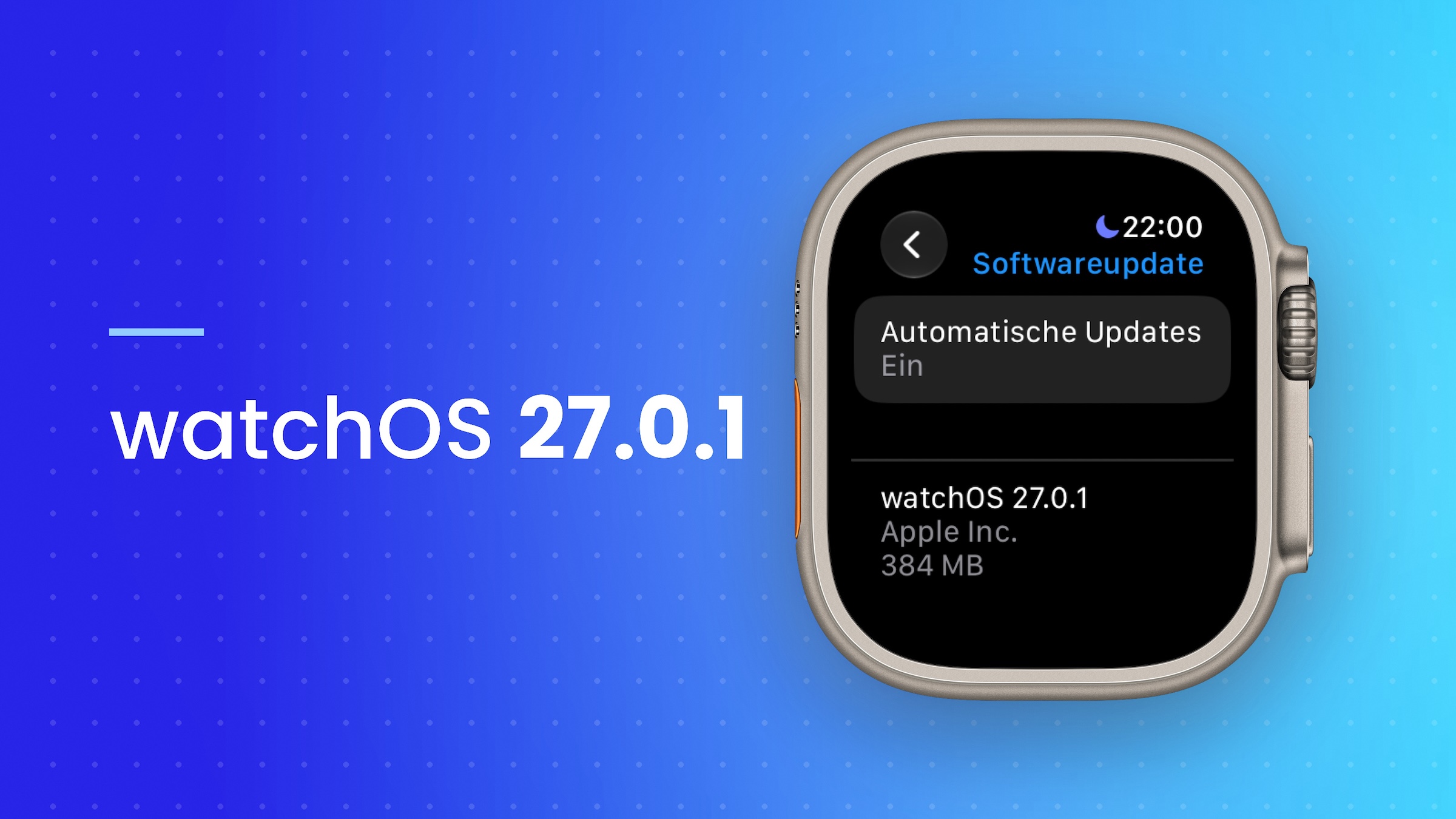
Apple released watchOS 27.0.1 on September 23. According to the release notes, the update fixes bugs, including one that could cause the Apple Watch to restart unexpectedly. Owners of the Apple Watch Series 12 and Ultra 4 had reported this issue in recent days.
The update is only available for these two models. Older Apple Watch models will remain on watchOS 27, which Apple released on September 14 for all supported models.
Key Facts at a Glance
- According to Apple, watchOS 27.0.1 fixes a problem that could cause unexpected restarts.
- The update is only available for the Apple Watch Series 12 and the Apple Watch Ultra 4.
- It can be installed via the Watch app on the iPhone or directly on the watch.
- The watch must be plugged into the charger and at least 50 percent charged.
What watchOS 27.0.1 fixes
The release notes are brief. Apple mentions general bug fixes and highlights unexpected restarts as the only specific issue. The update does not include any new features.
The fact that the update only appears on the new models fits the error pattern: The reported restarts affected the Series 12 and the Ultra 4, both of which use the new S11 chip.
Here's how to install watchOS 27.0.1
On the iPhone, you can update via the Watch app: "General > Software Update". On the watch itself, the option is located under "Settings > General > Software Update".
The installation will only start if the Apple Watch is plugged into the charger and the battery is at least 50 percent charged. The paired iPhone should be nearby and connected to Wi-Fi. If automatic updates are enabled, the watch will also download the update automatically overnight.
| Model | watchOS 27.0.1 |
|---|---|
| Apple Watch Series 12 | Yes |
| Apple Watch Ultra 4 | Yes |
| Older models with watchOS 27 | No, we're sticking with watchOS 27. |
A mandatory update for the new models
Anyone wearing a Series 12 or Ultra 4 should install the update as soon as possible. Restarts are more than just an annoyance for a watch that tracks heart rate, sleep, and falls: every restart can mean a gap in the data record.
If the restarts continue after the update, a forced restart of the Apple Watch should help. If the problem persists, contacting Apple Support is the next step, especially since the watches are still new and covered by the manufacturer's warranty.
Did you experience restarts with your new Apple Watch – and did they disappear after watchOS 27.0.1? Tell us in the comments how your watch has been behaving since the update.