

Apple has now announced the release date of iOS 13 on its website. The operating system is scheduled to be released on September 19th.
During the “By innovation only”Keynote, the release date of the operating systems was not mentioned - this naturally caused confusion. But now the date is known - September 19th - the same date watchOS 6 will be released. iOS 13.1 and iPadOS will follow on September 30th. The Mac operating system macOS Catalina has been earmarked for October.
iOS 13 – What you need to know
iOS 13 will bring fundamental performance and system improvements. Face ID will work around 30 percent faster and apps will load twice as fast while using 50 percent less memory. Future app updates will be around 60 percent smaller under iOS 13.
iOS 13 Dark Mode
The dark mode in iOS 13 is a feature that many fans have been waiting for a long time. If the user activates it, the dark mode is adopted system-wide. This means that apps such as notes, Apple Music, messages, photos and much more also appear in dark mode. The function can also have a positive effect on the battery life of an iPhone with an OLED display, because a black pixel hardly consumes any power compared to an actively used pixel.
The appearance of iOS is dynamic. The iPhone can activate dark mode at sunset and switch to light mode at sunrise. Alternatively, users can also set their own schedule. The configuration for this is very simple. First, open the iOS settings and then navigate to the menu item “Display & Brightness”. Now the appearance can be adjusted.
Reminders and Apple Maps
As part of the new iPhone operating system, the “Reminders” application has also been updated. It appears with a redesigned user interface. This is divided into areas such as “Today”, “Planned”, “All” and “My Lists”. When creating a reminder, Siri will now try to fill in the information the user enters. Apple Maps also has an important feature in iOS 13. In the future, users of the map application will be able to share their arrival time directly with friends, family and colleagues. The arrival time is automatically updated if there are delays or similar.
Data protection and HomeKit under iOS 13
Of course, Apple will also upgrade data protection and security. In the future, iOS will offer system-wide protection for location tracking. This enables new options when granting tracking permission. Users can grant individual applications a “one-time permission” for location tracking. If a user chooses the “Always” option, iOS will regularly provide them with detailed reports. Users will also have access to the “HomeKit Secure Video” feature in the future. Video recordings are encrypted and stored in the iCloud. In addition, the home router can be controlled using HomeKit. The function can also be viewed as a firewall. The new “Sign in with Apple” service, on the other hand, is intended to provide more privacy. The function enables users to create a new account on suitable applications, websites and other services without revealing potentially sensitive private information. In contrast to existing solutions, “Sign in with Apple” users can authenticate themselves using Face ID or Touch ID and decide for themselves which personal information is passed on to the respective provider - more on this here.
Messages & Memojis
Apple's own messaging app Messages is also being revised in iOS 13. Users can set up a profile with a name and photo, which is then automatically shared with the chat partner. The popular Memojis are also getting a comprehensive update. They now have more design options - including makeup, AirPods, monocles and more hats. The Memojis you create can also be sent as stickers - they can be found next to the emojis in the keyboard.
Photo app and camera under iOS 13
The Photos app will be completely reorganized in iOS 13 – there will also be new functions. iOS will recognize duplicates and automatically remove them from the albums – thank you Apple! Users can, for example, edit photos and videos directly from the app and use numerous options – you can find more details in our extensive Summary. With the changes to portrait lighting in iOS 13, users can adjust the position and intensity of the studio lighting effects. The improvement makes it possible to achieve, for example, smoother skin, sharper eyes and brighter facial features. There is also the new high-key mono effect, a monochrome motif on a white background.
AirPods, HomePod & CarPlay
Under iOS 13, Siri can read out incoming messages on its own and users can answer them via AirPods without the command “Hey Siri”. The feature will be available in every messaging app that uses SiriKit. There will also be an audio sharing option that allows two audio devices to be connected to an iPhone. For example, two pairs of AirPods or other Bluetooth devices can be connected to the Apple smartphone at the same time. The HomePod has access to radio stations for the first time and can play songs using Handoff. Incidentally, under iOS 13 the smart speaker can be controlled by multiple voices. CarPlay is also being updated - in the future it will adapt to larger displays and will have a new user interface. The music app has been completely redesigned and Siri no longer covers the entire screen.
Data saving mode & data limit for downloads in mobile networks
In iOS 13, Apple warns users when they try to start a large download on the mobile network - but they are allowed to exceed the limit. The limit is therefore completely removed in iOS 13 and replaced by a warning message. In addition, the system now displays a message indicating that the app size is slightly higher and shows the exact file size. The user can now decide whether to continue the download or wait for a WiFi connection. The whole thing can even be customized. There is a new setting in the iTunes & App Store called "App Downloads". The default option is "Ask if over 200 MB" and displays the warning accordingly. In "Ask First" mode, the user is always asked to confirm the download of a mobile app. The new data saving mode in iOS 13 allows apps to reduce the use of mobile data on the iPhone. iPhone users with limited data volume in particular can benefit from the new function and no longer have to worry about their GBs.
Support for PlayStation 4 and Xbox One S controllers
When it was announced that tvOS would get support for the DualShock 4 and Xbox One S controllers, many of us thought it would only be tvOS that would get this support. But not so! iOS 13 also supports the popular console controllers. This could turn the iPhone into a small Playstation 4 if you use the official Remote App from Sony – This is how you connect your iPhone & Co. with one of the two joysticks.
These iPhone, iPad and iPod touch models are compatible with iOS 13
Apple's compatible device list confirms that iOS 13 is compatible with the following iPhone, iPad and iPod touch models:
- iPhone XS
- iPhone XS Max
- iPhone XR
- iPhone X
- iPhone 8 & iPhone 8 Plus
- iPhone 7 & iPhone 7 Plus
- iPhone 6S & iPhone 6S Plus
- iPhone SE
- iPod touch (7th generation)
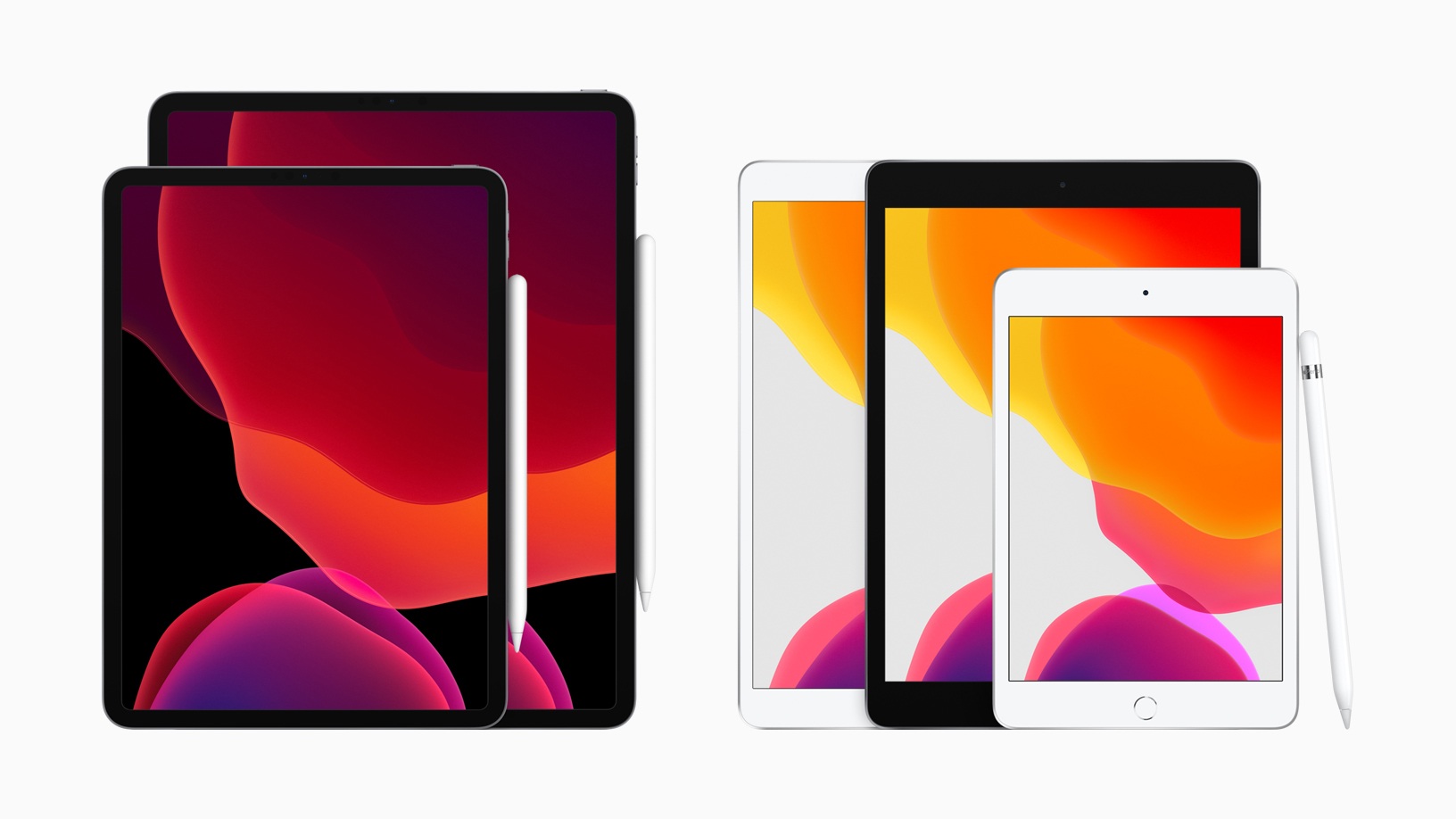
The new iPadOS, which is essentially based on iOS 13, will also be available on a variety of older devices. (Image: Apple)
- All iPad Pro models
- iPad (6th generation)
- iPad (5th generation)
- iPad mini (5th generation)
- iPad mini 4
- iPad Air (3rd generation)
- iPad Air 2





