

apple patient
  • Home
  • News
  • Rumors
  • Tips & Tricks
  • Reviews
  • Insights
No Result
View All Result
  • iPhone 18
  • iOS 27
  • iPadOS 27
  • macOS
  • MacBook Neo
  • iPhone 17e
  • AirTags
  • iOS 26
  • iPhone 17
  • MacBook Pro
  • iPadOS
  • iMac
  • Mac mini
  • HomePod
  • Apple TV
  • iPad Pro
  • iPhone Air
  • Apple Vision Pro
  • iPhone 16
  • AirPods 4
  • Apple Watch Ultra
  • HomePod Mini
  • MacBook Air
  • iPad
  • AirPods Max
  • AirPods Pro 3
  • Apple Watch Series 3
  • Mac Studio
  • Studio Display
  • iPad Air
  • iPad mini
  • watchOS 27
  • Apple CarPlay
  • Apple Pay
  • watchOS 26
  • Home
  • News
  • Rumors
  • Tips & Tricks
  • Reviews
  • Insights
No Result
View All Result
apple patient
No Result
View All Result

Pages, Numbers & Keynote: Apple releases version 11

Milan Jovicic by Milan Jovicic
March 23, 2021 - 19:09 CET
in Apple News
0
iWork

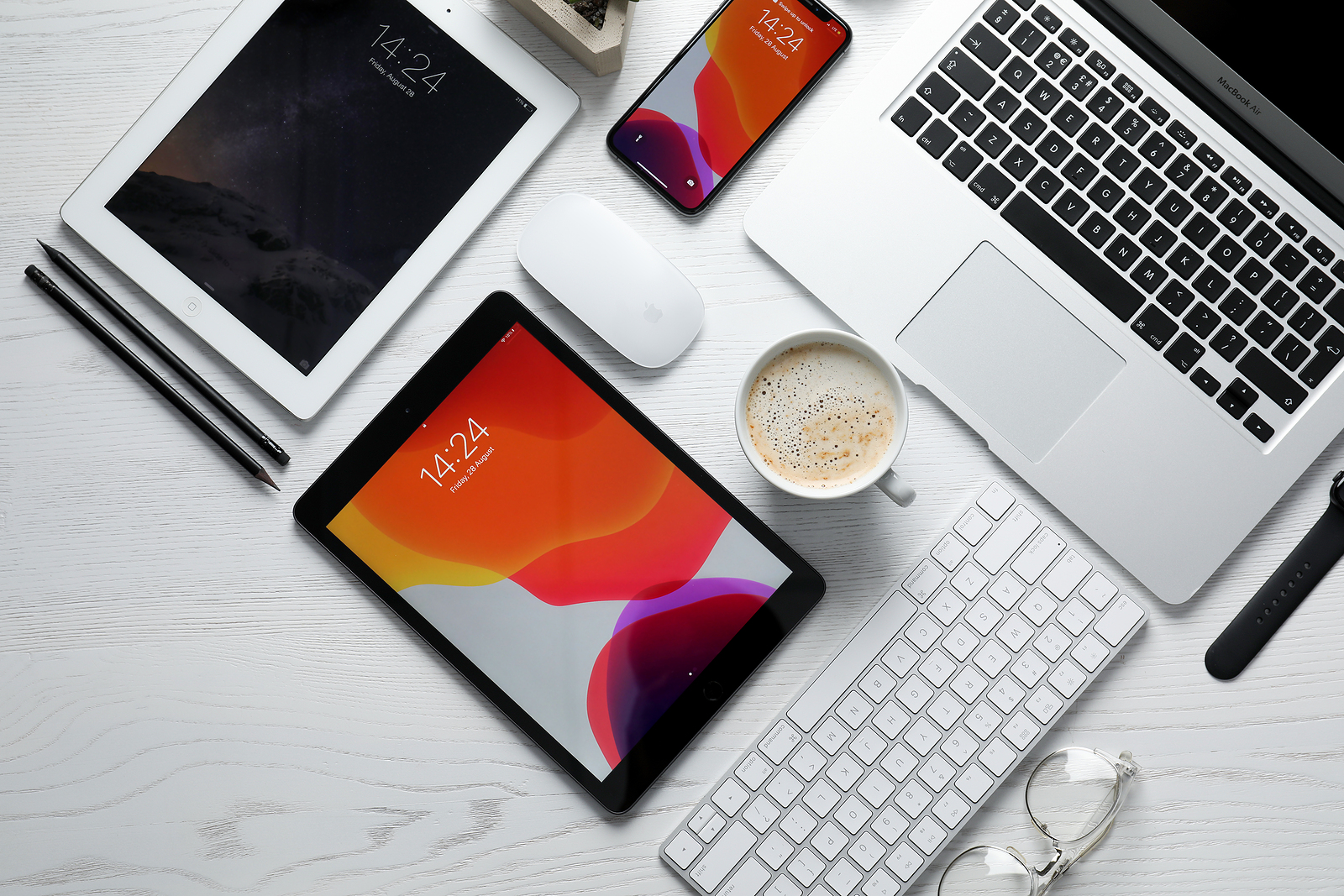
MYKOLAIV, UKRAINE - AUGUST 28, 2020: Flat lay composition with iPhone 11, MacBook laptop and iPad tablets on white table

WhatsAppFacebookEmail
Threads

Apple today updated Pages, Numbers and Keynote for iOS, iPadOS and macOS to version 11. The new updates offer a number of new features and improvements.

Apple released version 11 of the iWork applications Pages, Numbers and Keynote. The updates are now available in both the iOS and Mac App Store. The new versions offer support for precise editing controls, on-screen keyboards, the option to always open documents in editing mode and much more. Below we have listed the update descriptions verbatim.

  • iOS 14.5 & Co.: Fifth beta launched

Pages version 11.0 for iOS:

  • Scribble tool for writing handwritten notes with Apple Pencil and automatically converting handwriting into typed text. Requires iPadOS 14
  • Precise editing controls in the Arrange inspector to customize the appearance and placement of objects
  • Onscreen keyboards for entering exact values for text size, spacing, table size and more
  • Ability to add or remove objects or table cells from a selection by tapping or dragging over the desired area
  • Option to open documents in edit mode by default
  • Ability to add phone number links to table cells, text objects and shapes

Numbers version 11.0 for iOS:

  • Scribble tool for writing handwritten notes with Apple Pencil and automatically converting handwriting into typed text. Requires iPadOS 14
  • Precise editing controls in the Arrange inspector to customize the appearance and placement of objects
  • Onscreen keyboards for entering exact values for text size, spacing, table size and more
  • Ability to add or remove objects or table cells from a selection by tapping or dragging over the desired area
  • Option to open spreadsheets in edit mode by default
  • Ability to add phone number links to table cells, text objects and shapes
  • Option to exclude the summary when exporting a spreadsheet to Microsoft Excel

Keynote version 11.0 for iOS:

  • Scribble tool for writing handwritten notes with Apple Pencil and automatically converting handwriting into typed text. Requires iPadOS 14
  • Precise editing controls in the Arrange inspector to customize the appearance and placement of objects
  • Onscreen keyboards for entering exact values for text size, spacing, table size and more
  • Ability to add or remove objects or table cells from a selection by tapping or dragging over the desired area
  • Option to open presentations in edit mode by default
  • Ability to add phone number links to table cells, text objects and shapes

Pages version 11.0 for macOS:

  • Updated media browser with improved search options and new content categories such as “Recent”, “Portraits” and “Live Photos
  • Ability to add phone number links to table cells, text objects and shapes
  • AppleScript functionality to change a document password or open password-protected documents

Numbers version 11.0 for macOS:

  • Updated media browser offers improved search options and new content categories such as “Recent,” “Portraits,” and “Live Photos
  • Ability to add phone number links to table cells, text objects and shapes
  • AppleScript functionality to change a spreadsheet password or to open password-protected spreadsheets

Keynote version 11.0 for macOS:

  • View your presentation notes, current slide, and next slide in a separate window while you present
  • Thumbnails in the Build Order window make it easier to edit complex sequences
  • Updated media browser offers enhanced search options and new content categories such as Recents, Portraits and Live Photos
  • Ability to add phone number links to table cells, text objects and shapes
  • AppleScript functionality to change a presentation password or to open password-protected presentations
Make Apfelpatient a preferred source One click – and you'll see us more often on Google
Was this article helpful?
YesNo
Tags: App StoreiOSiPadOSmacOS
SendShareSend
Share

Our Amazon Storefront

A handpicked selection of products for iPhone, Mac and more – sorted by topic and updated regularly.

Shop Now

This post contains affiliate links (including Amazon). We earn a small commission on qualifying purchases – at no extra cost to you. Learn more on our Partner Program page.

Previous Post

iPhone 2021: Image shows displays with smaller notch

Next Post

tvOS 14.5 Beta: Apple renames “Siri Remote”

Milan Jovicic

Milan Jovicic

Milan founded Apfelpatient in 2016 and has been responsible for all editorial content since 2018 — news, rumors, guides, and product reviews. Apple devices here are not test units on loan for two weeks but everyday tools: from the iPhone through MacBook Pro, MacBook Air, and iMac to the Apple Vision Pro, at least one device from nearly every product category is in daily use, many of them replaced annually. Every menu path in a guide is verified on the device before it is published.

Concept design of the iPhone Ultra in its unfolded state with a large inner display

iPhone Ultra (iPhone Fold): All rumors and facts at a glance

August 12, 2026 - 9:32 PM CEST
Five iPhone models in different colors side by side, one from the front showing the Dynamic Island, which is expected to be smaller on the iPhone 18.

iPhone 18: All the rumors at a glance

August 12, 2026 - 9:24 PM CEST
Symbolic image of Apple's leadership team: Apple Park from the air, illuminated at sunset.

Apple's leadership team is undergoing a transformation: Who's leaving and who's taking their place?

August 12, 2026 - 9:10 PM CEST

About APFELPATIENT

APFELPATIENT brings you the latest Apple news, product updates, guides, reviews and tips across the entire Apple ecosystem — from the iPhone to the Mac to the Apple Vision Pro. From the first rumors to confirmed news: researched responsibly.

Follow Apfelpatient

Facebook Instagram YouTube Threads Threads

Company

  • About Apfelpatient
  • Contact
  • Author Profiles

Community

  • Netiquette
  • Push Notifications
  • RSS feed

Legal

  • Legal Notice
  • Privacy Policy
  • Terms of Use
  • Cookie Settings
  • Affiliate Program

Resources

  • Sitemap

© 2026 Apfelpatient. All rights reserved.

No Result
View All Result
  • Home
  • News
  • Rumors
  • Tips & Tricks
  • Reviews
  • Insights

© 2026 Apfelpatient. All rights reserved. Page Directory

Change language to Deutsch




