

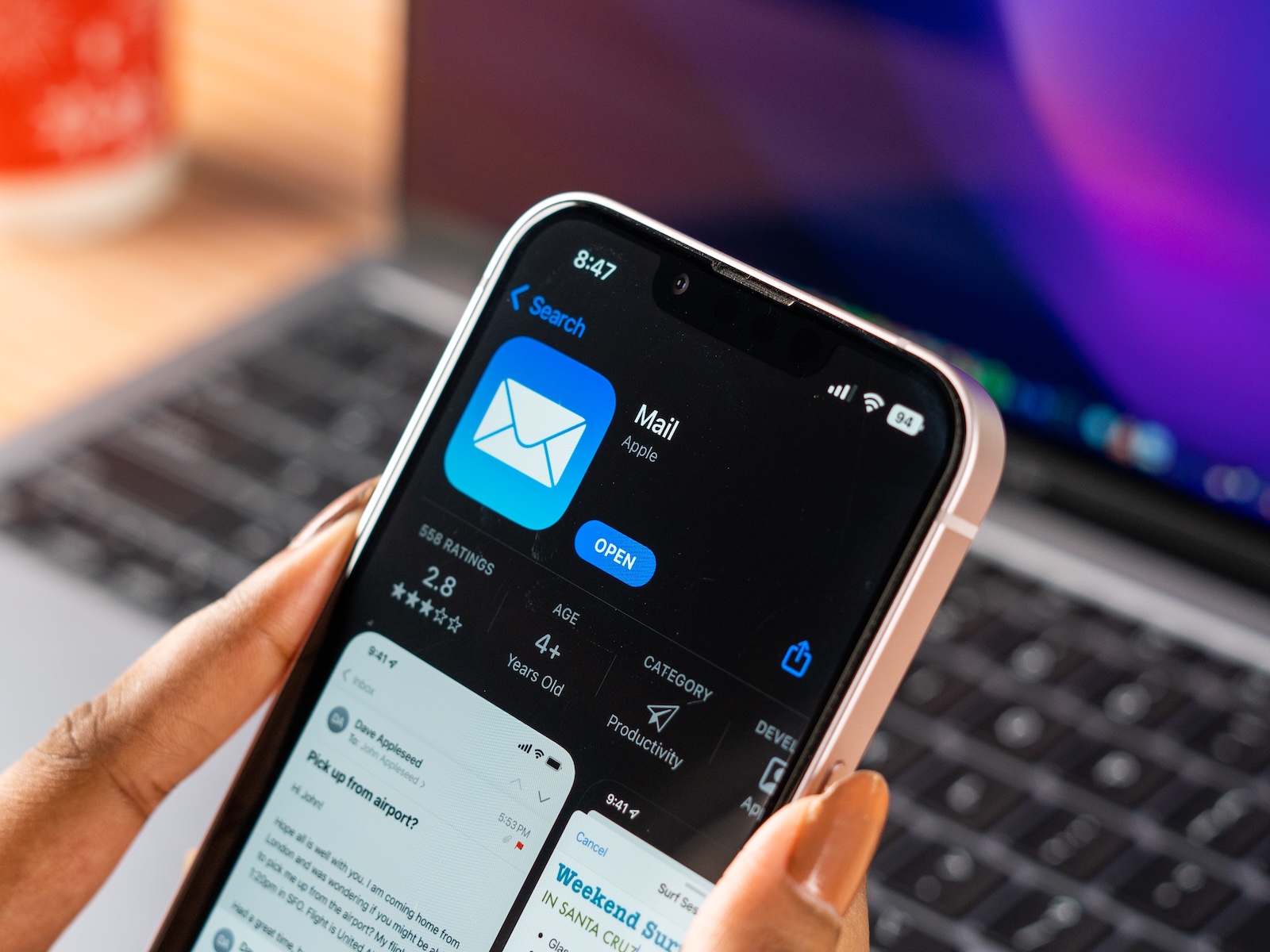
The Mail app on iPhones is a standard feature for many. It's pre-installed, straightforward, and integrated directly into the system. This makes it all the more frustrating when it doesn't work properly. This has been happening more and more frequently lately – especially with iOS 18.5. Users are reporting outages where content suddenly stops displaying. Previous issues with push notifications, IMAP servers, and categorization have not yet been fully resolved.
Since the launch of iOS 18, the Mail app has repeatedly caused frustration. Initially, it was mostly minor bugs: emails arrived late or not at all, push notifications didn't work reliably, and some mailboxes synced with a delay. Users with IMAP accounts were particularly affected. Apple has released several updates, but even with iOS 18.5, there's no stable solution in sight.
- On the contrary: New problems render the app unusable in some areas. And Apple has remained silent so far.
Mail app suddenly no longer displays anything
Since the update to iOS 18.5, there have been increasing reports that the Mail app suddenly becomes blank in the middle of use. Either the app opens without any content, or the view simply freezes when tapping on an inbox. No emails, no error message, no response. This error doesn't occur for all users, but it's common enough that complaints are piling up.
Restarting the app doesn't help
An obvious step would be to simply close and restart the app. However, this doesn't help. The Mail app then reopens in the same faulty state. Content is still not displayed. The app remains virtually nonfunctional.
Only a complete iPhone restart helps
Currently, there's only one short-term solution: restarting your iPhone. This is the only way to get the Mail app working again. To do this, hold down the side button and either volume button simultaneously for a few seconds. A menu will then appear with the option to shut it down. Alternatively, you can use the power button in the Control Center, which you also have to hold down for a few seconds. After restarting, the Mail app will display its contents again—although not permanently. The problem will recur after a while.
No explanation from Apple
So far, there's no official statement from Apple regarding this bug. Support can't help either. Their only suggestion is to restart the device. This isn't a permanent solution. Apparently, a system update is necessary to completely resolve the issue. It's unclear when that will happen.
Other known issues with the Mail app
In addition to the new display error, older issues aren't completely resolved. Many users continue to complain about:
- push notifications not arriving
- faulty or delayed mail retrieval
- Problems with certain IMAP servers
- illogical or annoying auto-categorization of emails
The integration of IMAP mailboxes, in particular, appears to be vulnerable. Although Apple has worked on this with recent system updates, the whole thing isn't completely stable.
Error does not occur for all users
As with many bugs, this error doesn't affect everyone. Most users will likely continue to use the Mail app without any problems. But especially if you use your iPhone for work or manage a lot of emails, such an outage can have serious consequences. The fact that the error is only now appearing in so many cases—weeks after the release of iOS 18.5—doesn't make things any better.
Mail app still unstable – no solution in sight
The Mail app in iOS 18.5 is currently experiencing a serious stability issue. Content suddenly disappears, and the app can only be restored by completely restarting the iPhone. Previous bugs such as push dropouts or IMAP issues also persist. There's currently no permanent solution available—and Apple hasn't yet commented on the issue. If you're affected, your only option for now is to restart your iPhone regularly and hope for an update soon. (Image: Shutterstock / sdx15)
- Apple Arcade: New games in June and July 2025 at a glance
- App Store Data 2024: More reach, more revenue





