

apple patient
  • Home
  • News
  • Rumors
  • Tips & Tricks
  • Reviews
  • Insights
No Result
View All Result
  • iPhone 18
  • iOS 27
  • iPadOS 27
  • macOS
  • MacBook Neo
  • iPhone 17e
  • AirTags
  • iOS 26
  • iPhone 17
  • MacBook Pro
  • iPadOS
  • iMac
  • Mac mini
  • HomePod
  • Apple TV
  • iPad Pro
  • iPhone Air
  • Apple Vision Pro
  • iPhone 16
  • AirPods 4
  • Apple Watch Ultra
  • HomePod Mini
  • MacBook Air
  • iPad
  • AirPods Max
  • AirPods Pro 3
  • Apple Watch Series 3
  • Mac Studio
  • Studio Display
  • iPad Air
  • iPad mini
  • watchOS 27
  • Apple CarPlay
  • Apple Pay
  • watchOS 26
  • Home
  • News
  • Rumors
  • Tips & Tricks
  • Reviews
  • Insights
No Result
View All Result
apple patient
No Result
View All Result

macOS Big Sur: Apple gives tips for older MacBooks

Milan Jovicic by Milan Jovicic
20. November 2020 - 16:06 CET
in Apple News
0
macOS Mojave

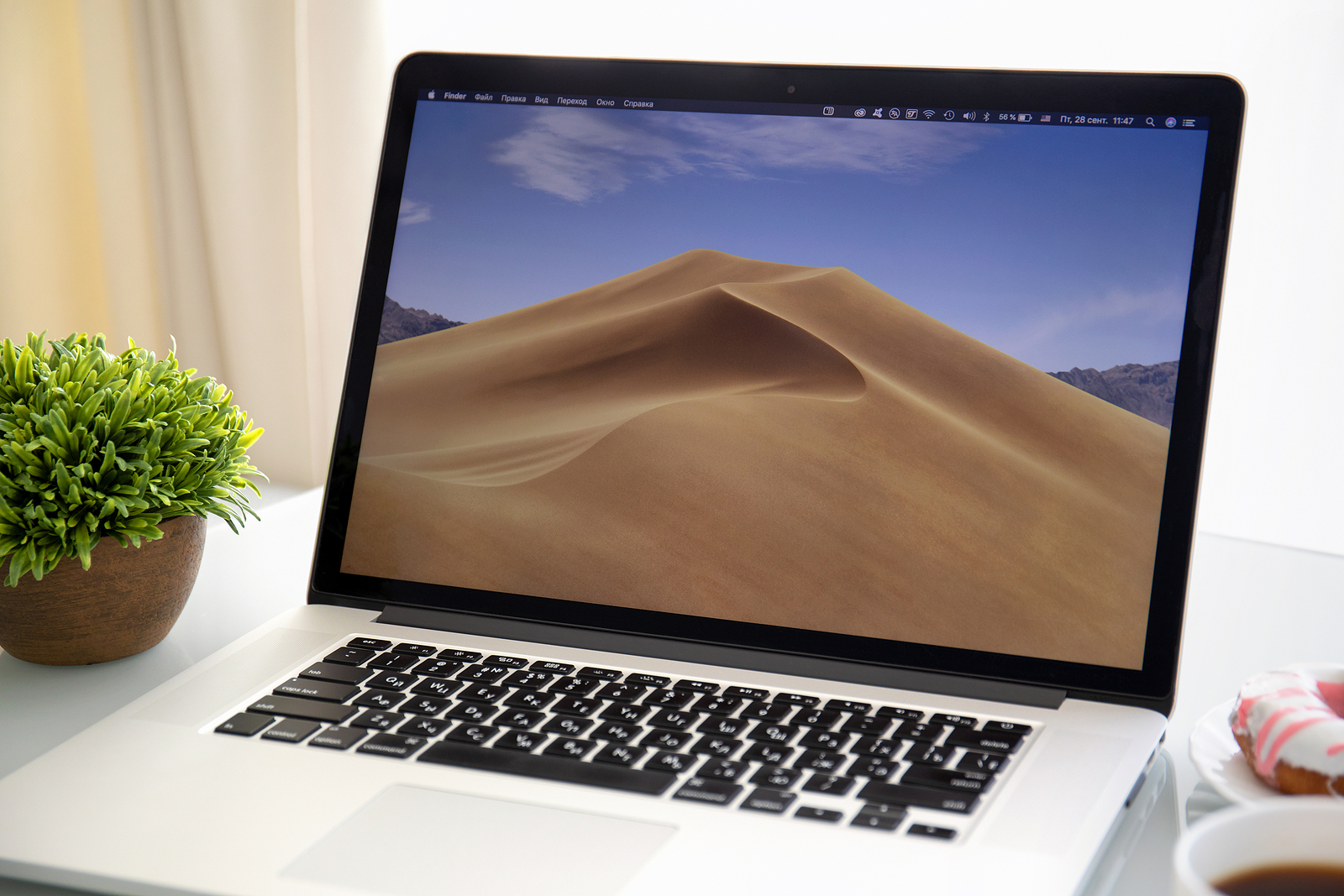
Alushta, Russia - September 28, 2018: Backgrounds MacOS Mojave in the screen of MacBook Pro. MacBook Pro was created and developed by the Apple inc.

WhatsAppFacebookEmail
Threads

Apple made macOS Big Sur available to all users a few weeks ago. The new operating system supports a range of Mac devices, including MacBooks from 2013 and 2014. However, some users have encountered problems during installation. Apple has now provided a new support document.

Many new features have been integrated into macOS Big Sur, including in the area of design. According to Apple, the update will support the following models:

  • 2017 and newer iMac Pro
  • 2015 and newer MacBook
  • 2014 and newer Mac mini
  • 2014 and newer iMac
  • 2013 and newer Mac Pro
  • 2013 and newer MacBook Pro
  • 2013 and newer MacBook Air

But not all users are happy with the new version. According to reports, macOS Big Sur has knocked out older MacBook Pro 13″ models (late 2013 & mid 2014). According to reports, the devices can get stuck on a black screen while updating to macOS Big Sur. Reset key combinations, including NVRAM, SMC, Safe Mode and Internet Recovery, are all inaccessible after attempting to install the update. Now Apple has provided a support document titled “If you can’t install macOS Big Sur on certain 13-inch MacBook Pro computers from 2013 and 2014 onwards”. The company recommends that Mac owners who experience these problems unplug external devices, try rebooting, resetting the SMC and resetting NVRAM or PRAM. The support document can be seen:

macOS Big Sur: Apple investigates problem

  • Press and hold the power button on your Mac for at least 10 seconds, then release it. If your Mac is on, it will turn off.
  • Disconnect all external devices from your Mac, including any displays and USB accessories, and remove any cards inserted into the SDXC card slot. Then turn on your Mac.
  • If the problem persists, reset the SMC as described for notebook computers with a non-removable battery.
  • If the problem persists, reset NVRAM or PRAM.

If the problem persists despite Apple's recommendation, those affected should contact Apple Support. According to the company, the document will be updated as soon as further information is available. The company also appears to be investigating the problem. Anyone who has a MacBook Pro model from 2013 or 2014 and has not yet performed the macOS Big Sur update should continue to be patient. Although Apple has released a new version of macOS Big Sur 11.0.1, it is not yet clear whether the problem still exists. Have you already discovered the early Black Friday offers on Amazon? It's worth being quick. (Photo by Denys Prykhodov / Bigstockphoto)


  • Apple Silicon Mac: Restoration causes problems
Make Apfelpatient a preferred source One click – and you'll see us more often on Google
Was this article helpful?
YesNo
Tags: MacMacBook PromacOSmacOS 11 Big Sur
SendShareSend
Share

Our Amazon Storefront

A handpicked selection of products for iPhone, Mac and more – sorted by topic and updated regularly.

Shop Now

This post contains affiliate links (including Amazon). We earn a small commission on qualifying purchases – at no extra cost to you. Learn more on our Partner Program page.

Previous Post

M1 MacBooks in teardown: This is what it looks like inside

Next Post

iPhone 12 leather case with MagSafe now available for pre-order

Milan Jovicic

Milan Jovicic

Milan founded Apfelpatient in 2016 and has been responsible for all editorial content since 2018 — news, rumors, guides, and product reviews. Apple devices here are not test units on loan for two weeks but everyday tools: from the iPhone through MacBook Pro, MacBook Air, and iMac to the Apple Vision Pro, at least one device from nearly every product category is in daily use, many of them replaced annually. Every menu path in a guide is verified on the device before it is published.

Key art for the Apple TV series Pluribus showing a screaming woman against a yellow background, with Pluribus season 2 about to begin filming

Pluribus: Gilligan plans at least three seasons

August 12, 2026 - 8:27 PM CEST
The iPhone 17 lineup in five colors seen from the back, whose successor is expected to adopt the smaller iPhone 18 Dynamic Island from the Pro models

iPhone 18: Smaller Dynamic Island already in the base model

August 12, 2026 - 8:13 PM CEST
Drawn outline of the folded iPhone Ultra with square corners on the hinge side and rounded corners opposite, matching the leaked iPhone Ultra screen protectors

iPhone Ultra: Screen protectors reveal the camera position

August 12, 2026 - 3:58 PM CEST

About APFELPATIENT

APFELPATIENT brings you the latest Apple news, product updates, guides, reviews and tips across the entire Apple ecosystem — from the iPhone to the Mac to the Apple Vision Pro. From the first rumors to confirmed news: researched responsibly.

Follow Apfelpatient

Facebook Instagram YouTube Threads Threads

Company

  • About Apfelpatient
  • Contact
  • Author Profiles

Community

  • Netiquette
  • Push Notifications
  • RSS feed

Legal

  • Legal Notice
  • Privacy Policy
  • Terms of Use
  • Cookie Settings
  • Affiliate Program

Resources

  • Sitemap

© 2026 Apfelpatient. All rights reserved.

No Result
View All Result
  • Home
  • News
  • Rumors
  • Tips & Tricks
  • Reviews
  • Insights

© 2026 Apfelpatient. All rights reserved. Page Directory

Change language to Deutsch


