

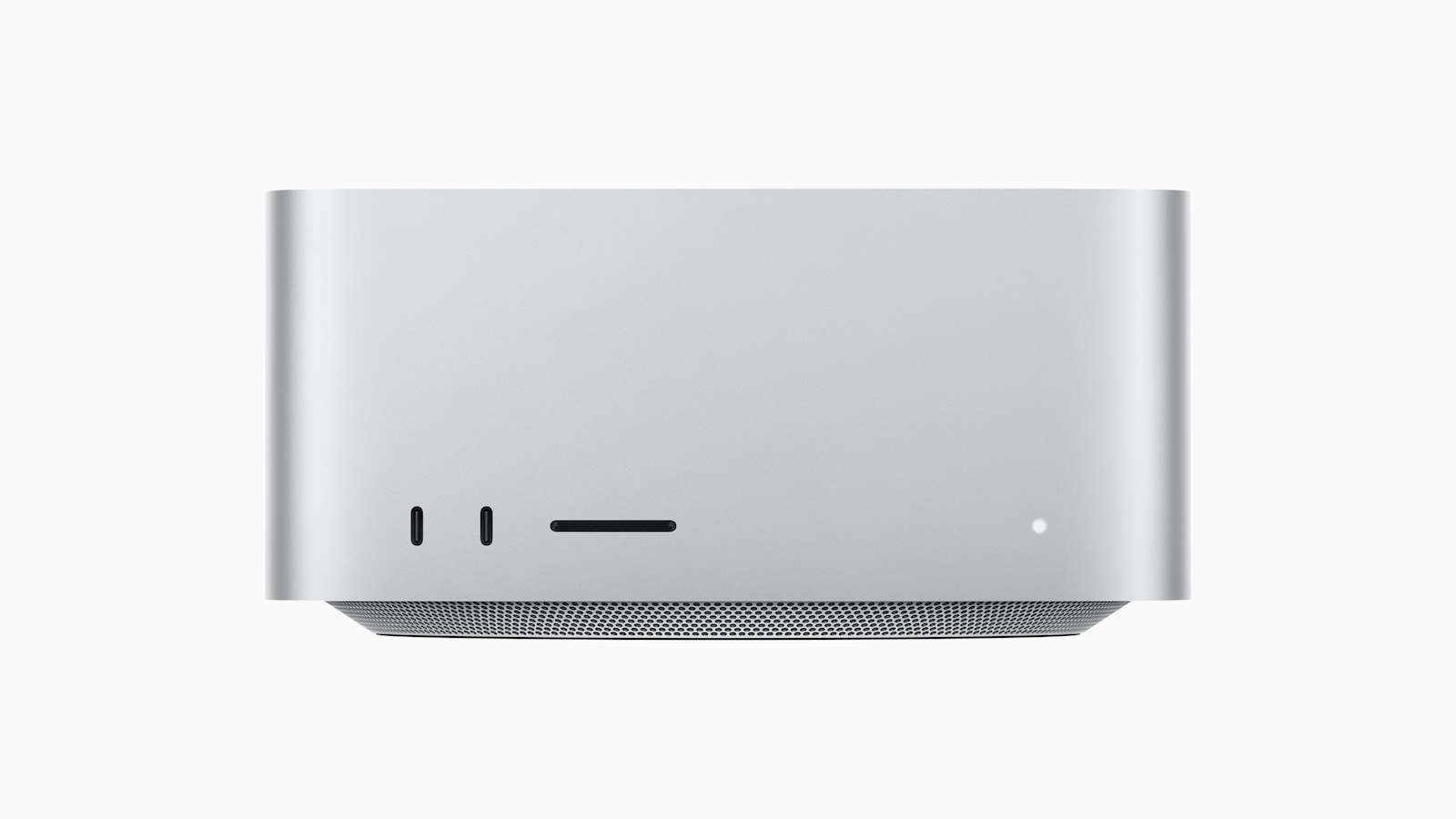
The new Mac Studio is Apple's most powerful desktop Mac and delivers impressive performance with the M4 Max and M3 Ultra chips. Initial test reports show that both models have their strengths, but which is the right one for you? Here you can find out the most important differences and which variant is best suited to your requirements.
The Mac Studio is designed for professional users who need maximum computing power. While the M4 Max is more efficient and faster in many areas, the M3 Ultra is particularly impressive in multi-core workflows and AI applications. But not every user benefits equally from the additional performance of the Ultra model. A closer look at the test results shows which model is worthwhile for which area of application.
Design and connections: The visible differences
Visually, the new Mac Studio hardly differs from its predecessor with M2 chips. But there are some technical differences between the models:
- The M3 Ultra model is 8 pounds (3.6 kg) heavier than the M4 Max (6.1 pounds / 2.8 kg). This is due to the larger copper heatsink, which dissipates heat better than the aluminum model of the M4 Max.
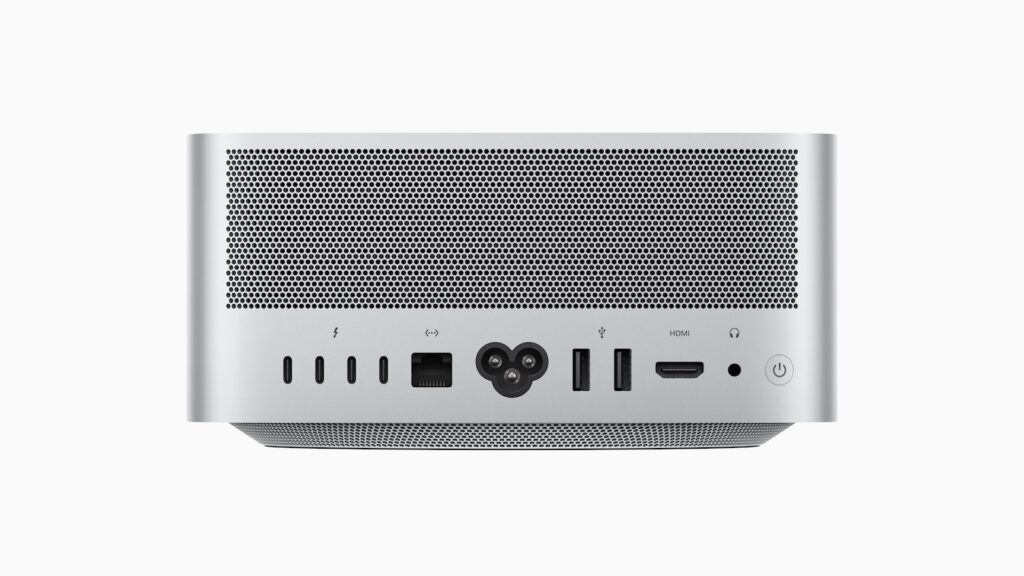
- The M3 Ultra has two 120 Gbps Thunderbolt 5 ports on the front, while the M4 Max only offers 10 Gbps USB-C ports.
According to Ars Technica, these differences are especially relevant for users who need to transfer large amounts of data quickly or who want to benefit from better cooling (via Ars Technica).
Performance differences: M4 Max vs. M3 Ultra in comparison
Single-core performance: The M4 Max is faster
Single-core performance is important for applications that cannot be distributed across multiple cores - such as gaming, photo editing or office software. The M4 Max is ahead here because it is based on the newer M4 architecture. The M3 Ultra, on the other hand, is based on the older M3 technology and therefore has slower single-core performance. This means that if your applications mainly rely on single-core performance, the M4 Max is the better choice.
Multi-core performance: The M3 Ultra plays to its strengths
For software that uses multiple cores simultaneously, such as video editing, 3D rendering, or complex calculations, the M3 Ultra is significantly more powerful. According to Ars Technica, it beats the M4 Max in almost all multi-threaded tests. So if you're working with large data sets, 4K/8K video projects, or scientific simulations, you'll benefit from the M3 Ultra's extra power.
Graphics performance: Varies depending on resolution
According to GFXBench tests published by Ars Technica, there are interesting differences in graphics performance:
- When it comes to 4K and 1440p graphics, the M3 Ultra is superior because its GPU can handle high resolutions better.
- At 1080p resolutions, the M4 Max is faster because its CPU doesn't slow down the GPU.
This means that if you prefer gaming or graphics editing in 1080p, the M4 Max is more suitable. For 4K/8K applications, however, the M3 Ultra is the right choice.
AI and machine learning: The M3 Ultra is unbeatable
The M3 Ultra is especially optimized for AI workflows. According to Creative Strategies, it is currently the best workstation for machine learning and large language models (LLMs). With up to 512 GB of RAM and enormous GPU power, the M3 Ultra beats even high-end PCs in many AI workflows. Apple also seamlessly integrates the model into its own MLX framework, which is an important advantage for developers of artificial intelligence and machine learning. So if you work on AI applications, deep learning or neural networks, the M3 Ultra is the best choice (via Creative Strategies).
Professional software: When is which model better?
According to a test by PetaPixel, some programs make full use of the M3 Ultra’s performance, while others barely benefit from the extra power (via PetaPixel).
- Lightroom, Premiere Pro and DaVinci Resolve work perfectly with the multi-core power of the M3 Ultra and show significant speed advantages.
- Photoshop, on the other hand, hardly benefits from the additional power, which is why the M4 Max is often faster here.
This means: If you mainly work with Adobe Photoshop or other single-core optimized programs, the M4 Max is completely sufficient.
Who is the Mac Studio the right choice for?
M4 Max – the better choice if:
- You need high single-core performance
- You use programs that do not require many CPU cores
- You work in 1080p or lower resolutions
- You need a Mac for everyday tasks, photo editing or light video editing
M3 Ultra – the better choice if:
- You work with AI workflows, machine learning or large data sets
- You need extreme multi-core performance
- You work in 4K or higher resolutions
- You are looking for the maximum performance that a Mac can currently offer
Mac Studio or Mac Mini?
Many reviewers, including Ars Technica and PetaPixel, point out that the Mac Studio is only really useful for a small group of users. If you don't have extreme performance requirements, the Mac Mini with M4 or M4 Pro might be a better choice. Most users won't benefit from the extra power of the Mac Studio in everyday life and could save money by going with a cheaper model. But if you need maximum performance and don't want to compromise, then the Mac Studio is the best choice.
Who is the Mac Studio really worth it for?
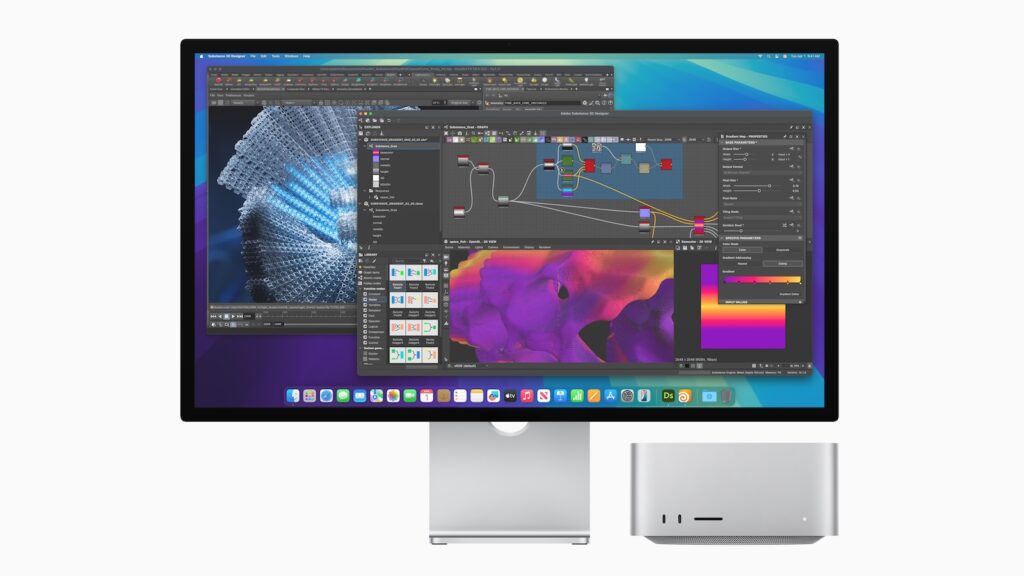
The new Mac Studio is an extremely powerful Mac designed for professional applications.
- The M4 Max is suitable for users who need high single-core performance, work with 1080p graphics or use programs that do not require many CPU cores.
- The M3 Ultra is ideal for AI development, multi-core intensive tasks and high-resolution graphics applications.
If you're looking for a desktop Mac with maximum performance, the Mac Studio with M3 Ultra is unbeatable. But if you don't need the extra power, a Mac Mini with M4 Pro might be a better choice. (Image: Apple)
- M4 MacBook Air in review: How good is the new Apple notebook?
- Apple & Gaming: Why macOS is still lagging behind for gaming





