

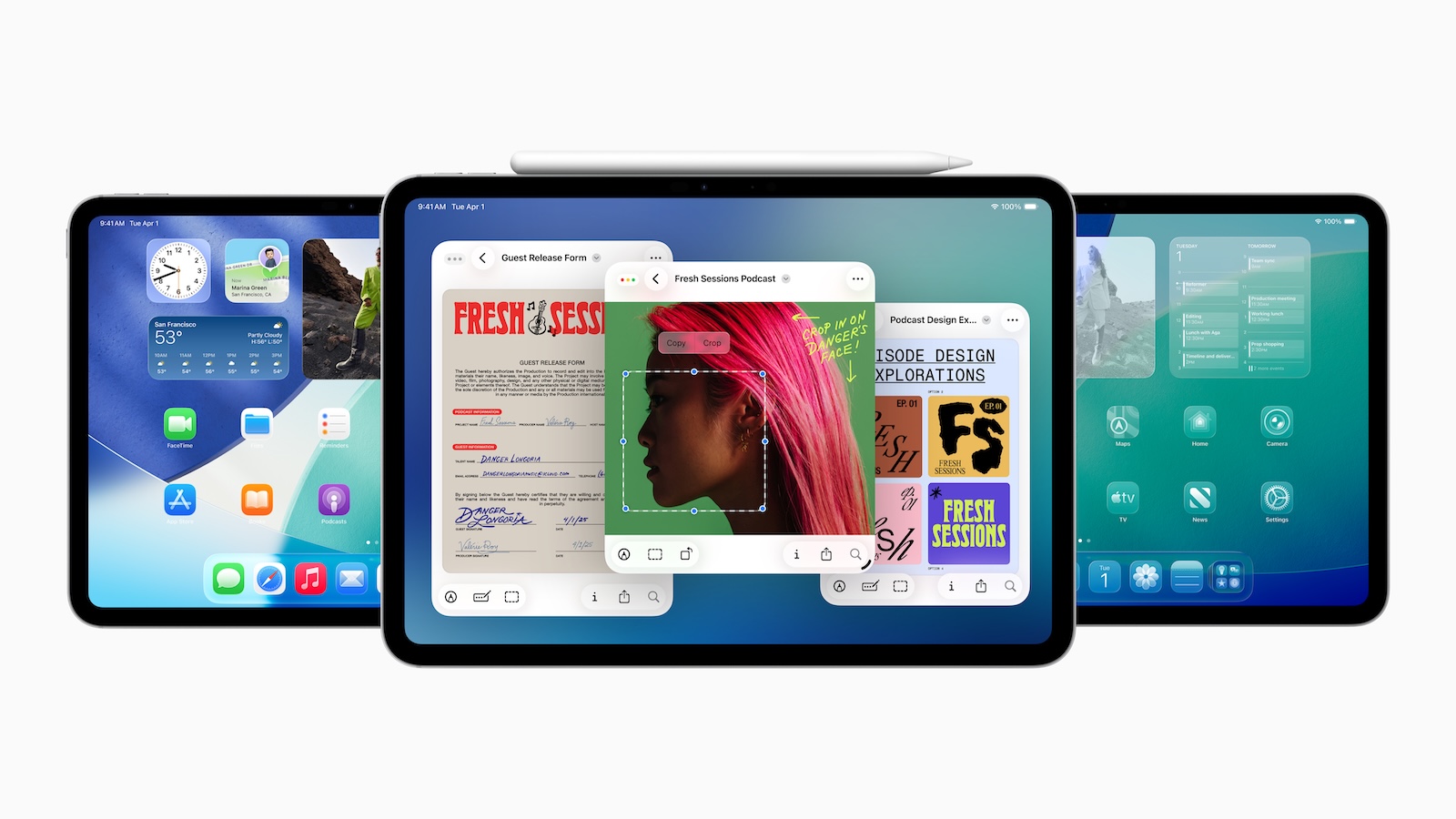
With iPadOS 26, Apple has introduced an update that brings the iPad significantly closer to the Mac. The focus is on productivity, multitasking, and a user experience that's closely aligned with macOS. More than 20 new features ensure you can work significantly more efficiently on the iPad – whether with window management, file organization, or advanced system functions.
Until now, the iPad was positioned as something between a smartphone and a laptop—versatile and mobile, but limited in many areas when it came to serious work. With iPadOS 26, Apple is specifically addressing these limitations. The update brings features to the iPad that were previously only available on the Mac. This further blurs the boundaries between the two platforms. Anyone who uses or plans to use the iPad as a work device will gain some important tools with this update.
Window like on the Mac
With iPadOS 26, you can now freely resize windows. You're no longer limited to Split View or Slide Over. You simply drag a window larger or smaller, just like on a Mac. You can also have multiple windows open at once—and even multiple windows of the same app. This means two Safari windows side by side? No longer a problem. You can also use new tile gestures to automatically divide windows into halves, thirds, or quarters. This makes organizing your screen much easier.
Traffic light control for windows
Apple has brought the classic traffic light icons for windows to the iPad. Red, yellow, and green buttons for closing, minimizing, and maximizing can now also be found on your tablet. Additionally, apps remember their window size and position. When you reopen them later, they appear exactly as before – this also applies to external displays.
Mission Control on the iPad
With a swipe up, you can display all open windows at once. This is reminiscent of Mission Control on the Mac and helps you quickly switch between tasks.
Menu bar with macOS feel
A new menu bar appears when you touch the top of the screen with your finger or cursor. This gives you access to app commands, similar to the Mac. Third-party apps can integrate their own commands into this bar. You can also search for functions there—useful if you can't find a specific command.
Improved cursor
The cursor on the iPad is no longer a dynamic circle, but a real mouse pointer. Interactions now feel like they do on macOS. This significantly improves accuracy and control, especially when working with precision.
More options in the Files app
The Files app has received some important new features. You can now customize the column view and show or hide folders. Folders can be customized with colors, icons, or emojis. You can also drag a folder directly to the Dock, similar to the so-called Stacks in Finder. Another important update: You can specify which app opens certain file types by default. This gives you significantly more control over your workflow.
Preview app for PDFs and images
The Preview app you're familiar with from your Mac is now available on your iPad. It lets you edit PDFs or annotate images without the need for an additional app.
Better background processing
Long-running processes like exports or uploads continue even when you switch to another app. This was previously only possible to a limited extent on the iPad.
Microphone settings per app
You can now set a separate microphone for each app or website. This is useful if you use different setups for meetings, podcasts, or voice recordings.
Recording audio and video calls
iPadOS 26 allows you to record audio and video data from video calls locally in high quality. This can be especially useful for interviews or presentations.
Markdown export for notes
Notes can now be exported directly as Markdown files. Those who work extensively with text or import content into other platforms will appreciate this.
iPadOS 26 brings desktop feeling to the tablet
iPadOS 26 brings the iPad closer to the Mac than ever before. The new window management, redesigned menu bar, more precise controls, and numerous improvements to the Files app make the iPad significantly more productive. Whether this update makes the iPad a complete replacement for a MacBook depends on how you work. But one thing is clear: With iPadOS 26, you get many features previously reserved for the Mac directly on your tablet. If you use your iPad for work or have previously hesitated to use it as your primary device, this update could change that. The best products for you: Our Amazon Storefront offers a wide selection of accessories, including HomeKit-compatible ones. (Image: Apple)
- Apple launches new gaming tools: Metal 4 and Toolkit 3
- Apple pulls the plug: macOS 27 without Intel Macs
- iPadOS 26: New design, AI features, more control





