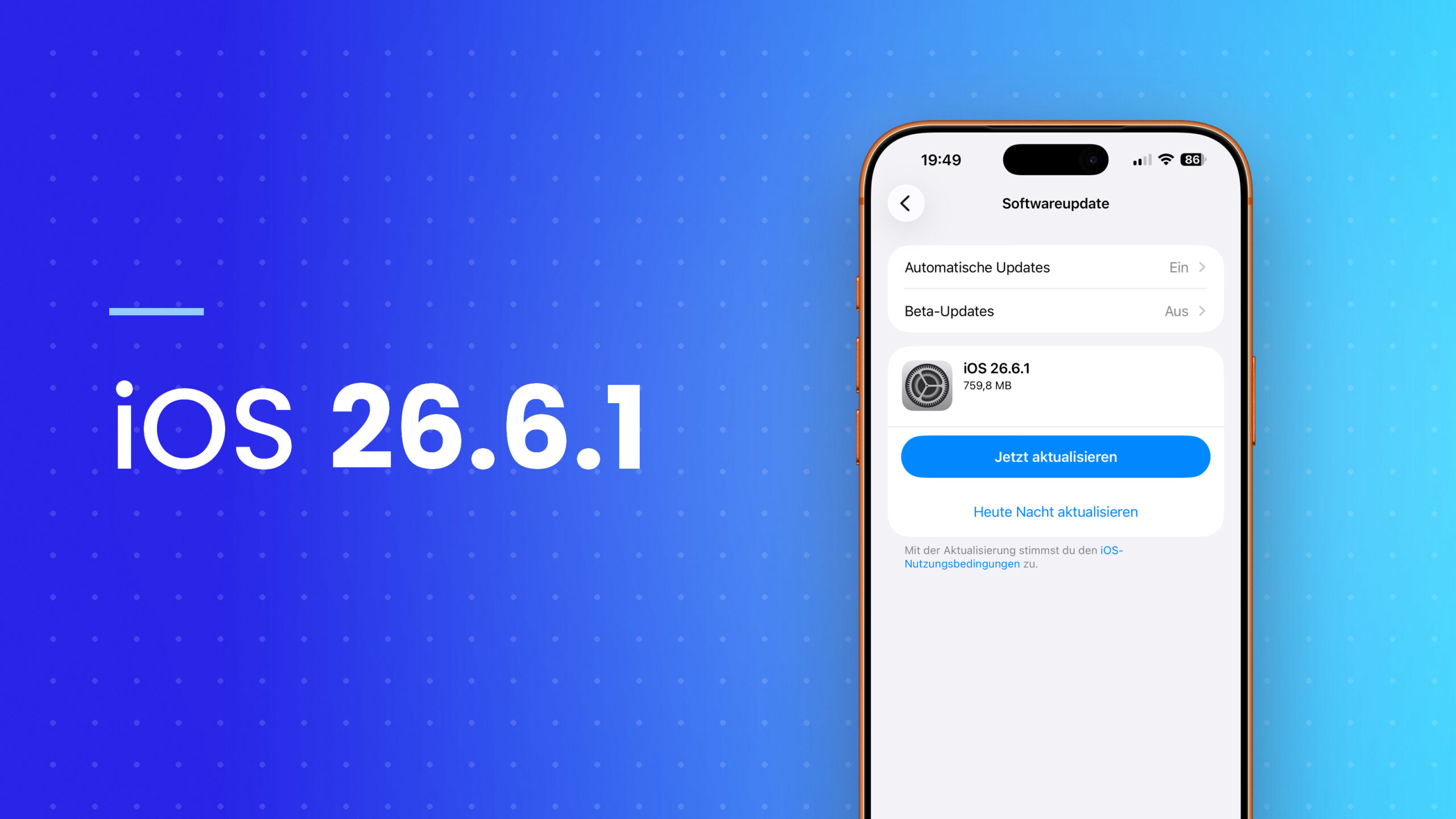
One week after the initial rollout, the security update is now available to everyone. iOS 26.6.1, iPadOS 26.6.1, macOS Tahoe 26.6.2, and visionOS 26.6.1 can now be installed normally – accompanied by updates for four older system generations. What specific vulnerabilities Apple has patched is not yet known.
The path to this update was unusually convoluted. Early August saw the first hints of an interim update appearing in access logs; shortly thereafter, Apple made the files available – and subsequently distributed them only via the developer beta channel. Since the evening of August 17th, the final versions have been accessible via Software Update. None of them include any new features.
Key Facts at a Glance
- iOS 26.6.1, iPadOS 26.6.1, macOS Tahoe 26.6.2 and visionOS 26.6.1 are finally ready.
- Apple mentions only security improvements in the release notes, without providing details.
- The associated safety documentation had not yet been published at the time of release.
- Updates for macOS 15 Sequoia, macOS 14 Sonoma, and iOS and iPadOS 18 were released simultaneously.
- The update was briefly distributed on August 10th and then withdrawn to the developer channel.
What Apple ships
The release notes are as brief as they can be for a purely security update: one sentence about security fixes, plus a reference to Apple's overview of security content. Whether any additional bugs have been fixed is not apparent – Apple's notes are rarely comprehensive.
The download is accessed via Settings, General, and Software Update. On the iPhone, the package is approximately one gigabyte in size.
The list of versions released today extends beyond the current generation:
| System | Version |
|---|---|
| iOS | 26.6.1 |
| iPadOS | 26.6.1 |
| macOS Tahoe | 26.6.2 |
| visionOS | 26.6.1 |
| macOS Sequoia | 15.7.9 |
| macOS Sonoma | 14.8.9 |
| iOS / iPadOS 18 | 18.7.10 |
Apple closing the same vulnerability simultaneously in four system generations is the usual approach for vulnerabilities in the shared underlying architecture – for example, in WebKit or the kernel.
Why the numbering differs on macOS
The Mac version has one more date on its release date because it received its own update on August 6th: macOS Tahoe 26.6.1 closed a critical vulnerability in screen sharing. iPhones and iPads were not affected and skipped this update.
This Mac update was precisely the reason for expecting an interim update for the other systems. Security vulnerabilities in shared components rarely remain confined to a single platform.
One week in the beta channel
The files were available once before, on August 10th. Shortly afterward, they disappeared from the regular distribution and continued to be available only through the developer beta channel. Apple has not given a reason.
On our own devices, the update consistently carried the beta label for the following week – anyone wanting to install it via software update needed a device with a developer profile enabled. As of this evening, that's no longer necessary.
This detour is not insignificant for evaluating the update. A security update that spends an extra week in the test channel suggests further work is being done. Anyone who has waited to install it will now receive the tested version.
Install or wait for iOS 27?
The obvious question when an update with no visible changes comes four weeks before the big release is: Is the effort even worth it? The answer is clear, regardless of how interesting the package seems.
Security fixes become public upon release – at the latest when Apple publishes the documentation, the closed vulnerabilities are exposed and can be exploited on unpatched devices. The period between release and personal installation is therefore the actual risk period, not the time before. We have documented separately how Apple's security updates are structured and the available methods for installing them.
In addition, there's the calendar. Several weeks will pass before the final version of iOS 27 is released; in parallel, the sixth beta of the upcoming generation has been running since today. Those who remain on the stable branch should not bridge this gap unprotected. The same applies to older systems: A Mac running Sonoma will no longer receive any features, but will continue to receive precisely these bug fixes.
What this means for you: Backing up your data before installation remains the right habit; there's no sensible way around the installation itself. Details of what Apple has specifically closed will likely be available to read within the next few days – experience shows that the documentation is released with a delay of a few hours to a day.
Do you install security updates immediately, or do you wait a few days after an interim update without any visible changes to rule out any side effects? Let us know in the comments how you're handling it this time.
- iOS 27 Beta 6: Apple is entering the home stretch
- App tracking: Apple needs to restructure its data collection process in Germany
- Apple Fitness+: Job posting hints at live content