

apple patient
  • Home
  • News
  • Rumors
  • Tips & Tricks
  • Reviews
  • Insights
No Result
View All Result
  • Home
  • News
  • Rumors
  • Tips & Tricks
  • Reviews
  • Insights
No Result
View All Result
apple patient
No Result
View All Result

iOS 18.5 brings Screen Time update for parents

Milan Jovicic by Milan Jovicic
May 6, 2025 - 19:59 CEST
in Apple News
0
iOS 18.5 Screen Time

Image: Shutterstock / Tada Images

WhatsAppFacebookEmail
Threads

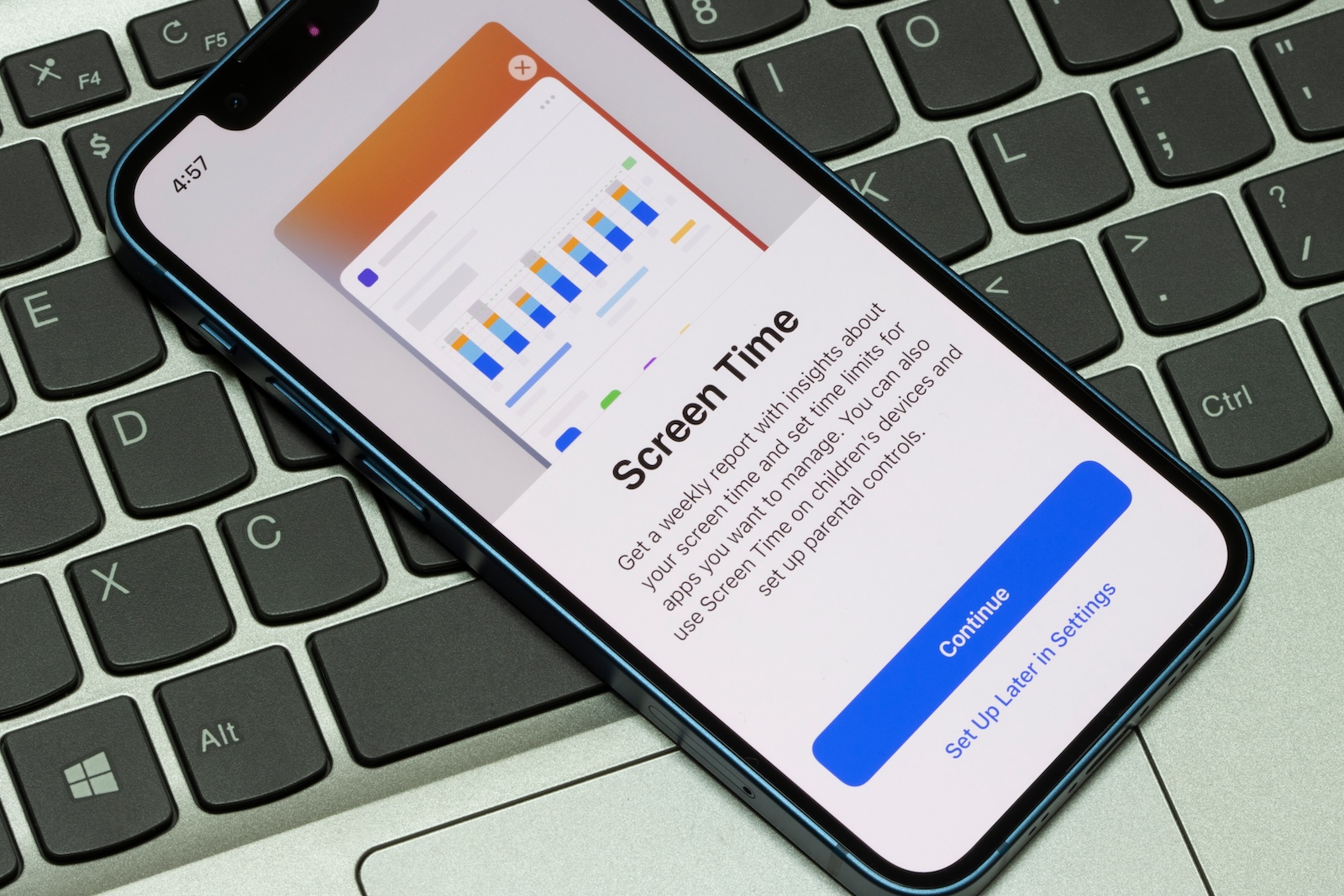
Apple will release iOS 18.5 to all users next week. The update doesn't bring any major new features, but one small change may be relevant to many parents. It's an addition to the Screen Time feature, which allows you to limit children's iPhone usage. This change makes parental control a bit more secure.

Screen Time has been around since iOS 12 and is primarily intended for parents who want to limit their children's device usage. It allows you to set app time limits, set downtimes, or filter content, for example. Settings can be protected with a passcode so children can't easily change them. In practice, however, this isn't always reliable—many children guess the passcode or figure it out in other ways. iOS 18.5 now provides a solution to precisely this problem.

Notification when code is entered successfully

New in iOS 18.5 is that parents receive a push notification as soon as the Screen Time passcode has been successfully entered on their child's device. This means that if a child guesses or figures out the passcode, you'll be notified immediately. This lets you know immediately if someone tries to bypass the protection mechanisms – and you can react quickly. This feature is particularly helpful because until now there was no way to directly detect such an incident. Changes to the restrictions could go unnoticed until you noticed them by chance or your child let something slip. Now you get the notification in real time.

What exactly does the new feature bring?

If your child knows or finds out the Screen Time code, they can, for example:

  • Disable or change time limits for apps
  • Turn off downtime
  • Remove restrictions on certain content or purchases

With iOS 18.5, you'll immediately receive a notification on your device when this happens. This gives you the opportunity to intervene quickly—for example, by changing the passcode or requesting the call. Apple isn't turning this into a technical protection, but it's increasing transparency.

  • iOS 18.5 RC is here – final version will be released next week

A quick recap: What is screen time anyway?

Screen Time was introduced with iOS 12 in 2018. It's a control system that lets you manage certain features on your child's iPhone. Key features include:

  • App limits: You specify how long certain apps can be used daily
  • Timeouts: You define at which times the iPhone is locked (for example, in the evening)
  • Content restrictions: You block certain websites, apps or features such as in-app purchases
  • Activity reports: You can view the device usage time
  • Code protection: All settings can be secured with a four-digit screen time code

If your child knows or guesses this code, they can remove all restrictions. The new notification feature now ensures that you're informed—something that was missing until now.

  • iPad screen rotates? Here's the solution

iOS 18.5: Useful despite few new features

iOS 18.5 doesn't contain any major new features, but the Screen Time customization is a handy feature for parents. The ability to be notified immediately when the passcode is entered on the child's device increases security and control. Anyone who uses Screen Time should definitely install the update. Even though it's only a small change, it has a noticeable impact in practice. The best products for you: Our Amazon Storefront offers a wide selection of accessories, including HomeKit. (Image: Shutterstock / Tada Images)

  • iOS 18.4: How to disable Safari search history
  • How to turn off Apple Mail categories
Make Apfelpatient a preferred source One click – and you'll see us more often on Google
Was this article helpful?
YesNo
Tags: Apple ServicesiOSiOS 18.5iPadOSiPadOS 18.5
SendShareSend
Share

Our Amazon Storefront

A handpicked selection of products for iPhone, Mac and more – sorted by topic and updated regularly.

Shop Now

This post contains affiliate links (including Amazon). We earn a small commission on qualifying purchases – at no extra cost to you. Learn more on our Partner Program page.

Previous Post

iOS 18.5 RC is here – final version will be released next week

Next Post

Which Apple iPhone is right for me? The big model comparison

Milan Jovicic

Milan Jovicic

Milan founded Apfelpatient in 2016 and has been responsible for all editorial content since 2018 — news, rumors, guides, and product reviews. Apple devices here are not test units on loan for two weeks but everyday tools: from the iPhone through MacBook Pro, MacBook Air, and iMac to the Apple Vision Pro, at least one device from nearly every product category is in daily use, many of them replaced annually. Every menu path in a guide is verified on the device before it is published.

Glass panel set into the aluminium frame on the back of an iPhone 17 Pro Max in Cosmic Orange, whereas the iPhone 20 glass design is said to wrap the glass around the edges

iPhone 20: Glass design is not supposed to be scrapped after all

August 12, 2026 - 2:50 PM CEST
Jennifer Bailey on stage at an Apple event in front of a projected Apple Card, the Apple Pay chief is leaving the company in October

Apple Pay: Jennifer Bailey is leaving Apple in October

August 12, 2026 - 2:31 PM CEST
Four stacked MacBooks seen from the port side with MagSafe 3 and USB-C, where each model needs a different MacBook power adapter for full charging speed

MacBook power adapter: What wattage does your model need?

August 12, 2026 - 2:14 PM CEST

About APFELPATIENT

APFELPATIENT brings you the latest Apple news, product updates, guides, reviews and tips across the entire Apple ecosystem — from the iPhone to the Mac to the Apple Vision Pro. From the first rumors to confirmed news: researched responsibly.

Follow Apfelpatient

Facebook Instagram YouTube Threads Threads

Company

  • About Apfelpatient
  • Contact
  • Author Profiles

Community

  • Netiquette
  • Push Notifications
  • RSS feed

Legal

  • Legal Notice
  • Privacy Policy
  • Terms of Use
  • Cookie Settings
  • Affiliate Program

Resources

  • Sitemap

© 2026 Apfelpatient. All rights reserved.

No Result
View All Result
  • Home
  • News
  • Rumors
  • Tips & Tricks
  • Reviews
  • Insights

© 2026 Apfelpatient. All rights reserved. Page Directory

Change language to Deutsch



