

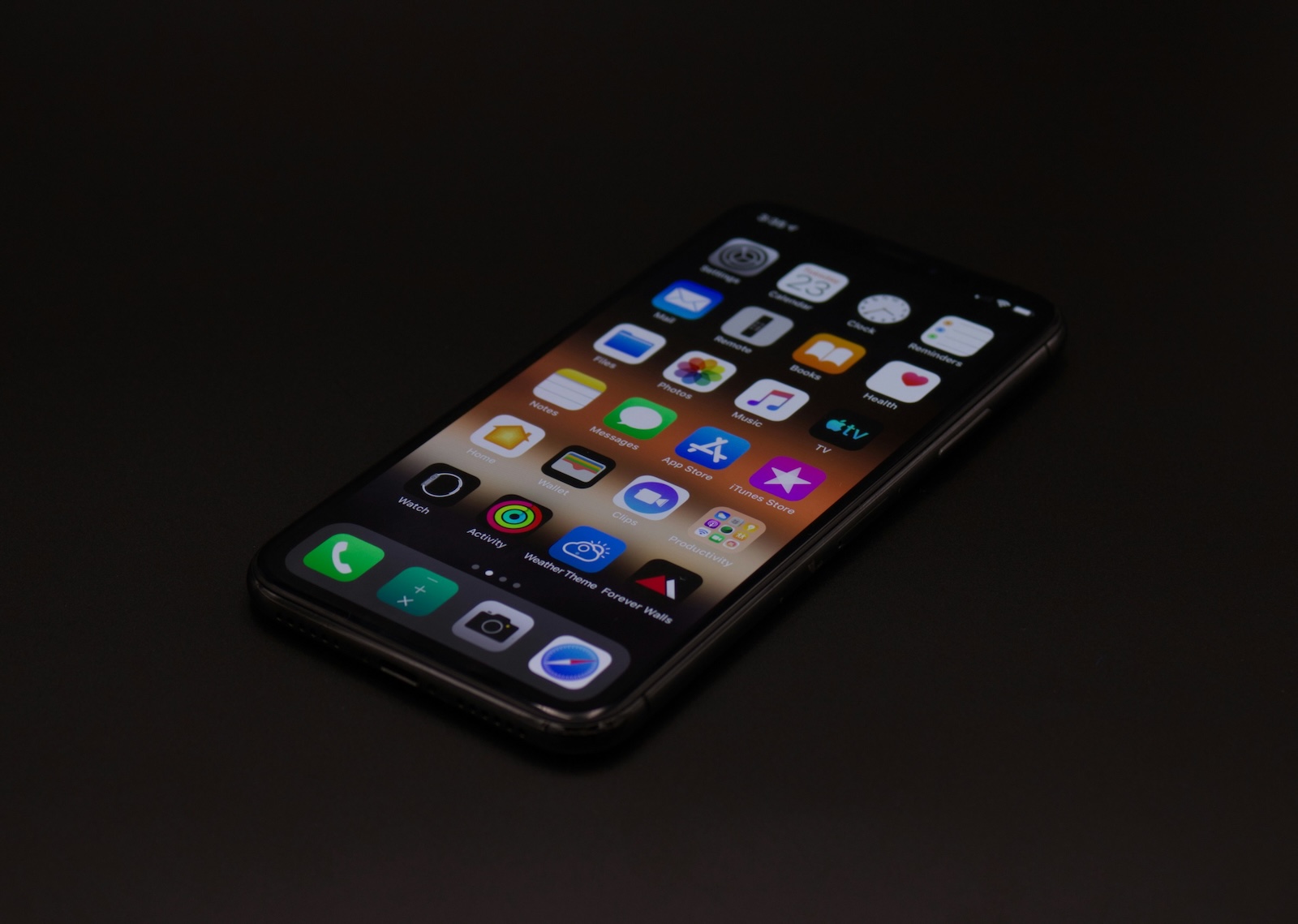
With the update to iOS 18.4, Apple not only released visible innovations like new emojis and creative tools in Image Playgrounds. A lot has also changed behind the scenes – especially in the area of privacy. A new option in Location Services could be important for many users: "Improve Location Accuracy." This feature was already enabled on many devices after the update, without users even noticing it.
Apple places great importance on data privacy and offers numerous options for limiting or controlling data sharing. Nevertheless, some features are enabled by default or hidden in menus that hardly anyone checks regularly. With iOS 18.4, you now have the option to decide for yourself whether your iPhone should use data to improve location accuracy. We'll explain exactly what this feature does, how it works, and whether you should turn it off.
Where to find the new setting
The new "Improve Location Accuracy" option isn't directly located under the normal location settings. Here's how to access it:
- Open the settings
- Tap Privacy & Security
- Go to Location Services
- Scroll down to System Services
- Under the “Product Improvements” section you will find the new switch
The new option appears there alongside familiar entries such as “iPhone Analysis,” “Routes & Traffic,” and “Improve Maps.”
What “Improve Location Accuracy” does
When enabled, your iPhone regularly sends information about the locations of nearby Wi-Fi hotspots and cell towers to Apple. This data is geotagged—that is, your current location. Apple says this data transfer is anonymized and encrypted. The goal is to expand the internal database used to determine your location. This database combines GPS data with known Wi-Fi networks and cell towers to determine your location faster and more accurately—even in areas with poor GPS reception.
What happens if you deactivate the function
Turning the switch off doesn't mean your iPhone will no longer provide precise location data. You'll still benefit from the existing database—it's just that your device will no longer contribute new information to its improvements. This means you can decline to participate in this crowdsourcing system without experiencing any disadvantages. Whether this feature was already active before and has now simply been made more visible is unclear. It's possible that Apple is simply becoming more transparent with iOS 18.4 and leaving the decision up to you.
What you should consider regarding data protection
Apple emphasizes that all data is transmitted anonymously and encrypted. It should not be possible to identify you or your device. So, if you don't mind using anonymized location data to improve the system, you can leave the feature enabled. If you don't want to share any data at all—even in anonymized form—you can simply turn this setting off now. This will not affect your iPhone's everyday functionality.
iOS 18.4 – “Improve Location Accuracy”: active or disabled?
The new setting in iOS 18.4 is easy to overlook, but important for anyone who values control over their data. "Improve Location Accuracy" is enabled by default for many users, but can now be turned off. You decide whether your iPhone shares anonymized location data with Apple or not. The impact on your everyday life is small – but the increased transparency is a step in the right direction. If you're concerned about data protection, it's definitely worth taking a look at these system settings. The best products for you: Our Amazon Storefront offers a wide selection of accessories, including HomeKit-compatible ones. (Photo by Unsplash / Maulik Sutariya)
- AirPods Max USB-C update delayed due to iOS issue
- Apple closes critical vulnerabilities with iOS 18.4 & Co.
- iOS 18.4 & Co. are here – Apple Intelligence launches in Europe





