

apple patient
  • Home
  • News
  • Rumors
  • Tips & Tricks
  • Reviews
  • Insights
No Result
View All Result
  • iPhone 18
  • iOS 27
  • iPadOS 27
  • macOS
  • MacBook Neo
  • iPhone 17e
  • AirTags
  • iOS 26
  • iPhone 17
  • MacBook Pro
  • iPadOS
  • iMac
  • Mac mini
  • HomePod
  • Apple TV
  • iPad Pro
  • iPhone Air
  • Apple Vision Pro
  • iPhone 16
  • AirPods 4
  • Apple Watch Ultra
  • HomePod Mini
  • MacBook Air
  • iPad
  • AirPods Max
  • AirPods Pro 3
  • Apple Watch Series 3
  • Mac Studio
  • Studio Display
  • iPad Air
  • iPad mini
  • watchOS 27
  • Apple CarPlay
  • Apple Pay
  • watchOS 26
  • Home
  • News
  • Rumors
  • Tips & Tricks
  • Reviews
  • Insights
No Result
View All Result
apple patient
No Result
View All Result

iOS 17: QR code scanning made easy

Milan Jovicic by Milan Jovicic
19. September 2023 - 18:37 CEST
in Apple News
0
iOS 17 QR code

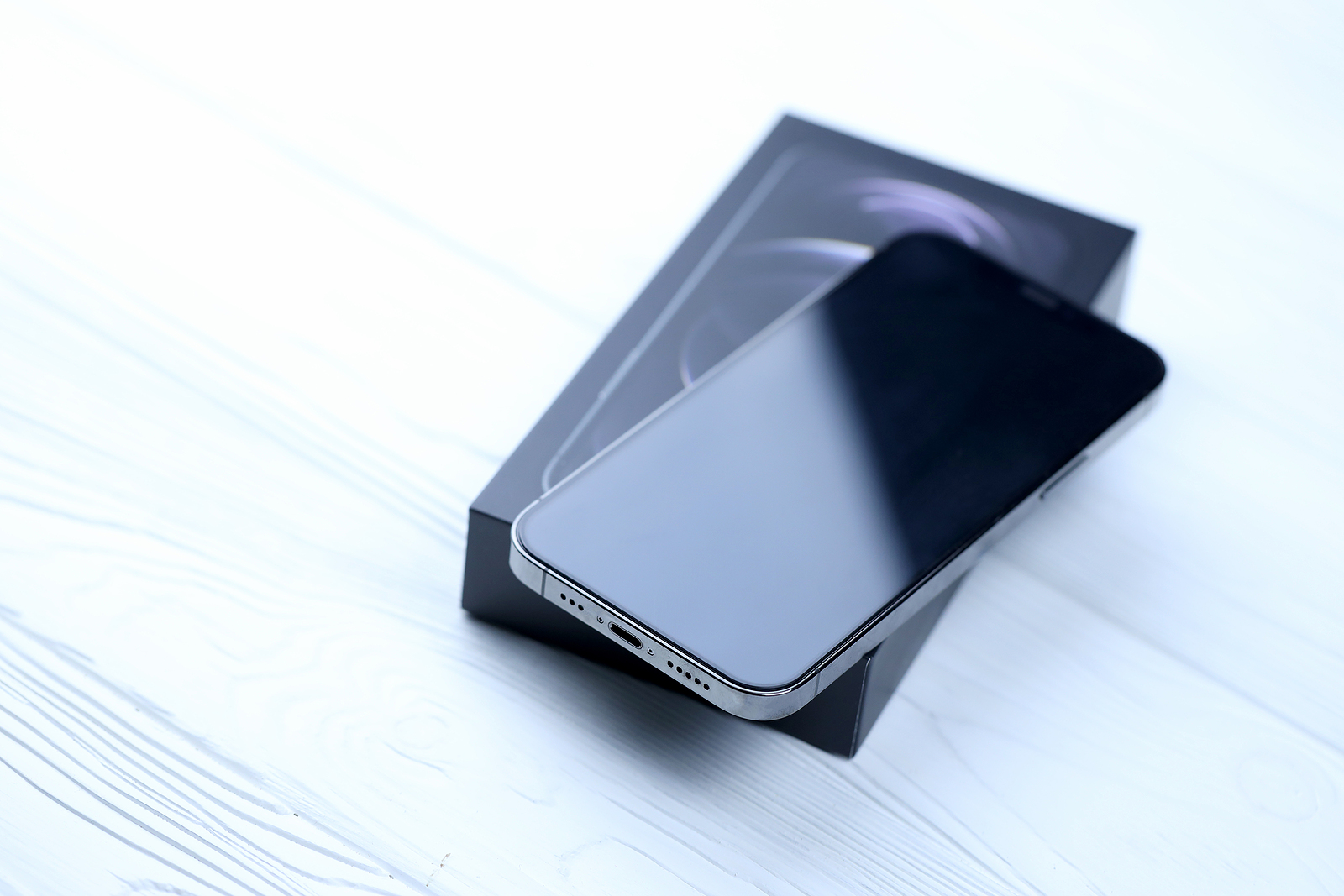
KHARKIV, UKRAINE - JANUARY 27, 2021: Apple Iphone 12 pro new brand model smartphone with IOS base on white background. Apple Inc. is an American technology company headquartered in California

WhatsAppFacebookEmail
Threads

With iOS 17, Apple introduced a small but significant change that makes scanning and entering QR codes with the Camera app much easier. Below, we'll take a closer look at this improvement and discuss its impact on the usability of iOS 17.

QR codes are ubiquitous in modern times, especially in the pandemic era where they have been used for contact tracing and much more. However, there has been one small hurdle until now – the cumbersome scanning of these codes. iOS 17 promises to solve this problem and make QR code scanning seamless. Let's find out how well this new feature works.

iOS 17: Apple revises QR code support

Since the introduction of QR code support in iOS 11, the placement of the scan button has changed several times. Originally, it appeared like a notification at the top of the screen. Later, it was integrated into the camera viewfinder, but the problem was that it moved when the camera was moved. This led to user frustration as tapping the button became a game of cat and mouse. With iOS 17, however, Apple finally listened to user feedback and placed the QR code scan button at the bottom of the camera app, right above the shutter button. This allows for easy tapping and prevents the button from disappearing when you move the camera. It's a subtle but extremely welcome improvement. Of course, there's always room for improvement. Some users would like a larger, easier-to-hit button. Still, this step in the right direction is a clear win for iOS' usability.

Conclusion

Overall, this small change in iOS 17 shows how carefully Apple listens to its users' feedback. Scanning and entering QR codes is now much easier and less frustrating. iOS 17 has proven that it can improve the quality of life of users by responding to their needs. If you want to learn more about the new features in iOS 17, You can find more information in our detailed report about this update. Are you looking for new accessories? Then take a look in our Amazon Storefront - there you will find numerous products from leading suppliers, also for HomeKit and Co.! (Photo by Mehaniq / Bigstockphoto)


  • iOS 17 NameDrop: Easy sharing of contact information
Make Apfelpatient a preferred source One click – and you'll see us more often on Google
Was this article helpful?
YesNo
Tags: iOSiOS 17iPhone
SendShareSend
Share

Our Amazon Storefront

A handpicked selection of products for iPhone, Mac and more – sorted by topic and updated regularly.

Shop Now

This post contains affiliate links (including Amazon). We earn a small commission on qualifying purchases – at no extra cost to you. Learn more on our Partner Program page.

Previous Post

iPhone 15 Pro reviews: Improvements beyond USB-C

Next Post

Missed notifications? The quiet secret of iOS 17

Milan Jovicic

Milan Jovicic

Milan founded Apfelpatient in 2016 and has been responsible for all editorial content since 2018 — news, rumors, guides, and product reviews. Apple devices here are not test units on loan for two weeks but everyday tools: from the iPhone through MacBook Pro, MacBook Air, and iMac to the Apple Vision Pro, at least one device from nearly every product category is in daily use, many of them replaced annually. Every menu path in a guide is verified on the device before it is published.

The iPhone 17 lineup in five colors seen from the back, whose successor is expected to adopt the smaller iPhone 18 Dynamic Island from the Pro models

iPhone 18: Smaller Dynamic Island already in the base model

August 12, 2026 - 8:13 PM CEST
Drawn outline of the folded iPhone Ultra with square corners on the hinge side and rounded corners opposite, matching the leaked iPhone Ultra screen protectors

iPhone Ultra: Screen protectors reveal the camera position

August 12, 2026 - 3:58 PM CEST
Glass panel set into the aluminium frame on the back of an iPhone 17 Pro Max in Cosmic Orange, whereas the iPhone 20 glass design is said to wrap the glass around the edges

iPhone 20: Glass design is not supposed to be scrapped after all

August 12, 2026 - 2:50 PM CEST

About APFELPATIENT

APFELPATIENT brings you the latest Apple news, product updates, guides, reviews and tips across the entire Apple ecosystem — from the iPhone to the Mac to the Apple Vision Pro. From the first rumors to confirmed news: researched responsibly.

Follow Apfelpatient

Facebook Instagram YouTube Threads Threads

Company

  • About Apfelpatient
  • Contact
  • Author Profiles

Community

  • Netiquette
  • Push Notifications
  • RSS feed

Legal

  • Legal Notice
  • Privacy Policy
  • Terms of Use
  • Cookie Settings
  • Affiliate Program

Resources

  • Sitemap

© 2026 Apfelpatient. All rights reserved.

No Result
View All Result
  • Home
  • News
  • Rumors
  • Tips & Tricks
  • Reviews
  • Insights

© 2026 Apfelpatient. All rights reserved. Page Directory

Change language to Deutsch


