

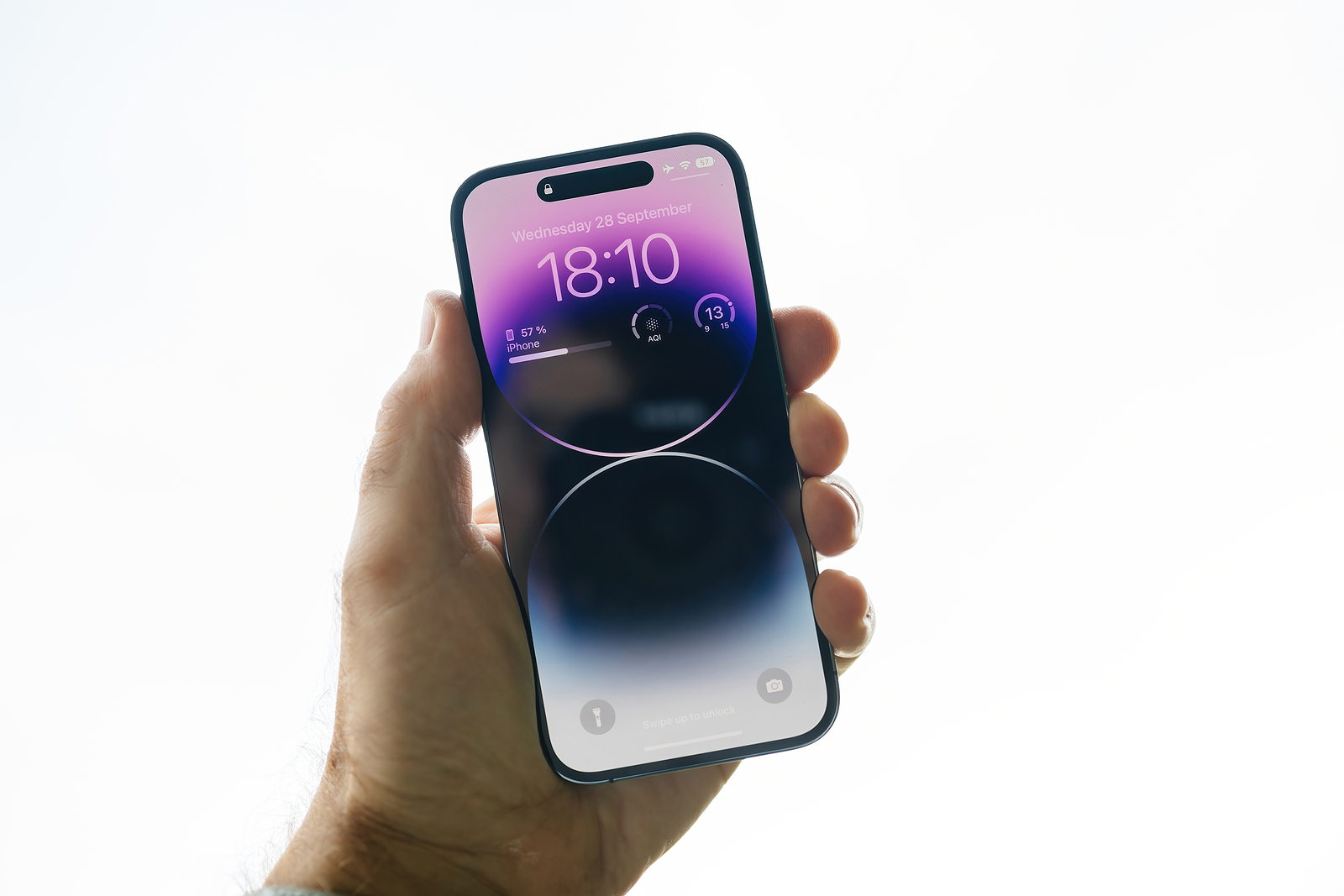
Apple has released the first beta of iOS 17.2, bringing with it a host of exciting features and improvements. In this comprehensive article, we will provide a detailed overview of what's new that users can expect in this upcoming update.
iOS 17.2 is currently in development and available to registered developers. The general public is expected to get access to this update in November or December. Let's take a detailed look at the exciting new features that iOS 17.2 brings.
iOS 17.2 New Features at a Glance
- Journal app: One of the standout features of iOS 17.2 is the introduction of the Journal app. This app allows users to record their daily activities and thoughts. It offers optional prompts for inspiration and allows you to add images, voice recordings, and locations to entries. An easy way to create memories for the future.
- Messages app Sticker Tapback Reactions: In the Messages app, users can now add sticker reactions to messages, allowing for more lively communication. Whether you're laughing, excited, or want to share another emotion, sticker reactions offer a creative way to express yourself.
- Shared Apple Music playlists: Music becomes more social with the ability to create playlists in Apple Music that multiple people can join. Simply tap "Start Collaborating" and share your music preferences with friends. Music connects, and sharing playlists makes the experience even more intense.
Verification of iMessage contacts now possible
- Apple Music Favorites playlist: Your favorite songs in the Apple Music app are now grouped together in a special Favorites playlist, making it easier to find the music you love. The music that moves you most is now even easier to organize.
- Translate Action Key: iPhone 15 Pro and iPhone 15 Pro Max owners can use the new translation feature for the Action Key. This enables fast and accurate translations directly on the device. Communication no longer knows any boundaries when you can find the right words in any language.
- iMessage Contacts Verification: iMessage Contact Key Verification provides additional security for certain groups of users to ensure the integrity of their messages. Protect your privacy and ensure your messages remain confidential.
- Messages in iCloud sync: Messages management in iCloud is improved, allowing for better syncing and additional settings. Having your messages available anytime, anywhere has never been easier.
New widgets are added
- Apple TV app: The Apple TV app gets a redesign that removes the separate tabs for movies and TV shows. Entertainment now happens in one place, without unnecessary distractions.
- Emergency Alerts Local Attention: This feature tailors emergency alerts to the user's approximate location to provide more relevant alerts. Safety is our top priority, and this feature helps protect lives.
- Weather widgets: New widgets provide detailed weather information, daily forecasts, and sunrise and sunset times. Plan your outdoor activities with accurate weather data.
- Digital Clock: A new Digital Clock widget can be added to the home screen or lock screen. Keeping track of time has never been so stylish.
Memoji get more customization options
- Contact Poster: When creating a contact poster, you can now select a rainbow text for the name. Add color to your contacts and personalize them to your taste.
- Book page turning animation: The Books app offers a faster page turning animation and removes the fast page turning icon. Reading becomes smoother and more enjoyable.
- AirPlay: A new setting allows you to share content between the Apple Vision Pro headset and your iPhone. Experience your media in a whole new way.
- Memoji: Customization options for Memoji are expanding, including the "Body" section. Design your Memoji to perfectly reflect your personality.
iOS 17.2: An impressive update
iOS 17.2 is an impressive update that improves Apple devices in many ways. From new ways to communicate through the Journal app to making music sharing easier and expanding Memoji customization, this update offers a wealth of new features that enrich the user experience. We look forward to the release of iOS 17.2 to the general public and how these new features will enrich users' lives. Stay tuned for more exciting developments from Apple! Looking for new accessories? Then take a look in our Amazon Storefront - there you will find numerous products from leading suppliers, also for HomeKit and Co.! (Photo by hadrian / Bigstockphoto)





