

apple patient
  • Home
  • News
  • Rumors
  • Tips & Tricks
  • Reviews
  • Insights
No Result
View All Result
  • iPhone 18
  • iOS 27
  • iPadOS 27
  • macOS
  • MacBook Neo
  • iPhone 17e
  • AirTags
  • iOS 26
  • iPhone 17
  • MacBook Pro
  • iPadOS
  • iMac
  • Mac mini
  • HomePod
  • Apple TV
  • iPad Pro
  • iPhone Air
  • Apple Vision Pro
  • iPhone 16
  • AirPods 4
  • Apple Watch Ultra
  • HomePod Mini
  • MacBook Air
  • iPad
  • AirPods Max
  • AirPods Pro 3
  • Apple Watch Series 3
  • Mac Studio
  • Studio Display
  • iPad Air
  • iPad mini
  • watchOS 27
  • Apple CarPlay
  • Apple Pay
  • watchOS 26
  • Home
  • News
  • Rumors
  • Tips & Tricks
  • Reviews
  • Insights
No Result
View All Result
apple patient
No Result
View All Result

iOS 15.2 & macOS 12.1: Hiding email address becomes more convenient

Milan Jovicic by Milan Jovicic
November 9, 2021 - 9:04 PM CET
in Apple News
0
iOS 15.2 & macOS 12.1: Hiding email address becomes more convenient

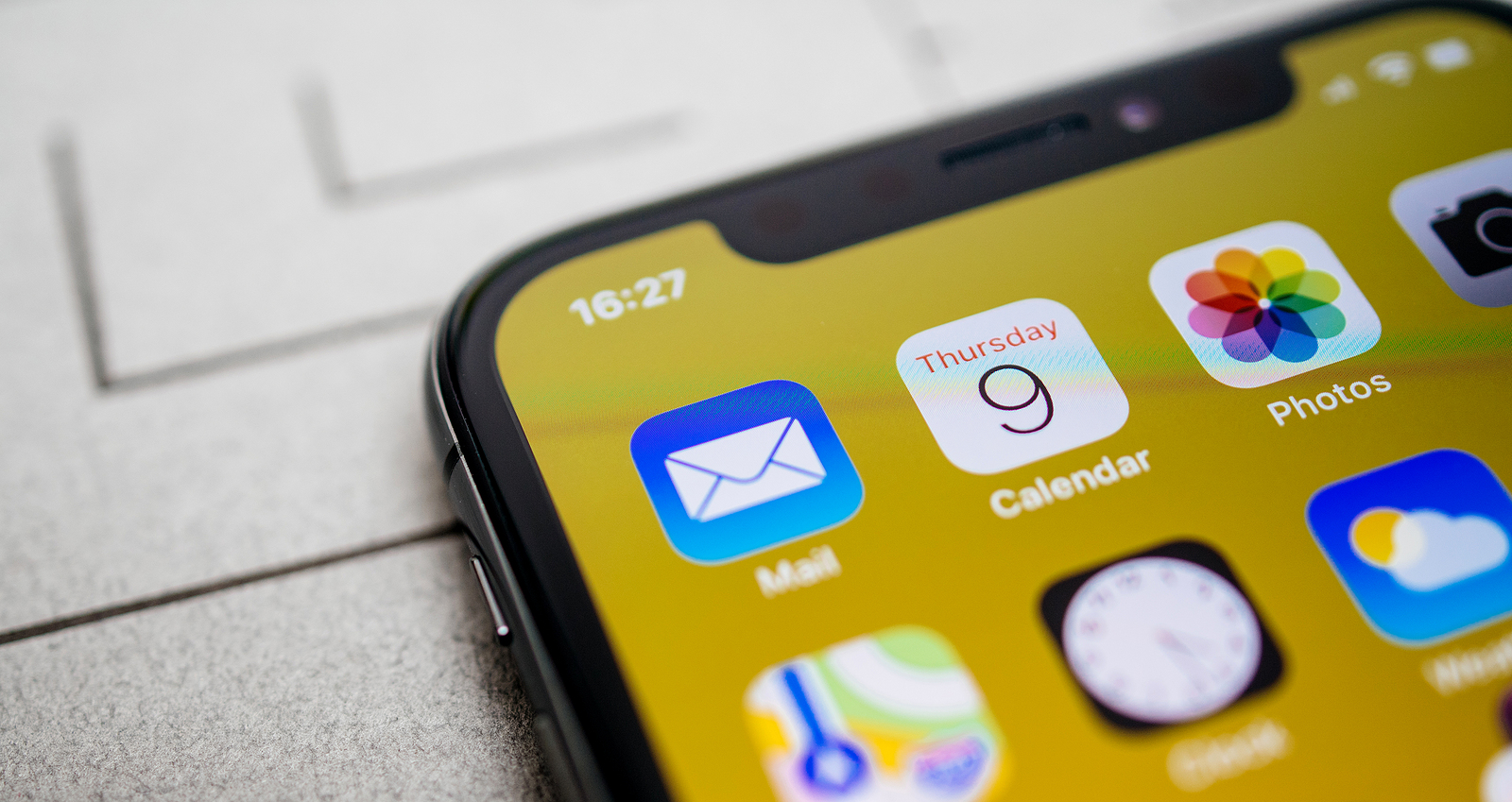
Paris, France - Nov 11, 2017: Apps icons details Latest Apple Computers iPhone 11 Pro featuring macro shot of the Calendar, Photos and Mail applications

WhatsAppFacebookEmail
Threads

iCloud+ subscribers who use “Hide Email Address” can now do so directly in the Mail app if they have iOS 15.2, iPadOS 15.2, and macOS Monterey 12.1 installed.

The feature update is described in Apple's update description and should make using Hide Email Address on Apple devices much more convenient. If you don't know the feature yet, here's an explanation: The "Hide Email Address" feature basically builds on the "Sign in with Apple" idea by providing you with unique, randomly generated email addresses that are forwarded to your personal inbox if you want to keep your personal email address private. This is particularly useful if you want to prevent email addresses from being sold. After all, not every company or platform treats your data privately. Email addresses are often sold to advertising agencies or other companies for marketing purposes. In the end, you not only get spammed with advertising, but also receive emails from scammers.

Access is only available to iCloud+ subscribers

Using a randomly generated email address means that you can delete the address at any time to ensure that unwanted emails are no longer delivered to you. However, only iCloud+ subscribers have access to the feature. This means that at least the small 0.99 Euro storage plan or higher is required. In addition, iOS 15, iPadOS 15 and / or macOS Monterey must be running. The feature was previously only available via the iCloud settings on Apple devices. But now it can also be accessed directly in the Mail app. When you write an email in the Mail app, click on the "From" field to activate the "Hide email address" option. If you select this feature, a random email address is generated that hides your real email address. Do you already know the early Black Friday deals on Amazon? Stop by, there are dozens of bargains to be found. (Photo by hadrian / Bigstockphoto)


  • iOS 15.2 Beta 2: Apple integrates "Estate Contact"
Make Apfelpatient a preferred source One click – and you'll see us more often on Google
Was this article helpful?
YesNo
Tags: Apple ServicesiOSiOS 15.2iPadOSiPadOS 15.2macOSmacOS Monterey 12.1
SendShareSend
Share

Our Amazon Storefront

A handpicked selection of products for iPhone, Mac and more – sorted by topic and updated regularly.

Shop Now

This post contains affiliate links (including Amazon). We earn a small commission on qualifying purchases – at no extra cost to you. Learn more on our Partner Program page.

Previous Post

iOS 15.2 Beta 2: Apple integrates "Estate Contact"

Next Post

iPhone 13 display repair: Apple backs down

Milan Jovicic

Milan Jovicic

Milan founded Apfelpatient in 2016 and has been responsible for all editorial content since 2018 — news, rumors, guides, and product reviews. Apple devices here are not test units on loan for two weeks but everyday tools: from the iPhone through MacBook Pro, MacBook Air, and iMac to the Apple Vision Pro, at least one device from nearly every product category is in daily use, many of them replaced annually. Every menu path in a guide is verified on the device before it is published.

Symbolic image for Siri AI news: illustrated speech bubble with newspaper lines on a golden gradient

Siri AI: Apple will pay publishers for breaking news

August 13, 2026 - 03:07 CEST
Customers crowding an Apple Store as the US smartphone market lost five percent in sales during the second quarter

US smartphone market shrinks, iPhone 18 expected to be more expensive

August 12, 2026 - 23:47 CEST
Ted Lasso standing beside a coach in the empty AFC Richmond stadium while Apple has yet to decide on Ted Lasso season 5

Ted Lasso Season 5: Apple still sees plenty of stories

August 12, 2026 - 10:11 PM CEST

About APFELPATIENT

APFELPATIENT brings you the latest Apple news, product updates, guides, reviews and tips across the entire Apple ecosystem — from the iPhone to the Mac to the Apple Vision Pro. From the first rumors to confirmed news: researched responsibly.

Follow Apfelpatient

Facebook Instagram YouTube Threads Threads

Company

  • About Apfelpatient
  • Contact
  • Author Profiles

Community

  • Netiquette
  • Push Notifications
  • RSS feed

Legal

  • Legal Notice
  • Privacy Policy
  • Terms of Use
  • Cookie Settings
  • Affiliate Program

Resources

  • Sitemap

© 2026 Apfelpatient. All rights reserved.

No Result
View All Result
  • Home
  • News
  • Rumors
  • Tips & Tricks
  • Reviews
  • Insights

© 2026 Apfelpatient. All rights reserved. Page Directory

Change language to Deutsch


