

apple patient
  • Home
  • News
  • Rumors
  • Tips & Tricks
  • Reviews
  • Insights
No Result
View All Result
  • iPhone 18
  • iOS 27
  • iPadOS 27
  • macOS
  • MacBook Neo
  • iPhone 17e
  • AirTags
  • iOS 26
  • iPhone 17
  • MacBook Pro
  • iPadOS
  • iMac
  • Mac mini
  • HomePod
  • Apple TV
  • iPad Pro
  • iPhone Air
  • Apple Vision Pro
  • iPhone 16
  • AirPods 4
  • Apple Watch Ultra
  • HomePod Mini
  • MacBook Air
  • iPad
  • AirPods Max
  • AirPods Pro 3
  • Apple Watch Series 3
  • Mac Studio
  • Studio Display
  • iPad Air
  • iPad mini
  • watchOS 27
  • Apple CarPlay
  • Apple Pay
  • watchOS 26
  • Home
  • News
  • Rumors
  • Tips & Tricks
  • Reviews
  • Insights
No Result
View All Result
apple patient
No Result
View All Result

iOS 13.4 and more released for all users

Milan Jovicic by Milan Jovicic
24. March 2020 - 18:14 CET
in Apple News
0
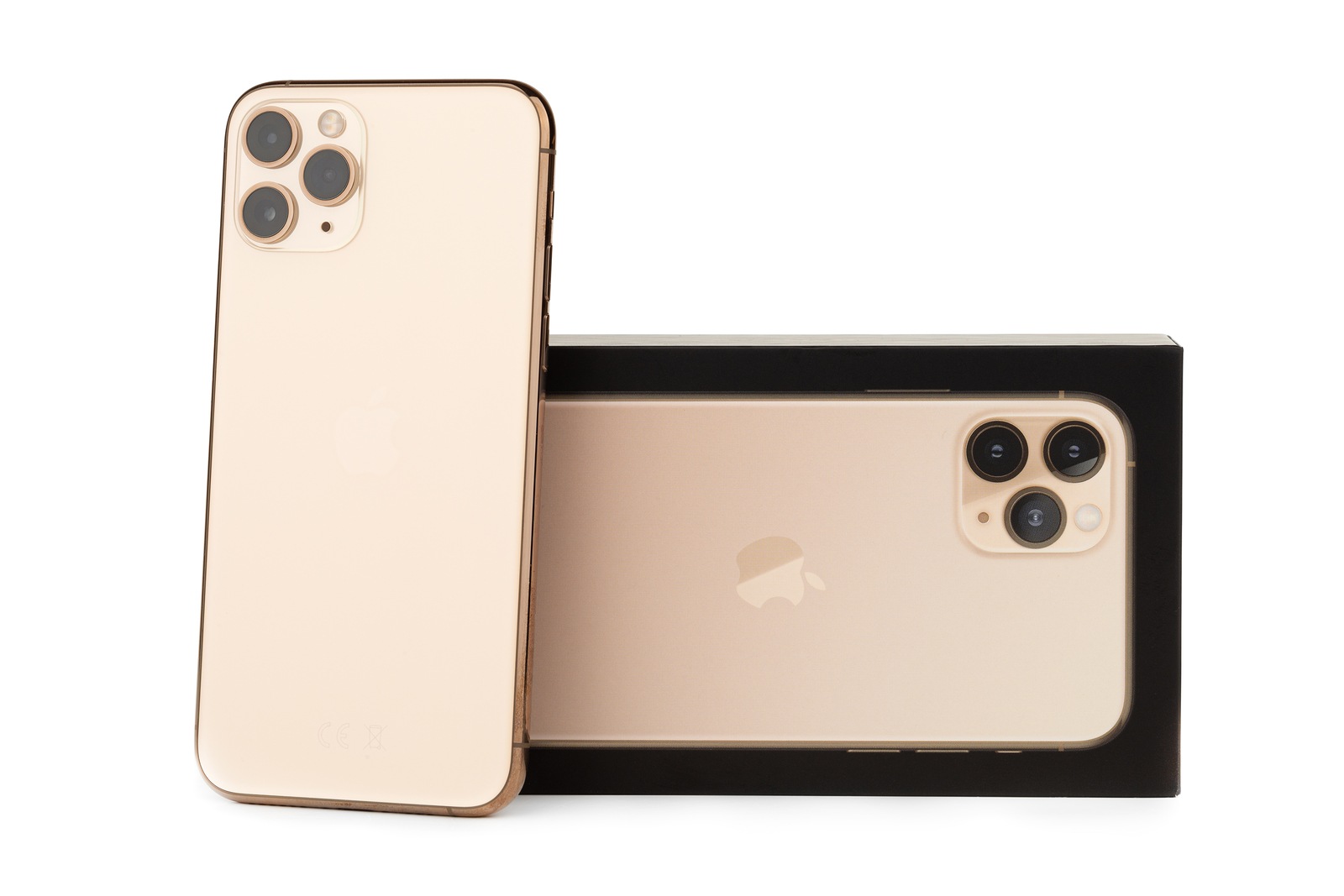
Rostov-on-Don, Russia - October 2019. Apple iPhone 11 Pro on a white background. New smartphone from the company Apple close-up.Smartphone and box from it on a white background.

Rostov-on-Don, Russia - October 2019. Apple iPhone 11 Pro on a white background. New smartphone from the company Apple close-up.Smartphone and box from it on a white background.

WhatsAppFacebookEmail
Threads

Apple released the final version of iOS 13.4, iPadOS 13.4, tvOS 13.4, watchOS 6.2 and macOS Catalina 10.15.6 for all users this evening. 

Updates for iPhone, iPad, Apple TV, Apple Watch, HomePod and Mac are now available for download. The new features include iCloud folder sharing and universal purchases. Developers can now offer apps for iOS, macOS and tvOS in a bundle. In addition, in-app purchases can now be made on the Apple Watch. Memoji sticker fans can look forward to more motifs, including "face with heart eyes", "face in love", "party face", "shocked face" and more. In addition, iOS 13.4 and iPadOS 13.4 bring full support for trackpads for the first time. Users can now connect Apple's trackpad or similar products to the iPad.

New shortcut for Shazam

CarPlay has also been revised once again in iOS 13.4. There are now new call and navigation controls from third-party providers. The new update brings a new feature in the photo app specifically for the iPad. iPad users can now use new keyboard shortcuts to quickly navigate between tabs, search and create albums. In the shortcuts area, Apple has added a new shortcuts option called “Shazam It” in iOS 13.4.

TV app settings

An interesting extension was made to the TV app under iOS 13.4. The TV app's settings menu has been significantly revised. Users can now control data downloads and streaming themselves under iOS 13.4. This means that settings relating to mobile data can now be made under the Streaming Options tab. The option is deactivated by default. Users with unlimited data volume can change the streaming quality from "Data Saving" to "High Quality" - according to Apple, "Data Saving" should use a maximum of 600 MB per hour. The same settings can also be selected for WiFi networks. There are also setting options in the "Download Options" area. For example, you can choose between "High Quality" and "Fast Downloads" in the mobile network. If you choose the "High Quality" download option, you will have to accept a slower download - but the content will be downloaded in HDR if this format is available. The "Fast Downloads" option uses significantly less storage space and does not take as long. In addition, there are now individual setting options for Siri & Search as well as notifications in the TV application area. In addition, the "playback history" can now be activated or deactivated. According to the description, this influences the "For you" recommendations. Sports events can now also be switched on or off. (Photo by Eremin / Bigstockphoto)


  • Pitaka MagEZ Case for iPhone – Smart and classy
  • These bugs have been fixed in iOS 13.4
Make Apfelpatient a preferred source One click – and you'll see us more often on Google
Was this article helpful?
YesNo
Tags: Apple TVApple WatchiOS 13.4iPadiPadOSiPhoneMacmacOS Catalina 10.15.4tvOS 13.4watchOS 6.2
SendShare26Send
Share

Our Amazon Storefront

A handpicked selection of products for iPhone, Mac and more – sorted by topic and updated regularly.

Shop Now

This post contains affiliate links (including Amazon). We earn a small commission on qualifying purchases – at no extra cost to you. Learn more on our Partner Program page.

Previous Post

Streaming: Youtube extends restrictions

Next Post

These bugs have been fixed in iOS 13.4

Milan Jovicic

Milan Jovicic

Milan founded Apfelpatient in 2016 and has been responsible for all editorial content since 2018 — news, rumors, guides, and product reviews. Apple devices here are not test units on loan for two weeks but everyday tools: from the iPhone through MacBook Pro, MacBook Air, and iMac to the Apple Vision Pro, at least one device from nearly every product category is in daily use, many of them replaced annually. Every menu path in a guide is verified on the device before it is published.

Concept design of the iPhone Ultra in its unfolded state with a large inner display

iPhone Ultra (iPhone Fold): All rumors and facts at a glance

August 12, 2026 - 9:32 PM CEST
Five iPhone models in different colors side by side, one from the front showing the Dynamic Island, which is expected to be smaller on the iPhone 18.

iPhone 18: All the rumors at a glance

August 12, 2026 - 9:24 PM CEST
Symbolic image of Apple's leadership team: Apple Park from the air, illuminated at sunset.

Apple's leadership team is undergoing a transformation: Who's leaving and who's taking their place?

August 12, 2026 - 9:10 PM CEST

About APFELPATIENT

APFELPATIENT brings you the latest Apple news, product updates, guides, reviews and tips across the entire Apple ecosystem — from the iPhone to the Mac to the Apple Vision Pro. From the first rumors to confirmed news: researched responsibly.

Follow Apfelpatient

Facebook Instagram YouTube Threads Threads

Company

  • About Apfelpatient
  • Contact
  • Author Profiles

Community

  • Netiquette
  • Push Notifications
  • RSS feed

Legal

  • Legal Notice
  • Privacy Policy
  • Terms of Use
  • Cookie Settings
  • Affiliate Program

Resources

  • Sitemap

© 2026 Apfelpatient. All rights reserved.

No Result
View All Result
  • Home
  • News
  • Rumors
  • Tips & Tricks
  • Reviews
  • Insights

© 2026 Apfelpatient. All rights reserved. Page Directory

Change language to Deutsch


