

apple patient
  • Home
  • News
  • Rumors
  • Tips & Tricks
  • Reviews
  • Insights
No Result
View All Result
  • iPhone 18
  • iOS 27
  • iPadOS 27
  • macOS
  • MacBook Neo
  • iPhone 17e
  • AirTags
  • iOS 26
  • iPhone 17
  • MacBook Pro
  • iPadOS
  • iMac
  • Mac mini
  • HomePod
  • Apple TV
  • iPad Pro
  • iPhone Air
  • Apple Vision Pro
  • iPhone 16
  • AirPods 4
  • Apple Watch Ultra
  • HomePod Mini
  • MacBook Air
  • iPad
  • AirPods Max
  • AirPods Pro 3
  • Apple Watch Series 3
  • Mac Studio
  • Studio Display
  • iPad Air
  • iPad mini
  • watchOS 27
  • Apple CarPlay
  • Apple Pay
  • watchOS 26
  • Home
  • News
  • Rumors
  • Tips & Tricks
  • Reviews
  • Insights
No Result
View All Result
apple patient
No Result
View All Result

Developer calls for new energy saving mode for MacBooks

Milan Jovicic by Milan Jovicic
15. January 2020 - 16:01 CET
in Apple News
0
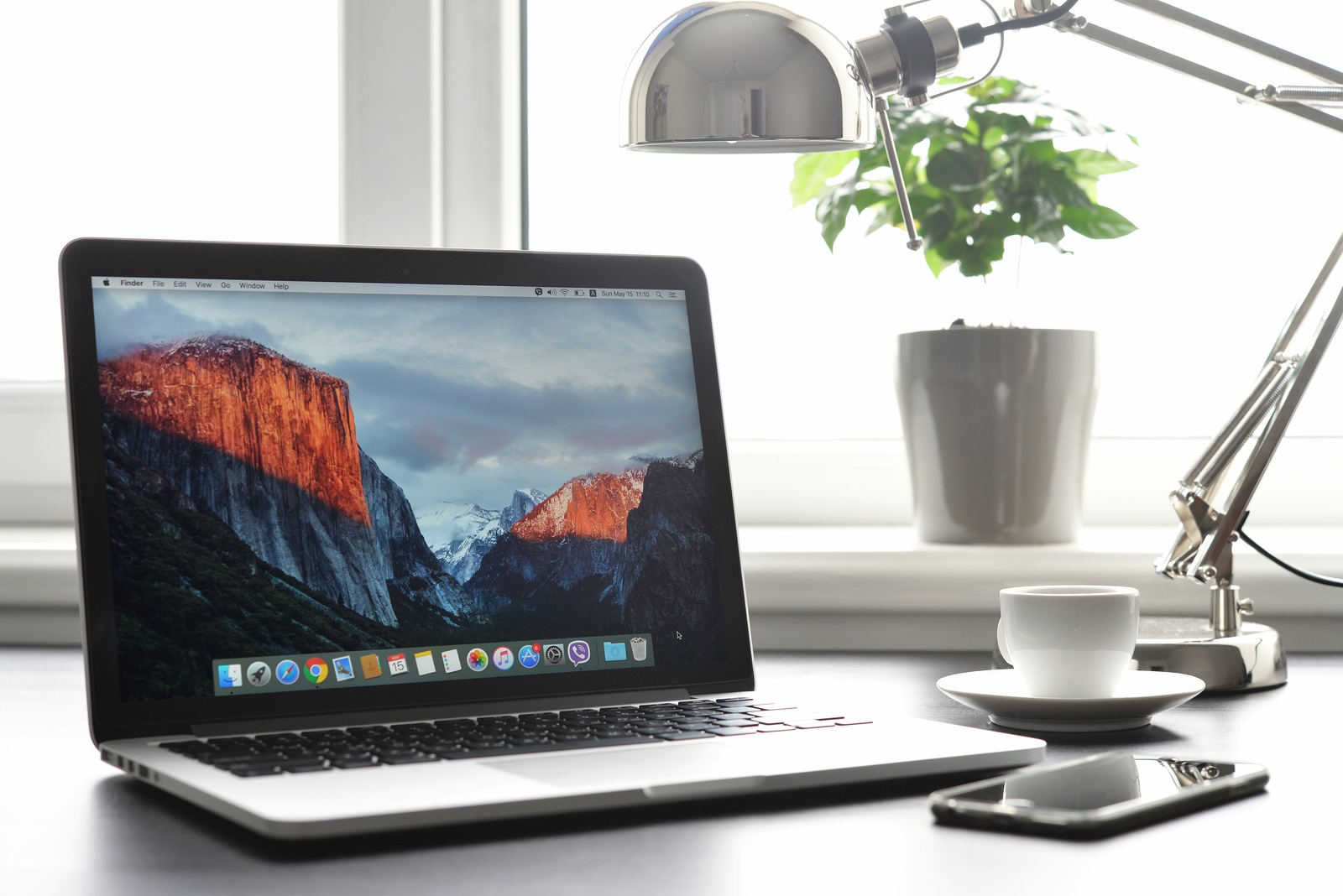
Kiev Ukraine - May 15 2016:Brand new Macbook Pro with with Retina display and OS X EL Capitan on table. MacBook is a brand of notebook computers manufactured by Apple Inc.

Kiev Ukraine - May 15 2016:Brand new Macbook Pro with with Retina display and OS X EL Capitan on table. MacBook is a brand of notebook computers manufactured by Apple Inc.

WhatsAppFacebookEmail
Threads

Earlier this week, a new feature was revealed in the current beta of macOS Catalina 10.15.3, which points to a "Pro Mode" for MacBooks. But what advantages would an iPhone-style energy saving mode have for MacBooks? One developer argues.

The iPhone has had a power saving mode since iOS 9, which when activated reduces background activities such as downloads, checking emails and more in order to extend battery life. Now the developer is demanding Marco Arment a similar feature for MacBooks. This currently has a third-party solution called "Turbo Boost Switcher Pro". The app allows users to disable Intel Turbo Boost on a Mac's processor. According to Armet, his current MacBook Pro 16" gains around 30 to 50 percent more battery life. He emphasizes that the laptop is "still fast" despite the reduced processor power. He writes in his post:   

With Turbo Boost disabled, the CPU's peak power consumption drops by 62%, with a correspondingly large reduction in temperature. This has two massive advantages:

- The fans never spin up audibly. When Turbo Boost is enabled, the fans spin up annoyingly every time the system is under sustained heavy load. Disable it, and it's almost impossible to make them audible.

- It runs noticeably cooler. With Turbo Boost, laptops get too hot to hold comfortably on your lap, and it radiates enough heat that your hands can sweat. Disable it, and the laptop gets only moderately warm, not hot, and your hands stay comfortably dry.

“Turbo Boost Switcher Pro” – not a permanent solution

Armet then goes on to explain that the "Turbo Boost Switcher Pro" app has an expiration date. The application is currently based on an old kernel extension that will most likely no longer be available in future macOS versions. This makes it all the more important that Apple integrates its own solution into the system. He writes in his blog:

I suspect this is the last year I'll be able to run the latest operating system and turn off Turbo Boost at will, significantly worsening my overall future laptop usage.

It remains to be seen whether Apple will actually integrate such an energy-saving function into macOS at some point. Since a "Pro Mode" is already in the works, a "Low Power Mode" could also follow at some point. (Photo by tashka2000 / Bigstockphoto)

  • macOS 10.15.3: MacBooks could get “Pro Mode”
Make Apfelpatient a preferred source One click – and you'll see us more often on Google
Was this article helpful?
YesNo
Via: Marco.org
Tags: DeveloperMacmacOSmacOS Catalina 10.15.3
SendShare13Send
Share

Our Amazon Storefront

A handpicked selection of products for iPhone, Mac and more – sorted by topic and updated regularly.

Shop Now

This post contains affiliate links (including Amazon). We earn a small commission on qualifying purchases – at no extra cost to you. Learn more on our Partner Program page.

Previous Post

Google Smart Lock App: iPhone becomes a security key

Next Post

Fitbit enables monitoring of oxygen levels in the blood

Milan Jovicic

Milan Jovicic

Milan founded Apfelpatient in 2016 and has been responsible for all editorial content since 2018 — news, rumors, guides, and product reviews. Apple devices here are not test units on loan for two weeks but everyday tools: from the iPhone through MacBook Pro, MacBook Air, and iMac to the Apple Vision Pro, at least one device from nearly every product category is in daily use, many of them replaced annually. Every menu path in a guide is verified on the device before it is published.

Symbolic image for Apple government affairs: the glass entrance cube of the Apple Store on Fifth Avenue in New York at dusk

Apple hires new head of government relations

August 12, 2026 - 8:44 PM CEST
Key art for the Apple TV series Pluribus showing a screaming woman against a yellow background, with Pluribus season 2 about to begin filming

Pluribus: Gilligan plans at least three seasons

August 12, 2026 - 8:27 PM CEST
The iPhone 17 lineup in five colors seen from the back, whose successor is expected to adopt the smaller iPhone 18 Dynamic Island from the Pro models

iPhone 18: Smaller Dynamic Island already in the base model

August 12, 2026 - 8:13 PM CEST

About APFELPATIENT

APFELPATIENT brings you the latest Apple news, product updates, guides, reviews and tips across the entire Apple ecosystem — from the iPhone to the Mac to the Apple Vision Pro. From the first rumors to confirmed news: researched responsibly.

Follow Apfelpatient

Facebook Instagram YouTube Threads Threads

Company

  • About Apfelpatient
  • Contact
  • Author Profiles

Community

  • Netiquette
  • Push Notifications
  • RSS feed

Legal

  • Legal Notice
  • Privacy Policy
  • Terms of Use
  • Cookie Settings
  • Affiliate Program

Resources

  • Sitemap

© 2026 Apfelpatient. All rights reserved.

No Result
View All Result
  • Home
  • News
  • Rumors
  • Tips & Tricks
  • Reviews
  • Insights

© 2026 Apfelpatient. All rights reserved. Page Directory

Change language to Deutsch



