

apple patient
  • Home
  • News
  • Rumors
  • Tips & Tricks
  • Reviews
  • Insights
No Result
View All Result
  • iPhone 18
  • iOS 27
  • iPadOS 27
  • macOS
  • MacBook Neo
  • iPhone 17e
  • AirTags
  • iOS 26
  • iPhone 17
  • MacBook Pro
  • iPadOS
  • iMac
  • Mac mini
  • HomePod
  • Apple TV
  • iPad Pro
  • iPhone Air
  • Apple Vision Pro
  • iPhone 16
  • AirPods 4
  • Apple Watch Ultra
  • HomePod Mini
  • MacBook Air
  • iPad
  • AirPods Max
  • AirPods Pro 3
  • Apple Watch Series 3
  • Mac Studio
  • Studio Display
  • iPad Air
  • iPad mini
  • watchOS 27
  • Apple CarPlay
  • Apple Pay
  • watchOS 26
  • Home
  • News
  • Rumors
  • Tips & Tricks
  • Reviews
  • Insights
No Result
View All Result
apple patient
No Result
View All Result
Sponsored by MacPaw

CleanMyMac X now optimized for Apple Silicon: What can the program really do?

Milan Jovicic by Milan Jovicic
10. June 2021 - 19:56 CEST
in Apple News
0
CleanMyMac X

Image: MacPaw - CleanMyMac X

WhatsAppFacebookEmail
Threads

MacPaws CleanMyMac X is probably familiar to some of you. Statistically, some of you will also have it installed. The Mac Cleaner has recently been optimized for the new M1 processors and we are taking this opportunity to take a closer look at the program and its new features!

First of all: MacPaw is giving all Apfelpatient readers a 5% voucher for the full version. So you can download the program for free and get the license for the full version cheaper:

  • Download CleanMyMac for free + save 5% on full version

What is CleanMyMac?

CleanMyMac is a cleaning tool that helps you get your Mac in shape. In detail, this means that you can use it to find data garbage, files that are no longer used, old language packs, email attachments and even other files that are only listed as "miscellaneous files" on macOS. The goal: to find storage space and junk, free up the hard drive and speed up your Mac.
CleanMyMac X
Image: MacPaw – CleanMyMac X

Is CleanMyMac reputable?

CleanMyMac is one of the few Mac cleaners that we can objectively consider to be reputable. Of course, it doesn't guarantee protection against bugs and viruses, but Apple itself has approved the program and lists the tool in the App Store with over 4 stars. Most cleaner programs are not tested by Apple and do not appear in the App Store. That is the big difference. In addition, MacPaw is constantly releasing new updates, such as support for the new Apple Silicon processors.

What are the main features?

With CleanMyMac you can:

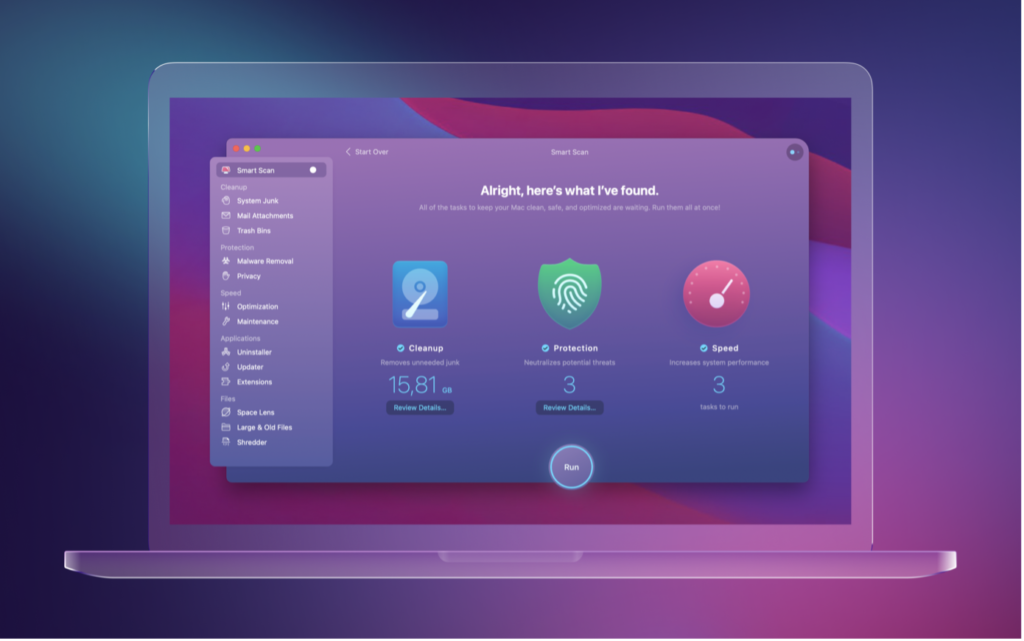
  • Clean up: You can find old files, email attachments, browser histories, programs, language files, old cache files, log files and much more and delete them directly. A "Smart Scan" helps you with this so that you don't have to search for them yourself.
  • Protect: You can track down and delete browser data, history and surfing data that your browser still has stored. Viruses should also be found.
  • Speed up: CleanMyMac searches for unnecessary background processors and agents that you can delete or disable.
  • Check files: The app also functions as a kind of finder in which large apps and programs can be quickly found and deleted. Extensions that have not been used for a long time and much more are also found.

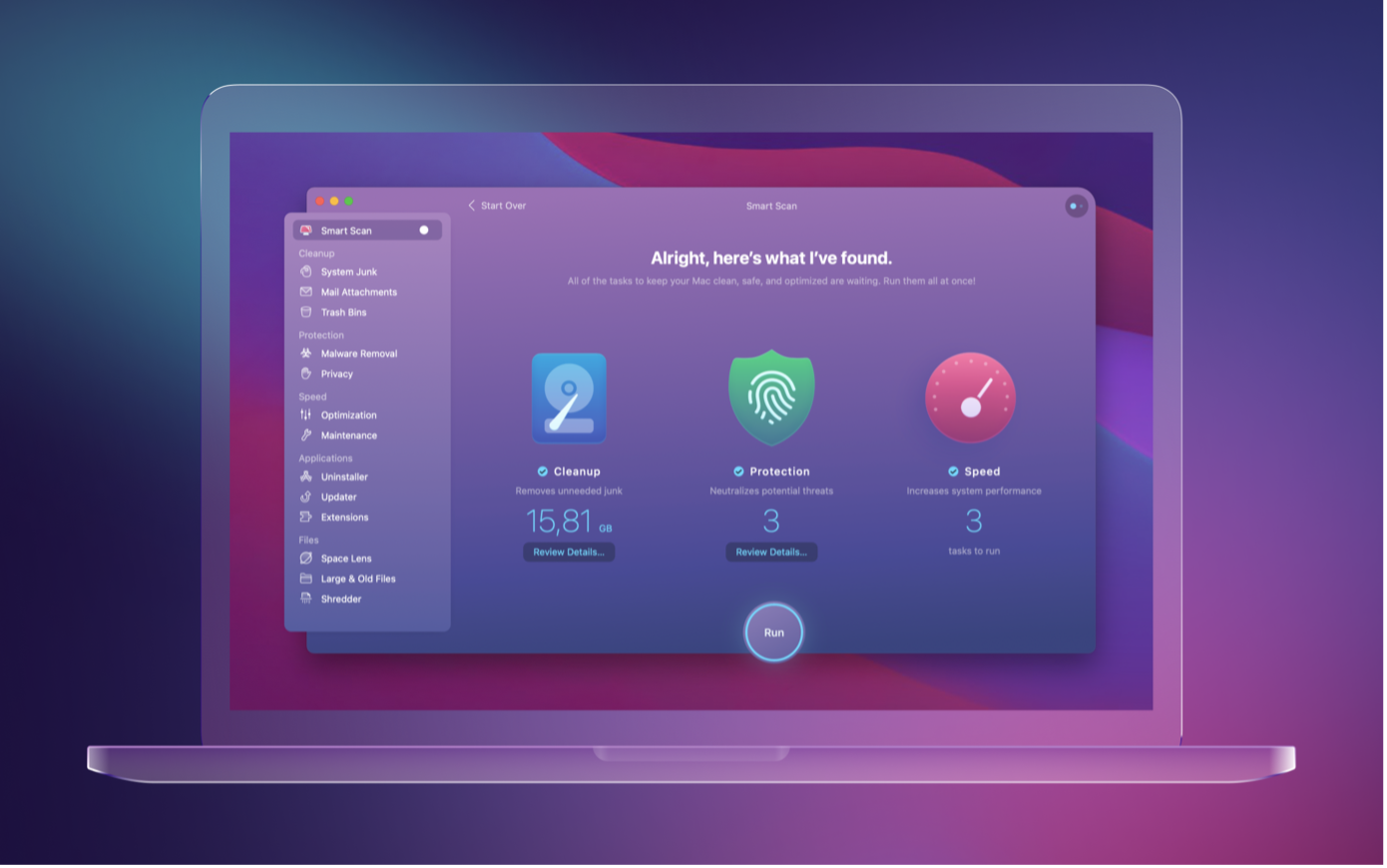
In our test, we found almost 13 GB of data that we can delete, including useless login agents that were always open in the background.

CleanMyMac X
Image: MacPaw – CleanMyMac X

The little features make the difference!

For us, however, the small functions are also crucial. For example, CleanMyMac gives you real-time information about the processor load and its temperature. You can also manually empty the RAM, which is a great feature especially for older Macs and those with little RAM. The battery and your WiFi are also diagnosed in real-time. If desired, you can scan for malware and viruses.

Apfelpatient readers save 5%

As part of a small cooperation with MacPaw, we are able to offer you a 5% discount with our link. Anyone interested can download CleanMyMac X for free and get the full version at a lower price. You can do this with our link at macpaw.app/apfelpatient.

  • Download CleanMyMac for free + save 5% on full version

We thank MacPaw for the cooperation and the great offer! (Image: MacPaw)

  • macOS Monterey: These features appear exclusively for M1 Macs
Make Apfelpatient a preferred source One click – and you'll see us more often on Google
Was this article helpful?
YesNo
Tags: Apple SiliconmacOS
SendShareSend
Share

Our Amazon Storefront

A handpicked selection of products for iPhone, Mac and more – sorted by topic and updated regularly.

Shop Now

This post contains affiliate links (including Amazon). We earn a small commission on qualifying purchases – at no extra cost to you. Learn more on our Partner Program page.

Previous Post

Microsoft Xcloud: Game streaming starts soon on iPhone & iPad

Next Post

Apple Design Awards 2021: These are the winners

Milan Jovicic

Milan Jovicic

Milan founded Apfelpatient in 2016 and has been responsible for all editorial content since 2018 — news, rumors, guides, and product reviews. Apple devices here are not test units on loan for two weeks but everyday tools: from the iPhone through MacBook Pro, MacBook Air, and iMac to the Apple Vision Pro, at least one device from nearly every product category is in daily use, many of them replaced annually. Every menu path in a guide is verified on the device before it is published.

Customers crowding an Apple Store as the US smartphone market lost five percent in sales during the second quarter

US smartphone market shrinks, iPhone 18 expected to be more expensive

August 12, 2026 - 23:47 CEST
Ted Lasso standing beside a coach in the empty AFC Richmond stadium while Apple has yet to decide on Ted Lasso season 5

Ted Lasso Season 5: Apple still sees plenty of stories

August 12, 2026 - 10:11 PM CEST
Concept design of the iPhone Ultra in its unfolded state with a large inner display

iPhone Ultra (iPhone Fold): All rumors and facts at a glance

August 12, 2026 - 9:32 PM CEST

About APFELPATIENT

APFELPATIENT brings you the latest Apple news, product updates, guides, reviews and tips across the entire Apple ecosystem — from the iPhone to the Mac to the Apple Vision Pro. From the first rumors to confirmed news: researched responsibly.

Follow Apfelpatient

Facebook Instagram YouTube Threads Threads

Company

  • About Apfelpatient
  • Contact
  • Author Profiles

Community

  • Netiquette
  • Push Notifications
  • RSS feed

Legal

  • Legal Notice
  • Privacy Policy
  • Terms of Use
  • Cookie Settings
  • Affiliate Program

Resources

  • Sitemap

© 2026 Apfelpatient. All rights reserved.

No Result
View All Result
  • Home
  • News
  • Rumors
  • Tips & Tricks
  • Reviews
  • Insights

© 2026 Apfelpatient. All rights reserved. Page Directory

Change language to Deutsch



