

apple patient
  • Home
  • News
  • Rumors
  • Tips & Tricks
  • Reviews
  • Insights
No Result
View All Result
  • iPhone 18
  • iPhone 18 Pro
  • iPhone Duo
  • Apple Watch Series 12
  • Apple Watch Ultra 4
  • AirPods 5
  • iOS 27
  • iPadOS 27
  • macOS
  • MacBook Neo
  • iPhone 17e
  • AirTags
  • iOS 26
  • iPhone 17
  • MacBook Pro
  • iPadOS
  • iMac
  • Mac mini
  • HomePod
  • Apple TV
  • iPad Pro
  • iPhone Air
  • Apple Vision Pro
  • iPhone 16
  • AirPods 4
  • Apple Watch Ultra
  • HomePod Mini
  • MacBook Air
  • iPad
  • AirPods Max
  • AirPods Pro 3
  • Apple Watch Series 3
  • Mac Studio
  • Studio Display
  • iPad Air
  • iPad mini
  • watchOS 27
  • Apple CarPlay
  • Apple Pay
  • watchOS 26
  • Home
  • News
  • Rumors
  • Tips & Tricks
  • Reviews
  • Insights
No Result
View All Result
apple patient
No Result
View All Result
  • iPhone 18
  • iPhone 18 Pro
  • iPhone Duo
  • Apple Watch Series 12
  • Apple Watch Ultra 4
  • AirPods 5
  • iOS 27
  • iPadOS 27
  • macOS
  • MacBook Neo
  • iPhone 17e
  • AirTags
  • iOS 26
  • iPhone 17
  • MacBook Pro
  • iPadOS
  • iMac
  • Mac mini
  • HomePod
  • Apple TV
  • iPad Pro
  • iPhone Air
  • Apple Vision Pro
  • iPhone 16
  • AirPods 4
  • Apple Watch Ultra
  • HomePod Mini
  • MacBook Air
  • iPad
  • AirPods Max
  • AirPods Pro 3
  • Apple Watch Series 3
  • Mac Studio
  • Studio Display
  • iPad Air
  • iPad mini
  • watchOS 27
  • Apple CarPlay
  • Apple Pay
  • watchOS 26

Apple update prevents problems with older Apple Watches

Milan Jovicic by Milan Jovicic
March 25, 2026 - 00:15 CET
in Apple News
0
Apple watchOS

Image: Shutterstock / agencies

WhatsAppFacebookEmail
Threads

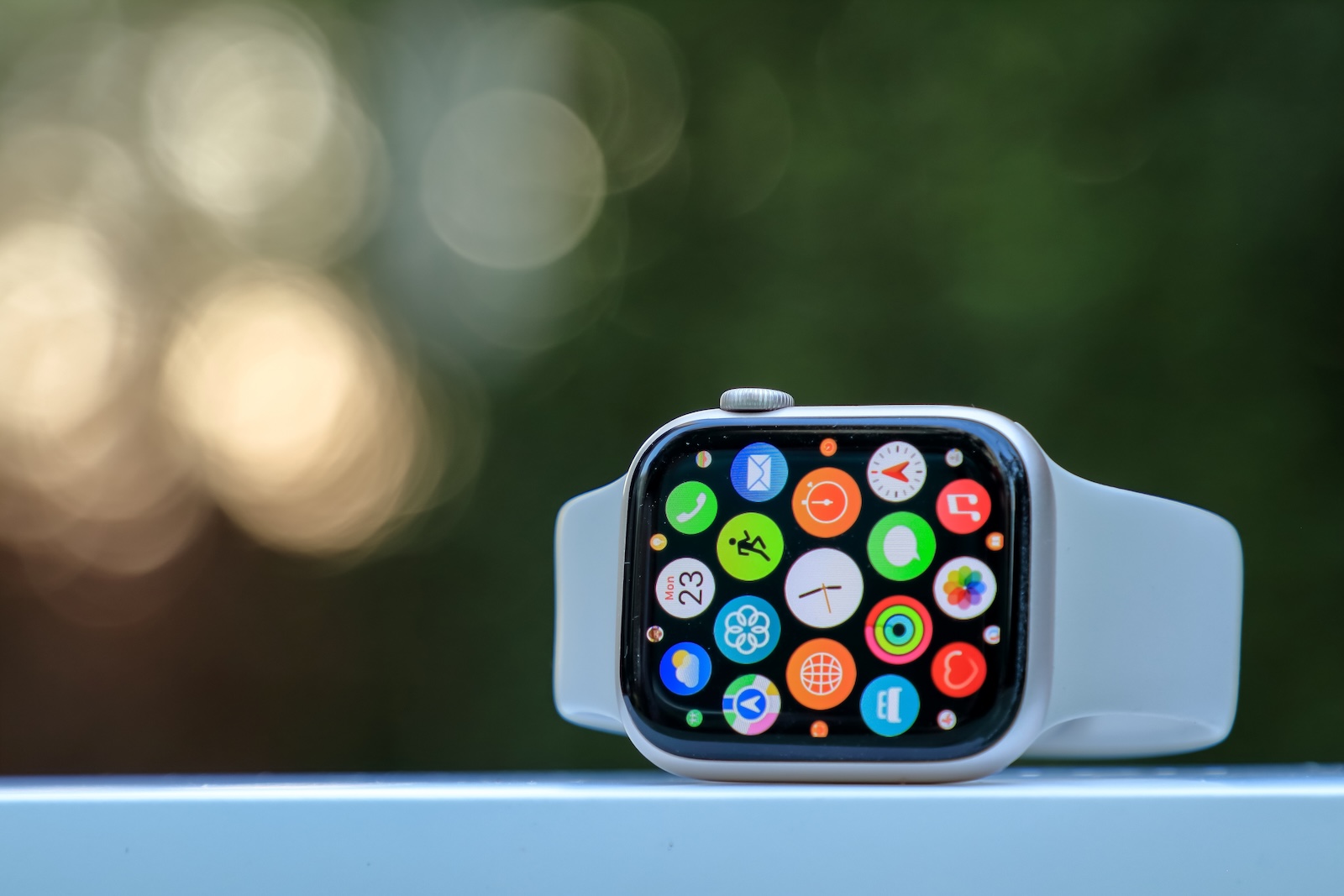
Apple has released new software updates for older Apple Watch models. The goal of these updates is not to introduce new features, but to ensure the long-term functionality of existing services. The focus is on core Apple services such as iMessage, FaceTime, and device activation, which would no longer function reliably in the future without these adjustments.

Even though Apple's focus is usually on new devices and current operating systems, older models aren't completely neglected. Apple continues to intervene, particularly with fundamental system functions, to ensure usability for several years. The updates now released are an example of this: they specifically target older watchOS versions that no longer receive major feature updates.

Apple has released these updates

Apple has released two new versions:

  • watchOS 5.3.10
  • watchOS 8.8.2

These updates are aimed at Apple Watch models that are not compatible with the current watchOS 26 version.

Supported Apple Watch models

The availability of updates depends on the specific model:

watchOS 5.3.10 is available for:
  • Apple Watch Series 1
  • Apple Watch Series 2
  • Apple Watch Series 3
  • Apple Watch Series 4
watchOS 8.8.2 is available for:
  • Apple Watch Series 3
  • Apple Watch Series 4
  • Apple Watch Series 5
  • Apple Watch Series 6
  • Apple Watch Series 7
  • Apple Watch SE (1st generation)

This specifically covers devices that no longer receive support for newer watchOS versions.

Background: Certificate problem from 2027 onwards

According to Apple's official release notes, both updates include a renewal of an important system certificate. This certificate is necessary for certain functions to continue working correctly.

Among those affected are:

  • Device activation
  • iMessage
  • FaceTime

The existing certificate would have expired in January 2027. Without an update, this would have resulted in these functions no longer working reliably or at all on the affected devices.

This update ensures that the aforementioned services can continue to be used beyond this point in time.

Classification of watchOS versions

The updates affect operating systems that are already at the end of their life cycle:

  • watchOS 8 is the last version supported on the Apple Watch Series 3.
  • watchOS 5 is the last version that can be used with older iPhones such as the iPhone 5s, iPhone 6 and iPhone 6 Plus in combination with an Apple Watch Series 1 or Series 2.

While the Apple Watch Series 1 and Series 2 technically support watchOS 6, an iPhone 6s or newer is required. Without such an iPhone, watchOS 5 remains the maximum usable version.

Significance for everyday life

The updates don't bring any new features or visible changes. Nevertheless, they are technically relevant because they ensure the basic functionality of the devices. Users of older Apple Watches, in particular, benefit from this because:

  • Important communication services will continue to function
  • The activation of the devices remains possible
  • No restrictions will arise due to an expired certificate.

In doing so, Apple indirectly extends the lifespan of these devices without actively developing them further.

Apple is specifically extending the usability of older devices

Apple is pursuing a clearly technical approach with these updates: Existing functions should remain stable and usable in the long term, even on older devices without current software support.

The release of watchOS 5.3.10 and watchOS 8.8.2 demonstrates that even at the end of the product lifecycle, targeted measures are still being taken to keep core services functioning. The best products for you: Our Amazon storefront offers a wide selection of accessories, including those for HomeKit. (Image: Shutterstock / agencies)

  • WhatsApp is testing a new design for voice messages
  • OpenAI discontinues Sora: Here's the reason behind the shutdown
  • Apple distributes important updates for older systems
  • iOS 26.4 is here: An overview of all the new features
  • Apple Maps is getting ads: All the info on the launch
  • Apple Business: The new all-in-one solution in detail
  • Apple TV: For All Mankind ends with season 6
  • Apple TV and Siri: EU broadcasters urge DMA rules
  • Important iOS Update: DarkSword exploit available online
  • Smartphone storage grows in 2026 despite high prices
  • Instagram abandons encryption: A risky step
  • iPhone Air impresses: More successful than the Plus model
  • Apple teases AI improvements for WWDC 2026
  • Apple announces: WWDC 2026 will take place from June 8th to 12th.
  • Apple: John Ternus in focus as possible CEO
  • Apple celebrates 50 years: Big celebration planned at Apple Park
  • Terafab: Elon Musk plans the world's largest chip factory
  • Apple raises prices for external storage media
  • Apple planned to acquire Halide but failed
  • Elon Musk: Jurors see fraud in Twitter deal

Make Apfelpatient a preferred source One click – and you'll see us more often on Google
Was this article helpful?
YesNo
Tags: Apple WatchwatchOS
SendShareSend
Share

Our Amazon Storefront

A handpicked selection of products for iPhone, Mac and more – sorted by topic and updated regularly.

Shop Now

This post contains affiliate links (including Amazon). We earn a small commission on qualifying purchases – at no extra cost to you. Learn more on our Partner Program page.

Previous Post

WhatsApp is testing a new design for voice messages

Next Post

Apple Safari 26.4: 44 features and 191 bugs fixed

Milan Jovicic

Milan Jovicic

Milan founded Apfelpatient in 2016 and has been responsible for all editorial content since 2018 — news, rumors, guides, and product reviews. Apple devices here are not test units on loan for two weeks but everyday tools: from the iPhone through MacBook Pro, MacBook Air, and iMac to the Apple Vision Pro, at least one device from nearly every product category is in daily use, many of them replaced annually. Every menu path in a guide is verified on the device before it is published.

Related posts

watchOS 27.2: Code reveals new screenshot preview

by Milan Jovicic
September 24, 2026 - 8:36 p.m. CEST
Apple Watch Ultra with an orange band showing the app view, the device getting the new screenshot preview in watchOS 27.2

watchOS 27.2 includes a new screenshot interface for the Apple Watch: preview, share, and delete, just like on the iPhone. It's currently inactive.

Read moreDetails

Apple TV: Peanuts classics free again for Christmas

by Milan Jovicic
September 24, 2026 - 6:43 p.m. CEST
Charlie Brown holding a small Christmas tree under a starry sky in the snow, a scene from A Charlie Brown Christmas, free again on Apple TV

Three classic Peanuts cartoons are back on Apple TV for the holidays, no subscription required. Plus, there are new specials featuring Snoopy and the Fraggle Rocks.

Read moreDetails

The Wanted Man: Hugh Laurie on Apple TV from January

by Milan Jovicic
September 24, 2026 - 6:19 p.m. CEST
Hugh Laurie as crime boss Felix Carmichael in an evening scene from The Wanted Man on Apple TV

The Wanted Man premieres on January 6, 2027 on Apple TV. Hugh Laurie plays a crime boss who wants to escape – the finale is in February.

Read moreDetails

Apple and Qualcomm extend patent license from 2027

by Milan Jovicic
September 24, 2026 - 6:04 p.m. CEST
Back of an iPhone 18 Pro Max in a burgundy case on a grey surface, covered by the renewed Apple Qualcomm patent license

Apple and Qualcomm are extending their patent license from April 2027. Why this has nothing to do with the modem change and affects Germany.

Read moreDetails

iPhone 18 Pro: Update to prevent Face ID restarts is coming

by Milan Jovicic
September 24, 2026 - 1:13 p.m. CEST
iPhone showing the General settings with Software Update, where the fix for the Face ID reboots on iPhone 18 Pro will arrive

Apple has confirmed an update to fix the restarts after failed Face ID recognition on the iPhone 18 Pro and Pro Max. An exchange is not worthwhile.

Read moreDetails
Load More

Categories

  • Apple Insights
  • Apple Rumors
  • Apple News
  • Apple Tips & Tricks
  • iPhone news, rumors and tips
  • Mac and MacBook News
  • Reviews

About APFELPATIENT

APFELPATIENT brings you the latest Apple news, product updates, guides, reviews and tips across the entire Apple ecosystem — from the iPhone to the Mac to the Apple Vision Pro. From the first rumors to confirmed news: researched responsibly.

Follow Apfelpatient

Facebook Instagram YouTube Threads Threads

Company

  • About Apfelpatient
  • Contact
  • Author Profiles

Community

  • Netiquette
  • Push Notifications
  • RSS feed

Legal

  • Legal Notice
  • Privacy Policy
  • Terms of Use
  • Cookie Settings
  • Affiliate Program

Resources

  • Sitemap

© 2026 Apfelpatient. All rights reserved.

No Result
View All Result
  • Home
  • News
  • Rumors
  • Tips & Tricks
  • Reviews
  • Insights

© 2026 Apfelpatient. All rights reserved. Page Directory

Change language to Deutsch



