apple patient
  • Home
  • News
  • Rumors
  • Tips & Tricks
  • Reviews
  • Insights
No Result
View All Result
  • iPhone 18
  • iOS 27
  • iPadOS 27
  • macOS
  • MacBook Neo
  • iPhone 17e
  • AirTags
  • iOS 26
  • iPhone 17
  • MacBook Pro
  • iPadOS
  • iMac
  • Mac mini
  • HomePod
  • Apple TV
  • iPad Pro
  • iPhone Air
  • Apple Vision Pro
  • iPhone 16
  • AirPods 4
  • Apple Watch Ultra
  • HomePod Mini
  • MacBook Air
  • iPad
  • AirPods Max
  • AirPods Pro 3
  • Apple Watch Series 3
  • Mac Studio
  • Studio Display
  • iPad Air
  • iPad mini
  • watchOS 27
  • Apple CarPlay
  • Apple Pay
  • watchOS 26
  • Home
  • News
  • Rumors
  • Tips & Tricks
  • Reviews
  • Insights
No Result
View All Result
apple patient
No Result
View All Result

Apple introduces redesigned online store with "Store" tab

Milan Jovicic by Milan Jovicic
4. August 2021 - 14:49 CEST
in Apple News
0
Apple Online Store

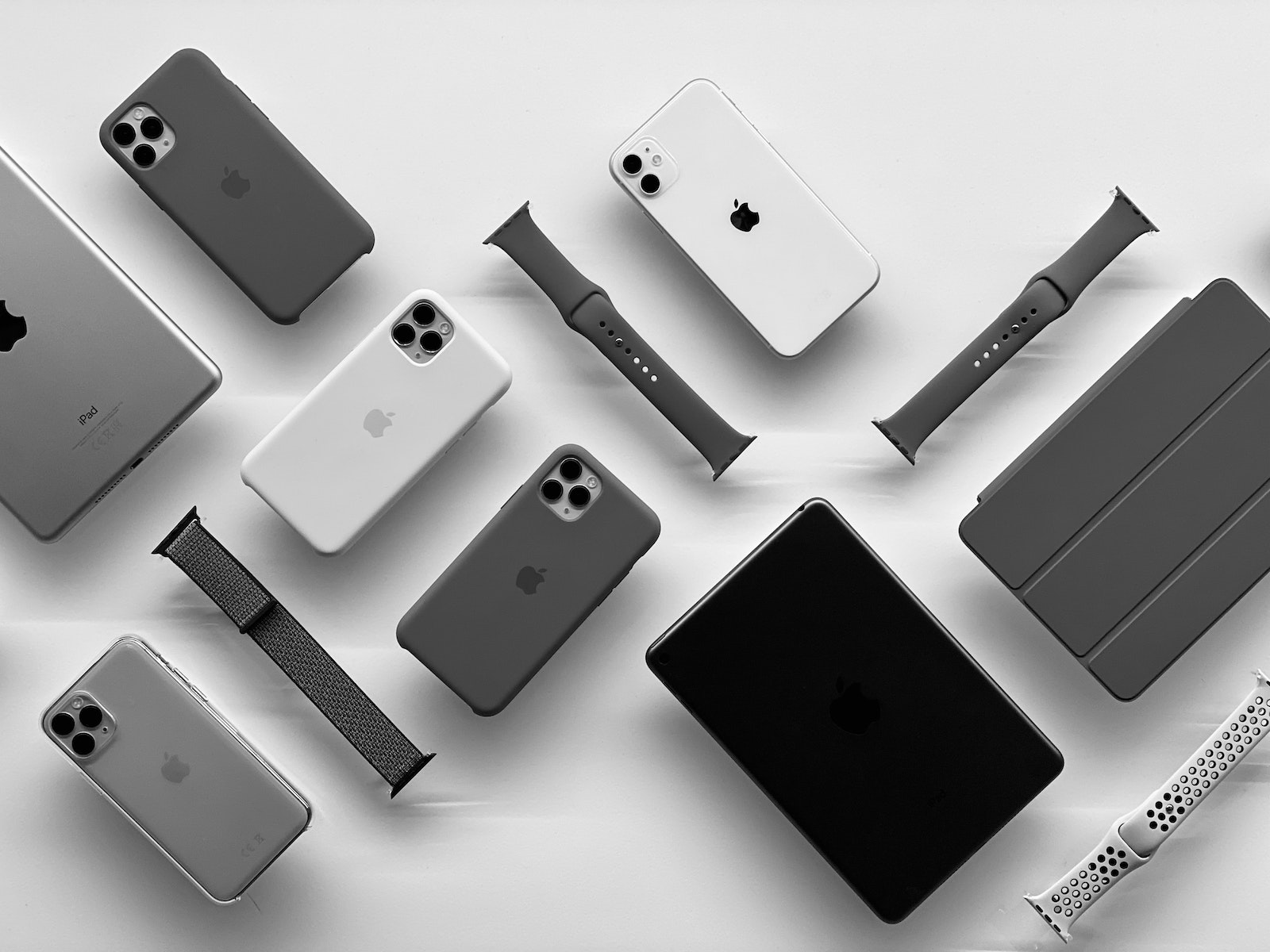
Photo by Unsplash / Hugo Agut tugal

WhatsAppFacebookEmail
Threads

Apple redesigned its online store last night. The design is based on iOS and includes tiles, a curated selection, information areas and more.

The most noticeable change is the new “Store” tab, which appears next to the Mac, iPad, iPhone, Watch, TV, Music and Support categories in the navigation bar of apple.de Previously, Apple's website had a "Store" tab that directed users to the online Apple Store. However, this mechanism has been replaced by "Buy" links that are present in every category.

The store. The best way to buy your favorite products.

At the top are links to contact a retail specialist and find a nearby store. Below the welcome text is a row listing Apple's main products. Clicking on a product, such as Mac, leads to a page of searchable devices, neatly arranged in a series of cards that can be navigated by scrolling horizontally. Each card links to configuration and purchasing options for specific models, while other rows on the page lead to shopping guides, accessories, trade-in options and discounts, setup and support, and informative user manuals. These sections can be quickly accessed via a scrolling navigation bar at the top of the page. Back on the main page, there's the "Just Launched. See What's New" section, which highlights new products, current deals, vendor discounts, and more.

Apple Online Store regularly receives new curated content

Below that is a help section where users can request a specialist to shop, get help with their device, or schedule a Genius Support appointment. Apple promotes the "Apple difference" in a series of cards that advertise services such as free delivery or courier service, in-store pickup, device exchange, Apple Card, Mac and Apple Watch personalization, and emoji engraving. It seems that Apple will regularly add new curated content to the store page. Right now, a series of "extracurricular accessories" shows products that are "perfect for students" while another series focuses on the AirTag and similar accessories. Thanks to this revamp, the new Apple online store on the web now feels more like iOS or iPadOS. The gesture-focused interface combined with tiles makes the whole thing much more intuitive. (Photo by Unsplash / Hugo Agut tuga)

  • Bye Bye Apple Adapter: Anker Nano II chargers in test
Make Apfelpatient a preferred source One click – and you'll see us more often on Google
Was this article helpful?
YesNo
Tags: AirTagsApple TVApple WatchiPadiPhoneMac
SendShareSend
Share

Our Amazon Storefront

A handpicked selection of products for iPhone, Mac and more – sorted by topic and updated regularly.

Shop Now

This post contains affiliate links (including Amazon). We earn a small commission on qualifying purchases – at no extra cost to you. Learn more on our Partner Program page.

Previous Post

Photos and videos: WhatsApp introduces one-time view

Next Post

Current iOS 15 beta automatically removes lens flare in photos

Milan Jovicic

Milan Jovicic

Milan founded Apfelpatient in 2016 and has been responsible for all editorial content since 2018 — news, rumors, guides, and product reviews. Apple devices here are not test units on loan for two weeks but everyday tools: from the iPhone through MacBook Pro, MacBook Air, and iMac to the Apple Vision Pro, at least one device from nearly every product category is in daily use, many of them replaced annually. Every menu path in a guide is verified on the device before it is published.

Drawn outline of the folded iPhone Ultra with square corners on the hinge side and rounded corners opposite, matching the leaked iPhone Ultra screen protectors

iPhone Ultra: Screen protectors reveal the camera position

August 12, 2026 - 3:58 PM CEST
Glass panel set into the aluminium frame on the back of an iPhone 17 Pro Max in Cosmic Orange, whereas the iPhone 20 glass design is said to wrap the glass around the edges

iPhone 20: Glass design is not supposed to be scrapped after all

August 12, 2026 - 2:50 PM CEST
Jennifer Bailey on stage at an Apple event in front of a projected Apple Card, the Apple Pay chief is leaving the company in October

Apple Pay: Jennifer Bailey is leaving Apple in October

August 12, 2026 - 2:31 PM CEST

About APFELPATIENT

APFELPATIENT brings you the latest Apple news, product updates, guides, reviews and tips across the entire Apple ecosystem — from the iPhone to the Mac to the Apple Vision Pro. From the first rumors to confirmed news: researched responsibly.

Follow Apfelpatient

Facebook Instagram YouTube Threads Threads

Company

  • About Apfelpatient
  • Contact
  • Author Profiles

Community

  • Netiquette
  • Push Notifications
  • RSS feed

Legal

  • Legal Notice
  • Privacy Policy
  • Terms of Use
  • Cookie Settings
  • Affiliate Program

Resources

  • Sitemap

© 2026 Apfelpatient. All rights reserved.

No Result
View All Result
  • Home
  • News
  • Rumors
  • Tips & Tricks
  • Reviews
  • Insights

© 2026 Apfelpatient. All rights reserved. Page Directory

Change language to Deutsch