

apple patient
  • Home
  • News
  • Rumors
  • Tips & Tricks
  • Reviews
  • Insights
No Result
View All Result
  • iPhone 18
  • iPhone 18 Pro
  • iPhone Duo
  • Apple Watch Series 12
  • Apple Watch Ultra 4
  • AirPods 5
  • iOS 27
  • iPadOS 27
  • macOS
  • MacBook Neo
  • iPhone 17e
  • AirTags
  • iOS 26
  • iPhone 17
  • MacBook Pro
  • iPadOS
  • iMac
  • Mac mini
  • HomePod
  • Apple TV
  • iPad Pro
  • iPhone Air
  • Apple Vision Pro
  • iPhone 16
  • AirPods 4
  • Apple Watch Ultra
  • HomePod Mini
  • MacBook Air
  • iPad
  • AirPods Max
  • AirPods Pro 3
  • Apple Watch Series 3
  • Mac Studio
  • Studio Display
  • iPad Air
  • iPad mini
  • watchOS 27
  • Apple CarPlay
  • Apple Pay
  • watchOS 26
  • Home
  • News
  • Rumors
  • Tips & Tricks
  • Reviews
  • Insights
No Result
View All Result
apple patient
No Result
View All Result
  • iPhone 18
  • iPhone 18 Pro
  • iPhone Duo
  • Apple Watch Series 12
  • Apple Watch Ultra 4
  • AirPods 5
  • iOS 27
  • iPadOS 27
  • macOS
  • MacBook Neo
  • iPhone 17e
  • AirTags
  • iOS 26
  • iPhone 17
  • MacBook Pro
  • iPadOS
  • iMac
  • Mac mini
  • HomePod
  • Apple TV
  • iPad Pro
  • iPhone Air
  • Apple Vision Pro
  • iPhone 16
  • AirPods 4
  • Apple Watch Ultra
  • HomePod Mini
  • MacBook Air
  • iPad
  • AirPods Max
  • AirPods Pro 3
  • Apple Watch Series 3
  • Mac Studio
  • Studio Display
  • iPad Air
  • iPad mini
  • watchOS 27
  • Apple CarPlay
  • Apple Pay
  • watchOS 26

Apple: How authentication for iOS apps works

Milan Jovicic by Milan Jovicic
January 26, 2024 - 18:23 CET
in Apple News
0
Apple iOS apps

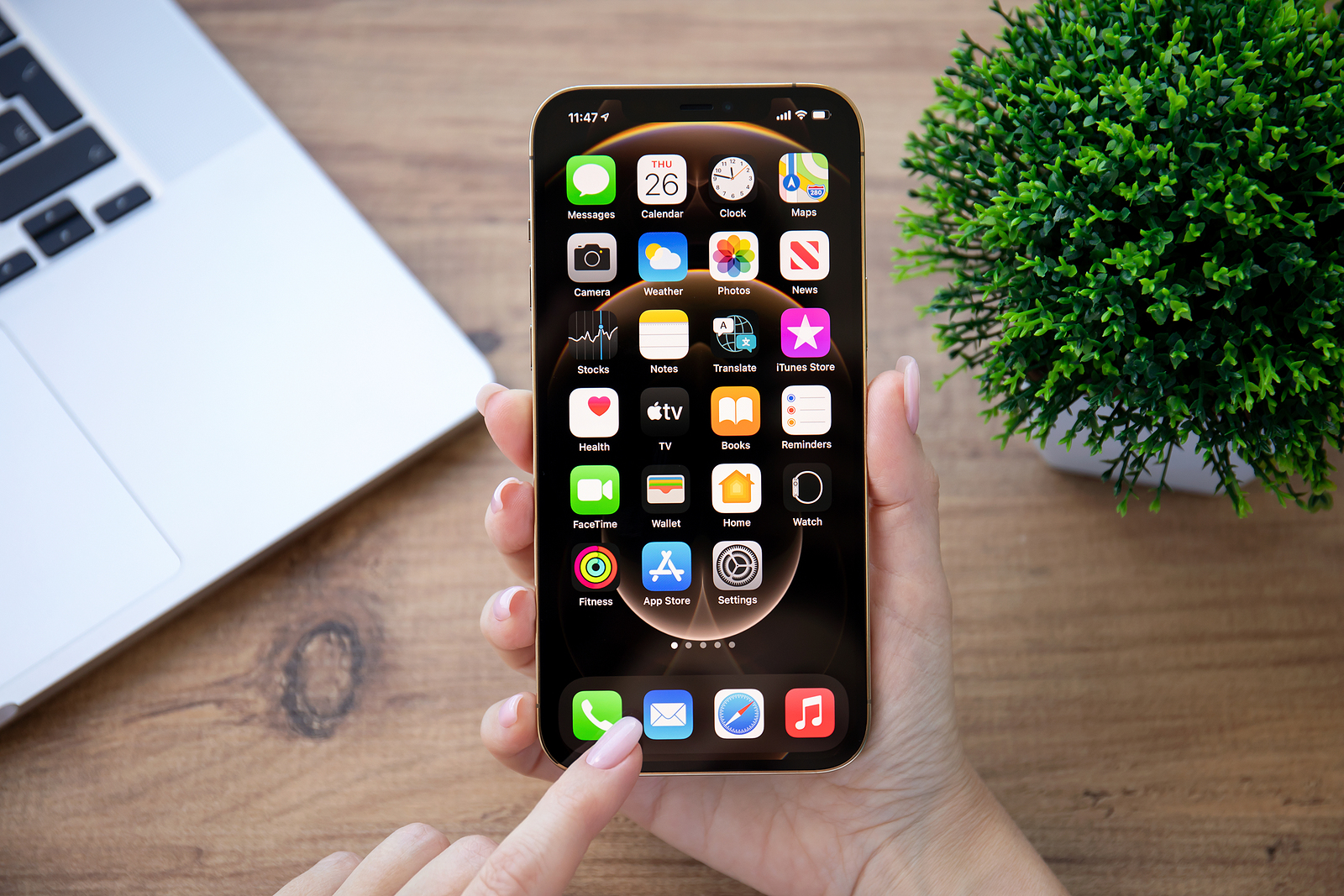
Alanya, Turkey - November 26, 2020: Woman hand holding iPhone 12 Pro Max Gold with home screen IOS 14 on the screen. iPhone 12 Pro Max Gold was created and developed by the Apple inc.

WhatsAppFacebookEmail
Threads

Many of us use our iOS devices every day, be it an iPhone or an iPad, to access a variety of apps that make our lives easier and more fun. All of these apps come from the official Apple App Store, which is known for its strict quality and security standards. But what about the apps that will soon be distributed through alternative app stores in EU countries? How does Apple ensure that they are just as safe and trustworthy? In this article, we will take a closer look at how notarization works for iOS apps that are to be distributed outside the official App Store and how this measure ensures user safety and trust.

The app market is booming and there is a wealth of applications for almost every purpose. While the Apple App Store offers a wide range of apps, some developers intend to create alternative app stores to make their applications accessible elsewhere. To ensure that these apps meet Apple's high standards and ensure user security and privacy, the company has introduced a notarization process that is closely similar to that used for Mac apps.

What is notarization for iOS apps?

Notarization for iOS apps is a process that Apple developed to ensure that apps distributed through alternative app stores in EU countries comply with data protection, security and device integrity requirements. This process is crucial to ensure that users do not install malicious software on their devices and that apps work as advertised without deceiving users.

Apple: Verification points for authentication

During the notarization process, various aspects of the apps are reviewed to ensure they meet the standards. These include:

accuracy

Apps must clearly state who the developer is, what features they offer and what costs users will incur. This ensures that users have all the relevant information to make an informed decision.

functionality

The app binaries are checked for verifiability, absence of serious errors or crashes, and compatibility with the current iOS version. Manipulation of software or hardware that could negatively affect the user experience is not allowed.

Security

Apps must not harm users or the public. They must not distribute malware or suspicious software or run executable code outside of their container. Transparency and user consent are crucial when it comes to accessing the system or device.

Privacy

The apps must not collect or transmit private or sensitive data without the knowledge of the users. They must correspond to the stated purpose of the software.

encryption and signing

To ensure that users get apps from trusted sources and to protect developers' intellectual property, Apple plans to encrypt and sign all notarized iOS apps. This ensures that the apps have not been tampered with and can only be installed through authorized web browsers.

Conclusion

Notarization for iOS apps distributed through alternative app stores is an important step by Apple to ensure user safety and trust. Although this process is not as rigorous as Apple's App Store review process, it aims to maintain basic security standards and reduce risks associated with alternative app stores. Users can be confident that notarized apps are safe and trustworthy, according to Apple, and they have the opportunity to review all relevant information about the apps before installing them. This is another step Apple is taking to protect the integrity of its platform and provide users with a safe and enjoyable app experience. However, whether Apple's approach will actually provide the necessary security remains to be seen. (Photo by DenPhoto / Bigstockphoto)

  • iOS 17.4 default web browser: Apple reveals further details
  • iOS 17.4 Beta 1: Comprehensive new features at a glance

Make Apfelpatient a preferred source One click – and you'll see us more often on Google
Was this article helpful?
YesNo
Tags: Apple ServicesiOSiOS 17.4iPadOSiPadOS 17.4
SendShareSend
Share

Our Amazon Storefront

A handpicked selection of products for iPhone, Mac and more – sorted by topic and updated regularly.

Shop Now

This post contains affiliate links (including Amazon). We earn a small commission on qualifying purchases – at no extra cost to you. Learn more on our Partner Program page.

Previous Post

iOS 17.4 default web browser: Apple reveals further details

Next Post

Apple: Testing sideloading suitability for iPhone and iPad

Milan Jovicic

Milan Jovicic

Milan founded Apfelpatient in 2016 and has been responsible for all editorial content since 2018 — news, rumors, guides, and product reviews. Apple devices here are not test units on loan for two weeks but everyday tools: from the iPhone through MacBook Pro, MacBook Air, and iMac to the Apple Vision Pro, at least one device from nearly every product category is in daily use, many of them replaced annually. Every menu path in a guide is verified on the device before it is published.

Related posts

HomePod mini 2 and Apple TV 4K: Apple code reveals the devices

by Milan Jovicic
September 25, 2026 - 11:08 p.m. CEST
Siri Remote for the Apple TV 4K on a grey stone surface – for the code finding on the HomePod mini 2 and Apple TV 4K

HomePod mini 2 and Apple TV 4K (4th generation): Apple's code reveals five colors, the familiar design, and what applies to Siri AI in this country.

Read moreDetails

iPad mini 8 and iPad 12: Apple code reveals chips and camera

by Milan Jovicic
September 25, 2026 - 10:48 p.m. CEST
Yellow entry-level iPad seen from the back on a grey stone surface – for the code finding on the iPad mini 8 and iPad 12

iPad mini 8 and iPad 12: Apple's code mentions A20 Pro and A19, a new front camera on the mini, and Apple Intelligence for the entry-level iPad.

Read moreDetails

watchOS 27.2: Code reveals new screenshot preview

by Milan Jovicic
September 24, 2026 - 8:36 p.m. CEST
Apple Watch Ultra with an orange band showing the app view, the device getting the new screenshot preview in watchOS 27.2

watchOS 27.2 includes a new screenshot interface for the Apple Watch: preview, share, and delete, just like on the iPhone. It's currently inactive.

Read moreDetails

Apple TV: Peanuts classics free again for Christmas

by Milan Jovicic
September 24, 2026 - 6:43 p.m. CEST
Charlie Brown holding a small Christmas tree under a starry sky in the snow, a scene from A Charlie Brown Christmas, free again on Apple TV

Three classic Peanuts cartoons are back on Apple TV for the holidays, no subscription required. Plus, there are new specials featuring Snoopy and the Fraggle Rocks.

Read moreDetails

The Wanted Man: Hugh Laurie on Apple TV from January

by Milan Jovicic
September 24, 2026 - 6:19 p.m. CEST
Hugh Laurie as crime boss Felix Carmichael in an evening scene from The Wanted Man on Apple TV

The Wanted Man premieres on January 6, 2027 on Apple TV. Hugh Laurie plays a crime boss who wants to escape – the finale is in February.

Read moreDetails
Load More

Categories

  • Apple Insights
  • Apple Rumors
  • Apple News
  • Apple Tips & Tricks
  • iPhone news, rumors and tips
  • Mac and MacBook News
  • Reviews

About APFELPATIENT

APFELPATIENT brings you the latest Apple news, product updates, guides, reviews and tips across the entire Apple ecosystem — from the iPhone to the Mac to the Apple Vision Pro. From the first rumors to confirmed news: researched responsibly.

Follow Apfelpatient

Facebook Instagram YouTube Threads Threads

Company

  • About Apfelpatient
  • Contact
  • Author Profiles

Community

  • Netiquette
  • Push Notifications
  • RSS feed

Legal

  • Legal Notice
  • Privacy Policy
  • Terms of Use
  • Cookie Settings
  • Affiliate Program

Resources

  • Sitemap

© 2026 Apfelpatient. All rights reserved.

No Result
View All Result
  • Home
  • News
  • Rumors
  • Tips & Tricks
  • Reviews
  • Insights

© 2026 Apfelpatient. All rights reserved. Page Directory

Change language to Deutsch



