

apple patient
  • Home
  • News
  • Rumors
  • Tips & Tricks
  • Reviews
  • Insights
No Result
View All Result
  • iPhone 18
  • iOS 27
  • iPadOS 27
  • macOS
  • MacBook Neo
  • iPhone 17e
  • AirTags
  • iOS 26
  • iPhone 17
  • MacBook Pro
  • iPadOS
  • iMac
  • Mac mini
  • HomePod
  • Apple TV
  • iPad Pro
  • iPhone Air
  • Apple Vision Pro
  • iPhone 16
  • AirPods 4
  • Apple Watch Ultra
  • HomePod Mini
  • MacBook Air
  • iPad
  • AirPods Max
  • AirPods Pro 3
  • Apple Watch Series 3
  • Mac Studio
  • Studio Display
  • iPad Air
  • iPad mini
  • watchOS 27
  • Apple CarPlay
  • Apple Pay
  • watchOS 26
  • Home
  • News
  • Rumors
  • Tips & Tricks
  • Reviews
  • Insights
No Result
View All Result
apple patient
No Result
View All Result

Apple explains bug in iOS 17.5: Deleted photos are back

Milan Jovicic by Milan Jovicic
24. May 2024 - 02:21 CEST
in Apple News
0
Apple iOS 17.5

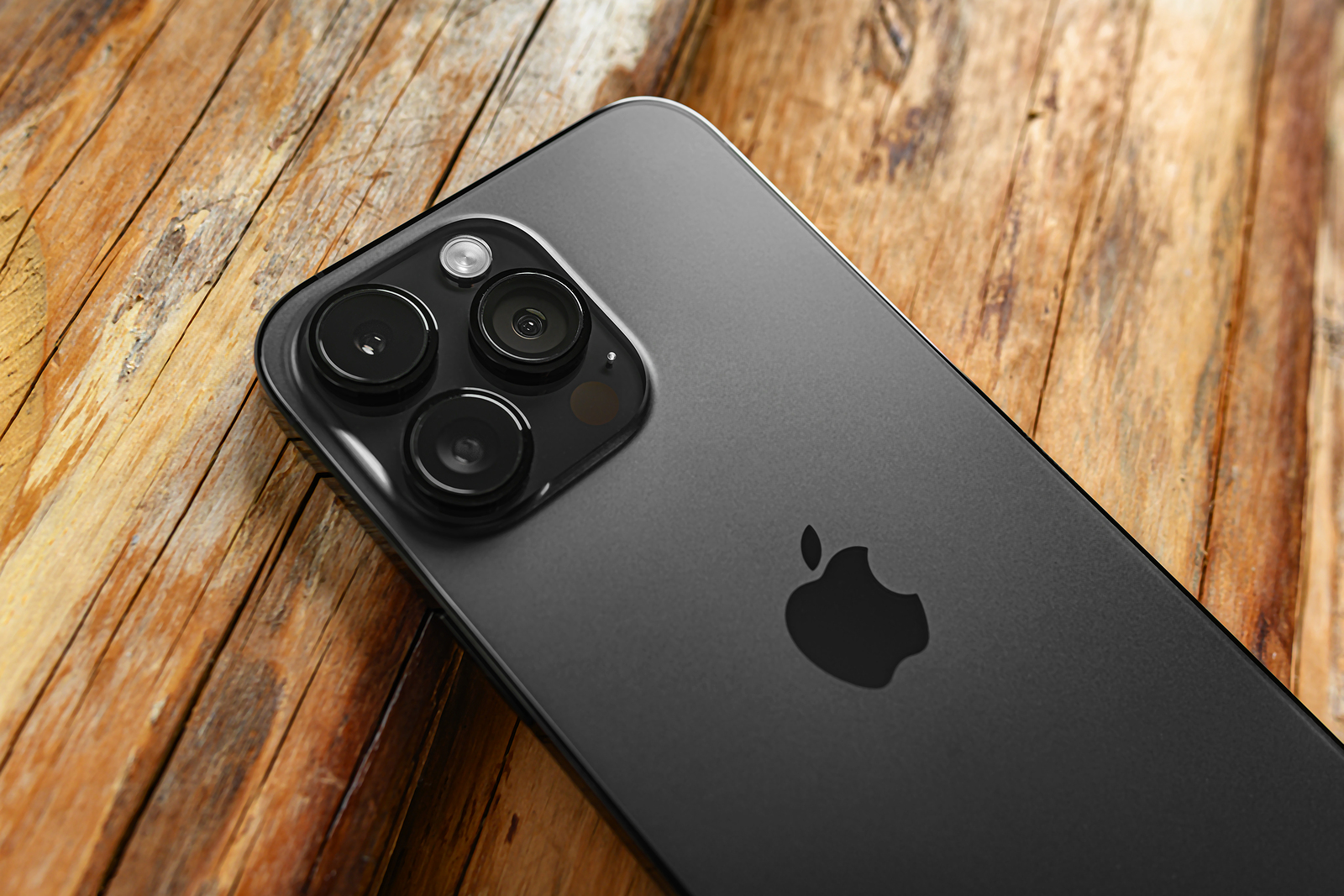
Uzhgorod, Ukraine - May 05, 2023: New Apple iPhone 14 Pro Max Space Black on a wooden background.

WhatsAppFacebookEmail
Threads

You've probably heard about the rare bug that occurred in iOS 17.5 that caused deleted photos to reappear on your devices. Apple reacted quickly and released the iOS 17.5.1 update to fix this problem. Below we'll explain in detail what's behind this bug, how Apple solved it, and what you can do to make sure your deleted photos really stay deleted.

Technical issues and bugs can happen to even the biggest tech companies, and Apple is no exception. However, the company has always strived to respond to such issues quickly and transparently. The recent case of a bug in iOS 17.5 that restored deleted photos is a good example of this. We'll look at how this bug came about, what steps Apple took to fix it, and what it means for you as a user.

The error and its cause

Earlier this week, Apple released the iOS 17.5.1 update to fix a rare issue where deleted photos would reappear on a user's device after installing iOS 17.5. Apple explained that this was caused by "database corruption." In the release notes, Apple stated that the cause was corruption in the device's file system itself and was not related to iCloud Photos.

The role of iCloud

Many users wondered how old pictures dating back to 2010 could reappear even though they no longer use the same devices as they did back then. Apple confirmed (via 9to5mac) that iCloud Photos was not responsible. Instead, it was due to corrupted database entries on the device itself. These photos that were not completely deleted were not synced with iCloud Photos but were only located on the respective device.

Refurbished and sold devices

In a now-deleted Reddit post, a user claimed that his photos resurfaced on an iPad he sold to a friend, even though he had deleted the iPad's contents before selling it. Apple clarified that this claim was false. After completely wiping a device via "Erase All Content and Settings" in Settings, all files and content are permanently deleted.

rarity of the problem

Apple stressed that this is a very rare issue that affects only a few users and a small number of photos. The company assured that it does not have access to users' photos or videos. The error was disturbing, but there is no indication that these photos were stored in iCloud or could reappear after properly wiping a device.

Technical background information

It's important to understand how NAND storage works. When you delete files on NAND storage, they aren't immediately removed. Instead, the space is marked as available for new data. The actual data remains until it is overwritten. This is why specialized software can often recover "deleted" files.

Deleting the resurfaced photos

iOS 17.5.1 does not automatically delete the photos that reappeared after updating to iOS 17.5. If you are experiencing this issue, you will need to open the Photos app and delete the images manually. The deleted photos will be moved to the Recently Deleted album, where they will remain for 30 days. You can also permanently delete the images immediately by selecting the "Delete from all devices" option in the Recently Deleted album.

Apple's solution for the rare photo bug in iOS 17.5

While technical errors like this are rare, it's reassuring to know that Apple is quick to respond and provide solutions. The iOS 17.5 bug that recovered deleted photos has been fixed in iOS 17.5.1, and Apple has clarified how you can make sure your data really stays deleted. It's always a good idea to learn about issues like this and follow the suggested steps to ensure your privacy and security. (Photo by Denis Rozhnovsky / Bigstockphoto)


  • Stolen Device Protection: How to Make Your iPhone More Secure
Make Apfelpatient a preferred source One click – and you'll see us more often on Google
Was this article helpful?
YesNo
Tags: Apple ServicesiOSiOS 17.5iOS 17.5.1iPadOSiPadOS 17.5iPadOS 17.5.1
SendShareSend
Share

Our Amazon Storefront

A handpicked selection of products for iPhone, Mac and more – sorted by topic and updated regularly.

Shop Now

This post contains affiliate links (including Amazon). We earn a small commission on qualifying purchases – at no extra cost to you. Learn more on our Partner Program page.

Previous Post

Stolen Device Protection: How to Make Your iPhone More Secure

Next Post

Apple Watch Ultra 3: What to expect

Milan Jovicic

Milan Jovicic

Milan founded Apfelpatient in 2016 and has been responsible for all editorial content since 2018 — news, rumors, guides, and product reviews. Apple devices here are not test units on loan for two weeks but everyday tools: from the iPhone through MacBook Pro, MacBook Air, and iMac to the Apple Vision Pro, at least one device from nearly every product category is in daily use, many of them replaced annually. Every menu path in a guide is verified on the device before it is published.

Drawn outline of the folded iPhone Ultra with square corners on the hinge side and rounded corners opposite, matching the leaked iPhone Ultra screen protectors

iPhone Ultra: Screen protectors reveal the camera position

August 12, 2026 - 3:58 PM CEST
Glass panel set into the aluminium frame on the back of an iPhone 17 Pro Max in Cosmic Orange, whereas the iPhone 20 glass design is said to wrap the glass around the edges

iPhone 20: Glass design is not supposed to be scrapped after all

August 12, 2026 - 2:50 PM CEST
Jennifer Bailey on stage at an Apple event in front of a projected Apple Card, the Apple Pay chief is leaving the company in October

Apple Pay: Jennifer Bailey is leaving Apple in October

August 12, 2026 - 2:31 PM CEST

About APFELPATIENT

APFELPATIENT brings you the latest Apple news, product updates, guides, reviews and tips across the entire Apple ecosystem — from the iPhone to the Mac to the Apple Vision Pro. From the first rumors to confirmed news: researched responsibly.

Follow Apfelpatient

Facebook Instagram YouTube Threads Threads

Company

  • About Apfelpatient
  • Contact
  • Author Profiles

Community

  • Netiquette
  • Push Notifications
  • RSS feed

Legal

  • Legal Notice
  • Privacy Policy
  • Terms of Use
  • Cookie Settings
  • Affiliate Program

Resources

  • Sitemap

© 2026 Apfelpatient. All rights reserved.

No Result
View All Result
  • Home
  • News
  • Rumors
  • Tips & Tricks
  • Reviews
  • Insights

© 2026 Apfelpatient. All rights reserved. Page Directory

Change language to Deutsch


