

apple patient
  • Home
  • News
  • Rumors
  • Tips & Tricks
  • Reviews
  • Insights
No Result
View All Result
  • iPhone 18
  • iOS 27
  • iPadOS 27
  • macOS
  • MacBook Neo
  • iPhone 17e
  • AirTags
  • iOS 26
  • iPhone 17
  • MacBook Pro
  • iPadOS
  • iMac
  • Mac mini
  • HomePod
  • Apple TV
  • iPad Pro
  • iPhone Air
  • Apple Vision Pro
  • iPhone 16
  • AirPods 4
  • Apple Watch Ultra
  • HomePod Mini
  • MacBook Air
  • iPad
  • AirPods Max
  • AirPods Pro 3
  • Apple Watch Series 3
  • Mac Studio
  • Studio Display
  • iPad Air
  • iPad mini
  • watchOS 27
  • Apple CarPlay
  • Apple Pay
  • watchOS 26
  • Home
  • News
  • Rumors
  • Tips & Tricks
  • Reviews
  • Insights
No Result
View All Result
apple patient
No Result
View All Result

App Store: Slack receives major update

Milan Jovicic by Milan Jovicic
11. May 2020 - 23:23 CEST
in Apple News
0
Slack, iPhone, App

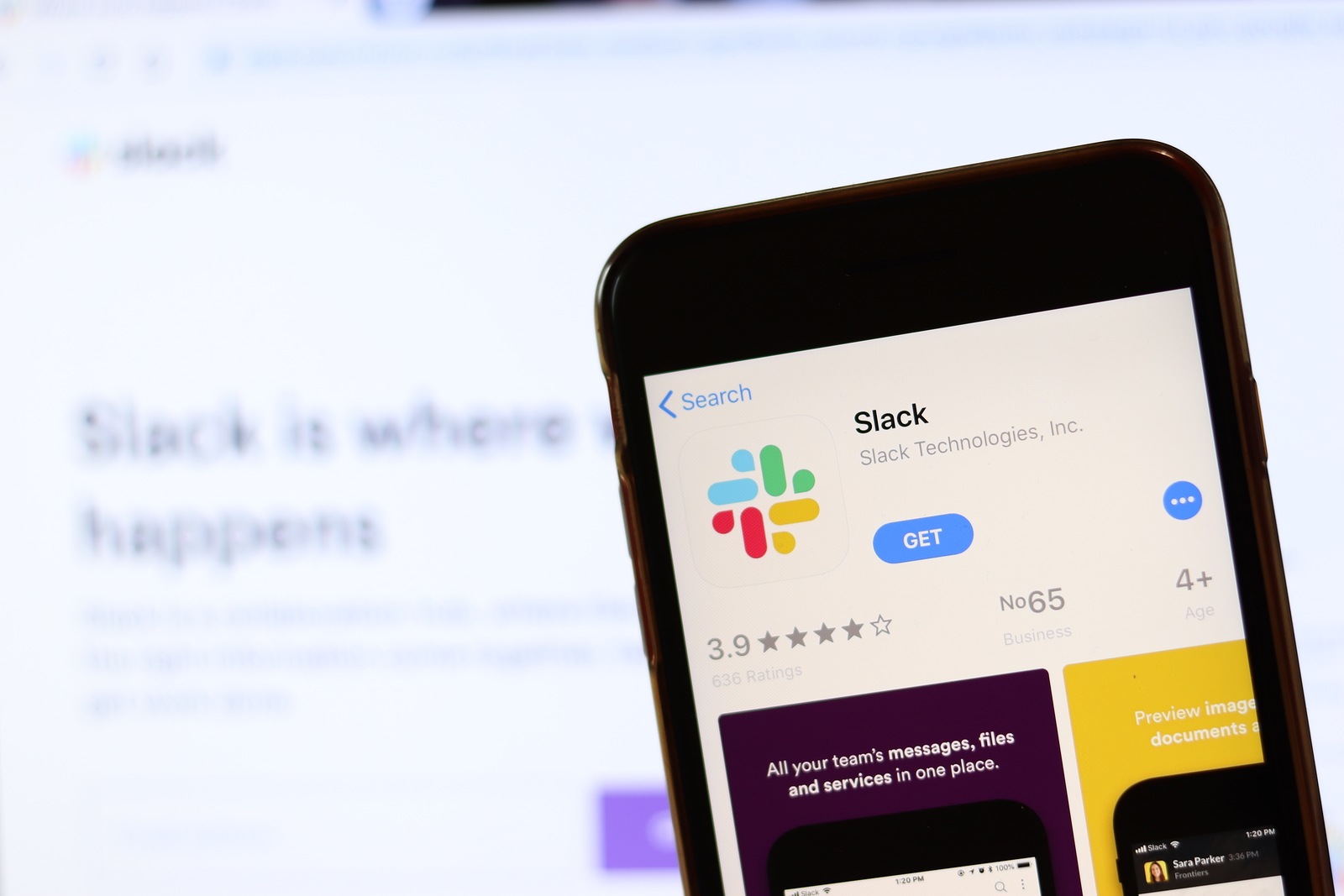
Phone with Slack icon on screen close up with blur website on laptop. Los Angeles, California, USA - November 30, 2019, Illustrative Editorial

WhatsAppFacebookEmail
Threads

The well-known business application Slack has received a comprehensive update in iOS. The app has been fundamentally revised. 

Slack received a major update in the desktop version in March and now iOS is following suit. With update 20.05.10, the business app gets a completely new user interface. The redesign includes a new navigation bar with the most important functions. This means that from now on the "Home", "Direct Messages", "Mentions" and "You" areas can be reached directly with a tap of the finger. In addition to the new interface, some errors have of course also been fixed and changes have been made. You can find the entire update description verbatim below.

Slack version 20.05.10

What's new? A lot. Actually, almost everything is brand new. Because May brings everything new. And that also applies to our app.

Troubleshooting:

  • Until now, it was a little complicated to get to the four features our users use most on mobile, so we've created a new navigation bar that sits at the bottom of the app. And there you'll find: a home view for your sidebar, direct messages (the most recent DMs will still be listed first), mentions (so you're always up to date), and the "You" display (because we think you're awesome) (and also to make it easier for you to set your status and preferences on mobile).
  • The quick switcher in the desktop app is great, but we noticed that people weren't using this feature as much on their phones. So we made the Go To box more prominent (and more engaging) to change that. We hope it has the desired effect!
  • Creating a new message in a channel or direct message without having the necessary clues was unnecessarily complicated. Thanks to the application of logic and software engineering, this can now be done easily with a message button in the bottom right corner.
  • We apologize to anyone who wanted to easily set reminders, start workflows, or access favorite apps in channels and conversations—it was difficult to figure out how to do this on the go. A new lightning bolt icon below the message field now gives you instant access to actions, which solves this problem.
  • And finally, it turns out that in the old version of the app you had to swipe back and forth far too much before you finally got to where you wanted to go. Now it all works without a lot of waffling and is much simpler: swiping to the right shows your workspace and settings, and swiping to the left takes you to your last conversation in no time. Now you are virtually omniscient and can take a little trip back in time. At least in our app.
  • And yes. We know this all too well ourselves. Change is not always easy! We have become accustomed to certain things over time and have also continuously added new functions. So we had to take another look at the whole thing and make sure that the buttons and features still make sense and are clear overall. You can find out more about these improvements in our blog post and, as always, we welcome your feedback. Thank you for taking the time to read to the end. We really appreciate it - and of course you do too. (Photo by Postmodern Studio / Bigstockphoto)


Also interesting:

  • Microsoft releases update for Office apps
  • Spotify adds new group feature
Make Apfelpatient a preferred source One click – and you'll see us more often on Google
Was this article helpful?
YesNo
Tags: App StoreiOSTechPatient
SendShareSend
Share

Our Amazon Storefront

A handpicked selection of products for iPhone, Mac and more – sorted by topic and updated regularly.

Shop Now

This post contains affiliate links (including Amazon). We earn a small commission on qualifying purchases – at no extra cost to you. Learn more on our Partner Program page.

Previous Post

Spotify adds new group feature

Next Post

Apple AirPods Studio: New leak reveals advantages

Milan Jovicic

Milan Jovicic

Milan founded Apfelpatient in 2016 and has been responsible for all editorial content since 2018 — news, rumors, guides, and product reviews. Apple devices here are not test units on loan for two weeks but everyday tools: from the iPhone through MacBook Pro, MacBook Air, and iMac to the Apple Vision Pro, at least one device from nearly every product category is in daily use, many of them replaced annually. Every menu path in a guide is verified on the device before it is published.

Drawn outline of the folded iPhone Ultra with square corners on the hinge side and rounded corners opposite, matching the leaked iPhone Ultra screen protectors

iPhone Ultra: Screen protectors reveal the camera position

August 12, 2026 - 3:58 PM CEST
Glass panel set into the aluminium frame on the back of an iPhone 17 Pro Max in Cosmic Orange, whereas the iPhone 20 glass design is said to wrap the glass around the edges

iPhone 20: Glass design is not supposed to be scrapped after all

August 12, 2026 - 2:50 PM CEST
Jennifer Bailey on stage at an Apple event in front of a projected Apple Card, the Apple Pay chief is leaving the company in October

Apple Pay: Jennifer Bailey is leaving Apple in October

August 12, 2026 - 2:31 PM CEST

About APFELPATIENT

APFELPATIENT brings you the latest Apple news, product updates, guides, reviews and tips across the entire Apple ecosystem — from the iPhone to the Mac to the Apple Vision Pro. From the first rumors to confirmed news: researched responsibly.

Follow Apfelpatient

Facebook Instagram YouTube Threads Threads

Company

  • About Apfelpatient
  • Contact
  • Author Profiles

Community

  • Netiquette
  • Push Notifications
  • RSS feed

Legal

  • Legal Notice
  • Privacy Policy
  • Terms of Use
  • Cookie Settings
  • Affiliate Program

Resources

  • Sitemap

© 2026 Apfelpatient. All rights reserved.

No Result
View All Result
  • Home
  • News
  • Rumors
  • Tips & Tricks
  • Reviews
  • Insights

© 2026 Apfelpatient. All rights reserved. Page Directory

Change language to Deutsch


