

apple patient
  • Home
  • News
  • Rumors
  • Tips & Tricks
  • Reviews
  • Insights
No Result
View All Result
  • iPhone 18
  • iPhone 18 Pro
  • iPhone Duo
  • Apple Watch Series 12
  • Apple Watch Ultra 4
  • AirPods 5
  • iOS 27
  • iPadOS 27
  • macOS
  • MacBook Neo
  • iPhone 17e
  • AirTags
  • iOS 26
  • iPhone 17
  • MacBook Pro
  • iPadOS
  • iMac
  • Mac mini
  • HomePod
  • Apple TV
  • iPad Pro
  • iPhone Air
  • Apple Vision Pro
  • iPhone 16
  • AirPods 4
  • Apple Watch Ultra
  • HomePod Mini
  • MacBook Air
  • iPad
  • AirPods Max
  • AirPods Pro 3
  • Apple Watch Series 3
  • Mac Studio
  • Studio Display
  • iPad Air
  • iPad mini
  • watchOS 27
  • Apple CarPlay
  • Apple Pay
  • watchOS 26
  • Home
  • News
  • Rumors
  • Tips & Tricks
  • Reviews
  • Insights
No Result
View All Result
apple patient
No Result
View All Result
  • iPhone 18
  • iPhone 18 Pro
  • iPhone Duo
  • Apple Watch Series 12
  • Apple Watch Ultra 4
  • AirPods 5
  • iOS 27
  • iPadOS 27
  • macOS
  • MacBook Neo
  • iPhone 17e
  • AirTags
  • iOS 26
  • iPhone 17
  • MacBook Pro
  • iPadOS
  • iMac
  • Mac mini
  • HomePod
  • Apple TV
  • iPad Pro
  • iPhone Air
  • Apple Vision Pro
  • iPhone 16
  • AirPods 4
  • Apple Watch Ultra
  • HomePod Mini
  • MacBook Air
  • iPad
  • AirPods Max
  • AirPods Pro 3
  • Apple Watch Series 3
  • Mac Studio
  • Studio Display
  • iPad Air
  • iPad mini
  • watchOS 27
  • Apple CarPlay
  • Apple Pay
  • watchOS 26

All new features in the first iOS 13.4 beta

Milan Jovicic by Milan Jovicic
February 5, 2020 - 23:17 CET
in Apple News
0
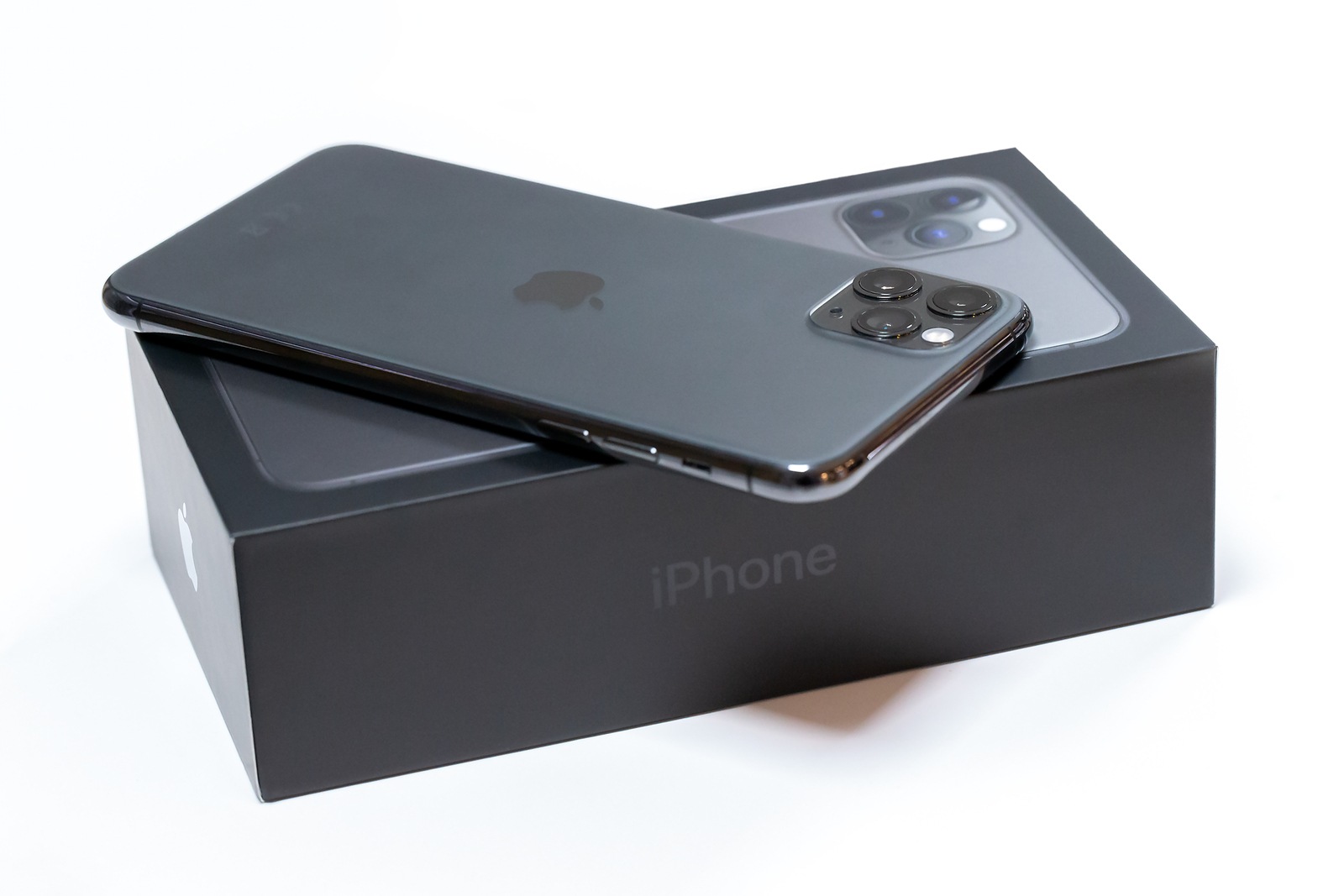
Belgrade, Serbia - January 15, 2020: New Apple iPhone 11 Pro Max mobile smartphone is displayed from rear side on original cardboard box isolated on white background.

Belgrade, Serbia - January 15, 2020: New Apple iPhone 11 Pro Max mobile smartphone is displayed from rear side on original cardboard box isolated on white background.

WhatsAppFacebookEmail
Threads

Apple has started a new beta round and iOS 13.4 releasedThe new iPhone and iPad (iPadOS 13.4) operating system contains some interesting new features, including the long-awaited iCloud folder sharing. 

The latest version of iOS includes one feature that is causing a lot of excitement - CarKey. But there are other new features that are worth mentioning. Let's get started. 

iCloud folder sharing – The feature “iCloud folder sharing" was announced in the summer of 2019 and tested in an earlier iOS 13 beta. However, there were some issues back then, so Apple removed the feature later that summer. Now, the company seems to have found a solution, as the feature has been enabled in iOS 13.4. iCloud Folder Sharing (as the name suggests) allows users to share entire folders within iCloud with friends or colleagues. A long-awaited feature. 

emails – The iOS Mail app has undergone a minor design change as part of this update. The "Delete" icon is now located on the left, while the "Reply" logo remains on the right. The folder and flag icons have been added between the two command buttons. 

Memoji stickers Memoji stickers were originally introduced in iOS 13 and allow users to post Memoji and Animoji characters as stickers. Now, Apple has expanded the selection in iOS 13.4. Users can now choose from 33 poses. New additions include "face with heart eyes," "love face," "party face," "shocked face," and more. 

CarPlay – CarPlay has also been redesigned again in iOS 13.4. There will now be new call and navigation controls from third-party providers. 

Universal purchases / in-app purchases under watchOS 6.2 – In addition to iOS 13.4, Apple has of course also updated the other operating systems. In the future, it should be possible to bundle apps in the iOS, iPadOS, tvOS and macOS App Store. This means that developers can sell the applications as a package. In addition, support for in-app purchases has been implemented in watchOS 6.2. You can find out more about this topic here or at the very bottom. 

iPadOS 13.4 gets an exclusive feature

CarKey – The most interesting feature by far is CarKey. The US blog 9to5mac has discovered a new interface in iOS 13.4 that turns the iPhone and Apple Watch into a car key – thanks to NFC. You can find out more about it here or at the bottom. 

location services – Apple has also made a change to the location services prompt in iOS 13.4 and has therefore criticism The developers responded. The release note states:

When an app requests “Always” authorization for the first time after previously being authorized for “When using the app,” the device immediately displays the location authorization prompt. 

Apple

Keyboard shortcuts under iPadOS 13.4 – The new update brings a new feature to the Photos app specifically for the iPad. iPad users can use new keyboard shortcuts to quickly navigate between tabs, search and create albums. In full-screen mode, they can use the keyboard to delete and duplicate images or alternatively call up the editing mode.  

Shortcuts – Apple has added a new Shortcuts option called “Shazam It” in iOS 13.4.

In addition to the new features listed above, further system optimizations and bug fixes have also been made. (Photo by NZPhotography / Bigstockphoto)


  • iOS 13.4 & Co.: Apple adds universal purchases
  • iOS 13.4 turns the iPhone into a car key

Make Apfelpatient a preferred source One click – and you'll see us more often on Google
Was this article helpful?
YesNo
Tags: iOSiOS 13.4watchOSwatchOS 6.2
SendShare89Send
Share

Our Amazon Storefront

A handpicked selection of products for iPhone, Mac and more – sorted by topic and updated regularly.

Shop Now

This post contains affiliate links (including Amazon). We earn a small commission on qualifying purchases – at no extra cost to you. Learn more on our Partner Program page.

Previous Post

iOS 13.4 turns the iPhone into a car key

Next Post

WhatsApp is testing the Dark Mode in iOS

Milan Jovicic

Milan Jovicic

Milan founded Apfelpatient in 2016 and has been responsible for all editorial content since 2018 — news, rumors, guides, and product reviews. Apple devices here are not test units on loan for two weeks but everyday tools: from the iPhone through MacBook Pro, MacBook Air, and iMac to the Apple Vision Pro, at least one device from nearly every product category is in daily use, many of them replaced annually. Every menu path in a guide is verified on the device before it is published.

Related posts

Apple vs. OpenAI: OpenAI wants to overturn Apple's new expert opinions

by Milan Jovicic
September 26, 2026 - 10:49 CEST
Symbolic image for the Apple OpenAI lawsuit: illustrated file folder showing the case number on a dark blue background

Apple vs. OpenAI: The defendants want Apple's new expert opinions dismissed. Former employee Chang Liu explains the damaging news.

Read moreDetails

HomePod mini 2 and Apple TV 4K: Apple code reveals the devices

by Milan Jovicic
September 25, 2026 - 11:08 p.m. CEST
Siri Remote for the Apple TV 4K on a grey stone surface – for the code finding on the HomePod mini 2 and Apple TV 4K

HomePod mini 2 and Apple TV 4K (4th generation): Apple's code reveals five colors, the familiar design, and what applies to Siri AI in this country.

Read moreDetails

iPad mini 8 and iPad 12: Apple code reveals chips and camera

by Milan Jovicic
September 25, 2026 - 10:48 p.m. CEST
Yellow entry-level iPad seen from the back on a grey stone surface – for the code finding on the iPad mini 8 and iPad 12

iPad mini 8 and iPad 12: Apple's code mentions A20 Pro and A19, a new front camera on the mini, and Apple Intelligence for the entry-level iPad.

Read moreDetails

watchOS 27.2: Code reveals new screenshot preview

by Milan Jovicic
September 24, 2026 - 8:36 p.m. CEST
Apple Watch Ultra with an orange band showing the app view, the device getting the new screenshot preview in watchOS 27.2

watchOS 27.2 includes a new screenshot interface for the Apple Watch: preview, share, and delete, just like on the iPhone. It's currently inactive.

Read moreDetails

Apple TV: Peanuts classics free again for Christmas

by Milan Jovicic
September 24, 2026 - 6:43 p.m. CEST
Charlie Brown holding a small Christmas tree under a starry sky in the snow, a scene from A Charlie Brown Christmas, free again on Apple TV

Three classic Peanuts cartoons are back on Apple TV for the holidays, no subscription required. Plus, there are new specials featuring Snoopy and the Fraggle Rocks.

Read moreDetails
Load More

Categories

  • Apple Insights
  • Apple Rumors
  • Apple News
  • Apple Tips & Tricks
  • iPhone news, rumors and tips
  • Mac and MacBook News
  • Reviews

About APFELPATIENT

APFELPATIENT brings you the latest Apple news, product updates, guides, reviews and tips across the entire Apple ecosystem — from the iPhone to the Mac to the Apple Vision Pro. From the first rumors to confirmed news: researched responsibly.

Follow Apfelpatient

Facebook Instagram YouTube Threads Threads

Company

  • About Apfelpatient
  • Contact
  • Author Profiles

Community

  • Netiquette
  • Push Notifications
  • RSS feed

Legal

  • Legal Notice
  • Privacy Policy
  • Terms of Use
  • Cookie Settings
  • Affiliate Program

Resources

  • Sitemap

© 2026 Apfelpatient. All rights reserved.

No Result
View All Result
  • Home
  • News
  • Rumors
  • Tips & Tricks
  • Reviews
  • Insights

© 2026 Apfelpatient. All rights reserved. Page Directory

Change language to Deutsch


