

apple patient
  • Home
  • News
  • Rumors
  • Tips & Tricks
  • Reviews
  • Insights
No Result
View All Result
  • iPhone 18
  • iPhone 18 Pro
  • iPhone Duo
  • Apple Watch Series 12
  • Apple Watch Ultra 4
  • AirPods 5
  • iOS 27
  • iPadOS 27
  • macOS
  • MacBook Neo
  • iPhone 17e
  • AirTags
  • iOS 26
  • iPhone 17
  • MacBook Pro
  • iPadOS
  • iMac
  • Mac mini
  • HomePod
  • Apple TV
  • iPad Pro
  • iPhone Air
  • Apple Vision Pro
  • iPhone 16
  • AirPods 4
  • Apple Watch Ultra
  • HomePod Mini
  • MacBook Air
  • iPad
  • AirPods Max
  • AirPods Pro 3
  • Apple Watch Series 3
  • Mac Studio
  • Studio Display
  • iPad Air
  • iPad mini
  • watchOS 27
  • Apple CarPlay
  • Apple Pay
  • watchOS 26
  • Home
  • News
  • Rumors
  • Tips & Tricks
  • Reviews
  • Insights
No Result
View All Result
apple patient
No Result
View All Result
  • iPhone 18
  • iPhone 18 Pro
  • iPhone Duo
  • Apple Watch Series 12
  • Apple Watch Ultra 4
  • AirPods 5
  • iOS 27
  • iPadOS 27
  • macOS
  • MacBook Neo
  • iPhone 17e
  • AirTags
  • iOS 26
  • iPhone 17
  • MacBook Pro
  • iPadOS
  • iMac
  • Mac mini
  • HomePod
  • Apple TV
  • iPad Pro
  • iPhone Air
  • Apple Vision Pro
  • iPhone 16
  • AirPods 4
  • Apple Watch Ultra
  • HomePod Mini
  • MacBook Air
  • iPad
  • AirPods Max
  • AirPods Pro 3
  • Apple Watch Series 3
  • Mac Studio
  • Studio Display
  • iPad Air
  • iPad mini
  • watchOS 27
  • Apple CarPlay
  • Apple Pay
  • watchOS 26

AirPlay security vulnerabilities: What you need to know now

Milan Jovicic by Milan Jovicic
April 30, 2025 - 03:15 CEST
in Apple News
0
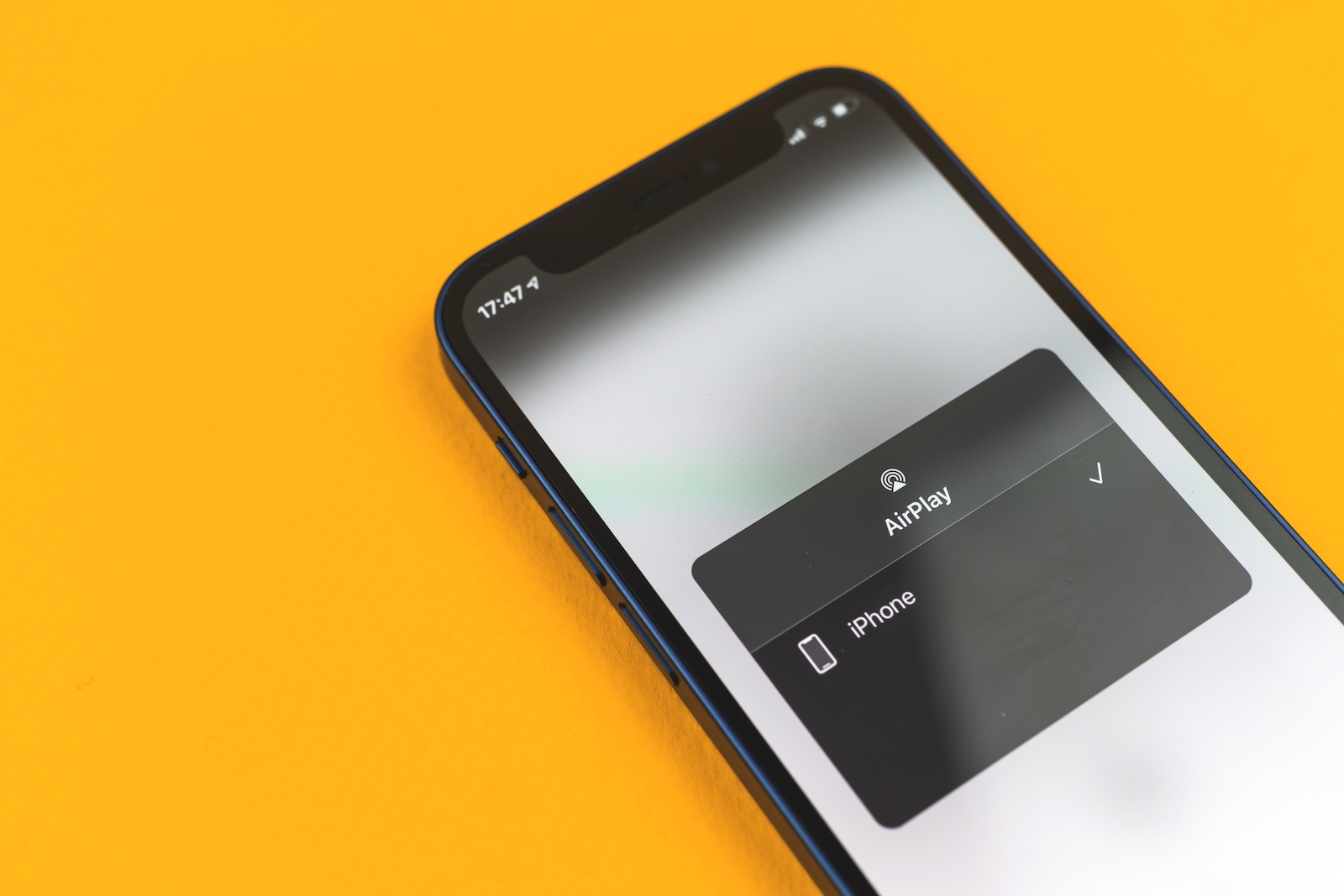
Apple AirPlay security vulnerabilities

Image: Shutterstock / FellowNeko

WhatsAppFacebookEmail
Threads

If you regularly use AirPlay to stream content from your iPhone to your TV or Mac, you should be careful now. Researchers at the security firm Oligo have discovered vulnerabilities in AirPlay that affect not only Apple devices but also many third-party products. The holes enable targeted attacks over the network – with potentially serious consequences. Even though Apple has responded, the problem is far from resolved.

The vulnerabilities, collectively known as "Airborne," affect AirPlay on iOS, macOS, iPadOS, tvOS, and visionOS devices. Apple has released security updates in recent months to close the gaps. However, third-party devices that support AirPlay remain vulnerable in many cases. This makes the issue particularly sensitive—especially in public Wi-Fi networks, where attackers can easily gain access to the same network.

What is “Airborne” and how does the attack work?

The AirPlay vulnerabilities allow attackers to gain access to AirPlay-enabled devices via a shared Wi-Fi network. The attacker only needs to be on the same network as the target device—for example, in hotels, airports, cafes, or office buildings. A compromised device can then be used to spread malware—including to other devices on the network. The vulnerabilities can be exploited individually or in combination. According to Oligo, the following types of attacks are possible:

  • Remote Code Execution
  • Attacks without user interaction
  • Denial-of-Service (device is disabled)
  • Man-in-the-middle attacks (intercepting data traffic)
  • Ransomware and espionage attacks
  • Attacks on supply chains

These types of attacks show how diverse and dangerous AirPlay vulnerabilities are – especially if they go unnoticed.

Apple has responded – but not all devices are secure

Oligo discovered a total of 23 vulnerabilities. Apple documented 17 of them via CVEs and fixed them with security updates. The updates affect all current operating systems – from iOS to macOS and tvOS. The AirPlay SDK for third-party developers has also been updated. The problem, however, is that many third-party devices don't automatically receive these updates. According to Gal Elbaz, CTO of Oligo, there are millions of such devices worldwide that support AirPlay, but they may never be patched. It could take years until all affected devices are secured – if ever.

CarPlay is also affected – but under different conditions

The "airborne" vulnerabilities affect not only classic AirPlay devices, but also CarPlay. Here, hackers could theoretically gain access to a car's infotainment system. In practice, however, this would only be possible if the attacker had physical access to the car and was connected to the system via Bluetooth or USB. The attack options are therefore significantly more limited than with normal AirPlay devices, but still technically feasible (via Wired).

How to protect yourself from AirPlay attacks

If you use AirPlay, you should implement the following protective measures:

  • Keep all Apple devices up to date. The necessary patches are already included in the latest versions of iOS, iPadOS, macOS, tvOS, and visionOS.
  • If you're using a Mac, disable AirPlay reception if you don't need it.
  • Set AirPlay so that only the current user can stream content – not everyone on the network.
  • Avoid using AirPlay on public Wi-Fi networks.
  • Check if your third-party devices with AirPlay functionality have received updates. If not, you may want to stop using them or disconnect them from the network.

AirPlay remains practical, but you have to think ahead

AirPlay is a convenient feature, but currently also a risk if you're not up to date. Apple has fixed many of the vulnerabilities, but third-party providers are often the weak link in the chain. Therefore, install updates, limit features, and be cautious with third-party devices. This is the only way to prevent your devices from becoming part of a larger problem. (Image: Shutterstock / FellowNeko)

  • ChatGPT: New shopping features for better shopping
  • Trump official: Apple wants to build in the US, but robots are missing

Make Apfelpatient a preferred source One click – and you'll see us more often on Google
Was this article helpful?
YesNo
Tags: AirPlayApple ServicesTechPatient
SendShareSend
Share

Our Amazon Storefront

A handpicked selection of products for iPhone, Mac and more – sorted by topic and updated regularly.

Shop Now

This post contains affiliate links (including Amazon). We earn a small commission on qualifying purchases – at no extra cost to you. Learn more on our Partner Program page.

Previous Post

Trump official: Apple wants to build in the US, but robots are missing

Next Post

ChatGPT update withdrawn: OpenAI responds to criticism

Milan Jovicic

Milan Jovicic

Milan founded Apfelpatient in 2016 and has been responsible for all editorial content since 2018 — news, rumors, guides, and product reviews. Apple devices here are not test units on loan for two weeks but everyday tools: from the iPhone through MacBook Pro, MacBook Air, and iMac to the Apple Vision Pro, at least one device from nearly every product category is in daily use, many of them replaced annually. Every menu path in a guide is verified on the device before it is published.

Related posts

HomePod mini 2 and Apple TV 4K: Apple code reveals the devices

by Milan Jovicic
September 25, 2026 - 11:08 p.m. CEST
Siri Remote for the Apple TV 4K on a grey stone surface – for the code finding on the HomePod mini 2 and Apple TV 4K

HomePod mini 2 and Apple TV 4K (4th generation): Apple's code reveals five colors, the familiar design, and what applies to Siri AI in this country.

Read moreDetails

iPad mini 8 and iPad 12: Apple code reveals chips and camera

by Milan Jovicic
September 25, 2026 - 10:48 p.m. CEST
Yellow entry-level iPad seen from the back on a grey stone surface – for the code finding on the iPad mini 8 and iPad 12

iPad mini 8 and iPad 12: Apple's code mentions A20 Pro and A19, a new front camera on the mini, and Apple Intelligence for the entry-level iPad.

Read moreDetails

watchOS 27.2: Code reveals new screenshot preview

by Milan Jovicic
September 24, 2026 - 8:36 p.m. CEST
Apple Watch Ultra with an orange band showing the app view, the device getting the new screenshot preview in watchOS 27.2

watchOS 27.2 includes a new screenshot interface for the Apple Watch: preview, share, and delete, just like on the iPhone. It's currently inactive.

Read moreDetails

Apple TV: Peanuts classics free again for Christmas

by Milan Jovicic
September 24, 2026 - 6:43 p.m. CEST
Charlie Brown holding a small Christmas tree under a starry sky in the snow, a scene from A Charlie Brown Christmas, free again on Apple TV

Three classic Peanuts cartoons are back on Apple TV for the holidays, no subscription required. Plus, there are new specials featuring Snoopy and the Fraggle Rocks.

Read moreDetails

The Wanted Man: Hugh Laurie on Apple TV from January

by Milan Jovicic
September 24, 2026 - 6:19 p.m. CEST
Hugh Laurie as crime boss Felix Carmichael in an evening scene from The Wanted Man on Apple TV

The Wanted Man premieres on January 6, 2027 on Apple TV. Hugh Laurie plays a crime boss who wants to escape – the finale is in February.

Read moreDetails
Load More

Categories

  • Apple Insights
  • Apple Rumors
  • Apple News
  • Apple Tips & Tricks
  • iPhone news, rumors and tips
  • Mac and MacBook News
  • Reviews

About APFELPATIENT

APFELPATIENT brings you the latest Apple news, product updates, guides, reviews and tips across the entire Apple ecosystem — from the iPhone to the Mac to the Apple Vision Pro. From the first rumors to confirmed news: researched responsibly.

Follow Apfelpatient

Facebook Instagram YouTube Threads Threads

Company

  • About Apfelpatient
  • Contact
  • Author Profiles

Community

  • Netiquette
  • Push Notifications
  • RSS feed

Legal

  • Legal Notice
  • Privacy Policy
  • Terms of Use
  • Cookie Settings
  • Affiliate Program

Resources

  • Sitemap

© 2026 Apfelpatient. All rights reserved.

No Result
View All Result
  • Home
  • News
  • Rumors
  • Tips & Tricks
  • Reviews
  • Insights

© 2026 Apfelpatient. All rights reserved. Page Directory

Change language to Deutsch


