

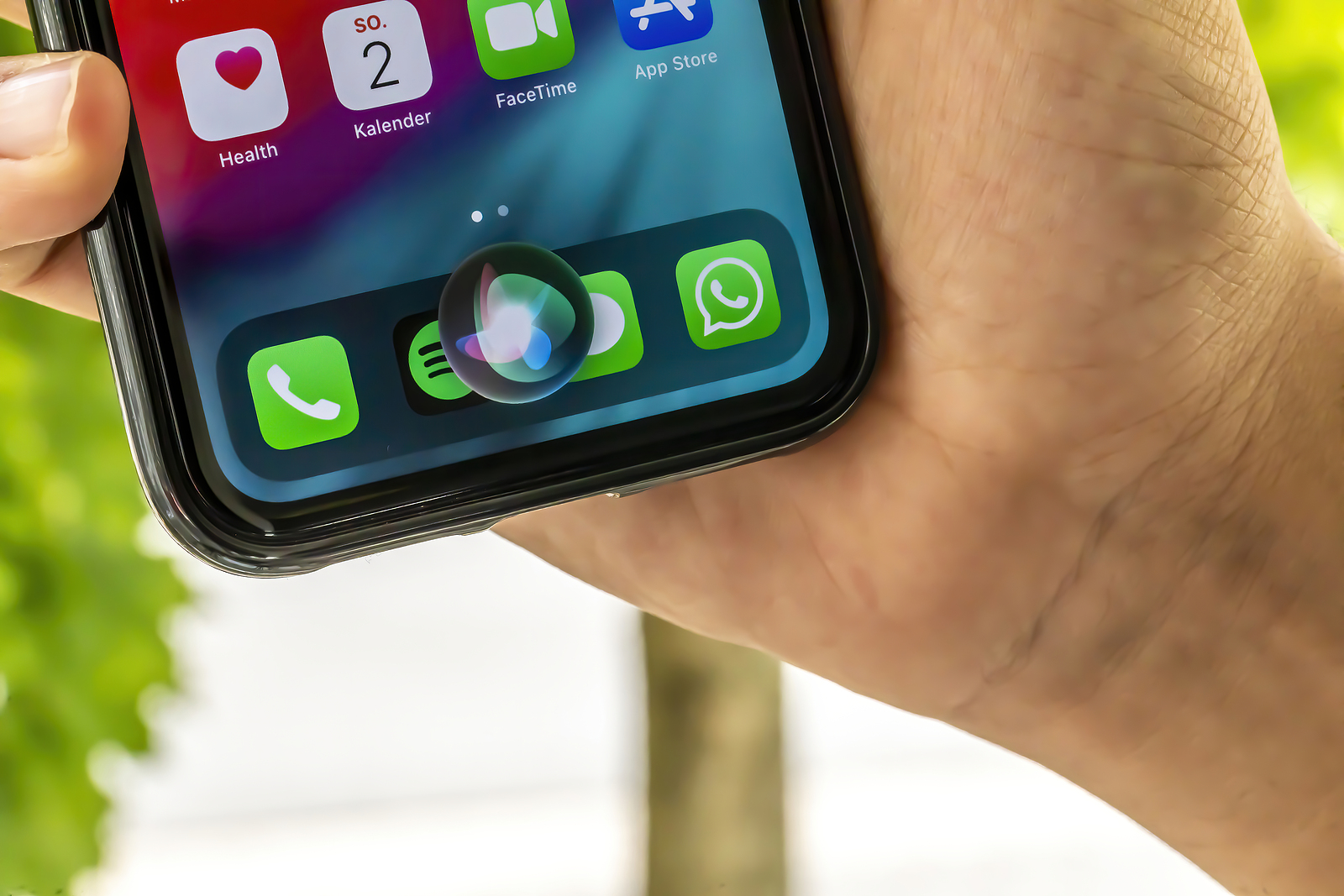
iOS 15 has many new features and improvements, including in the Siri area. Apple is introducing features that iPhone users have been asking for for a long time. For example, Siri can perform on-device processing on devices with an A12 chip or higher. Offline requests are also now supported.
Starting with iOS 15, both speech processing and personalization are performed directly on the device. This makes Siri faster and more secure when processing data. This means that most requests made to Siri remain entirely on the iPhone and are no longer uploaded to Apple's servers for processing.
Siri: Device-internal speech processing and personalization requires A12 chip
The more often the voice assistant is used, the better the speech recognition becomes. Siri remembers contacts with whom you interact the most, new words that are typed and preferred topics in order to improve certain processes. All of this information is no longer stored on Apple's servers but is stored directly on the device. The device's internal speech processing and personalization is made possible by the Apple Neural Engine and is available on iPhones and iPads that have an A12 Bionic chip or higher. The following devices are therefore supported:
- iPhone XR, XS, XS Max or newer
- iPad mini 5, iPad Air 3, iPad 8 or later
On-device processing is available in German (Germany), English (Australia, Canada, India, UK, USA), Spanish (Spain, Mexico, USA), French (France), Japanese (Japan), Mandarin Chinese (mainland China) and Cantonese (Hong Kong).
iOS 15: Offline support
With on-device processing now available, there are a variety of Siri requests that can be handled offline. Siri can create timers and alarms (and of course disable them), launch apps, control audio playback, and access settings options. According to Apple, the smart voice assistant can also process message, sharing, and phone requests.
Sharing via Siri
If you want to share something, such as a photo, a website, an Apple Music song, or a podcast, starting with iOS 15, you can ask Siri to send it to friends or family. If it's something that can't be shared, such as a message thread, Siri will take a screenshot and send it. All you have to do is say "Send this to [person XY]" and Siri will confirm the request and complete the task. This feature is compatible with Apple Music, Apple Podcasts, Apple News, Maps, websites, Photos, Messages, and more.
The context also improves
With iOS 15, Siri can also better remember the context between multiple voice queries. For example, if you ask a question like "How long is store XY open?" and then "How long does it take to get there?", Siri will understand the context and process the query accordingly.
HomeKit improvements
Siri can now also be used to control a HomeKit device at a specific time. So, if you want your lights to turn off at exactly 8:00 p.m., you can issue a corresponding command beforehand, something like "Hey Siri, turn off the lights at 8:00 p.m." These types of commands also support geolocation. This means Siri can correctly process commands like "Hey Siri, turn off the lights when I leave." When you ask Siri to control a HomeKit product in this way, she creates an automation in the Home app under the "Automation" section.
Siri and third-party devices
If you want to delete an automation created by Siri, you can do so at any time in the Home app. HomeKit developers will also be able to add Siri support to their products in iOS 15, but using Siri commands with third-party devices requires the user to have a HomePod through which the requests will be routed. So with Siri integration, users will be able to use their HomeKit products for Siri commands, such as setting reminders, controlling devices, sending messages, and more.
Announce notifications
Siri has been able to announce calls and incoming messages for some time when you use AirPods (or Beats headphones). But starting with iOS 15, this feature will be expanded to include all notifications. This means that Siri can automatically announce time-dependent notifications when the AirPods are connected. The feature must of course be activated in the system settings. Users can also reduce the whole thing to individual apps.
Announce messages in CarPlay
Additionally, there is now a feature that allows Siri to announce your incoming messages when your iPhone is connected to a CarPlay setup, with an option to turn such announcements on or off.
Announce reminders with AirPods
In addition to the usual notifications, Siri can also announce reminders that appear when you wear AirPods or compatible Beats headphones.
language improvements
Neural text-to-speech voices have been expanded to Swedish, Danish, Norwegian, and Finnish in iOS 15. Apple has also added mixed English and Indian language support, allowing Siri to process commands in a mix of Indian English and native languages, with support for Hindi, Telugu, Kannada, Marathi, Tamil, Bengali, Gujarati, Malayalam, and Punjabi.
Siri for Developers
Apple has in the course of update the SiriKit interface has been revised. Some of the Siri commands that developers could use with third-party apps have been removed. As of iOS 15, users will no longer be able to use Siri in third-party apps to do things like book a ride with Uber, pay a bill, or create new task lists in to-do apps. If you still don't want to do without them, you can replace some of these Siri functions with shortcut options that can be activated with Siri voice commands. According to Apple, the final versions of iOS 15 and Co. will be released in the fall as usual. (Photo by ms_pics_and_more / Bigstockphoto)





